
4.8
on G2
 Docsie Recorder
 Zight
Zight
Docsie Recorder is a free, open-source desktop recorder that exports MP4 and GIF locally and connects to a Video-to-Docs pipeline—at no cost for the recorder itself. Zight is a mature per-user SaaS tool formerly known as CloudApp, combining screenshots, GIFs, and screen recordings with cloud sharing and team libraries. This pricing breakdown explains exactly what you pay, what you get at each tier, and which tool delivers better long-term value for teams that need recordings to become documentation.
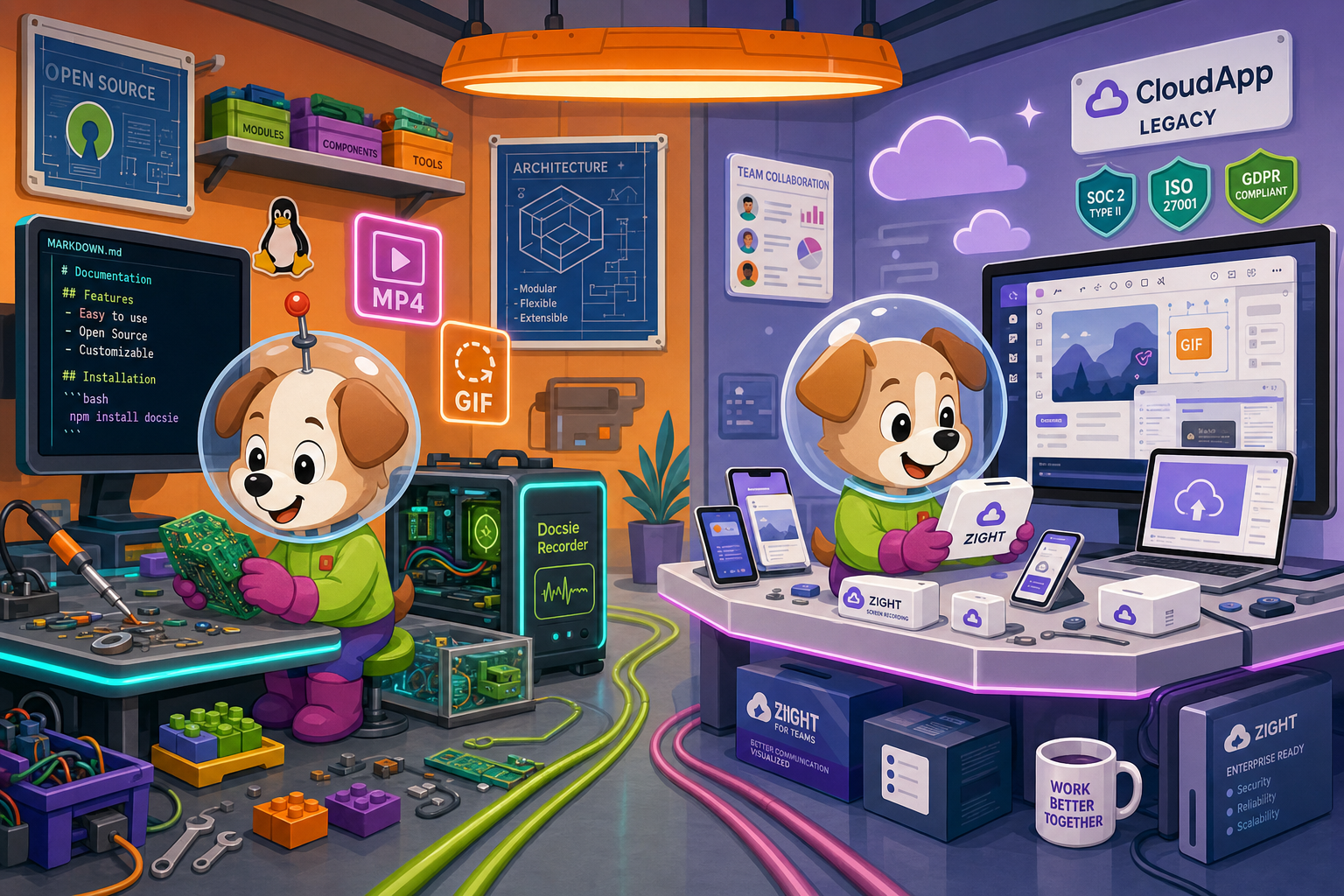
On pricing: Docsie Recorder runs video-to-docs plus multi-tenant portals, Zight captures workflows into quick guides, while Docsie Recorder fits when you also need video → structured docs → multi-tenant portals end-to-end.
Feature Matrix
A feature-by-feature breakdown focused on recording capabilities, editing tools, export options, and the downstream documentation workflow—so you know exactly what each dollar buys.
| Feature |
Docsie Recorder
Our Pick
|
Zight
|
|---|---|---|
| Free Desktop Recorder | Limited free tier | |
| Open-Source Recorder Core | ||
| Mac Support | ||
| Windows Support | ||
| Linux Support | ||
| Window and Full-Screen Capture | ||
| Microphone Capture | ||
| System Audio Capture | Platform-dependent | |
| Webcam Overlay | ||
| Automatic or Manual Zoom | ||
| Cursor and Focus Polish | Basic | |
| Backgrounds and Visual Effects | Wallpapers, gradients, custom | |
| Crop, Trim, Speed Regions | Basic trim only | |
| Annotations and Blur Regions | ||
| Local MP4 Export | ||
| Local GIF Export | ||
| Project Save Format | .docsiescreen project files | |
| Video-to-Docs Conversion | ||
| Markdown Export | ||
| DOCX Export | ||
| PDF Export | ||
| Knowledge Base Publishing | ||
| Versioned Documentation Management | ||
| Multi-Tenant Portal Delivery | ||
| Enterprise Deployment Path | Custom plan required |
Data as of January 2026. Docsie Recorder pricing reflects free recorder tier plus optional Docsie AI credits for Video-to-Docs conversion. Zight pricing is per-user SaaS; confirm current plan rates at zight.com before relying on this comparison.
Strengths & Weaknesses
Deep Dive
Breaking down value for money, scalability costs, and hidden limitations so you can make an informed choice between Docsie Recorder and Zight.
Docsie Recorder delivers the full recorder and editor at zero cost—no trial period, no seat license, no feature gating on the capture layer. You record, edit with zooms, backgrounds, annotations, and speed regions, then export MP4 or GIF locally without ever creating an account. The only paid step is optional Video-to-Docs conversion, billed on AI credits you estimate before committing. Zight's free tier exists but caps recording length and storage, nudging most real users onto a paid Pro or Team plan. For teams where the recorder is just the beginning of a documentation workflow, Docsie Recorder's cost basis is structurally lower from day one.
Zight uses per-user pricing, which means costs scale linearly—or faster—as headcount grows. A 20-person team paying per seat on Pro or Team plans accumulates a recurring monthly commitment with no ceiling. Docsie Recorder inverts this model: the recorder itself stays free regardless of how many people download and use it. Docsie AI credits for Video-to-Docs conversion scale with usage volume rather than headcount, so a team that records occasionally pays less than one that publishes daily. For larger teams with mixed recording needs, Docsie Recorder's decoupled cost structure avoids the per-seat tax that makes Zight progressively more expensive at scale.
Zight's most significant hidden cost is what it cannot do. Every recording produces a cloud share link or GIF—not a document. Teams that need written documentation end up paying for Zight and then paying again for a separate KB tool, duplicate authoring time, and manual reformatting. Docsie Recorder eliminates that second bill by routing one recording through Video-to-Docs conversion into structured Markdown, DOCX, PDF, and a Docsie knowledge base. Zight also stores recordings in its own cloud, creating data portability concerns. Docsie Recorder exports locally, giving teams full ownership of the video file before any cloud step is involved.
Pricing Breakdown
Every tier, every price, and what you actually get—so you can calculate the real cost of each tool for your team size and workflow.
Docsie Recorder wins the pricing comparison on value delivered per dollar. The recorder and editor are free and fully functional with no artificial caps. Zight's free tier is limited enough that most teams pay monthly, and that per-user fee recurs without ever producing structured documentation. Docsie Recorder's optional Video-to-Docs credits add cost only when you convert a recording into a document—making it genuinely pay-for-what-you-use rather than pay-for-access.
Our Recommendation
Docsie Recorder and Zight occupy different positions in the screen recording market, and the pricing reflects that difference. Zight is a polished per-user SaaS tool that charges recurring fees for visual sharing and team libraries but stops short of producing any documentation output. Docsie Recorder is a free, open-source recorder that produces a local video file, then optionally converts it into structured docs and knowledge base content through a usage-based AI credit model. For teams that need recordings to become documentation, Docsie Recorder delivers more total value at a lower total cost.
Choose Docsie Recorder if you need...
Choose Zight if you need...
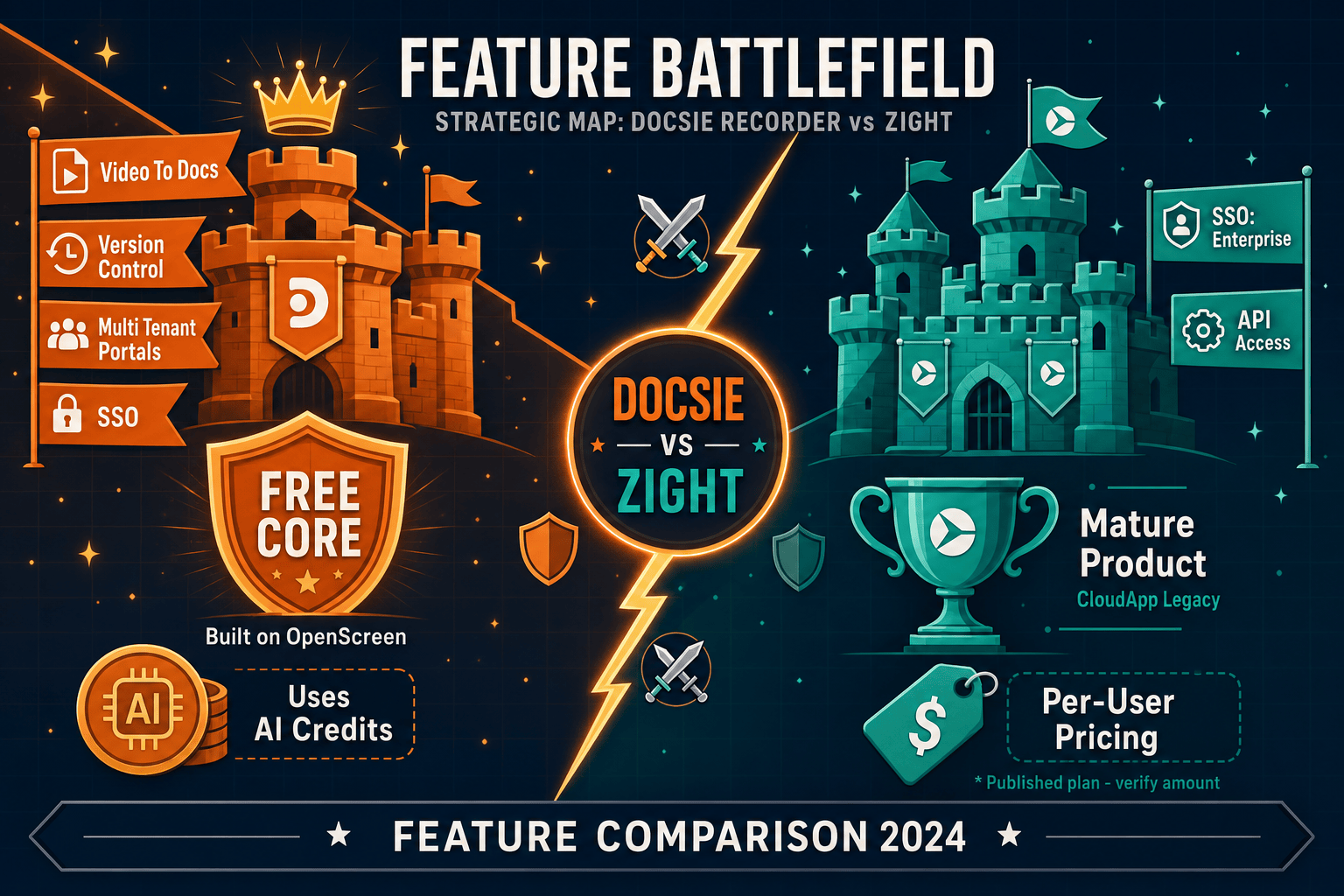
Winner: Docsie Recorder
Docsie Recorder wins on pricing value because the recorder itself is permanently free and open-source, while Zight charges recurring per-user fees for equivalent or lesser recording capabilities. More importantly, Docsie Recorder's unique path from recording through Video-to-Docs conversion to knowledge base publishing means one tool replaces what Zight plus a separate documentation platform would cost together. Teams that record to document—not just to share a link—get a structurally lower total cost and a complete CREATE → CONVERT → MANAGE → DELIVER workflow that Zight cannot match at any price tier.
Decision Helper
A direct framework for picking between Docsie Recorder, Zight based on your specific needs.
Free, open-source desktop screen recorder that feeds a Video-to-Docs pipeline.
Screen capture, annotation, and quick video sharing tool.
Common Questions
Q: Is Docsie Recorder really free, or is there a catch?
A: The recorder and editor are genuinely free with no time limit, seat cap, or watermark. You download the app, record, edit, and export MP4 or GIF locally without creating an account or paying anything. The only paid component is the optional Video-to-Docs conversion, which uses Docsie AI credits billed per job—and you can estimate the credit cost before you submit. If you only need a recorder and local export, the cost is zero indefinitely.
Q: How does Zight's per-user pricing add up for a team of 20?
A: Zight's Pro and Team plans are priced per user per month, so a 20-person team pays 20 times the per-seat rate every month, every year. That recurring obligation grows with every new hire and continues regardless of how often each person actually records. Docsie Recorder avoids this entirely—the recorder is free for all 20 users, and Video-to-Docs credits scale with conversion volume rather than headcount.
Q: Does Docsie Recorder require a Docsie platform subscription to use?
A: No. The recorder, editor, and local export features work completely standalone with no Docsie account required. A Docsie account is only needed if you want to use the Video-to-Docs conversion bridge or publish output into a Docsie knowledge base. You can use the recorder for years as a free local tool and adopt the conversion and publishing features later when your workflow needs them.
Q: What does Zight's free tier actually limit, and does it matter?
A: Zight's free tier restricts both recording length per capture and total cloud storage. For teams doing more than short, casual screen shares, these limits push most users onto a paid plan relatively quickly. Docsie Recorder has no recording length limit and no cloud storage dependency on the free tier because everything exports locally—making its free tier genuinely usable for real workflows rather than just a trial experience.
Q: If I already pay for Zight, what does switching to Docsie Recorder actually save?
A: Switching replaces your recurring per-user Zight subscription with a free recorder download. If your team also needs documentation output from recordings, Docsie Recorder's Video-to-Docs credits replace what you might otherwise spend on a second tool to generate written docs from video. The net saving depends on your team size and conversion volume, but most teams find the total cost lower than Zight plus a separate KB platform.
Q: Can Docsie Recorder replace Zight for a support team that shares recordings with customers?
A: For basic screen recording and sharing, yes—Docsie Recorder captures, edits, and exports MP4 or GIF that can be shared through any channel. Where it goes further is after the recording: Zight produces a share link, while Docsie Recorder can convert that same walkthrough into a written help article published in a versioned knowledge base portal. Support teams get both the video asset and the searchable documentation from a single recording session.
Download Docsie Recorder at no cost, record and edit on macOS, Windows, or Linux, and export MP4 or GIF locally. When you need your recording to become structured documentation, connect to Docsie's Video-to-Docs pipeline and publish to a knowledge base—paying only for the conversion jobs you run.
No account required to record and export. Open-source MIT core. Video-to-Docs conversion uses Docsie AI credits—estimate your cost before committing.