
4.8
on G2
 Docsie Recorder
 Zight
Zight
Both Docsie Recorder and Zight capture screens and share visual content, but their enterprise trajectories diverge sharply. Docsie Recorder is an open-source, cross-platform recorder that feeds directly into a structured documentation and knowledge base platform with SSO, versioning, multi-tenant portals, and compliance workflows. Zight is a mature visual sharing tool with solid team features but no path from recording to versioned documentation or multi-tenant delivery.
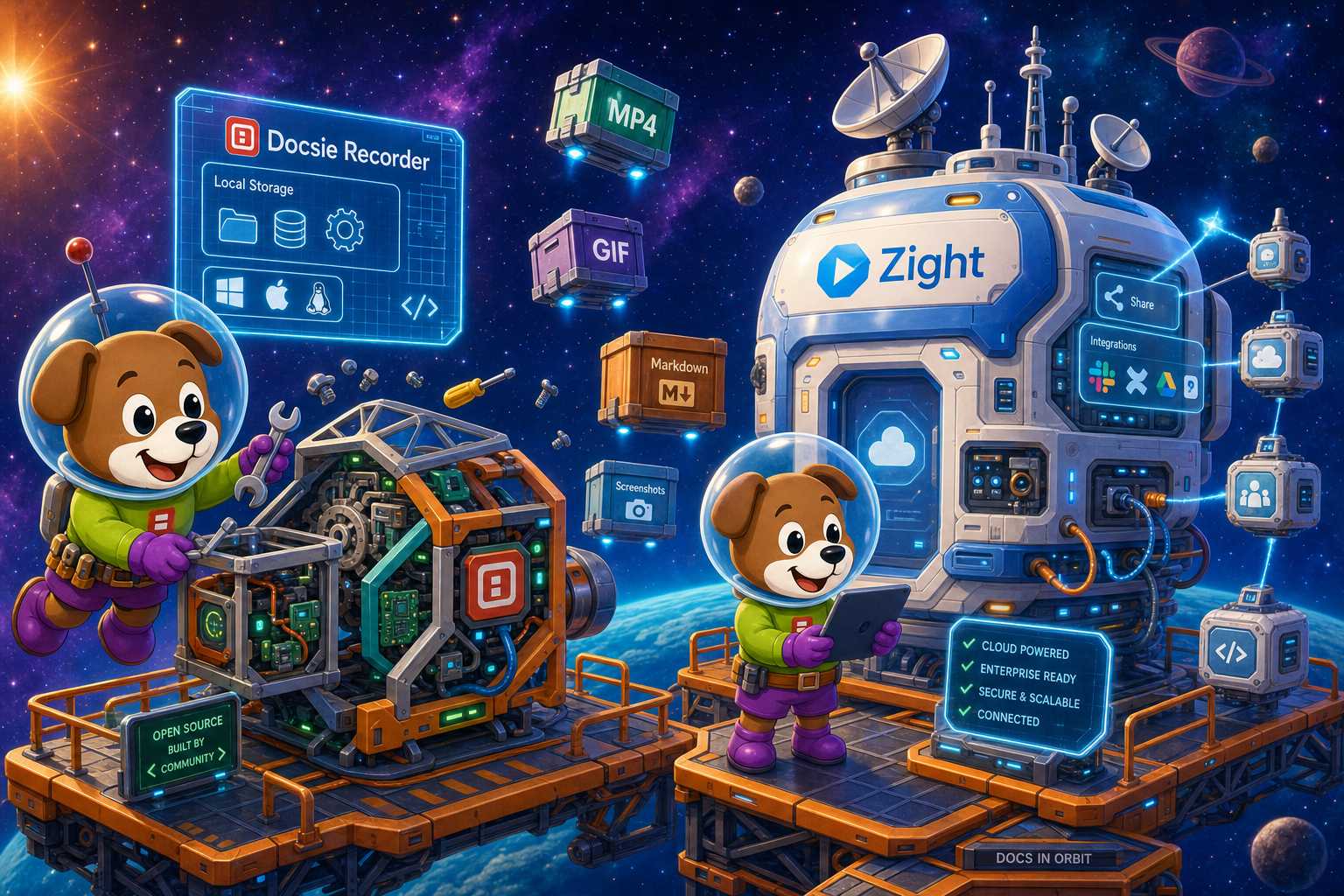
For enterprise: Docsie Recorder runs video-to-docs plus multi-tenant portals, Zight captures workflows into quick guides, while Docsie Recorder fits when you also need video → structured docs → multi-tenant portals end-to-end.
Enterprise Feature Matrix
A focused comparison of recording capabilities, security controls, compliance features, administration, and downstream documentation workflows relevant to enterprise buyers evaluating screen capture tools in 2026.
| Capability |
Docsie Recorder
Our Pick
|
Zight
|
|---|---|---|
| Free Desktop Recorder | ||
| Open-Source Recorder Core | ||
| Mac Support | ||
| Windows Support | ||
| Linux Support | ||
| Webcam Overlay | ||
| Microphone Capture | ||
| System Audio Capture | Platform-dependent | |
| Automatic or Manual Zoom | ||
| Annotations and Blur Regions | ||
| Local MP4 Export | ||
| Local GIF Export | ||
| Video-to-Docs Conversion | ||
| Markdown Export | ||
| DOCX Export | ||
| Knowledge Base Publishing | ||
| Versioned Documentation Management | ||
| Multi-Tenant Portal Delivery | ||
| SSO / SAML | Enterprise only | |
| Audit Logs | ||
| Role-Based Access Control | ||
| SOC 2 Compliance | ||
| GDPR Compliance | ||
| Data Residency Options | ||
| API Access | ||
| Enterprise Deployment Path | Full platform + open-source core | Custom enterprise plan |
Data as of 2026. Based on publicly available documentation and vendor information. Confirm current Zight enterprise plan pricing and SSO scope before purchasing. Docsie Recorder enterprise features are delivered through the Docsie platform boundary; the open-source recorder core is MIT licensed.
Strengths & Weaknesses
Deep Dive
Enterprise buyers evaluating screen capture tools need more than basic recording. This deep dive examines security and compliance, scalability, administration, and support across both platforms.
Docsie Recorder's open-source MIT core gives enterprise security teams a fully auditable capture layer—no black-box binary handling sensitive screen content. The Docsie platform layer adds SOC 2, GDPR, data residency options, SSO via SAML, and audit logging for every documentation action. Zight offers SOC 2 and GDPR compliance with SAML SSO on its enterprise tier, plus audit logs and RBAC. However, it is a closed-source SaaS with no Linux support and no data residency controls, limiting options for regulated industries requiring data sovereignty or infrastructure transparency.
Docsie Recorder scales along two axes. The recorder itself is a free, locally-run desktop application with no per-seat licensing—every employee can install it without cost. The Docsie platform then manages the output: structured docs, versioned knowledge bases, and multi-tenant portals serving multiple business units or clients from one deployment. Zight scales through per-user SaaS plans with a team admin layer and shared library. It handles visual asset sharing well at team scale, but lacks the documentation publishing layer needed to serve structured, versioned content to multiple internal or external audiences at enterprise volume.
Docsie's platform provides role-based access control, workspace management, custom domain support, and multi-tenant portal administration—letting IT and documentation teams govern who can create, review, publish, and access each knowledge base or portal. The open-source recorder core can be self-hosted or forked, giving DevOps full control over the capture binary. Zight offers a team admin panel, RBAC, SSO, and a shared asset library, which is appropriate for visual communication management. However, it has no documentation workflow administration—no approval queues, version control policies, or portal access governance for structured content delivery.
Zight's enterprise tier includes dedicated support, reflecting its mature SaaS history as CloudApp. SOC 2 compliance and an established customer base provide confidence in operational continuity. Docsie's enterprise plan includes SLA-backed uptime commitments, dedicated support, and the option for private infrastructure deployment for teams requiring air-gap isolation. The open-source recorder layer also benefits from community maintenance and public issue tracking on GitHub, giving enterprise teams a transparent support channel that proprietary tools cannot offer. Buyers should confirm current SLA terms with both vendors before committing.
Our Recommendation
Zight is a polished, mature visual communication tool well-suited for support and sales teams that need to share screenshots, GIFs, and short recordings with cloud links and team libraries. It has solid enterprise basics—SAML SSO, audit logs, RBAC, and SOC 2 compliance. But it stops at the video or image file. Docsie Recorder starts where Zight ends. The open-source recorder captures the video locally, the Video-to-Docs bridge converts it into structured documentation, and the Docsie platform manages, versions, and publishes that content through enterprise-grade portals with SSO, data residency, and compliance controls. For enterprises that need recordings to become auditable, searchable, versioned documentation assets—not just cloud-hosted video links—Docsie Recorder's end-to-end CREATE-to-MANAGE workflow is the stronger enterprise choice.
Choose Docsie Recorder if you need...
Choose Zight if you need...
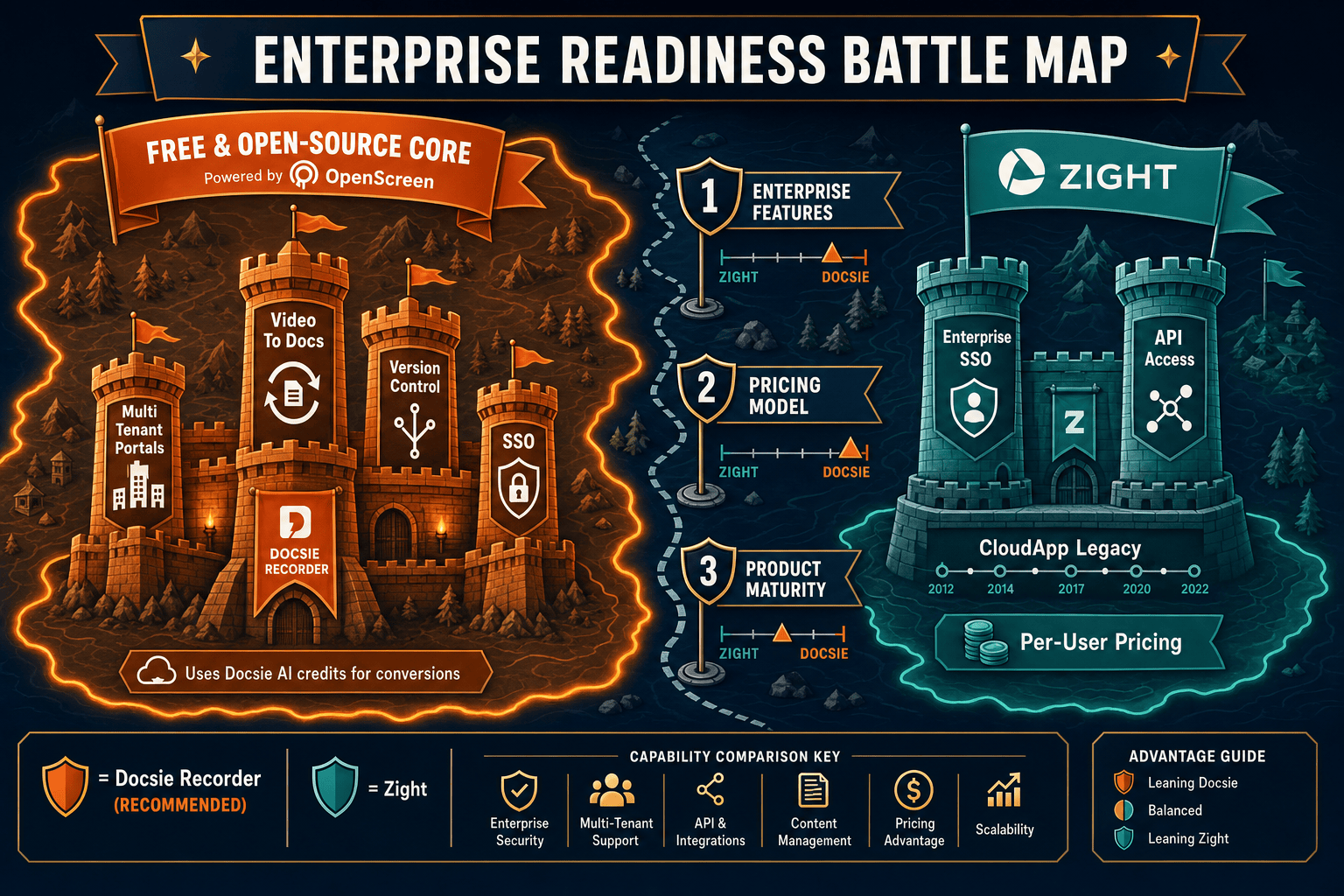
Winner: Docsie Recorder
Docsie Recorder wins the enterprise readiness comparison for teams that need screen recordings to become structured, governable documentation assets. The open-source MIT recorder core provides auditability that no closed-source SaaS can match. The downstream Docsie platform adds SSO, RBAC, audit logs, data residency, versioned knowledge bases, and multi-tenant portals—giving IT and compliance teams full control from capture through delivery. Zight is a capable visual communication tool, but it has no path from recording to structured documentation, no versioning, and no multi-tenant portal governance, which limits its enterprise readiness for documentation-driven organizations.
Decision Helper
A direct framework for picking between Docsie Recorder, Zight based on your specific needs.
Free, open-source desktop screen recorder that feeds a Video-to-Docs pipeline.
Screen capture, annotation, and quick video sharing tool.
Common Questions
Q: Does Docsie Recorder support SSO for enterprise login?
A: Yes. SSO is supported at the Docsie platform layer, which governs access to converted documentation, knowledge bases, and portals generated from recorder output. The open-source recorder core itself operates locally without requiring an account to record and export video. For teams that need SAML-based SSO across the full documentation workflow, the Docsie enterprise plan covers that boundary. Zight also offers SAML SSO but restricts it to its enterprise tier.
Q: Is the Docsie Recorder open-source, and can enterprise security teams audit it?
A: Yes. The Docsie Recorder core is MIT licensed and built on OpenScreen, meaning enterprise security and legal teams can inspect, fork, or self-host the capture binary. This is a meaningful advantage over closed-source SaaS recorders like Zight, where the capture layer is a proprietary black box. The Docsie enterprise platform layer follows a separate license boundary with its own compliance and security controls.
Q: Does Zight offer data residency or on-premises deployment?
A: Based on publicly available information, Zight does not currently offer data residency options or on-premises deployment. Docsie's enterprise plan includes data residency options and the ability to deploy on private infrastructure for teams requiring data sovereignty or air-gap isolation. Enterprises in regulated industries should confirm current data handling terms with both vendors before selecting a tool.
Q: Can Zight convert screen recordings into structured documentation like Docsie Recorder can?
A: No. Zight's recordings remain as video files or shareable cloud links with AI transcription available. There is no path to structured Markdown, DOCX, PDF, or knowledge base articles from a Zight recording. Docsie Recorder includes a direct bridge to Docsie's Video-to-Docs pipeline, which converts recordings into structured documentation that can then be versioned, published, and delivered through enterprise portals.
Q: Does Docsie Recorder support Linux, and why does that matter for enterprise?
A: Yes, Docsie Recorder provides Linux builds alongside macOS and Windows. Many enterprise engineering and DevOps teams operate mixed-OS environments where Linux desktop support is a hard requirement for any approved tooling. Zight does not currently offer a Linux desktop application, which can block adoption in engineering-heavy organizations or those with Linux-standardized developer environments.
Q: Which tool is better for teams that need recordings to feed compliance documentation workflows?
A: Docsie Recorder is purpose-built for this scenario. Once a recording is captured locally, it can be sent through the Docsie Video-to-Docs pipeline to generate structured documentation, which then enters Docsie's MANAGE layer with version control, approval workflows, audit logs, and RBAC. Zight does not have a documentation workflow layer, so recordings cannot be routed into compliance documentation, approval queues, or versioned knowledge bases without additional tooling.
Download Docsie Recorder free, capture your first workflow locally, and connect to Docsie's Video-to-Docs pipeline to turn that recording into structured, versioned documentation delivered through enterprise-grade portals.
Free to download. Open-source MIT core. No account required to record and export video locally.