
4.8
on G2
 Docsie Recorder
 Vmaker
Both Docsie Recorder and Vmaker let you capture your screen and edit the result. The difference is what happens next. Docsie Recorder is a free, open-source desktop recorder built on OpenScreen that routes recordings directly into a Video-to-Docs pipeline, turning a single capture into structured Markdown, DOCX, PDF, and knowledge base content. Vmaker is a polished cloud-hosted recorder that produces a video link with captions and AI cleanup — but the output stays a video.
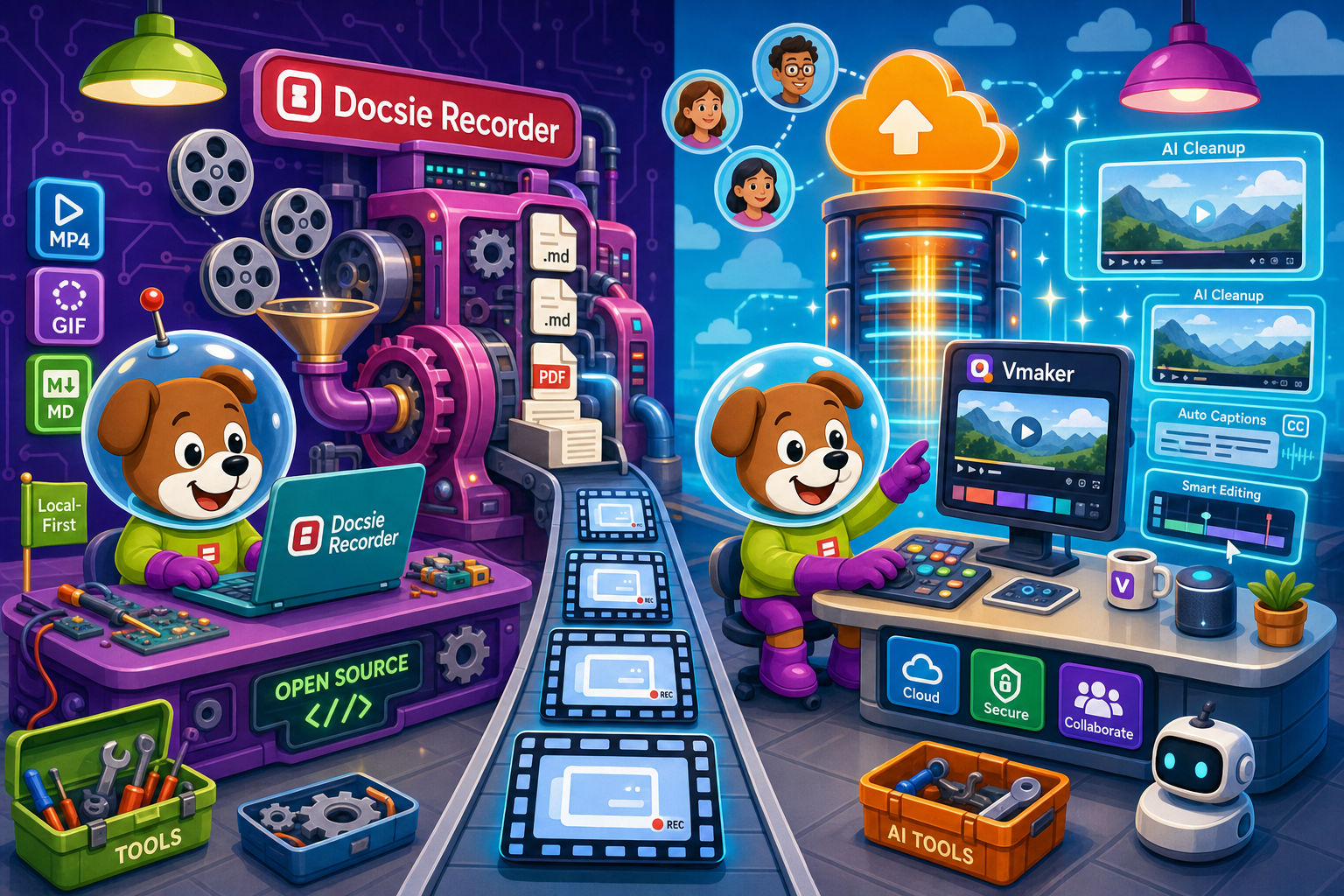
Docsie Recorder runs video-to-docs plus multi-tenant portals, Vmaker captures workflows into quick guides, while Docsie Recorder fits when you also need video → structured docs → multi-tenant portals end-to-end.
Feature Matrix
A feature-by-feature comparison covering capture capabilities, editing, export formats, video-to-docs conversion, and downstream knowledge base workflows.
| Feature |
Docsie Recorder
Our Pick
|
Vmaker
|
|---|---|---|
| Free Desktop Recorder | ||
| Open-Source Recorder Base | ||
| Mac Support | ||
| Windows Support | ||
| Linux Support | ||
| Window and Full-Screen Capture | ||
| Microphone Capture | ||
| System Audio Capture | Platform-specific | |
| Webcam Overlay | ||
| Automatic or Manual Zoom | Auto-zoom not publicly listed | |
| Cursor or Focus Polish | ||
| Backgrounds and Visual Effects | ||
| Crop, Trim, Speed Regions | ||
| Annotations and Blur Regions | ||
| Local MP4 Export | ||
| Local GIF Export | ||
| Project Save Format | .docsiescreen | Cloud only |
| Video-to-Docs Conversion | ||
| Markdown Export | ||
| DOCX Export | ||
| PDF Export | ||
| Knowledge Base Publishing | ||
| Versioned Documentation Management | ||
| Multi-Tenant Portal Delivery | ||
| Enterprise Deployment Path | Enterprise plan |
Data as of 2026. Features are based on publicly available information and vendor documentation. Confirm current Vmaker pricing and feature limits before relying on this comparison.
Strengths & Weaknesses
Deep Dive
An in-depth analysis of recording and editing capabilities, AI and automation, enterprise readiness, and ecosystem integrations between Docsie Recorder and Vmaker.
Docsie Recorder is built on an OpenScreen MIT core and ships as a native desktop app for macOS, Windows, and Linux. It captures specific windows or full screen, overlays webcam, records microphone and system audio, and provides recorder-grade editing with automatic and manual zoom, cursor polish, backgrounds, motion blur, annotations, blur regions, crop, trim, and speed regions. Output saves as an editable .docsiescreen project file and exports to local MP4 or GIF without requiring cloud upload or an account. Vmaker offers a capable cross-platform recorder with built-in cloud editing and AI cleanup, but recordings live in Vmaker's cloud and there is no local project format or local export path.
Vmaker's AI layer focuses on video polish — transcription, auto-captions, filler-word removal, and AI-generated summaries. These are useful for sharing cleaner video links. Docsie Recorder's AI story is structurally different. After recording and editing locally, the Docsie bridge sends the video to Docsie's Video-to-Docs API, which uses multimodal AI to produce structured Markdown with screenshots and steps, plus DOCX and PDF output. Credit estimation, quality tier, output language, documentation style, rewrite instructions, and template instructions are all configurable before conversion. The output is not a cleaned-up video — it is a documentation artifact ready to publish into a knowledge base.
Vmaker offers team workspaces, shared libraries, admin controls, and SSO on its Enterprise plan. The output artifact is a cloud-hosted video with a share link. Docsie Recorder's enterprise story extends beyond the recording itself. Once a recording is converted through the Video-to-Docs pipeline, the resulting documentation enters Docsie's platform, which provides versioned documentation management, multi-tenant portal delivery with custom domains, SSO, role-based access control, and API access. Teams in regulated industries can route generated documentation into Docsie's compliance and audit workflows. This gives Docsie Recorder an enterprise trajectory that Vmaker, as a video-hosting product, cannot match on the documentation management side.
Vmaker integrates primarily with video distribution and collaboration surfaces — sharing video links to Slack, embedding players, and connecting to team tools. Its ecosystem is video-centric. Docsie Recorder connects to the full Docsie CREATE → CONVERT → MANAGE → DELIVER → LEARN → AUTOMATE → MONITOR chain. A recording made in the desktop app can become a structured doc published to a Docsie knowledge base portal, reused as a training course in Docsie's LMS, translated into 100-plus languages, served through a multi-tenant portal, and monitored for compliance — all from one source recording. Docsie also exposes API and webhook access, enabling custom workflows that pure video tools cannot support.
Our Recommendation
Docsie Recorder and Vmaker both start from screen recording, but they diverge immediately on what the recording is for. Vmaker is optimized for producing and sharing polished cloud-hosted videos with AI captions and team collaboration around video links. Docsie Recorder is optimized for turning a recording into documentation — structured, versioned, publishable, and manageable in a knowledge base. If the goal is a video, Vmaker is a reasonable choice. If the goal is documentation that happens to start from a recording, Docsie Recorder is the only tool in this comparison that closes that loop.
Choose Docsie Recorder if you need...
Choose Vmaker if you need...
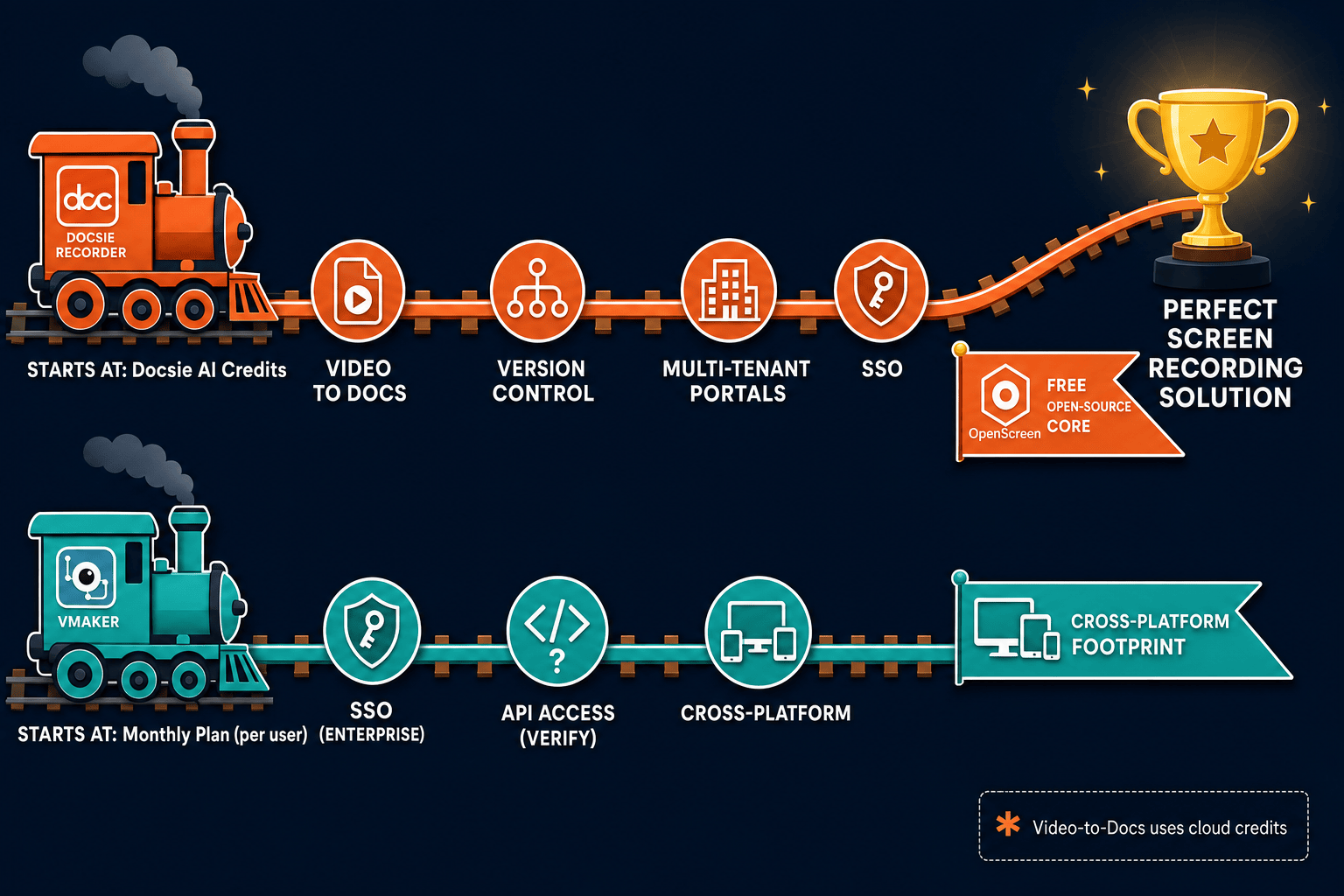
Winner: Docsie Recorder
For teams that record to create documentation rather than just to share a video link. Docsie Recorder is the only free, open-source desktop recorder in this comparison that natively routes a recording into structured docs and a knowledge base. The CREATE → CONVERT → MANAGE → DELIVER workflow means one recording produces a local MP4, a structured Markdown article, and a published knowledge base page — without switching tools or manually rewriting content. Vmaker stops at the video; Docsie Recorder starts there.
Decision Helper
A direct framework for picking between Docsie Recorder, Vmaker based on your specific needs.
Free, open-source desktop screen recorder that feeds a Video-to-Docs pipeline.
Mac and browser screen recorder with cloud sharing and AI features.
Common Questions
Q: Can Vmaker convert screen recordings into structured documentation like Docsie Recorder?
A: No. Vmaker produces cloud-hosted videos with AI captions, transcription, and summaries, but the output remains a video artifact. Docsie Recorder connects directly to Docsie's Video-to-Docs pipeline, which converts a recording into structured Markdown with screenshots and steps, plus DOCX and PDF exports ready for knowledge base publishing. There is no equivalent documentation conversion workflow in Vmaker.
Q: Does Docsie Recorder require a Vmaker-style cloud account to record and export video?
A: No. Docsie Recorder is a local-first desktop app. You can capture, edit, and export MP4 or GIF files entirely on your machine without creating an account or uploading to any cloud service. A Docsie account is only required if you want to use the Video-to-Docs conversion feature, which sends the recording to Docsie's AI pipeline using credits.
Q: Which tool supports Linux?
A: Docsie Recorder ships native desktop builds for macOS, Windows, and Linux. Vmaker supports macOS, Windows, and a browser extension but does not offer a Linux desktop recorder. Teams working in Linux environments or on mixed-OS engineering stacks will find Docsie Recorder the only viable local recorder in this comparison.
Q: Is Docsie Recorder's source code available unlike Vmaker?
A: Yes. Docsie Recorder's recorder and editor core is built on OpenScreen and released under an MIT license. The source is available on GitHub at github.com/LikaloLLC/docsie-screen-recorder. Vmaker is a closed-source SaaS product with no publicly available codebase. Teams that require an auditable or forkable recorder for compliance or security reasons have a clear choice.
Q: If I already use Vmaker for team video sharing, is there a reason to also use Docsie Recorder?
A: If your current workflow ends at sharing a video link and your team is happy consuming video, Vmaker may be sufficient. If any part of your team needs written documentation, step-by-step guides, or a searchable knowledge base from those same recordings, Docsie Recorder provides a path that Vmaker cannot. The two tools serve different output goals rather than competing directly for the same workflow.
Q: How does the Docsie Recorder Video-to-Docs conversion work compared to Vmaker's AI features?
A: Vmaker's AI cleans up the video itself — removing filler words, generating captions, and summarizing the video content. The output is still a video. Docsie Recorder's Video-to-Docs conversion sends the recording to Docsie's multimodal AI API, which extracts structure, screenshots, and step logic to produce a Markdown document, DOCX file, and PDF. Before converting, you can configure quality tier, output language, documentation style, rewrite instructions, and template format. The result is a documentation artifact, not a cleaner video.
Download Docsie Recorder free — open-source, cross-platform, local-first — and connect your recordings directly to Docsie's Video-to-Docs pipeline when you're ready to turn captures into structured knowledge base content.
No account required to record and export. Video-to-Docs conversion uses Docsie AI credits.