
4.8
on G2
 Docsie Recorder
 Vmaker
Vmaker charges per user for cloud video hosting and AI cleanup. Docsie Recorder is free and open-source at the recording layer, then routes your output into structured docs and a knowledge base—so the cost comparison is not just about recording, it is about what you get after the video is done.
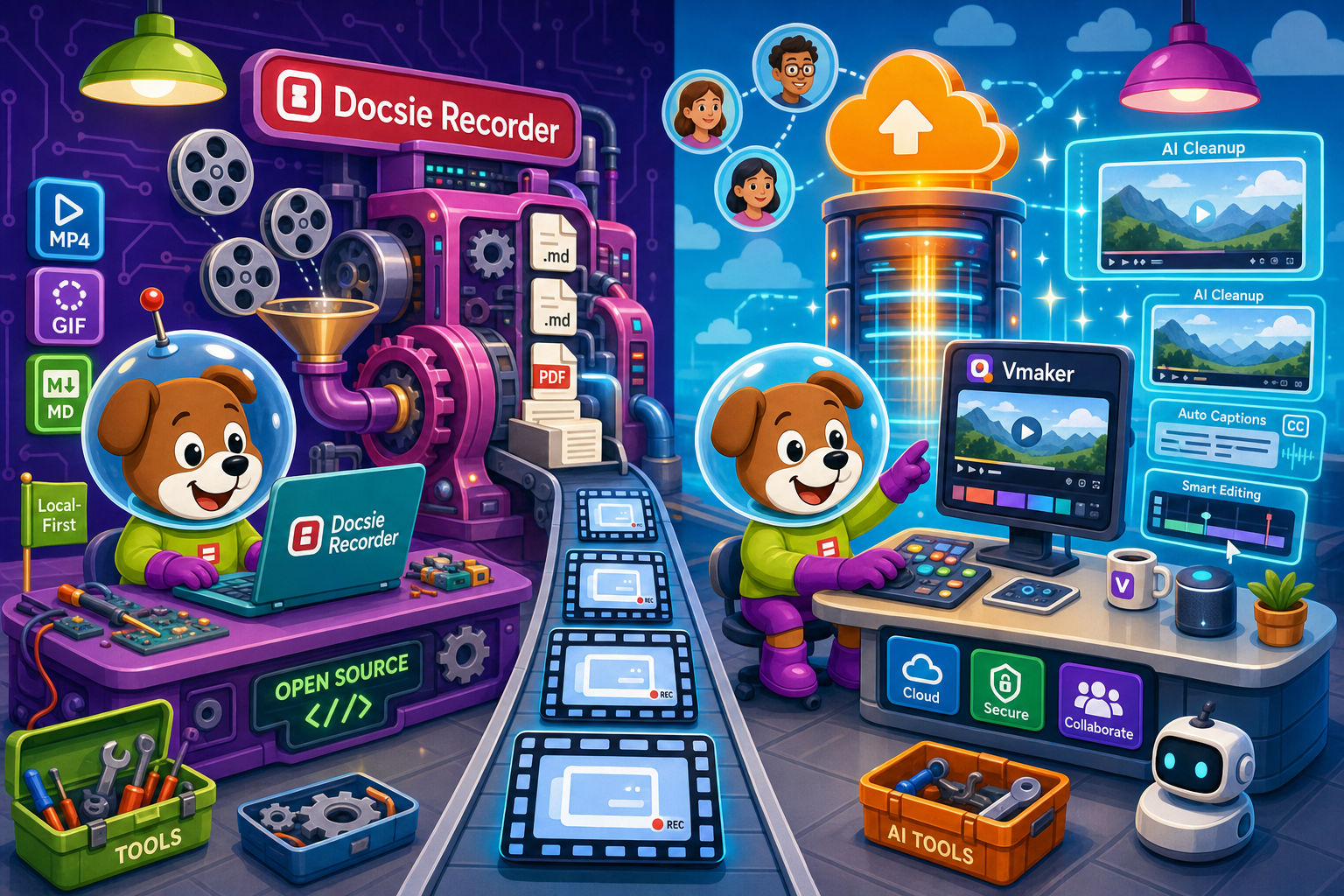
On pricing: Docsie Recorder runs video-to-docs plus multi-tenant portals, Vmaker captures workflows into quick guides, while Docsie Recorder fits when you also need video → structured docs → multi-tenant portals end-to-end.
Feature Matrix
A feature-level breakdown comparing what each tool delivers for free, at entry-level paid tiers, and at team scale—focused on recording capabilities, export formats, AI output, and downstream documentation value.
| Feature |
Docsie Recorder
Our Pick
|
Vmaker
|
|---|---|---|
| Free Desktop Recorder | ||
| Open-Source Recorder Base | ||
| Mac Support | ||
| Windows Support | ||
| Linux Support | ||
| Window and Full-Screen Capture | ||
| Microphone Capture | ||
| System Audio Capture | Platform-specific | |
| Webcam Overlay | ||
| Automatic or Manual Zoom | AI auto-zoom not publicly listed | |
| Cursor and Focus Polish | ||
| Backgrounds and Visual Effects | ||
| Crop, Trim, Speed Regions | ||
| Annotations and Blur Regions | ||
| Local MP4 Export | Cloud-hosted; local export varies by plan | |
| Local GIF Export | ||
| Project Save Format | .docsiescreen project files | |
| Video-to-Docs Conversion | ||
| Markdown Export | ||
| DOCX Export | ||
| PDF Export | ||
| Knowledge Base Publishing | ||
| Versioned Documentation Management | ||
| Multi-Tenant Portal Delivery | ||
| Enterprise Deployment Path | Enterprise plan |
Data as of early 2026. Docsie Recorder recording and editing features are free. Video-to-Docs conversion uses Docsie AI credits. Vmaker pricing should be checked against the live Vmaker pricing page before purchase decisions.
Strengths & Weaknesses
Deep Dive
Breaking down value for money, scalability costs, and hidden limitations to help you understand what each dollar buys across the full workflow—from recording to documentation delivery.
Docsie Recorder's recording and editing layer costs nothing. You get a full-featured desktop editor with zooms, backgrounds, annotations, trim, and GIF and MP4 export for free. Vmaker's free plan applies watermarks or resolution caps that make it unsuitable for professional output, so teams almost always end up on a paid tier. The dollar comparison only starts when you add Video-to-Docs conversion via Docsie AI credits. Even then, you pay per job rather than a fixed monthly seat fee—meaning infrequent users pay far less than they would on a per-seat SaaS subscription. Teams that record frequently but convert selectively get strong value from the Docsie model. Vmaker charges per seat every month regardless of how many recordings actually get made.
Vmaker uses per-user pricing across its paid tiers. As teams grow from five to fifteen to fifty people, monthly costs scale linearly with headcount. Every new team member who needs to record adds to the bill. Docsie Recorder has no per-seat cost at the recording layer—any number of people can download and use the open-source recorder without license fees. Video-to-Docs conversion costs scale with usage volume rather than headcount, which tends to be more predictable for documentation teams. The downstream Docsie platform uses workspace-based pricing that covers documentation management, portal delivery, and versioning without charging separately for each recorder user. Engineering and support teams with many occasional recorders benefit most from this model.
Vmaker's hidden cost is the ceiling on what a video can become. Every dollar spent on Vmaker produces a cloud-hosted video—a useful artifact, but one that requires additional tools and manual effort to turn into searchable documentation, a support knowledge base, or versioned release notes. Teams eventually pay for a separate knowledge base platform on top of the recording subscription. Docsie Recorder's hidden consideration is the Docsie AI credit system for Video-to-Docs conversion, which requires a Docsie account and cloud API call. However, this is transparent at the point of conversion, with an estimate shown before the job runs. The recorder itself, including all editing features and local export, carries no hidden fees and requires no account at all.
Pricing Breakdown
Docsie Recorder separates the recording cost from the documentation cost. Vmaker bundles everything into a per-user SaaS subscription. Here is what each pricing tier actually delivers.
Docsie Recorder wins the pricing comparison at the recording layer because it costs nothing and imposes no per-seat fees. Vmaker's paid tiers provide polished cloud video features, but every tier produces only video output. Teams that need documentation—not just recordings—pay for Vmaker and then still need a separate documentation platform. Docsie's credit-based Video-to-Docs model means you only pay when you actually convert a recording to structured content, and the downstream documentation platform replaces what would otherwise be a second subscription.
Our Recommendation
Vmaker is a credible Loom alternative for teams that need cross-platform cloud video with AI captions and sharing. It is priced reasonably for small teams and the subscription covers a coherent video workflow. But the value ceiling is a hosted video. Docsie Recorder starts free, runs open-source, and then extends the workflow from recording into structured documentation and knowledge base publishing. For teams whose goal is documentation—not just recordings—Docsie Recorder delivers more value per dollar across the full workflow.
Choose Docsie Recorder if you need...
Choose Vmaker if you need...
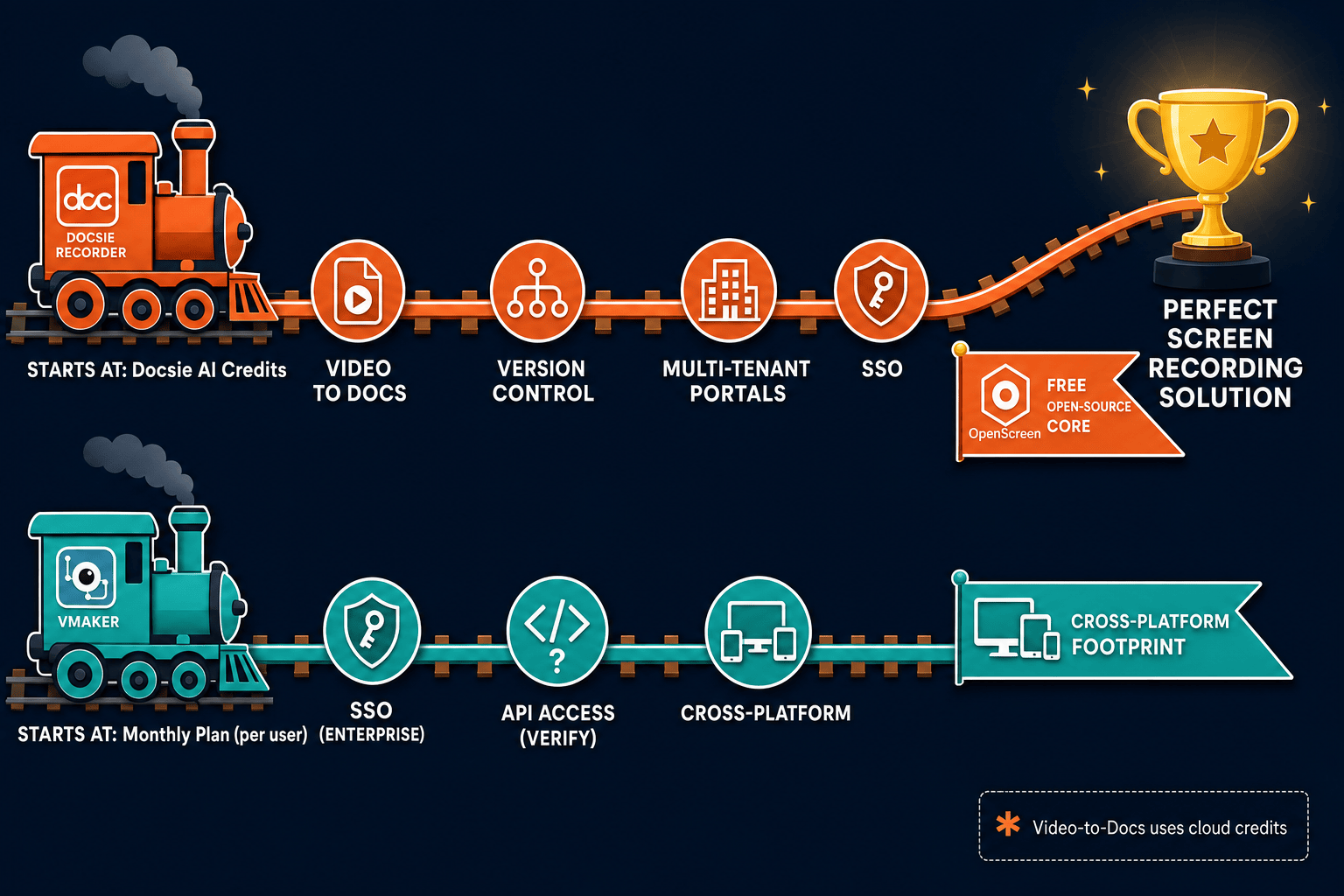
Winner: Docsie Recorder
Docsie Recorder wins the pricing comparison because the recording and editing layer is free and open-source for every team member, with no per-seat cost. Vmaker charges a monthly subscription that only produces video output. Docsie's pay-per-conversion credit model for Video-to-Docs means teams pay only when they need structured documentation, and the downstream Docsie platform replaces what would otherwise be a second subscription for knowledge base management. Teams evaluating screen recorder costs should account for the full workflow cost—recording plus documentation—not just the recording fee in isolation.
Decision Helper
A direct framework for picking between Docsie Recorder, Vmaker based on your specific needs.
Free, open-source desktop screen recorder that feeds a Video-to-Docs pipeline.
Mac and browser screen recorder with cloud sharing and AI features.
Common Questions
Q: Is Docsie Recorder really free, or is there a catch?
A: The recorder and editor are genuinely free with no watermark, no resolution cap, and no account required to record, edit, and export MP4 or GIF files locally. The only paid component is Video-to-Docs conversion, which uses Docsie AI credits when you choose to send a recording through the Docsie bridge for structured documentation output. You can use Docsie Recorder indefinitely as a standalone recorder without ever purchasing credits.
Q: How does Vmaker's per-user pricing compare to Docsie Recorder at team scale?
A: Vmaker charges a per-user monthly fee on its paid plans, so costs grow linearly as your team expands. Docsie Recorder has no per-user recording fee at all—every team member can download and use the recorder for free. When you factor in that Docsie also replaces a separate knowledge base subscription through its downstream platform, teams of ten or more typically find the Docsie model significantly less expensive for the same or broader capability set.
Q: What do Docsie AI credits cost for Video-to-Docs conversion?
A: Credit pricing is shown as an estimate inside the Docsie Recorder bridge before you run a conversion job, so you can review the cost before committing. The exact credit rates should be checked on the Docsie pricing page or by contacting Docsie directly, as credit costs may vary by video length, quality tier, and language settings. The estimate-before-convert design means you are never surprised by a charge after the fact.
Q: Does Vmaker offer anything Docsie Recorder does not at a similar price?
A: Vmaker includes AI video cleanup, cloud hosting with shareable links, browser extension capture, mobile recording, and built-in video analytics—features that are part of its SaaS subscription model. Docsie Recorder does not currently include cloud-hosted video sharing or mobile capture, and its AI features are focused on documentation conversion rather than video polish. If your primary deliverable is a shareable cloud video link rather than structured documentation, Vmaker's subscription covers that workflow more directly.
Q: Can I use Docsie Recorder without ever paying anything?
A: Yes. Download the open-source recorder, record your screen, edit with the full editor toolset, and export MP4 or GIF files locally—all without an account or payment. The free path ends at local video export. If you want to convert a recording into structured documentation and publish it to a Docsie knowledge base, that step requires Docsie AI credits and a Docsie account, but the recorder itself remains permanently free.
Q: Which tool is better value if my team is on Linux?
A: Docsie Recorder is the clear choice for Linux teams. Vmaker does not publish Linux support, making it unavailable for engineering teams running Linux workstations. Docsie Recorder provides Mac, Windows, and Linux builds from the same open-source codebase at no cost, which means Linux-heavy engineering or DevOps teams can use the same recorder as their colleagues on other platforms without platform-specific pricing or workarounds.
Docsie Recorder is free and open-source. Download it today, record on Mac, Windows, or Linux, and convert your recordings into structured docs and knowledge base content when you need them—without a monthly subscription just to capture your screen.
No account required to record and export. Video-to-Docs conversion uses Docsie AI credits with a cost estimate shown before each job runs.