
4.8
on G2
 Docsie Recorder
 Vmaker
Both Docsie Recorder and Vmaker let teams record screens and share content, but only one connects recording to an enterprise-grade documentation pipeline with SSO, versioned knowledge bases, audit workflows, and multi-tenant portal delivery. This comparison evaluates which tool is genuinely ready for enterprise deployment.
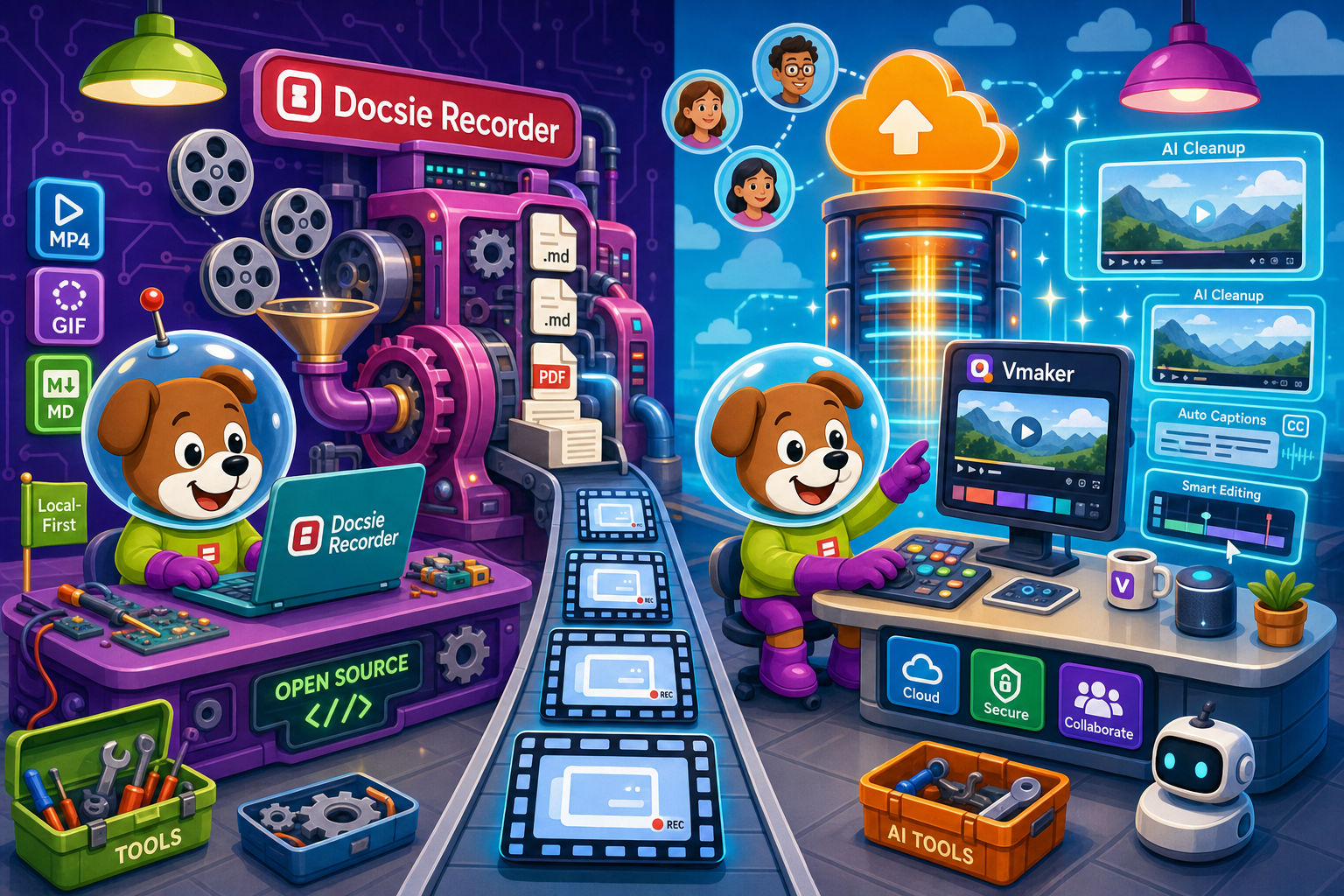
For enterprise: Docsie Recorder runs video-to-docs plus multi-tenant portals, Vmaker captures workflows into quick guides, while Docsie Recorder fits when you also need video → structured docs → multi-tenant portals end-to-end.
Enterprise Feature Matrix
A focused comparison of enterprise-critical capabilities including security, compliance, administration, scalability, and documentation workflow depth.
| Capability |
Docsie Recorder
Our Pick
|
Vmaker
|
|---|---|---|
| Free desktop recorder | ||
| Open-source recorder base | ||
| Mac support | ||
| Windows support | ||
| Linux support | ||
| Local MP4 export (no cloud required) | ||
| Video-to-docs conversion | ||
| Markdown / DOCX / PDF export | ||
| Knowledge base publishing | ||
| Versioned documentation management | ||
| Multi-tenant portal delivery | ||
| SSO (SAML / OAuth) | Enterprise only | |
| Role-based access control | ||
| Audit logs | ||
| Custom domain support | ||
| API access | Limited public detail | |
| Data residency options | ||
| Air-gap / self-hosted deployment path | ||
| Compliance monitoring workflow | ||
| Enterprise deployment path | Enterprise plan only |
Data as of 2026. Features reflect publicly available information and vendor documentation. Confirm current Vmaker pricing and SSO availability directly with the vendor before purchasing.
Strengths & Weaknesses
Enterprise Deep Dive
Enterprise buyers evaluate tools across security and compliance, scalability and performance, administration and control, and support and SLA. Here is how Docsie Recorder and Vmaker compare across each dimension.
Docsie Recorder's MIT-licensed open-source core means enterprise security teams can audit every line of recorder code before deployment — a critical requirement in regulated industries. The downstream Docsie platform adds SSO via SAML, OAuth, and OIDC, plus audit logs, role-based access control, EU data residency, and real-time compliance monitoring for HIPAA, SOX, ITAR, and GDPR. Vmaker is a closed-source SaaS with SSO gated behind an Enterprise plan, no published audit log capability, and no stated data residency options. For security-conscious enterprise buyers, the open-source recorder base plus enterprise Docsie boundary is a material advantage.
Docsie Recorder captures and edits entirely locally, meaning recording performance does not degrade with team size or network conditions. The downstream Docsie platform supports multi-tenant portal delivery, allowing one knowledge base to scale to unlimited client-facing portals with independent branding and access controls. Recordings convert once and publish everywhere through versioned documentation workflows. Vmaker relies on cloud infrastructure for video storage, sharing, and processing. While Vmaker's team workspace supports shared libraries, it does not offer multi-tenant portal delivery or versioned documentation management, which limits its scalability model for enterprises serving multiple internal or external audiences simultaneously.
Enterprise administrators using Docsie Recorder gain granular control through the Docsie platform: workspace selection at record time, role-based access across knowledge bases, versioned content with approval workflows, and custom domain delivery. The open-source recorder core can be forked, branded, or integrated into existing enterprise toolchains without vendor permission. Vmaker provides team workspaces and a shared library with admin features on its Teams plan, and advanced admin on Enterprise. However, without audit logs, data residency controls, or a knowledge base management layer, Vmaker's administration story is primarily about video library governance rather than enterprise documentation control. The absence of Linux support also limits deployment scope.
Docsie's enterprise tier includes dedicated support, a published uptime SLA, and an enterprise deployment path that can extend to air-gap and self-hosted configurations for organizations with strict data sovereignty requirements. The open-source recorder core additionally benefits from community-visible issue tracking and transparent release history. Vmaker offers dedicated support on its Enterprise plan, but its uptime SLA terms and self-hosted options are unconfirmed in public documentation. For enterprise buyers in regulated industries who need contractual SLA commitments, vendor transparency around hosting architecture, and an auditable software supply chain, Docsie Recorder's combination of open-source recorder plus enterprise Docsie backend provides a materially stronger support and assurance posture.
Our Recommendation
Docsie Recorder and Vmaker are both positioned as cross-platform screen recorders, but their enterprise readiness profiles are fundamentally different. Vmaker is a capable async video tool with team workspace features, but its enterprise story is thin — SSO is gated behind a custom Enterprise plan, there are no audit logs or data residency controls, no Linux support, and the output remains a video file rather than governed documentation. Docsie Recorder's open-source core plus the Docsie enterprise backend delivers an end-to-end workflow where a recorded screen session becomes versioned, auditable, multi-tenant-ready documentation with SSO, compliance monitoring, and API access. For enterprises that need to govern what gets recorded, who accesses it, and how it becomes reusable documentation, Docsie Recorder is the clear choice.
Choose Docsie Recorder if you need...
Choose Vmaker if you need...
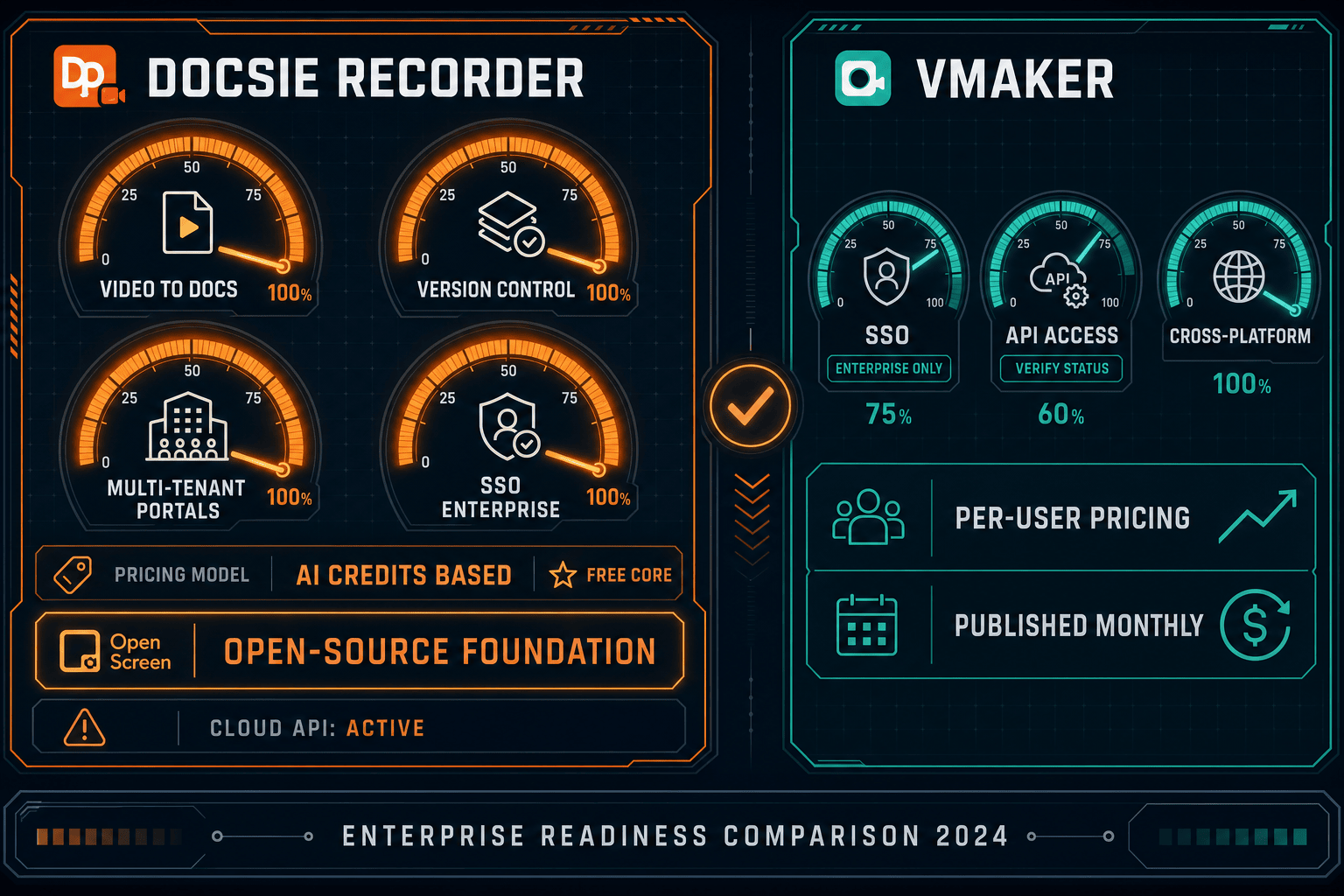
Winner: Docsie Recorder
Docsie Recorder wins on enterprise readiness because it combines an auditable open-source recorder core with the Docsie enterprise platform's SSO, audit logs, versioned knowledge bases, multi-tenant portals, compliance monitoring, and self-hosted deployment path. Vmaker is a solid video tool for teams sharing async recordings, but it lacks the governance, documentation workflow depth, and enterprise infrastructure controls that regulated industries and larger organizations require.
Decision Helper
A direct framework for picking between Docsie Recorder, Vmaker based on your specific needs.
Free, open-source desktop screen recorder that feeds a Video-to-Docs pipeline.
Mac and browser screen recorder with cloud sharing and AI features.
Common Questions
Q: Can enterprise security teams audit the Docsie Recorder codebase before deployment?
A: Yes. Docsie Recorder is built on an MIT-licensed open-source core hosted on GitHub, meaning your security team can review every line of recorder and editor code before approving deployment. Vmaker is closed-source SaaS, so no equivalent code audit is possible. For enterprises with software supply chain requirements or security review gates, the open-source recorder base is a material compliance advantage.
Q: Does Docsie Recorder support SSO for enterprise authentication?
A: SSO is available through the downstream Docsie platform, which supports SAML, OAuth, OIDC, Azure AD, and Okta. The recorder itself connects to your Docsie workspace, which inherits these authentication controls. Vmaker offers SSO only on its custom Enterprise plan, making it inaccessible to teams on lower tiers. Docsie's SSO coverage also extends to the knowledge bases and portals produced from recordings, not just the recorder app.
Q: Is there an audit log for recordings and documentation changes in Docsie?
A: Yes. The Docsie platform provides audit logs covering documentation changes, access events, and publishing actions tied to content generated from recordings. This is critical for regulated industries where you must demonstrate who created, reviewed, and published documentation artifacts. Vmaker does not publish audit log capabilities in its standard documentation, which limits its suitability for compliance-driven enterprises.
Q: Can Docsie Recorder be deployed in an air-gap or self-hosted environment?
A: The open-source recorder core can be built and deployed locally without any external dependency. The Docsie enterprise backend, which handles Video-to-Docs conversion and knowledge base management, supports self-hosted and air-gap configurations for organizations with strict data sovereignty requirements. Vmaker is a cloud-only SaaS product with no self-hosted deployment path, which disqualifies it for many regulated or government enterprise environments.
Q: How does Docsie Recorder's output differ from Vmaker's for enterprise documentation workflows?
A: Vmaker's output is a cloud-hosted video link with captions and a summary — useful for async communication but not structured enterprise documentation. Docsie Recorder's output flows into Docsie's Video-to-Docs pipeline to produce structured Markdown, DOCX, and PDF artifacts that are then published into versioned, role-controlled knowledge bases and multi-tenant portals. For enterprises that need auditable, searchable, and versioned documentation rather than video links, the workflow difference is significant.
Q: Does Vmaker support Linux, and why does that matter for enterprise deployments?
A: Vmaker does not currently support Linux, which limits deployment on enterprise workstations running Ubuntu, Fedora, RHEL, or other Linux distributions common in engineering, DevOps, and regulated-industry environments. Docsie Recorder provides macOS, Windows, and Linux builds, ensuring consistent recorder deployment across heterogeneous enterprise fleets. For IT administrators standardizing tooling across mixed OS environments, Linux support is a practical requirement that Vmaker cannot meet.
Download the free, open-source Docsie Recorder, capture your first workflow, and connect it to Docsie's enterprise documentation pipeline — versioned knowledge bases, SSO, multi-tenant portals, and compliance monitoring included.
No account required to record and export video locally. Docsie AI credits required for Video-to-Docs conversion.