
4.8
on G2
 Docsie Recorder
 Trupeer
Docsie Recorder gives you a free, open-source desktop recorder and editor with pay-as-you-go Video-to-Docs conversion. Trupeer charges on an AI-minute subscription model for its polished video and guide output. This pricing breakdown shows exactly what you get at each tier, where costs compound, and which tool delivers better long-term value for teams turning screen recordings into structured documentation.
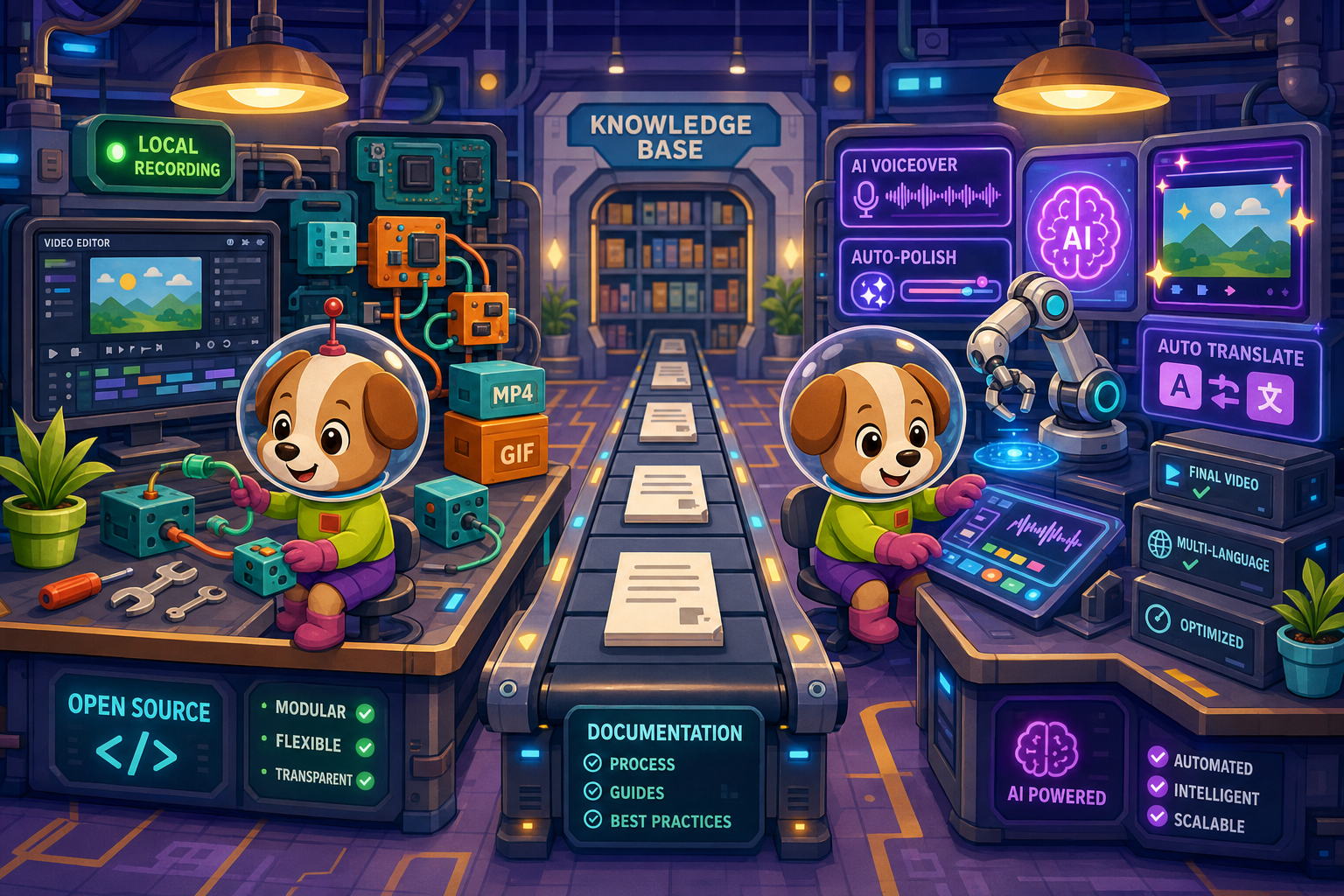
On pricing: Docsie Recorder runs video-to-docs plus multi-tenant portals, Trupeer captures workflows into quick guides, while Docsie Recorder fits when you also need video → structured docs → multi-tenant portals end-to-end.
Feature & Pricing Matrix
A side-by-side breakdown of recorder capabilities, editing features, AI conversion output, and downstream documentation value across both tools — mapped to cost.
| Feature / Capability |
Docsie Recorder
Our Pick
|
Trupeer
|
|---|---|---|
| Free Desktop Recorder | ||
| Open-Source Recorder Base | ||
| Mac Support | ||
| Windows Support | ||
| Linux Support | ||
| Window and Full-Screen Capture | ||
| Microphone Capture | ||
| System Audio Capture | Platform-specific | |
| Webcam Overlay | ||
| Automatic or Manual Zoom | ||
| Cursor / Focus Polish | ||
| Backgrounds and Visual Effects | ||
| Crop, Trim, Speed Regions | Partial | |
| Annotations and Blur Regions | Partial | |
| AI Voiceover Generation | ||
| AI Auto-Translation | ||
| Local MP4 Export (No Account) | ||
| Local GIF Export | ||
| Project Save Format | .docsiescreen project files | Cloud-saved sessions |
| Video-to-Docs Conversion | ||
| Markdown Export | Limited public detail | |
| DOCX Export | Limited public detail | |
| PDF Export | Limited public detail | |
| Knowledge Base Publishing | Add-on / hosted output | |
| Versioned Documentation Management | ||
| Multi-Tenant Portal Delivery | ||
| Enterprise Deployment Path | ||
| Usage-Based AI Billing Risk | Pay-per-conversion via credits | AI-minute subscription tiers |
Data as of May 2026. Docsie Recorder desktop recording and editing is free with no account required. Video-to-Docs conversion uses Docsie AI credits. Trupeer pricing tiers and exact AI-minute limits should be checked on the official pricing page before purchasing.
Strengths & Weaknesses
Deep Dive
Understanding the true cost of Docsie Recorder versus Trupeer requires looking beyond the headline monthly price. These three categories reveal where each tool's pricing model creates compounding value or compounding risk over time.
Docsie Recorder's free tier is genuinely free — the desktop app, editor, MP4 export, and GIF export require no account and no credit card. Teams that only need to record and ship video files pay exactly zero dollars. Video-to-Docs conversion adds cost only when you use it, with a credit estimate shown upfront before any charge is incurred. Trupeer's free plan is a trial-style entry point with watermarks or export caps that prevent real production use without upgrading. For budget-conscious teams, Docsie Recorder's separation of "free recorder" from "paid conversion" means you only pay for the AI step when you actually need structured documentation output — not to use the recorder itself.
Trupeer's AI-minute subscription model bundles a fixed number of minutes per tier. Teams producing high volumes of tutorials or documentation will exhaust their monthly allocation and face either overage charges or forced tier upgrades. Because the recorder and the AI processing are bundled, there is no way to separate costs. Docsie Recorder decouples these: recording is always free regardless of volume, and Video-to-Docs conversion scales with actual usage rather than a preset minute bucket. For teams scaling from dozens to hundreds of recordings per month, the pay-per-conversion credit model avoids the cliff-edge upgrade problem inherent in tiered AI-minute subscriptions. Downstream Docsie platform costs scale by workspace, not by number of recordings processed.
Trupeer's per-tier pricing does not include a full documentation management layer. Teams that want versioned docs, multi-tenant portals, or structured knowledge base publishing must purchase separate tools to sit alongside Trupeer's output — adding hidden costs that make the apparent subscription price misleading. Docsie Recorder's Video-to-Docs output feeds directly into Docsie's native MANAGE layer: versioning, portal delivery, translation, and compliance workflows are part of the same platform investment. The hidden cost calculus favors Docsie for any team that needs the full CREATE → CONVERT → MANAGE → DELIVER pipeline, because Trupeer's endpoint is a polished video or a flat guide page rather than a living, versioned knowledge base.
Pricing Breakdown
Docsie Recorder separates recording costs from conversion costs. Trupeer bundles recording and AI processing into subscription tiers. Here is what each tool's pricing structure actually looks like in practice.
Docsie Recorder wins on value for teams that need both a capable recorder and a structured documentation output. The recorder itself is permanently free — no plan required. AI conversion costs are pay-as-you-go with upfront credit estimates, meaning low-volume teams pay almost nothing extra. Trupeer's subscription bundles recording and AI processing together, which means even teams that only occasionally need AI-generated guides are paying monthly for capacity they may not fully use. For teams that need the full pipeline from recording to versioned knowledge base, Docsie's combined Recorder plus platform investment avoids the hidden cost of purchasing a separate documentation management layer alongside Trupeer.
Our Recommendation
Docsie Recorder and Trupeer are direct competitors in the video-to-docs space, but their pricing philosophies differ fundamentally. Docsie separates the cost of recording from the cost of AI conversion, making the recorder itself permanently free and conversion pay-per-use. Trupeer bundles everything into a subscription with monthly AI-minute allocations. For teams that need open-source auditability, cross-platform recording, and a full downstream documentation pipeline, Docsie Recorder offers substantially better long-term value. Trupeer is a strong choice when AI voiceover and translation are the primary output goals and the team does not need a versioned knowledge base.
Choose Docsie Recorder if you need...
Choose Trupeer if you need...
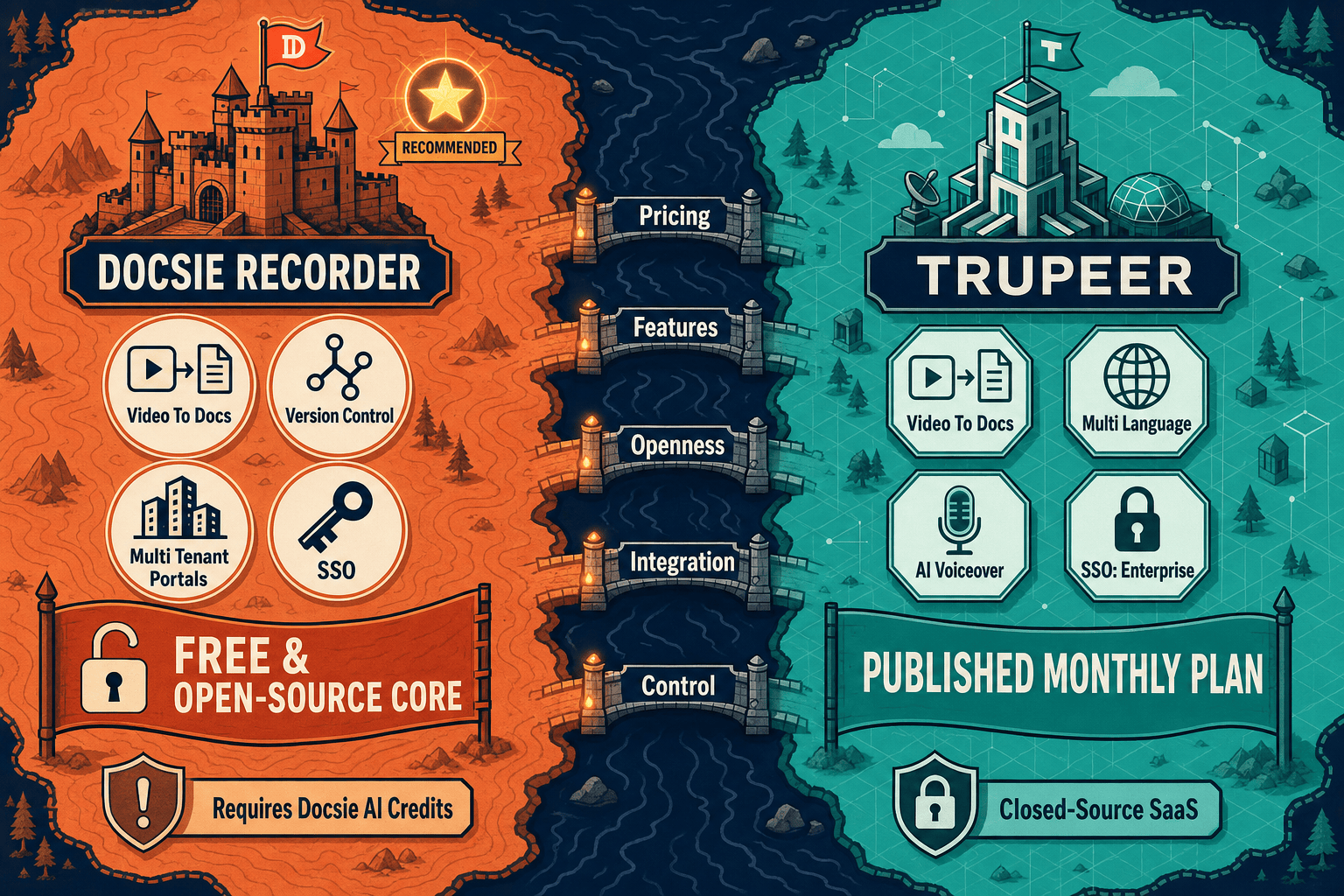
Winner: Docsie Recorder
Docsie Recorder delivers genuine free recording and editing with no subscription barrier, open-source auditability, cross-platform builds including Linux, and a pay-per-conversion model that avoids compounding AI-minute subscription costs. Critically, the downstream Docsie platform transforms a single recording into versioned, publishable knowledge base content — something Trupeer cannot match without purchasing additional tools. For teams evaluating the true total cost of a video-to-docs workflow, Docsie Recorder's separation of free capture from optional AI conversion, combined with native MANAGE and DELIVER capabilities, produces better long-term value at every usage volume.
Decision Helper
A direct framework for picking between Docsie Recorder, Trupeer based on your specific needs.
Free, open-source desktop screen recorder that feeds a Video-to-Docs pipeline.
AI video editing platform that turns rough recordings into polished tutorials.
Common Questions
Q: Is Docsie Recorder really free, or is there a hidden subscription?
A: The recorder and editor are genuinely free with no subscription, no watermark, and no account required to record and export MP4 or GIF files locally. The only cost comes when you use the Video-to-Docs conversion feature, which consumes Docsie AI credits. A credit estimate is shown before the conversion runs, so there are no surprise charges. The recorder's MIT open-source core means you can also inspect or fork the codebase independently.
Q: How does Trupeer's AI-minute billing work in practice?
A: Trupeer's paid plans bundle a set number of AI video minutes per month. Each recording you process for AI polishing, voiceover, or guide generation consumes from that allocation. When your monthly bucket runs out, you either pay overage fees or upgrade to a higher tier. Teams with variable or seasonal recording volume may find they overpay during slow months and hit limits during busy ones, which is a structural pricing risk that Docsie Recorder's pay-per-conversion model avoids.
Q: What is the real total cost if I need versioned docs and a knowledge base, not just a video file?
A: With Trupeer, the subscription covers recording and AI guide generation, but versioned documentation management and multi-tenant portal delivery require purchasing separate tools. With Docsie Recorder, the free recorder feeds into Docsie's native MANAGE platform, which handles versioning, portals, translation, and publishing under one workspace subscription. For teams that need the full pipeline, Docsie typically avoids the hidden cost of stacking Trupeer alongside a separate documentation platform.
Q: Does Docsie Recorder work on Linux, and does that affect pricing?
A: Yes, Docsie Recorder provides Linux builds alongside Mac and Windows at no additional cost — all three platforms are covered under the same free recorder tier. Trupeer does not publish Linux desktop support, meaning Linux-based engineering or DevOps teams would need to find an alternative recorder anyway. For cross-platform teams, Docsie Recorder's single free download covers all operating systems without per-platform licensing.
Q: Which tool is cheaper for a small team producing only a few videos per month?
A: For very low-volume teams, Docsie Recorder is cheaper because the recorder itself is free and Video-to-Docs conversion only uses credits when you actually run a conversion job. Trupeer's free plan has export limits and watermarks that make it impractical for production use, so small teams typically need a paid plan to get clean output. If you produce fewer than a handful of documentation recordings per month, Docsie Recorder's pay-per-conversion model will almost always cost less than Trupeer's lowest paid tier.
Q: Is Trupeer's AI voiceover worth the subscription cost compared to Docsie Recorder?
A: Trupeer's AI voiceover and translation are genuine strengths that Docsie Recorder does not replicate — if polished narrated video with multi-language audio is your primary deliverable, Trupeer's subscription is defensible. However, if your goal is structured written documentation published to a knowledge base rather than a narrated video, Docsie Recorder's Video-to-Docs pipeline produces the output you actually need without paying for voiceover capacity you will never use. The right answer depends on whether your end deliverable is a video or a doc.
Download Docsie Recorder, record and edit on Mac, Windows, or Linux with no account required, and use Docsie AI credits only when you are ready to turn your recording into structured Markdown, DOCX, PDF, or knowledge base content.
No account required to record and export video. Video-to-Docs conversion uses Docsie AI credits with a cost estimate shown before you commit.