
4.8
on G2
 Docsie Recorder
 Trupeer
Both Docsie Recorder and Trupeer turn screen recordings into documentation, but their enterprise stories differ sharply. Docsie Recorder is built on an open-source, auditable recorder core that routes directly into a mature, enterprise-grade Docsie knowledge base platform. Trupeer is a fast-moving AI-native SaaS with polished video and voiceover output but a lighter enterprise footprint. This page compares security, compliance, administration, scalability, and support for teams that need more than a recording tool.
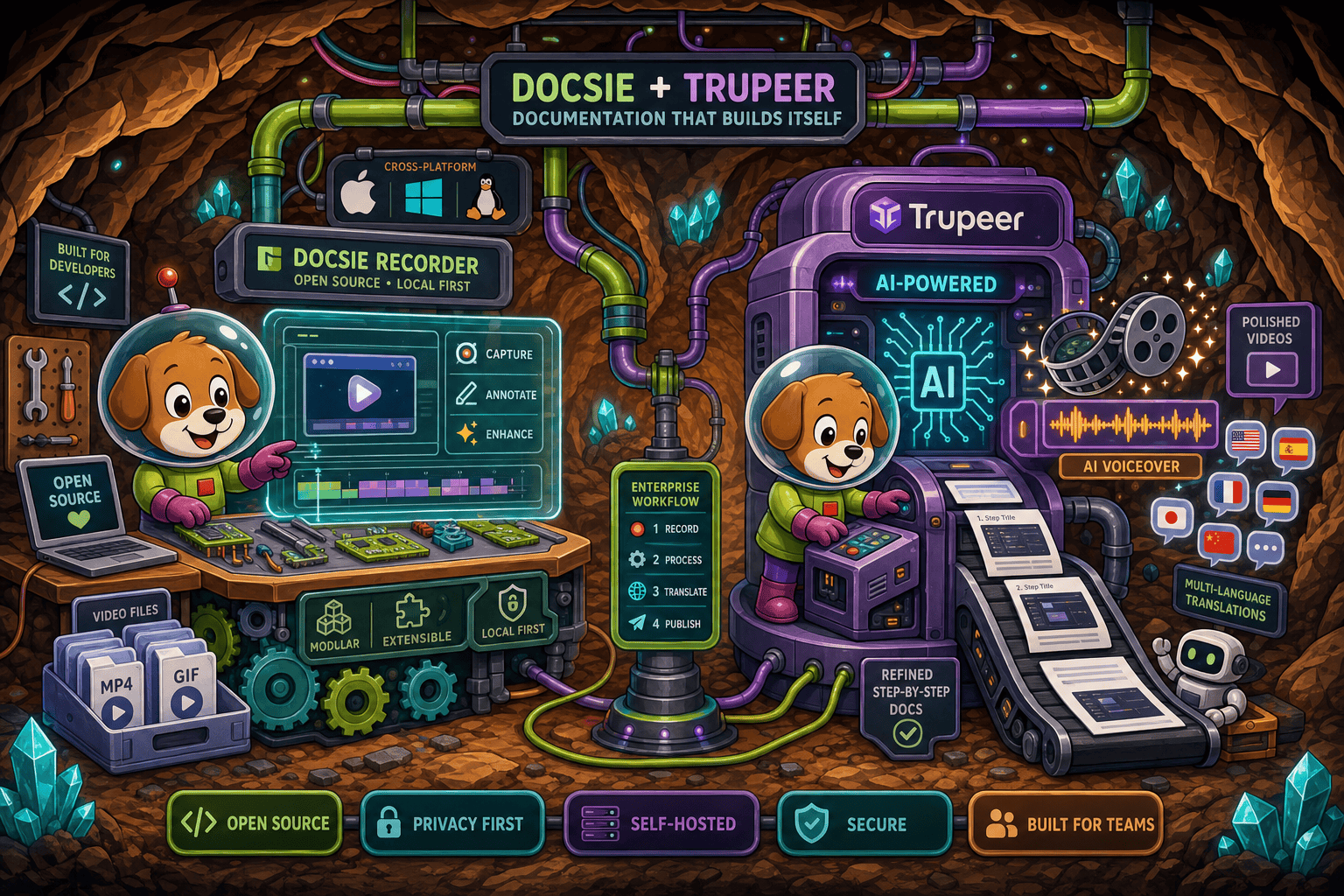
For enterprise: Docsie Recorder runs video-to-docs plus multi-tenant portals, Trupeer captures workflows into quick guides, while Docsie Recorder fits when you also need video → structured docs → multi-tenant portals end-to-end.
Enterprise Feature Matrix
A focused comparison of enterprise-critical capabilities including security controls, compliance posture, administration, scalability, and deployment options for teams evaluating both tools.
| Capability |
Docsie Recorder
Our Pick
|
Trupeer
|
|---|---|---|
| Free Desktop Recorder | ||
| Open-Source Recorder Base | ||
| Mac Support | ||
| Windows Support | ||
| Linux Support | ||
| Local MP4 Export (No Cloud Required) | ||
| Video-to-Docs Conversion | ||
| Knowledge Base Publishing | Add-on only | |
| Versioned Documentation Management | ||
| Multi-Tenant Portal Delivery | ||
| SSO (SAML / OAuth / OIDC) | Enterprise; confirm | |
| Role-Based Access Control | ||
| Audit Logs | ||
| SOC 2 Type II Compliance | Limited public detail | |
| GDPR Compliance | Limited public detail | |
| Data Residency Options | ||
| API Access | Limited public detail | |
| Enterprise Deployment Path | Custom only | |
| Self-Hosting / Air-Gap Option | ||
| Dedicated Enterprise Support |
Data as of 2026. Trupeer enterprise features are directionally sourced from trupeer.ai/pricing; confirm current SSO, compliance, and export specs before relying on this comparison. Docsie enterprise features reflect the broader Docsie platform connected downstream from Docsie Recorder.
Strengths & Weaknesses
Enterprise Deep Dive
Enterprise procurement teams need more than a feature checklist. Here is a deeper look at how Docsie Recorder and Trupeer compare across the four dimensions that matter most to IT, security, and operations stakeholders.
Docsie Recorder's open-source core means enterprise security teams can audit the recorder binary directly — no black-box SaaS to trust for the capture step. Local-first recording keeps sensitive screen content on-device until a deliberate upload. Downstream, the Docsie platform provides SSO via SAML, OAuth, OIDC, Azure AD, and Okta; SOC 2 Type II and GDPR compliance; audit logs; and data residency options for EU-regulated organizations. Trupeer is a closed-source SaaS. Compliance certifications and SSO support are listed for Enterprise tiers but lack the same depth of published controls, audit log availability, or data residency flexibility that Docsie's mature platform delivers.
Docsie Recorder's local-first architecture means recording performance scales with the user's machine rather than a shared cloud. Large enterprises can distribute the open-source binary internally without per-seat recorder licensing. The Docsie cloud layer handles Video-to-Docs conversion and knowledge base publishing at platform scale, with multi-tenant portal delivery allowing one knowledge base to serve unlimited branded client portals. Trupeer's usage-based AI minutes model is efficient for small and mid-sized teams but can become unpredictable at enterprise volume. There is no confirmed self-hosting or air-gap path, and the absence of multi-tenant portal infrastructure limits large-scale documentation delivery scenarios.
Enterprise administrators need centralized control over who records, what gets published, and how documentation is governed. Docsie's platform layer provides role-based access control, workspace management, versioned documentation with inheritance, approval workflows, and multi-tenant portal administration from a single dashboard. Audit logs give compliance teams a full record of document creation and change events. Trupeer offers role-based access and team collaboration on paid plans, which is a solid start. However, the absence of confirmed audit logs, version control for generated guides, and a native knowledge base management layer means administrators must bolt on external tools to govern documentation at enterprise scale.
Both tools offer dedicated support at their enterprise tiers, but the maturity of the surrounding ecosystem differs. Docsie is backed by an established documentation platform with a defined enterprise contract path, custom SLA options, and a broader support infrastructure that covers the recorder, the Video-to-Docs API, and the full knowledge base platform. Trupeer provides dedicated enterprise support and a custom pricing tier, but as a younger product founded in 2023, its enterprise support track record and SLA definition are less established. Teams in regulated industries or with documented uptime requirements should request explicit SLA terms from Trupeer before committing and compare against Docsie's published enterprise agreement.
Our Recommendation
Trupeer is an impressive AI-native CREATE tool that turns rough recordings into polished videos and step-by-step guides quickly. For teams that need only the recording-and-polish workflow, it competes well. But enterprise readiness requires more than AI output quality — it requires auditable code, compliance controls, versioned documentation management, multi-tenant delivery, and a support structure built for regulated environments. On those dimensions, Docsie Recorder combined with the downstream Docsie platform delivers a materially stronger enterprise story.
Choose Docsie Recorder if you need...
Choose Trupeer if you need...
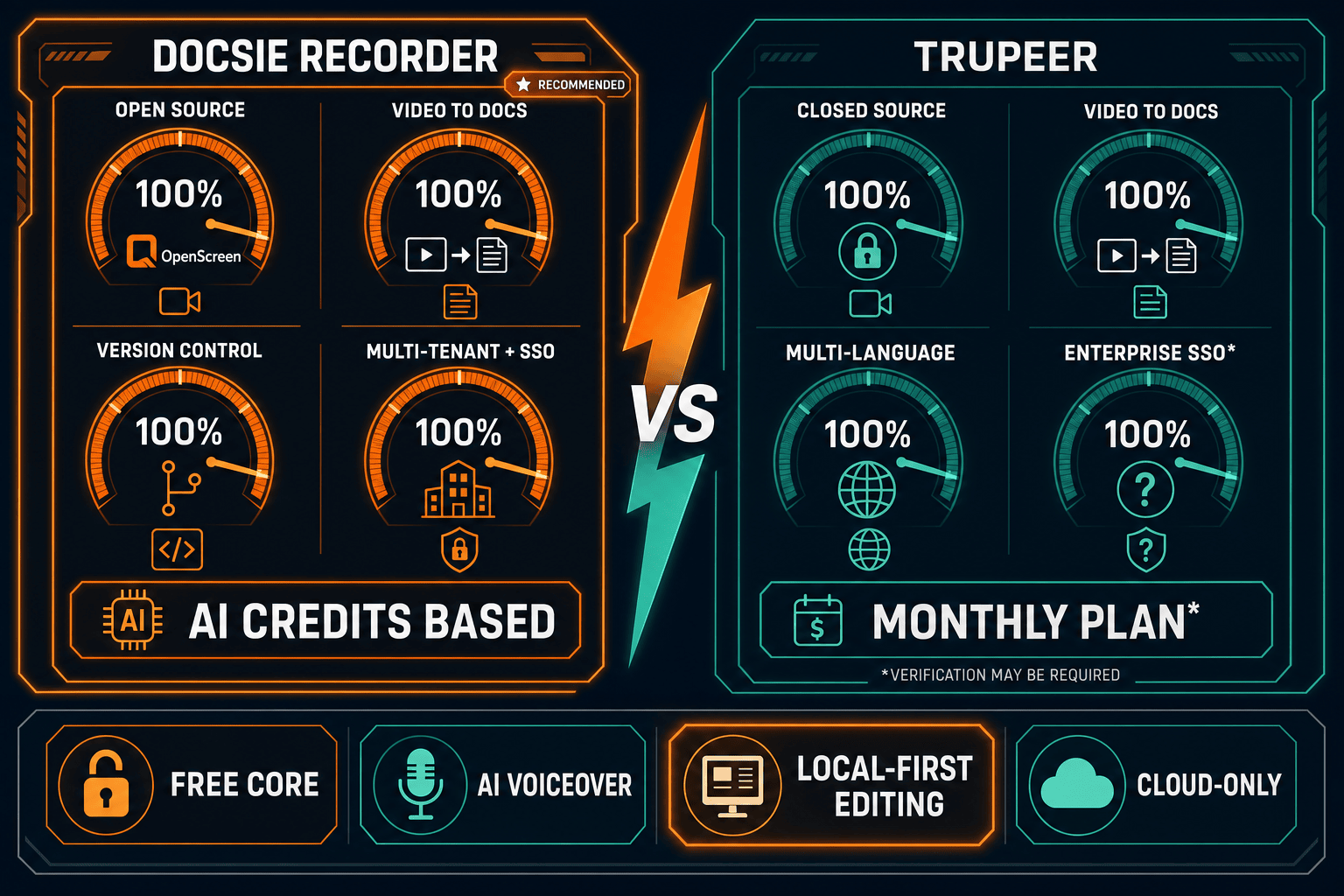
Winner: Docsie Recorder
For enterprise teams, Docsie Recorder wins on every structural dimension that matters to IT and compliance stakeholders — open-source auditability, cross-platform coverage including Linux, local-first capture, and access to a mature Docsie platform with SSO, audit logs, data residency, versioned documentation, and multi-tenant portal delivery. Trupeer produces excellent AI-polished output but cannot match the depth of enterprise controls, the open-source recorder foundation, or the downstream knowledge base platform that Docsie provides as a connected workflow rather than a standalone tool.
Decision Helper
A direct framework for picking between Docsie Recorder, Trupeer based on your specific needs.
Free, open-source desktop screen recorder that feeds a Video-to-Docs pipeline.
AI video editing platform that turns rough recordings into polished tutorials.
Common Questions
Q: Can enterprise security teams audit the Docsie Recorder before deploying it?
A: Yes. Docsie Recorder is built on an MIT-licensed open-source core available on GitHub at github.com/LikaloLLC/docsie-screen-recorder. Security teams can inspect the recorder binary, review dependencies, and confirm capture behavior before any deployment. Trupeer is a closed-source SaaS with no equivalent auditable binary, which is a common blocker in regulated enterprise procurement processes.
Q: Does Trupeer offer audit logs for enterprise compliance?
A: Audit log support for Trupeer is not confirmed in publicly available documentation as of 2026. This is a significant gap for teams in regulated industries such as finance, healthcare, or government contracting where audit trails for content creation and change events are a compliance requirement. Docsie's platform provides audit logs as part of its enterprise tier, covering documentation creation, editing, and publishing events.
Q: Which tool supports data residency for GDPR compliance?
A: Docsie's enterprise platform offers data residency options including EU hosting for organizations subject to GDPR and regional data governance requirements. Trupeer does not currently confirm data residency options in its public documentation. Teams in the EU or in industries with strict data localization requirements should treat this as a key question to raise with Trupeer before committing.
Q: Can Docsie Recorder be deployed internally without going through a public SaaS sign-up?
A: The recorder binary itself is open source and can be distributed internally without a SaaS account — users can record and export MP4 or GIF files locally with no account required. The Video-to-Docs conversion step does connect to Docsie's cloud API, and the downstream Docsie knowledge base is a managed platform. For organizations that need a fully air-gapped recorder, the open-source binary covers the capture step, and Docsie can discuss enterprise API options for the conversion layer.
Q: Does Trupeer support Linux for enterprise desktop environments?
A: Linux desktop support is not available for Trupeer as of 2026, which is a coverage gap for enterprises running Linux workstations in engineering, DevOps, or government environments. Docsie Recorder provides macOS, Windows, and Linux builds, making it the only tool in this comparison with full cross-platform enterprise desktop coverage.
Q: How do versioned documentation and knowledge base management compare between the two tools?
A: Docsie's platform provides full versioned documentation management with inheritance, approval workflows, and multi-tenant portal delivery — so recordings converted to docs can be versioned, reviewed, and published through governed workflows. Trupeer generates step-by-step guides and polished videos but does not offer a native versioned knowledge base layer. Teams that need documentation governance beyond the initial generation step will need to add an external platform alongside Trupeer, while Docsie handles this natively.
Download the free, open-source Docsie Recorder for macOS, Windows, or Linux. Record locally, convert to structured docs with Docsie's Video-to-Docs pipeline, and publish into a versioned, enterprise-grade knowledge base — all from one connected workflow.
Free recorder with MIT open-source license. Video-to-Docs conversion uses Docsie AI credits. No account required to record and export video locally.