
4.8
on G2
 Docsie Recorder
 Scribe
Docsie Recorder is a free, open-source desktop recorder that exports MP4/GIF locally and connects to a Video-to-Docs pipeline. Scribe is a click-capture browser extension that auto-generates annotated screenshot guides at $15–$29 per user per month. This page breaks down exactly what you get at each price point, which tool scales more affordably, and where hidden costs appear on each platform.
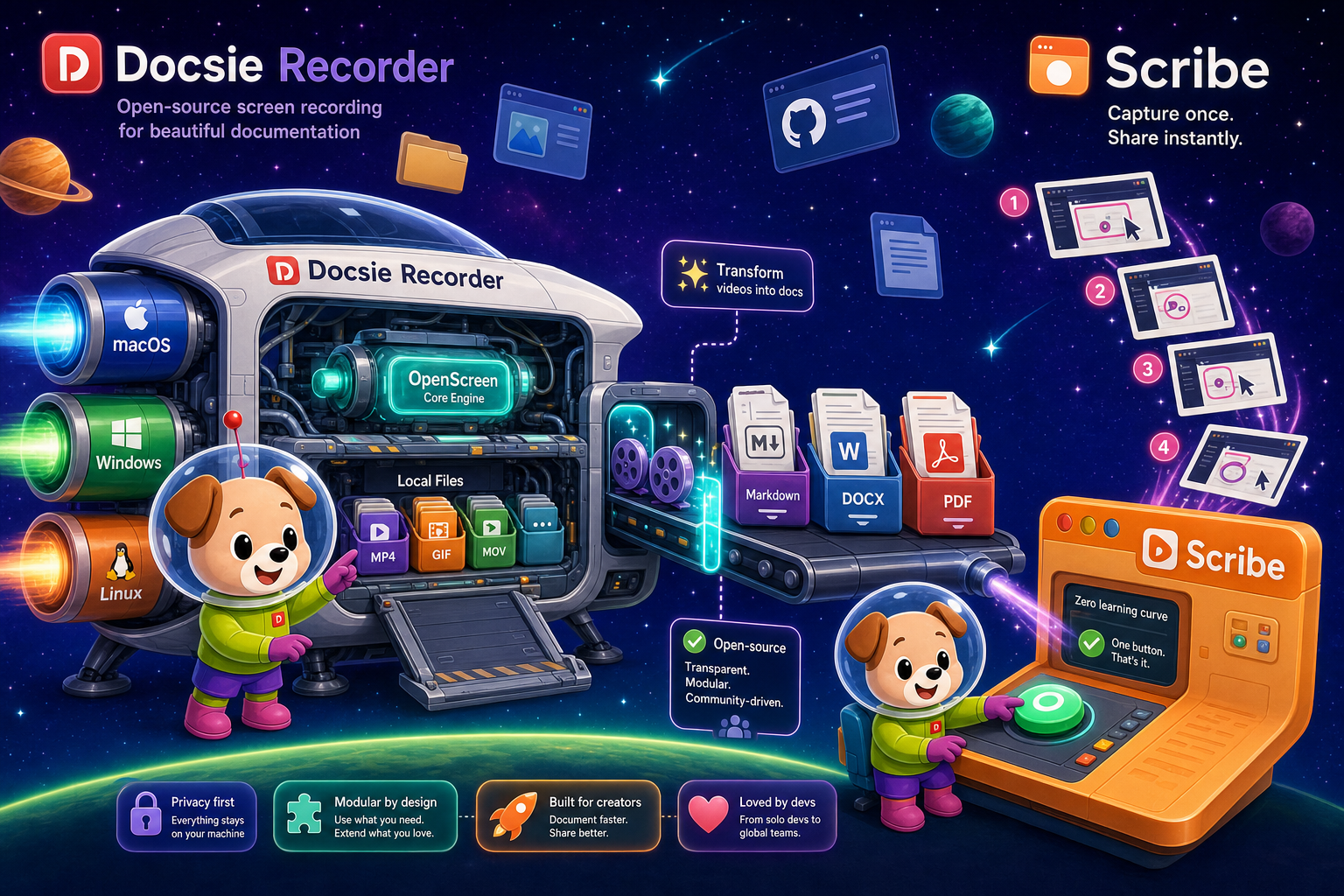
On pricing: Docsie Recorder runs video-to-docs plus multi-tenant portals, Scribe captures workflows into quick guides, while Docsie Recorder fits when you also need video → structured docs → multi-tenant portals end-to-end.
Feature Matrix
A pricing-focused feature comparison covering recorder capabilities, export formats, documentation output, and enterprise features. Understand exactly what each tool delivers before you pay.
| Feature |
Docsie Recorder
Our Pick
|
Scribe
|
|---|---|---|
| Free Desktop Recorder | ||
| Open-Source Recorder Base | ||
| Mac Support | ||
| Windows Support | ||
| Linux Support | ||
| Window and Full-Screen Capture | Pro+ only | |
| Microphone Audio Capture | ||
| System Audio Capture | Platform-dependent | |
| Webcam Overlay | ||
| Automatic / Manual Zoom | ||
| Cursor and Focus Polish | ||
| Backgrounds and Visual Effects | ||
| Crop, Trim, Speed Regions | ||
| Annotations and Blur Regions | Basic annotations only | |
| Local MP4 Export | ||
| Local GIF Export | ||
| PDF Export | Via Docsie platform | Pro+ only |
| Video-to-Docs Conversion | ||
| Markdown Export | Via Docsie platform | |
| Knowledge Base Publishing | ||
| Versioned Documentation Management | ||
| Multi-Tenant Portal Delivery | ||
| SSO / SAML | Docsie enterprise | Enterprise only |
| API Access | Docsie platform | |
| Watermark-Free Output | Pro+ only ($29/user/month) |
Data as of February 2026. Docsie Recorder recording and editing features are free. Video-to-Docs conversion uses Docsie AI credits. Scribe pricing based on publicly listed plans. Confirm current pricing at scribehow.com before purchase.
Strengths & Weaknesses
Deep Dive
Beyond the headline price, three factors determine the real cost of each tool over time — what you get for free, how costs grow with your team, and which limitations will force you into expensive workarounds.
Docsie Recorder's entire recording and editing stack — capture, zoom, trim, backgrounds, annotations, blur, MP4/GIF export — costs nothing. The recorder is MIT-licensed and runs locally with no account required. Scribe's free plan is browser-capture only, adds a watermark to every output, and locks PDF export and desktop capture behind a $29/user/month paywall. If your team of five needs basic desktop capture and clean PDF exports from Scribe, you are paying $75/month minimum before getting features that Docsie Recorder ships at zero cost. For teams that also need structured documentation from their recordings, Docsie's Video-to-Docs bridge on AI credits adds conversion capability that Scribe simply cannot offer at any price.
Scribe charges per user. A team of 10 on Pro Team pays $150/month. A team of 50 pays $750/month. Enterprise contracts are reportedly $18,000 or more per year, with SSO and SCIM locked behind that tier. Docsie Recorder has no per-seat charge for recording — the tool is free regardless of team size. Video-to-Docs conversion scales through Docsie AI credits rather than headcount, so a large team that records heavily but converts selectively pays for actual usage rather than seats. For organizations that need to document processes at scale without a ballooning per-seat bill, Docsie Recorder's model is structurally more cost-efficient as headcount grows, especially compared to Scribe's mandatory minimum seat counts.
Scribe's hidden cost is capability ceiling. At no price point does Scribe record video, capture audio, support Linux, provide version control, offer multi-tenant portals, or expose an API. If your process documentation needs grow beyond annotated screenshots — training videos, customer-facing portals, versioned docs, or multi-language delivery — you will pay Scribe's per-seat fees and still need additional tools. Docsie Recorder's hidden cost is the AI credit model for Video-to-Docs conversion, which requires a Docsie account and cloud processing. Teams that need fully local AI conversion without any cloud call should evaluate that boundary carefully. For most teams, the Docsie credit model is predictable and far cheaper than Scribe's per-seat escalation combined with the tooling gaps it leaves unfilled.
Pricing Breakdown
Every plan from both tools laid out side by side, so you can compare what each dollar buys before committing to a subscription.
Docsie Recorder wins on value at every tier. The recorder and editor are free with no seat limits, no watermarks, and no capability gates. Scribe requires a paid plan to unlock desktop capture, remove its watermark, and export PDFs — features Docsie Recorder ships at zero cost. At scale, Scribe's per-seat model costs $150–$750+/month for teams of 10–50, while Docsie Recorder remains free for recording with usage-based AI credits for conversion. At no Scribe price point do you get video recording, audio capture, knowledge base publishing, or multi-tenant portals. Docsie Recorder's downstream Docsie platform adds all of those capabilities on top of a free recorder core.
Our Recommendation
Docsie Recorder and Scribe approach documentation capture from fundamentally different starting points. Docsie Recorder is a video-first, open-source desktop recorder that exports full video locally and optionally converts recordings into structured documentation through Docsie's platform. Scribe is a click-capture tool that takes screenshots of browser and desktop actions and turns them into annotated step guides. The pricing difference reflects this capability gap — Docsie Recorder's core is free because it is open source, while Scribe's per-seat model locks basic features behind escalating subscription tiers. For teams that need a recorder with a clear path to structured docs and knowledge base delivery, Docsie Recorder offers significantly more value per dollar at every level.
Choose Docsie Recorder if you need...
Choose Scribe if you need...
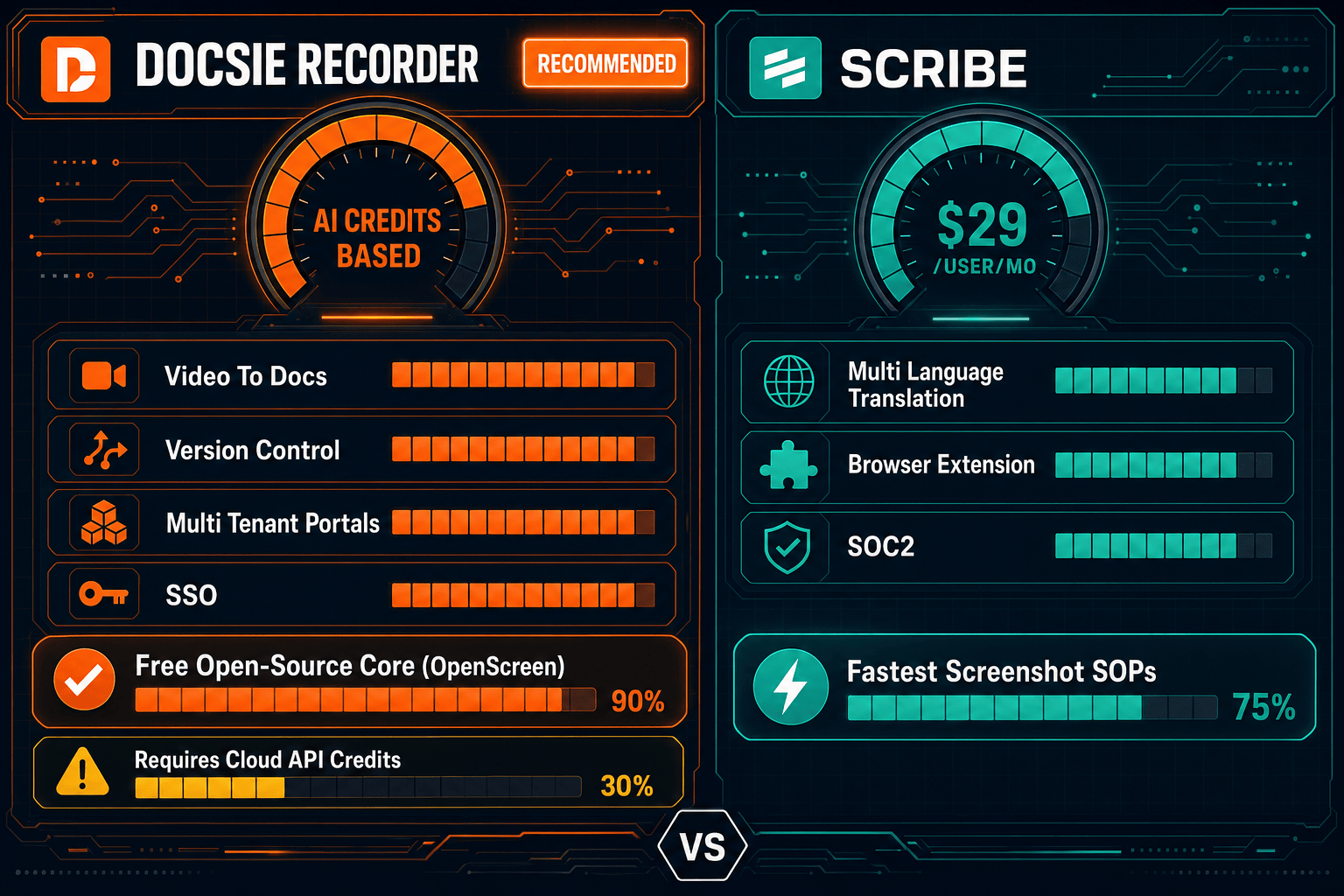
Winner: Docsie Recorder
Docsie Recorder delivers a complete, watermark-free, cross-platform recorder and editor at zero cost — the features Scribe charges $29/user/month to unlock. Beyond recording, Docsie's Video-to-Docs pipeline converts recordings into structured Markdown, DOCX, and PDF content that feeds directly into a versioned knowledge base with multi-tenant portal delivery. Scribe cannot record video, capture audio, publish to a knowledge base, or offer multi-tenant portals at any price point. For teams that need more than annotated screenshots and want their recordings to become living documentation, Docsie Recorder offers more capability for less money at every stage of the workflow.
Decision Helper
A direct framework for picking between Docsie Recorder, Scribe based on your specific needs.
Free, open-source desktop screen recorder that feeds a Video-to-Docs pipeline.
Browser extension that auto-captures clicks into step-by-step guides.
Common Questions
Q: Is Docsie Recorder really free, or is there a catch?
A: Docsie Recorder's recording and editing core is genuinely free and MIT-licensed — you can download it, record, edit, and export MP4 and GIF files locally with no account, no watermark, and no expiry. The only paid element is the optional Video-to-Docs conversion, which uses Docsie AI credits when you choose to send a recording to Docsie's pipeline. If you only need a recorder and editor, you never pay anything.
Q: Why does Scribe's free plan feel so limited compared to Docsie Recorder's free tier?
A: Scribe's free plan is designed as a funnel into paid tiers — it restricts output to browser capture only, adds a watermark to every guide, and blocks PDF export to push users toward Pro plans. Docsie Recorder's free tier is the full product because the recorder is open source, not a loss-leader SaaS tier. The business model is different — Docsie monetizes through the downstream AI conversion and knowledge base platform, not by gating the recorder itself.
Q: What does Scribe actually cost for a team of 10 people?
A: A team of 10 on Scribe's Pro Team plan pays $15 per seat per month, totalling $150 per month or $1,800 per year for screenshot-based SOP capture with no video or audio capability. If the team needs Enterprise features like SSO, the reported contract cost starts at $18,000 per year. Docsie Recorder costs $0 for all 10 users to record, edit, and export video locally, with Video-to-Docs conversion priced separately on AI credits based on actual usage rather than headcount.
Q: Does Scribe offer any video recording at its higher-priced tiers?
A: No. Scribe does not record video at any price point — including Enterprise. It captures sequential screenshots of screen actions and assembles them into annotated step guides. There is no audio capture, no full-motion video, no webcam overlay, and no Video-to-Docs conversion available regardless of how much you pay. If your team needs video-first documentation, Scribe is not the right tool even at enterprise pricing.
Q: Can I use Docsie Recorder for free and only pay when I need docs published?
A: Yes. The intended workflow is to record and edit locally for free, then only consume Docsie AI credits when you choose to convert a recording into structured documentation. Teams that frequently record training walkthroughs but only occasionally need full doc output can keep conversion costs low while using the recorder daily at no cost. This pay-for-conversion model is fundamentally different from Scribe's always-on per-seat billing.
Q: Which tool is more cost-effective for a growing team that documents software processes?
A: For teams documenting software processes with video walkthroughs, narration, and structured output, Docsie Recorder is more cost-effective at every scale because the recorder itself is free regardless of team size, and conversion scales with usage rather than headcount. Scribe's per-seat model means every new team member adds $15/month to your bill — even if they only occasionally need to create an SOP — while still leaving video documentation and knowledge base delivery completely unaddressed.
Start creating professional documentation that your users will love