
4.8
on G2
 Docsie Recorder
 Screenium
Docsie Recorder is a free, open-source, cross-platform screen recorder that converts recordings into structured documentation and publishes them to a knowledge base. Screenium is a paid Mac-only screencast utility with basic editing and no AI docs workflow. If you searched for a Screen Studio alternative or a recorder that produces more than a video file, this comparison is for you.
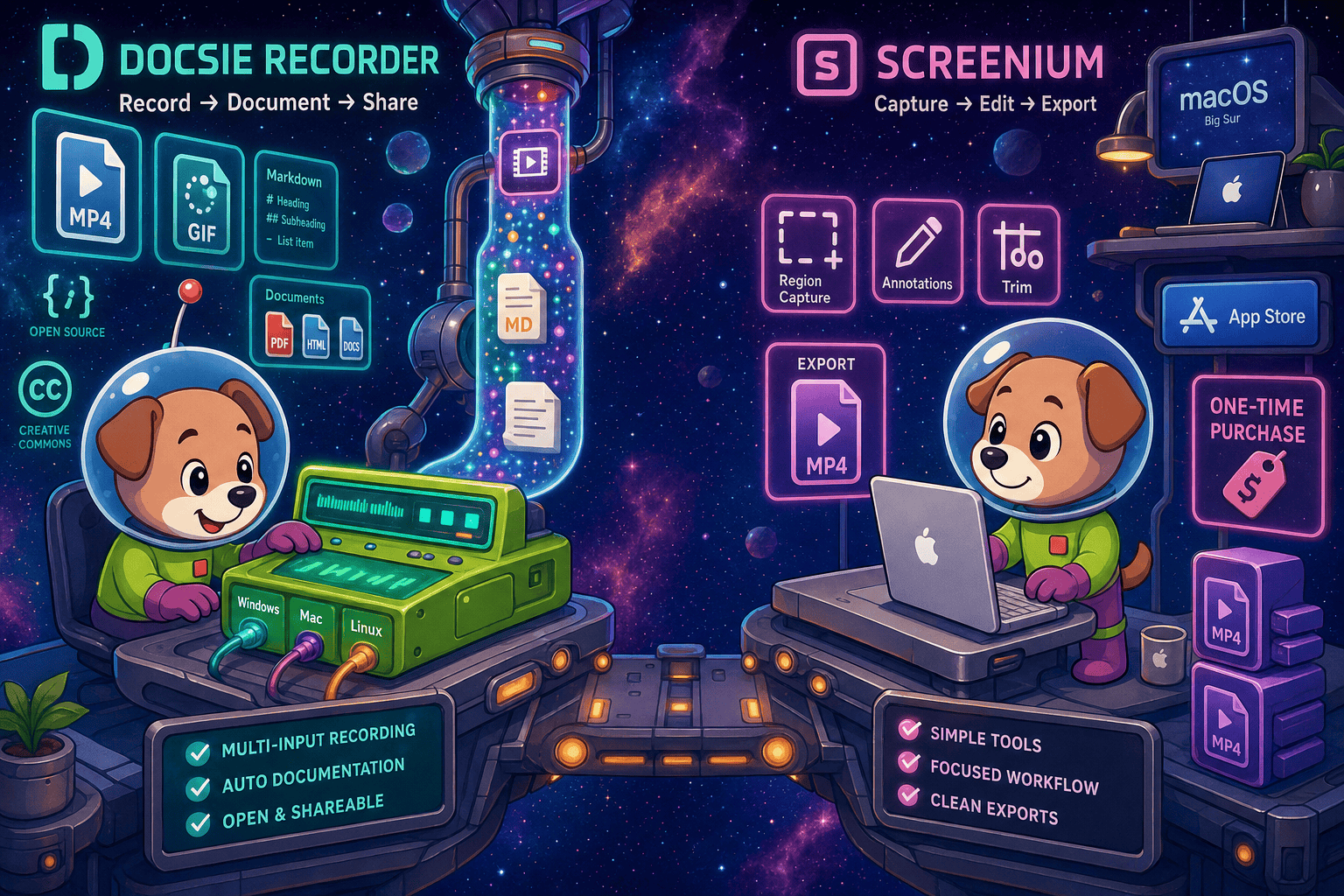
Docsie Recorder leads with free; Screenium leads with affordable one-time purchase at us$59. Neither converts real video into docs and deploys multi-tenant portals; Docsie does both.
Feature Matrix
A comprehensive feature-by-feature comparison covering recording capabilities, editing tools, export formats, AI documentation features, and enterprise readiness.
| Feature |
Docsie Recorder
Our Pick
|
Screenium
|
|---|---|---|
| Free to Use | ||
| Open-Source Recorder Core | ||
| Mac Support | ||
| Windows Support | ||
| Linux Support | ||
| Window and Full-Screen Capture | ||
| Region / Custom Area Capture | ||
| Microphone Audio Capture | ||
| System Audio Capture | ||
| Webcam Overlay | ||
| Automatic Zoom | ||
| Manual Zoom | ||
| Cursor & Focus Polish | ||
| Backgrounds & Visual Effects | ||
| Motion Blur | ||
| Crop, Trim, Speed Regions | ||
| Annotations & Blur Regions | ||
| Local MP4 Export | ||
| Local GIF Export | ||
| Project Save Format | .docsiescreen project files | |
| Video-to-Docs Conversion | ||
| Markdown Export | ||
| DOCX Export | ||
| PDF Export | ||
| Knowledge Base Publishing | ||
| Versioned Documentation Management | ||
| Multi-Tenant Portal Delivery | ||
| API Access | ||
| SSO Support | ||
| Enterprise Deployment Path |
Data as of May 2026. Docsie Recorder recorder/editor core is MIT-licensed. Video-to-Docs conversion uses Docsie AI credits. Screenium pricing shown as US$59.99 one-time as of 2026-05-05; confirm current App Store price before purchase.
Strengths & Weaknesses
Deep Dive
An in-depth analysis of recording capabilities, AI and automation, enterprise readiness, and ecosystem integrations—written for buyers who searched for a screen recorder or Screen Studio alternative and want to understand which tool produces more than just a video file.
Docsie Recorder captures specific windows, regions, and full-screen on macOS, Windows, and Linux. Its editor includes automatic zoom driven by cursor telemetry, manual zoom, backgrounds and gradients, motion blur, speed regions, crop, trim, annotations, and blur regions—a post-production toolkit comparable to Screen Studio but cross-platform and free. Screenium is a capable Mac-only recorder with region capture, timeline editing, and annotations, but it lacks automatic zoom, backgrounds, motion blur, speed regions, and GIF export. For teams on Windows or Linux, or for those who need polished zoom and background effects, Docsie Recorder is the clear winner at zero cost.
Docsie Recorder's primary AI differentiator is its direct bridge to Docsie's Video-to-Docs pipeline. After recording, users can send the video to Docsie's API, which uses multimodal AI to generate structured Markdown, DOCX, and PDF output with step-level content. Credit estimates, quality tiers, language selection, doc style, rewrite instructions, and template instructions are all configurable before conversion. The result is a structured document preview ready for knowledge base publishing. Screenium has no AI transcription, no step-guide generation, and no documentation output of any kind. The recording stops at an MP4 file.
Docsie Recorder's open-source MIT core is auditable, forkable, and deployable without vendor lock-in—a meaningful advantage for security-conscious engineering teams. Downstream Docsie platform capabilities include SSO (SAML, OAuth, OIDC), role-based access control, versioned documentation management, multi-tenant portal delivery with custom domains, API access, and enterprise deployment paths. Screenium is a single-user Mac App Store application with no SSO, no RBAC, no audit logs, no API, and no enterprise deployment story. For teams that need to move from recording to governed, published documentation, Docsie Recorder connects to an enterprise-grade platform; Screenium does not.
Docsie Recorder's CONVERT bridge sends completed recordings directly into Docsie's documentation workflows, where generated content can be published to knowledge bases, served through branded portals, reused as course material in Docsie's LMS, and routed into automation and compliance monitoring pipelines. The recorder is the CREATE anchor; the Docsie platform handles CONVERT, MANAGE, DELIVER, LEARN, AUTOMATE, and MONITOR downstream. Screenium integrates with macOS share extensions for basic video export but offers no documentation platform, no API, and no downstream workflow integration. Teams using Screenium must manually move video files into separate tools for every subsequent step.
Our Recommendation
Screenium is a competent, affordable Mac screencast utility for users who need straightforward recordings on macOS. But it stops at the video file. Docsie Recorder is free, cross-platform, open-source, and built to continue past the video—converting recordings into structured documentation and publishing them to a knowledge base. For any team whose goal is documentation rather than just a video archive, Docsie Recorder delivers a fundamentally different and more complete workflow.
Choose Docsie Recorder if you need...
Choose Screenium if you need...
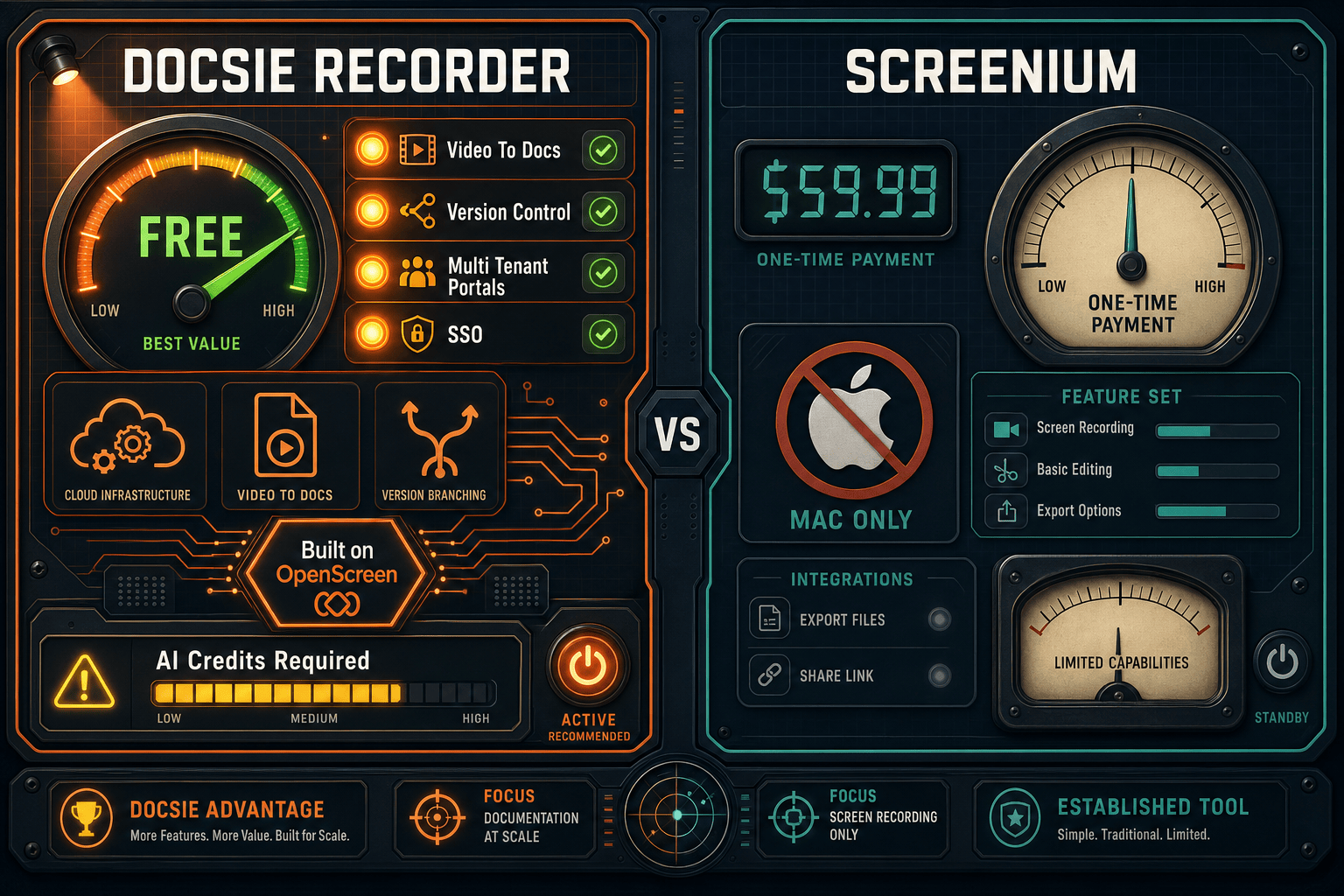
Winner: Docsie Recorder
Docsie Recorder wins on every dimension that matters beyond a basic Mac recording. It is free, open-source, and cross-platform where Screenium is paid and Mac-only. It includes automatic zoom, backgrounds, motion blur, speed regions, and GIF export that Screenium lacks. Most importantly, it connects directly to a Video-to-Docs pipeline and a full knowledge base platform, turning one recording into structured documentation delivered through versioned, multi-tenant portals—a workflow Screenium cannot approach.
Decision Helper
A direct framework for picking between Docsie Recorder, Screenium, and Docsie based on your specific needs.
Docsie's free browser-based recorder that pipes captures straight into Docsie SOPs.
Mac screen recorder with built-in editing for tutorials.

Convert real video into searchable docs, then deploy via multi-tenant portals.
Common Questions
Q: Is Docsie Recorder actually free compared to Screenium's one-time price?
A: Yes. Docsie Recorder's desktop recorder and editor are completely free with no purchase required. You can record, edit, and export MP4 and GIF files locally without an account. Screenium costs US$59.99 as a one-time Mac App Store purchase with a limited demo mode before payment. The Video-to-Docs conversion step in Docsie uses AI credits, but the core recording workflow has no cost.
Q: Does Screenium work on Windows or Linux?
A: No. Screenium is exclusively a macOS application distributed through the Mac App Store. It has no Windows or Linux builds. Docsie Recorder provides native builds for macOS, Windows, and Linux, making it the only option in this comparison for cross-platform teams.
Q: Can Screenium convert a recording into written documentation?
A: No. Screenium produces MP4 video files and has no AI transcription, step-guide generation, or documentation export of any kind. Docsie Recorder connects directly to Docsie's Video-to-Docs pipeline, which converts the recording into structured Markdown, DOCX, and PDF content that can be published into a knowledge base with versioning and portal delivery.
Q: What editing features does Docsie Recorder have that Screenium does not?
A: Docsie Recorder includes automatic zoom driven by cursor telemetry, backgrounds and gradients, motion blur, speed regions, GIF export, and non-destructive .docsiescreen project files—none of which Screenium offers. Both tools support annotations, trim, and webcam overlay, but Docsie Recorder's editing toolkit is meaningfully deeper for polished output.
Q: I searched for a Screen Studio alternative. Is Docsie Recorder the right comparison?
A: Yes. Docsie Recorder is designed for buyers evaluating Screen Studio, Loom, Tella, Cap, and similar recording tools who want a free, open-source alternative. Like Screen Studio, it supports automatic zoom, backgrounds, and polished editing. Unlike Screen Studio, it is cross-platform, MIT-licensed, and connects to a Video-to-Docs workflow so the recording becomes structured documentation rather than just a polished video file.
Q: Which tool is better for a support or enablement team creating knowledge base articles from screen recordings?
A: Docsie Recorder is purpose-built for this use case. Record a walkthrough, send it to Docsie's Video-to-Docs pipeline, and the output is a structured article ready to publish into your knowledge base with versioning, portal delivery, and access controls. Screenium produces only an MP4 file, requiring a completely separate tool and manual effort for every documentation step that follows.
Download Docsie Recorder free—cross-platform, open-source, and built to turn screen recordings into structured Markdown, DOCX, and knowledge base content through Docsie's Video-to-Docs pipeline.
No account required to record and export video. Video-to-Docs conversion uses Docsie AI credits. MIT-licensed recorder core.