
4.8
on G2
 Docsie Recorder
 Screenium
Docsie Recorder is a free, open-source cross-platform screen recorder that connects directly to a Video-to-Docs pipeline. Screenium is a one-time $59.99 Mac-only screencast utility. If you are evaluating Screen Studio alternatives or looking for a recorder that does more than output a video file, this pricing breakdown shows you exactly what each tool costs and what you actually get.
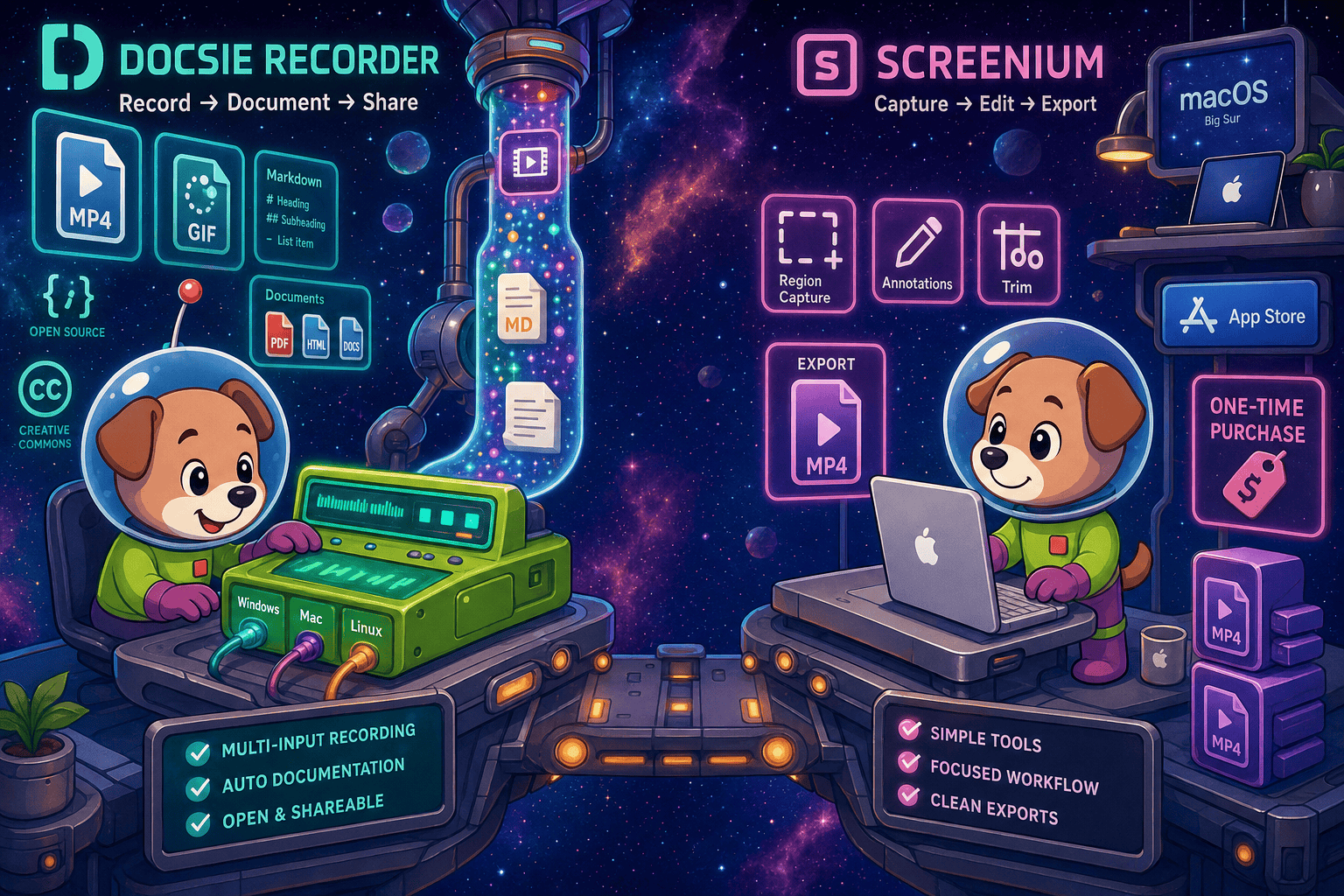
Docsie Recorder and Screenium sit at different price points, but neither bundles video-to-docs with multi-tenant knowledge delivery the way Docsie does.
Feature Matrix
A side-by-side breakdown of recording capabilities, editing features, export options, and downstream documentation workflows — the features that matter most when evaluating recorder pricing.
| Feature |
Docsie Recorder
Our Pick
|
Screenium
|
|---|---|---|
| Price to Record and Export Video | $0 — free forever | $59.99 one-time |
| Free Desktop Recorder | ||
| Open-Source Recorder Base | MIT licensed (OpenScreen) | |
| Mac Support | ||
| Windows Support | ||
| Linux Support | ||
| Window and Full-Screen Capture | ||
| Region/Partial Screen Capture | ||
| Microphone Audio Capture | ||
| System Audio Capture | Supported (platform-dependent) | |
| Webcam Overlay | ||
| Automatic Zoom | ||
| Manual Zoom | ||
| Cursor and Focus Polish | ||
| Backgrounds and Visual Effects | Wallpapers, gradients, solid colors, custom | |
| Crop, Trim, Speed Regions | ||
| Annotations and Blur Regions | Text, arrows, images, blur regions | Annotations only |
| Local MP4 Export | ||
| Local GIF Export | ||
| Project Save Format | .docsiescreen project files | |
| Video-to-Docs Conversion | ||
| Markdown Export | ||
| DOCX Export | ||
| PDF Export | ||
| Knowledge Base Publishing | ||
| Versioned Documentation Management | ||
| Multi-Tenant Portal Delivery | ||
| Enterprise Deployment Path | ||
| API Access |
Data as of May 2026. Docsie Recorder recorder/editor core is free. Video-to-Docs conversion uses Docsie AI credits billed separately. Screenium price based on official Synium Software listing of US$59.99; App Store promotional pricing may vary. Confirm current pricing before purchase.
Strengths & Weaknesses
Deep Dive
Beyond the headline numbers, pricing comparisons need to account for value delivered, how costs scale with team size, and what hidden limitations exist at each price point.
Docsie Recorder delivers its full recorder and editor at $0, including features that cost significantly more in commercial alternatives — automatic zoom, speed regions, backgrounds, motion blur, blur regions, and GIF export are all included free. Screenium costs $59.99 for a more limited editing set on Mac only. The real value question is downstream. Docsie's $0 recorder connects to a Video-to-Docs pipeline that turns one recording into structured documentation, a knowledge base article, and a publishable portal page. Screenium produces a video file and stops. For teams where documentation is the goal, not just the video, Docsie's total value per recording is dramatically higher.
Screenium scales at $59.99 per Mac seat — straightforward but Mac-only, meaning Windows and Linux team members need a separate solution. A 10-person team on mixed platforms could easily spend $300–$600 on recorders alone before a single doc is written. Docsie Recorder scales at $0 per seat for recording across Mac, Windows, and Linux. Video-to-Docs conversion costs scale with AI credit consumption, not headcount, so teams that record frequently but convert selectively keep costs predictable. The Docsie platform subscription covers knowledge base publishing for the whole team rather than per-seat recorder licensing, making it more cost-efficient at scale.
Screenium's hidden cost is workflow incompleteness — you pay $59.99 and still need separate tools for documentation writing, a knowledge base platform, version control, and structured export. Those tools carry their own subscription costs. The hidden limitation is Mac exclusivity, which forces cross-platform teams into a fragmented toolchain. Docsie Recorder's hidden cost is the AI credit model for Video-to-Docs conversion — this is a real variable expense that buyers should estimate before committing. The recorder itself is free, but converting recordings at volume requires a Docsie account and credits. Teams should request a credit estimate from Docsie before budgeting conversion at scale.
Pricing Breakdown
Every plan, every price, and exactly what you get at each tier for both tools. Prices confirmed as of May 2026 — confirm current pricing on each vendor's site before purchasing.
Docsie Recorder wins on price at every level — the recorder is free where Screenium costs $59.99, and Docsie's feature set at $0 exceeds Screenium's paid offering in cross-platform support, editing depth, export formats, and downstream documentation capabilities. The only scenario where Screenium's one-time price makes sense is for a solo Mac user who needs a simple recorder with no interest in documentation workflows and prefers App Store distribution. For any team, any mixed-platform environment, or any buyer who wants recordings to become documentation, Docsie Recorder delivers more value for less money.
Our Recommendation
Screenium is a straightforward $59.99 Mac recorder that does one thing adequately — capture and export screen video on macOS. Docsie Recorder is a free, open-source cross-platform recorder that does everything Screenium does on recording and more, adds a richer editing toolkit at no cost, and connects to a Video-to-Docs pipeline that turns recordings into structured documentation. The pricing comparison is not close. The value comparison is not close either, unless your only requirement is a simple Mac-only recorder with no documentation output.
Choose Docsie Recorder if you need...
Choose Screenium if you need...
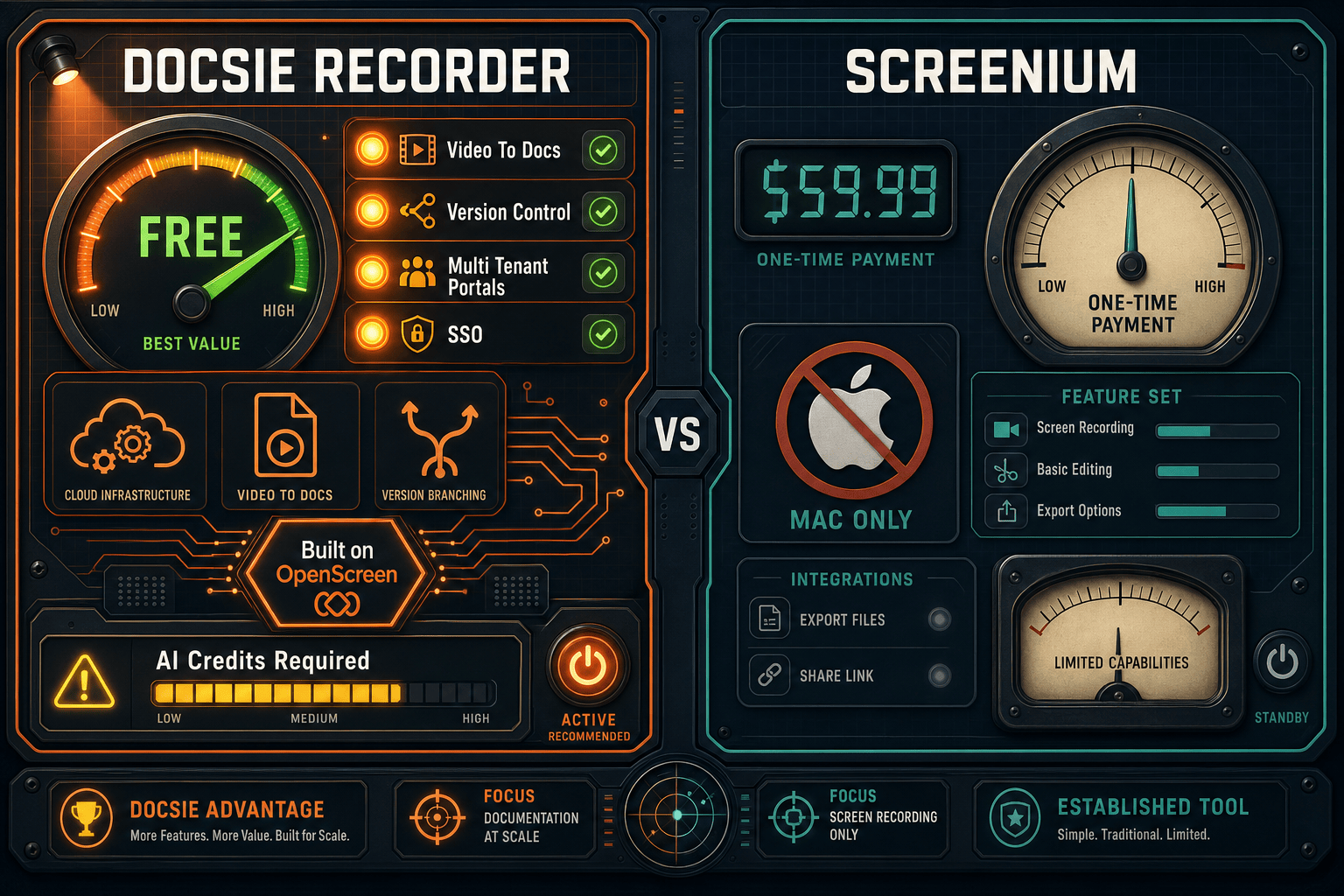
Winner: Docsie Recorder
Docsie Recorder is free where Screenium costs $59.99, runs on Mac, Windows, and Linux where Screenium is Mac-only, offers a deeper editing toolkit at $0, and uniquely connects recordings to a Video-to-Docs pipeline that generates structured Markdown, DOCX, and PDF and publishes into a full knowledge base workflow. For any buyer evaluating screen recorder pricing, Docsie Recorder delivers more capability at a lower cost with a clear path from recording to documentation — something Screenium cannot offer at any price.
Decision Helper
A direct framework for picking between Docsie Recorder, Screenium, and Docsie based on your specific needs.
Docsie's free browser-based recorder that pipes captures straight into Docsie SOPs.
Mac screen recorder with built-in editing for tutorials.

Convert real video into searchable docs, then deploy via multi-tenant portals.
Common Questions
Q: Is Docsie Recorder really free, or is there a catch?
A: The recorder and editor core is genuinely free — you can download it, record, edit, and export MP4 and GIF files without creating an account or paying anything. The only paid component is Video-to-Docs conversion, which uses Docsie AI credits when you want to turn a recording into structured documentation. If you only need a recorder and editor, the cost is $0 with no time limit.
Q: How much do Docsie AI credits cost for Video-to-Docs conversion?
A: The recorder app lets you estimate the credit cost before committing to a conversion job, so you can see the price before clicking submit. Exact credit pricing depends on video length, quality tier, and your Docsie plan — contact Docsie for a current credit rate sheet. Teams that convert recordings selectively rather than every session keep costs very predictable.
Q: Does Screenium have a subscription or recurring fee?
A: No — Screenium is a one-time $59.99 purchase through the Mac App Store or Synium Software's website. There is no monthly or annual subscription for the recorder itself. However, Screenium has no Video-to-Docs capability, so any documentation workflow requires separate paid tools that do carry recurring costs.
Q: What happens to my Docsie recordings if I do not have a Docsie platform subscription?
A: You can still record, edit, and export video locally without a Docsie subscription. The Video-to-Docs bridge requires a Docsie account, and publishing into a knowledge base requires a Docsie workspace. The recorder itself is independent of the platform subscription, so teams can start with the free recorder and add the platform layer when they are ready.
Q: I am on a mixed Mac and Windows team. Which tool works for us?
A: Docsie Recorder is the only option for mixed-platform teams. Screenium is Mac-only with no Windows or Linux builds at any price. Docsie Recorder provides native builds for macOS, Windows, and Linux, so the entire team records with the same tool and the same editor workflow without additional per-seat licensing.
Q: Is Docsie Recorder a good Screenium alternative if I only need a Mac recorder and do not care about documentation?
A: Yes — even as a pure Mac recorder, Docsie Recorder matches Screenium's core capture capabilities and adds automatic zoom, speed regions, backgrounds, motion blur, GIF export, and project save files that Screenium lacks, all at $0 versus $59.99. The documentation workflow is available when you need it but does not get in the way if you only want to record and export video.
Docsie Recorder is free, open-source, and runs on Mac, Windows, and Linux. Record and edit locally at no cost, then connect to the Video-to-Docs pipeline when you are ready to turn recordings into structured documentation and publish them to a knowledge base.
No account required to record and export video. MIT-licensed open-source recorder core.