
4.8
on G2
 Docsie Recorder
 Screenium
Docsie Recorder is a free, open-source cross-platform screen recorder that feeds directly into a Video-to-Docs pipeline and enterprise knowledge base. Screenium is a polished Mac-only screencasting utility with no AI docs workflow, no team controls, and no enterprise path. If your organization needs more than a local video file, the gap between these two tools is significant.
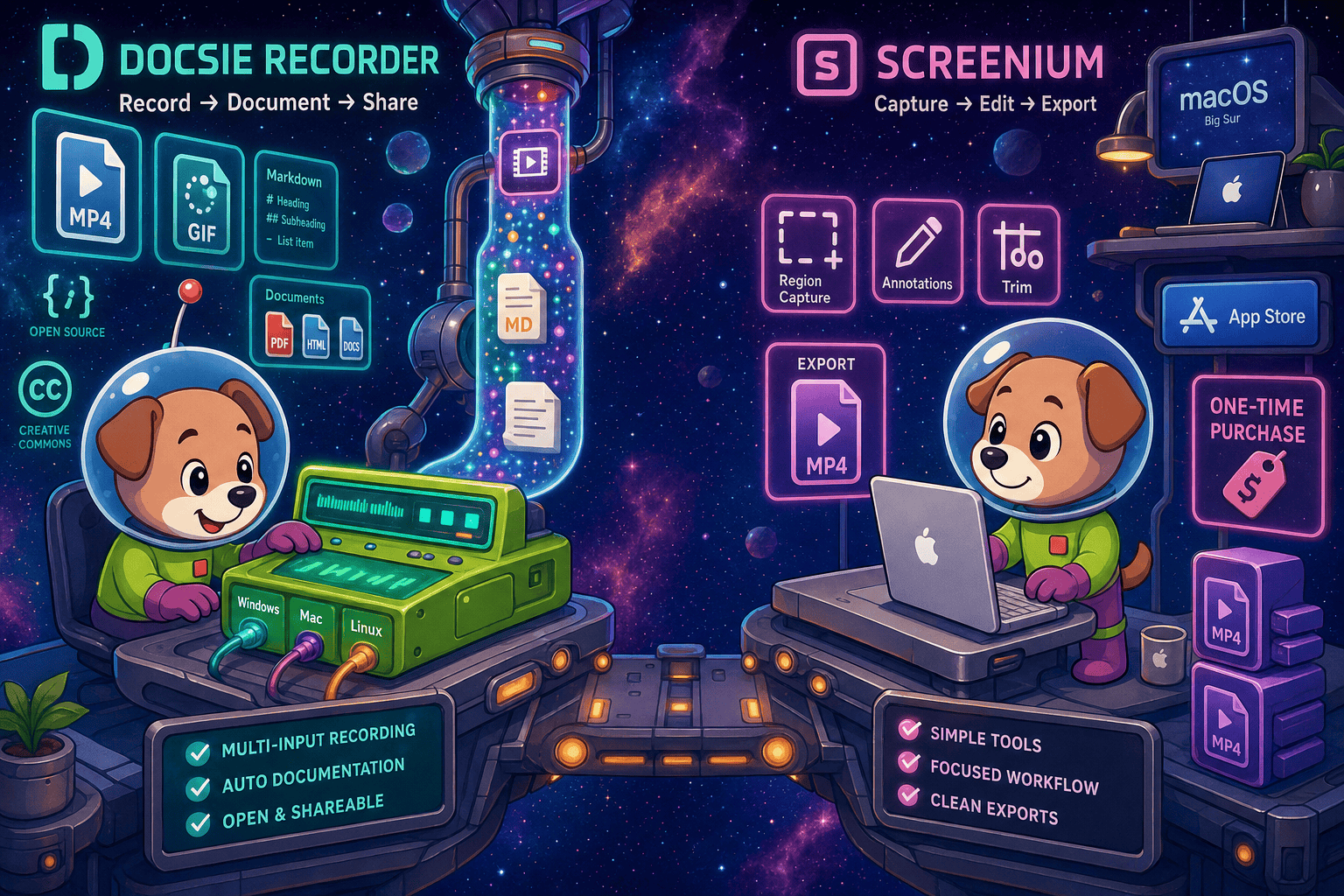
For enterprise buyers, Docsie Recorder and Screenium cover narrow slices (free and affordable one-time purchase at us$59) while Docsie adds SSO, audit trails, multi-tenant portals, and compliance monitoring in one platform.
Feature Matrix
A focused comparison of recording capabilities, cross-platform support, AI documentation workflow, and enterprise-readiness features between Docsie Recorder and Screenium.
| Feature |
Docsie Recorder
Our Pick
|
Screenium
|
|---|---|---|
| Free to Use | ||
| Open-Source Recorder Core | ||
| Mac Support | ||
| Windows Support | ||
| Linux Support | ||
| Window and Full-Screen Capture | ||
| Microphone Capture | ||
| System Audio Capture | Platform-specific | |
| Webcam Overlay | ||
| Automatic Zoom | ||
| Manual Zoom | ||
| Annotations and Blur Regions | ||
| Local MP4 Export | ||
| Video-to-Docs Conversion | ||
| Markdown Export | ||
| DOCX Export | ||
| Knowledge Base Publishing | ||
| Versioned Documentation Management | ||
| Multi-Tenant Portal Delivery | ||
| SSO (SAML/OAuth) | ||
| API Access | ||
| Audit Logs | ||
| Role-Based Access Control | ||
| Enterprise Deployment Path |
Data as of 2026. Features based on publicly available information and vendor documentation. Docsie enterprise features (SSO, audit logs, RBAC, portals) are part of the Docsie platform tier, which the Recorder feeds into. Screenium is a standalone Mac App Store utility with no enterprise tier.
Strengths & Weaknesses
Deep Dive
A detailed analysis of how Docsie Recorder and Screenium compare across Security & Compliance, Scalability & Performance, Administration & Control, and Support & SLA — the four pillars that matter most to enterprise buyers.
Docsie Recorder's MIT open-source core gives enterprise security teams full visibility into the recording and editing codebase — no black-box binaries making unexplained network calls. The downstream Docsie platform adds SOC 2 Type II compliance, GDPR-ready data handling, EU data residency options, SAML/OAuth SSO, and audit logs that track every documentation action. Screenium is a standalone Mac App Store app with no compliance certifications, no audit trail, no data residency controls, and no SSO integration. For regulated industries, Docsie Recorder's auditable codebase combined with the Docsie platform's compliance posture is categorically stronger.
Docsie Recorder runs locally on macOS, Windows, and Linux, so recording performance scales with local hardware rather than a remote server. The downstream Docsie platform handles knowledge base delivery at enterprise scale with versioned articles, multi-tenant portals serving unlimited clients, and a CDN-backed publishing layer. Screenium is a single-machine Mac utility with no team, cloud, or delivery layer. There is no concept of scaling Screenium — each user operates an entirely independent instance with no shared workspace, no central repository, and no mechanism to aggregate or publish recordings across a team.
Enterprise administrators using Docsie gain role-based access control, workspace-level permissions, SSO-based user provisioning, multi-tenant portal management, and version-controlled documentation with approval workflows. The Docsie Recorder feeds captured content directly into these governed workflows — a recording made by a junior team member can be reviewed, approved, and published by a documentation lead before it reaches the knowledge base. Screenium has no administrative surface whatsoever. There are no user roles, no shared workspaces, no approval flows, and no way to enforce organizational recording standards across a team.
Docsie offers enterprise support tiers with dedicated success management, SLA-backed uptime commitments, and a roadmap accessible to enterprise customers. Because the Docsie Recorder core is open source, enterprise teams can also fork, inspect, and patch the recorder independently of vendor release cycles. Screenium is distributed through the Mac App Store and Synium Software's own site, with support limited to standard consumer channels. There is no enterprise SLA, no dedicated support tier, no guaranteed response time, and no private deployment option. For procurement teams requiring formal SLA documentation, Screenium cannot satisfy that requirement.
Our Recommendation
Screenium is a capable, affordable Mac screencasting tool for individual users who need local recordings without a subscription. It is not an enterprise product. It has no compliance certifications, no team controls, no API, no documentation workflow, and no path to organizational deployment beyond installing the app on each machine individually. Docsie Recorder, by contrast, is a free open-source recorder with a direct pipeline into an enterprise-grade knowledge base platform that covers security, compliance, administration, and delivery at scale.
Choose Docsie Recorder if you need...
Choose Screenium if you need...
Winner: Docsie Recorder
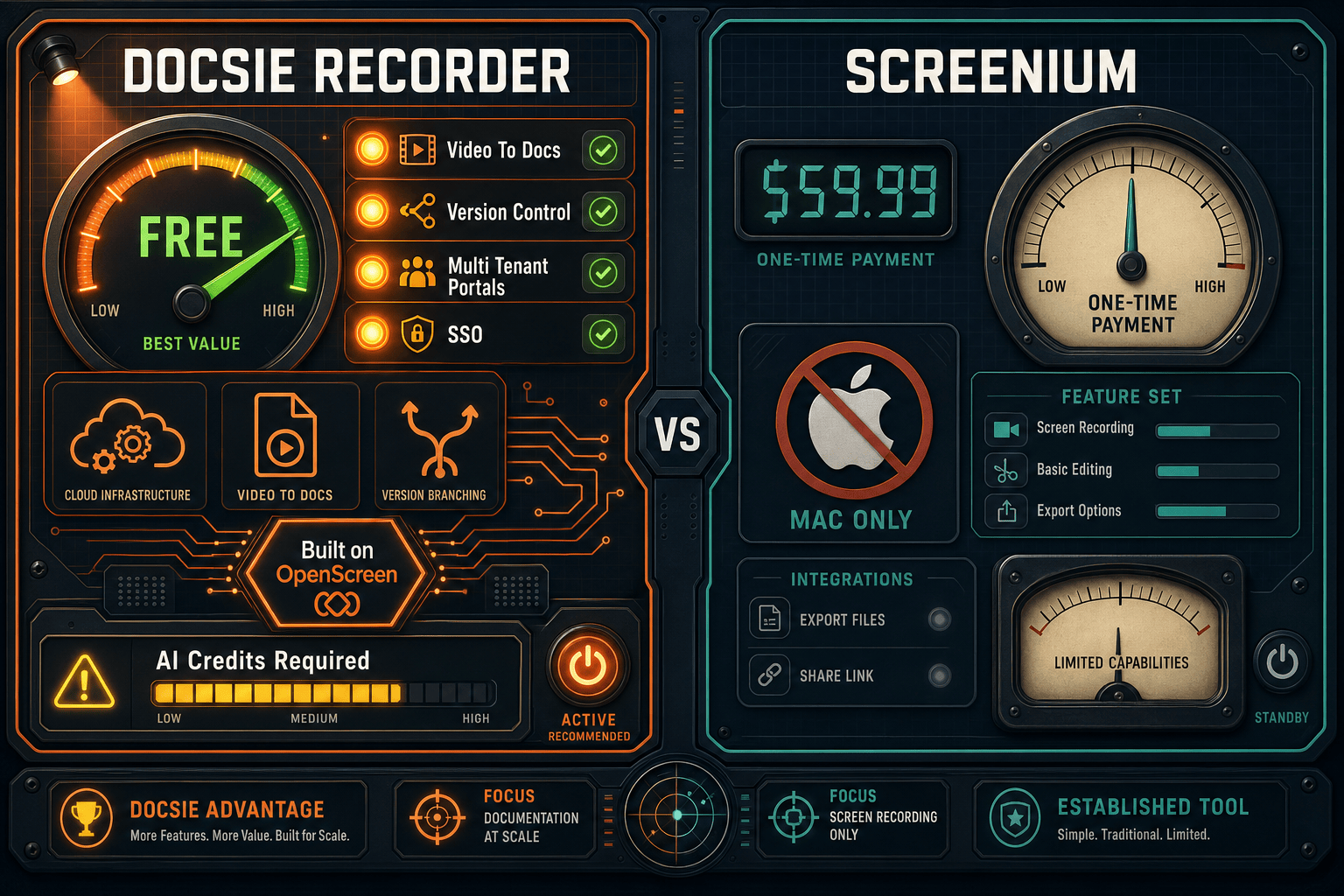
For any team evaluating enterprise readiness, Docsie Recorder wins decisively. It is free and open source, works on every major OS, and connects directly to an enterprise platform with SSO, audit logs, RBAC, compliance certifications, versioned documentation, and multi-tenant portal delivery. Screenium is a solid consumer Mac tool but has no enterprise controls, no documentation workflow, no cross-platform support, and no organizational deployment path. The gap is not close.
Decision Helper
A direct framework for picking between Docsie Recorder, Screenium, and Docsie based on your specific needs.
Docsie's free browser-based recorder that pipes captures straight into Docsie SOPs.
Mac screen recorder with built-in editing for tutorials.

Convert real video into searchable docs, then deploy via multi-tenant portals.
Common Questions
Q: Does Screenium support SSO or SAML for enterprise user management?
A: No. Screenium is a standalone Mac App Store application with no SSO, SAML, OAuth, or any enterprise identity integration. Each user installs and operates the app independently. Docsie Recorder feeds into the Docsie platform, which supports SAML, OAuth, OIDC, Azure AD, and Okta for centralized user provisioning and access management.
Q: Can enterprise security teams audit the Docsie Recorder codebase?
A: Yes. The Docsie Recorder core is open source under an MIT license and hosted on GitHub at github.com/LikaloLLC/docsie-screen-recorder. Security teams can inspect every line of the recorder and editor code before deployment. Screenium is closed-source proprietary software distributed through the Mac App Store with no code visibility for enterprise security review.
Q: Is there a compliance certification difference between the two tools?
A: The downstream Docsie platform — which Docsie Recorder feeds into — is SOC 2 Type II certified and GDPR-ready with EU data residency options and audit logging. Screenium has no published compliance certifications, no audit trail, and no data residency controls. For regulated industries requiring documented compliance posture, Docsie Recorder's integration with the Docsie platform is the only viable path between these two tools.
Q: Can Screenium be centrally deployed and managed across a Windows or Linux organization?
A: No. Screenium is Mac-only and has no centralized deployment mechanism, MDM integration, or enterprise licensing model. Windows and Linux users cannot use it at all. Docsie Recorder provides macOS, Windows, and Linux builds, making it deployable across mixed-OS enterprise environments.
Q: How does Docsie Recorder turn a recording into enterprise documentation?
A: After recording and editing locally, users send the project to Docsie's Video-to-Docs bridge. The AI pipeline transcribes, structures, and formats the content into Markdown, DOCX, or PDF. The output is then published directly into Docsie's knowledge base with version control, approval workflows, and multi-tenant portal delivery. Screenium produces a local video file with no downstream documentation workflow of any kind.
Q: What happens to recordings made in Screenium when a team member leaves the organization?
A: Screenium recordings are stored locally on each user's Mac with no central repository, no shared workspace, and no organizational ownership. When a team member leaves, their recordings leave with them or are lost with their machine. Docsie Recorder connects to the Docsie platform's centralized workspace, so all converted documentation is owned and versioned by the organization regardless of individual employee changes.
Download Docsie Recorder free, capture your first walkthrough, and convert it into structured documentation published to a versioned knowledge base — with enterprise-grade SSO, audit logs, and multi-tenant portal delivery when your team is ready to scale.
Free to record, edit, and export MP4/GIF locally. Video-to-Docs conversion uses Docsie AI credits. No account required to get started.