
4.8
on G2
 Docsie Recorder
 ScreenFlow
ScreenFlow is a powerful Mac-only video editor trusted by course creators and educators. Docsie Recorder is a free, open-source, cross-platform screen recorder that converts recordings into structured documentation and connects to an enterprise knowledge base platform. If your team evaluates tools on SSO, compliance, audit controls, and multi-platform deployment, these two products land in very different places.
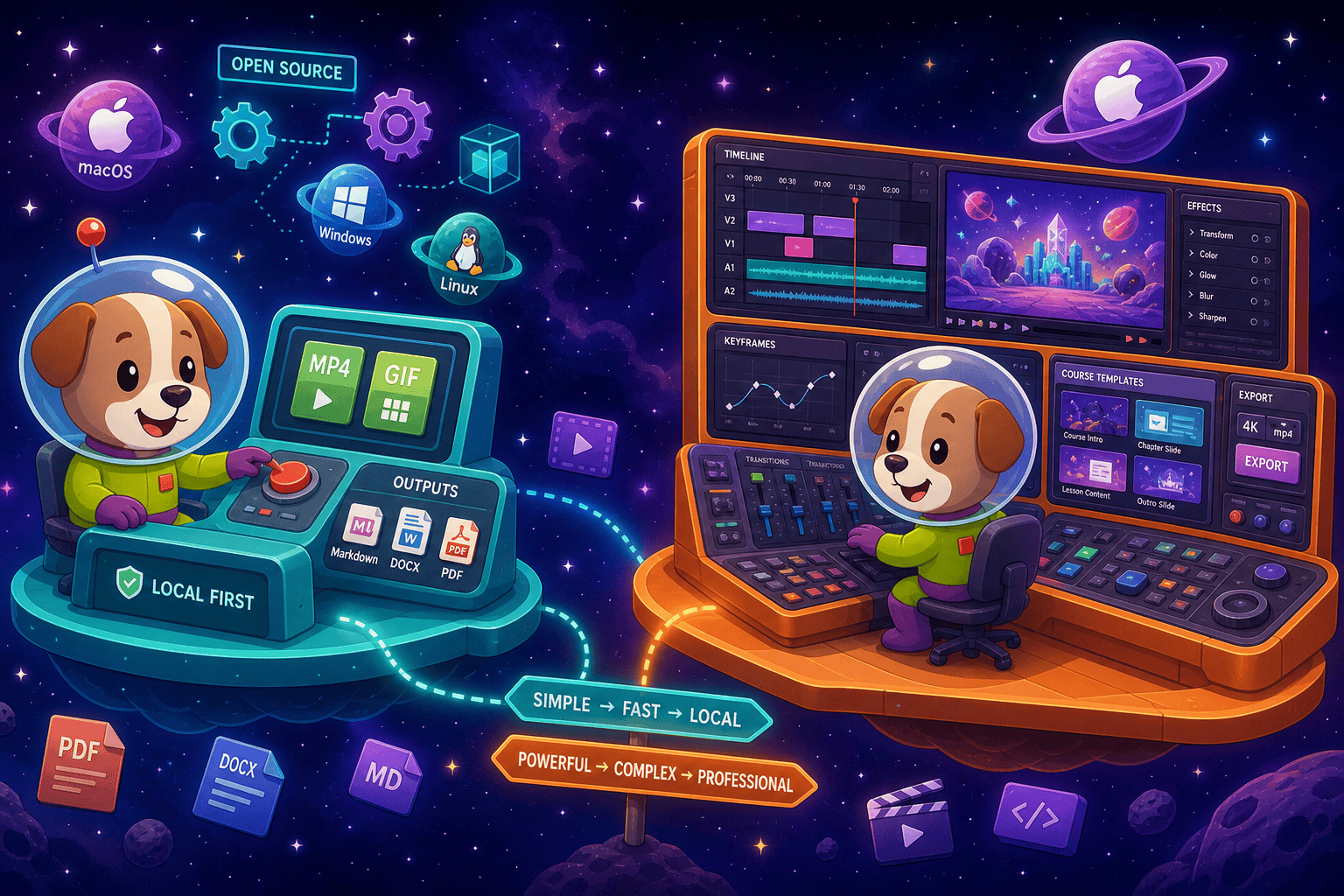
For enterprise buyers, Docsie Recorder and ScreenFlow cover narrow slices (free and open-source recorder/editor core with mit license and mature) while Docsie adds SSO, audit trails, multi-tenant portals, and compliance monitoring in one platform.
Enterprise Feature Matrix
A focused comparison of the features that matter most to enterprise buyers — platform coverage, security controls, compliance posture, deployment flexibility, and the documentation workflow that follows capture.
| Feature |
Docsie Recorder
Our Pick
|
ScreenFlow
|
|---|---|---|
| Free to use | ||
| Open-source recorder core | ||
| Mac support | ||
| Windows support | ||
| Linux support | ||
| Window and full-screen capture | ||
| Microphone capture | ||
| System audio capture | Platform-dependent | |
| Webcam overlay | ||
| Automatic zoom / cursor polish | Manual only | |
| Annotations and blur regions | ||
| Local MP4 export | ||
| Local GIF export | ||
| Video-to-docs conversion | ||
| Markdown / DOCX / PDF export | ||
| Knowledge base publishing | ||
| Versioned documentation management | ||
| Multi-tenant portal delivery | ||
| SSO (SAML / OAuth / OIDC) | ||
| Role-based access control | ||
| Audit logs | ||
| API access | ||
| GDPR compliance | ||
| Enterprise deployment path |
Data as of 2026. ScreenFlow enterprise data is based on publicly available Telestream documentation. Docsie Recorder enterprise capabilities reference the broader Docsie platform boundary. Confirm current feature status before purchase.
Strengths & Weaknesses
Enterprise Deep Dive
Enterprise buyers evaluate tools across security and compliance, scalability and performance, administration and control, and support. Here is how Docsie Recorder and ScreenFlow compare across each dimension.
Docsie Recorder's open-source MIT core means enterprise security teams can audit the recording code directly — a posture closed-source tools cannot match. The downstream Docsie platform adds GDPR compliance, EU data residency options, and SSO via SAML, OAuth, and OIDC for identity governance. ScreenFlow is a local Mac application with no published compliance documentation, no GDPR controls, no data residency options, and no identity federation. For regulated industries or teams subject to data governance requirements, Docsie Recorder's auditable codebase and compliant cloud boundary represent a fundamentally different security posture than ScreenFlow's closed-source local app.
ScreenFlow is a single-user Mac desktop application. It scales only as far as individual license seats, with no shared workspace, no collaborative review, and no centralized content delivery. Docsie Recorder captures locally for zero-latency recording performance, then routes output into the Docsie platform, which is built for multi-team, multi-tenant scale. One recording can be converted into versioned documentation, published to multiple branded portals, translated into 100+ languages, and delivered to unlimited end users. For enterprises growing beyond a handful of content creators, the scalability gap between a local Mac editor and a cloud-backed documentation platform is decisive.
ScreenFlow has no administration layer. There are no user roles, no permission scopes, no content approval workflows, and no audit trail of who recorded, edited, or published what. Docsie Recorder, through the Docsie platform, provides role-based access control, workspace-level permissions, content approval workflows, and audit logs that satisfy compliance and governance requirements. Administrators can provision users through SSO, control workspace access centrally, and trace documentation changes over time. For IT and security teams that need to govern who creates, reviews, and publishes documentation, ScreenFlow offers nothing; Docsie Recorder connects to a full administration and control layer.
ScreenFlow is distributed as packaged software with a support plan option. There is no published uptime SLA because there is no cloud service to guarantee. Support is limited to software bug resolution. Docsie Recorder's recorder core is backed by an open-source community and GitHub issue tracking, while the Docsie platform provides enterprise support tiers with defined SLAs, dedicated account management, and onboarding assistance. For enterprises that require contractual uptime guarantees, escalation paths, and service-level commitments, the Docsie platform's enterprise tier provides a credible support structure that a desktop video editor simply cannot offer.
Our Recommendation
ScreenFlow is an excellent Mac video editor for individual educators and course creators who need polished screencasts. It was not designed for enterprise deployment, has no identity management, no compliance posture, no audit controls, and no cross-platform coverage. Docsie Recorder starts as a free, open-source, cross-platform recorder and extends into a documented enterprise workflow — from capture through convert, manage, and deliver — backed by SSO, RBAC, audit logs, and GDPR controls. For any enterprise evaluation that includes security, compliance, or multi-platform requirements, ScreenFlow does not clear the bar.
Choose Docsie Recorder if you need...
Choose ScreenFlow if you need...
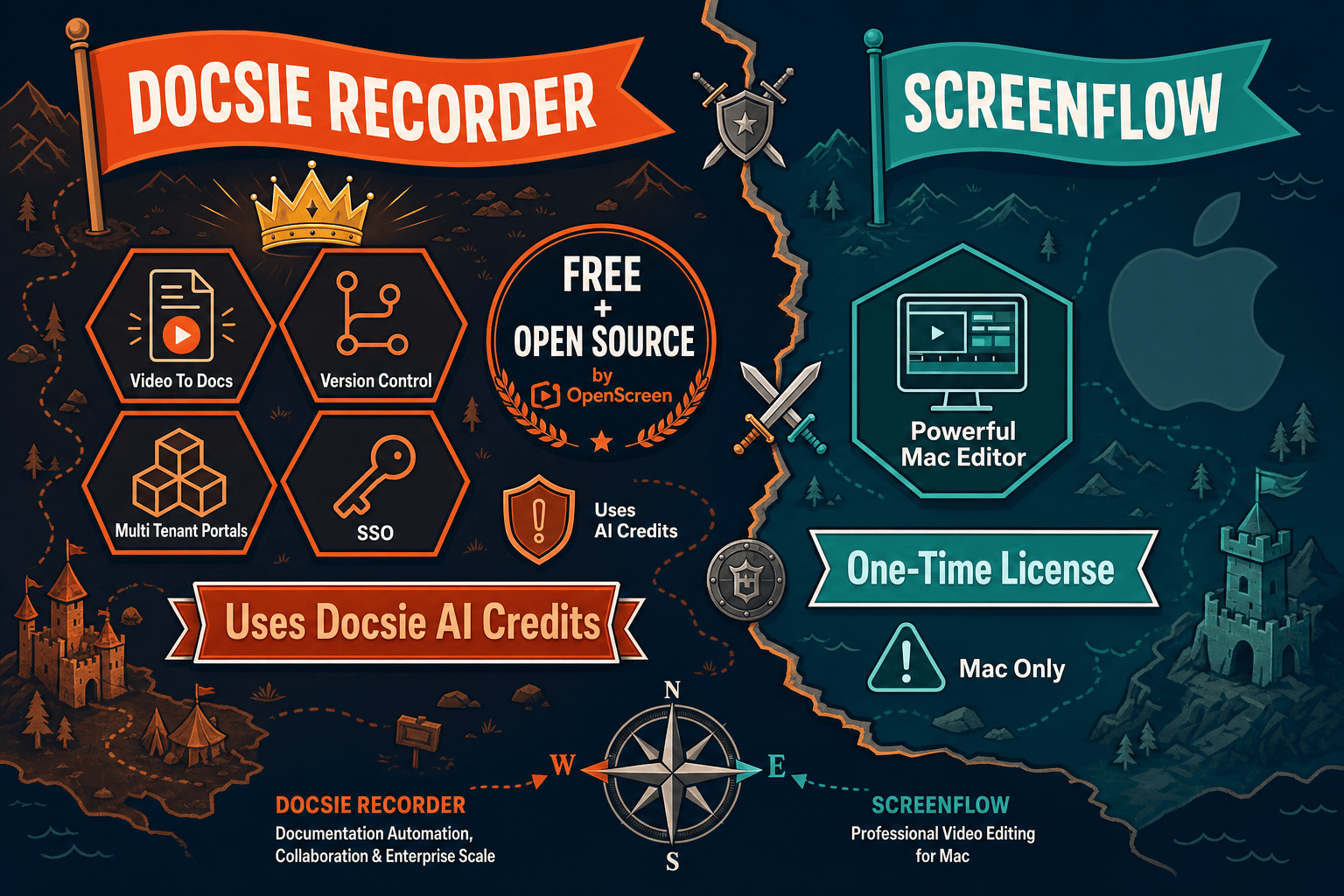
Winner: Docsie Recorder
Docsie Recorder wins the enterprise readiness evaluation because it is the only tool in this comparison with cross-platform support, an auditable open-source recorder core, SSO and RBAC through the Docsie platform, GDPR compliance, audit logs, API access, and a complete record-to-publish documentation workflow. ScreenFlow is a strong Mac video editor but has no enterprise identity, compliance, or governance capabilities, making it unsuitable for enterprise procurement evaluation.
Decision Helper
A direct framework for picking between Docsie Recorder, ScreenFlow, and Docsie based on your specific needs.
Docsie's free browser-based recorder that pipes captures straight into Docsie SOPs.
Telestream's pro-grade screen-recording and video-editing suite.

Convert real video into searchable docs, then deploy via multi-tenant portals.
Common Questions
Q: Does ScreenFlow support SSO or SAML for enterprise identity management?
A: No. ScreenFlow is a standalone Mac desktop application with no SSO, SAML, OAuth, or OIDC integration. Each user manages their own software license independently. Docsie Recorder connects to the Docsie platform which supports SAML, OAuth, and OIDC, allowing enterprise IT teams to provision and deprovision users through their existing identity provider.
Q: Is Docsie Recorder's codebase auditable by enterprise security teams?
A: Yes. The Docsie Recorder core is built on OpenScreen and published under an MIT license on GitHub, meaning security teams can review the source code directly. ScreenFlow is proprietary and closed-source, so no code audit is possible. For enterprises with software composition analysis or open-source review requirements, Docsie Recorder's auditable codebase is a meaningful differentiator.
Q: How does GDPR compliance compare between the two tools?
A: Docsie Recorder operates with a local recording layer that stores no data externally, and the downstream Docsie platform provides GDPR compliance documentation, EU data residency options, and data processing agreements. ScreenFlow has no published GDPR compliance documentation or data residency controls. For enterprises subject to GDPR or similar data protection regulations, only Docsie Recorder connects to a platform with a documented compliance posture.
Q: Can ScreenFlow be deployed across a mixed Windows and Mac enterprise environment?
A: No. ScreenFlow is Mac-only and has never supported Windows or Linux. Docsie Recorder provides builds for macOS, Windows, and Linux, making it suitable for enterprises with heterogeneous device fleets. This is one of the most disqualifying enterprise limitations of ScreenFlow for IT procurement teams managing multi-platform environments.
Q: Does Docsie Recorder provide audit logs for compliance and governance?
A: The Docsie platform, which Docsie Recorder connects to for documentation publishing and management, provides audit logs that track content creation, editing, publishing, and access events. ScreenFlow produces no audit trail of any kind. For teams in regulated industries or subject to internal governance requirements, Docsie's audit logging capability through the platform is a critical enterprise feature ScreenFlow cannot provide.
Q: What happens to recordings after they are created in each tool?
A: In ScreenFlow, recordings stay as video files managed locally or exported manually — there is no downstream workflow, no documentation publishing, and no centralized access control. In Docsie Recorder, a recording can be sent directly to Docsie's Video-to-Docs pipeline, converted into structured Markdown or DOCX, published into a versioned knowledge base, and delivered through branded portals with SSO-gated access. The recording becomes a managed, governed documentation asset rather than an isolated video file.
Download Docsie Recorder free for macOS, Windows, or Linux. Record, edit, convert to structured docs, and publish into a GDPR-compliant knowledge base with SSO and audit logs — all from one open-source starting point.
Free recorder with no account required. Video-to-Docs conversion uses Docsie AI credits. Enterprise platform features available on Docsie workspace plans.