
4.8
on G2
 Docsie Recorder
 ScreenApp
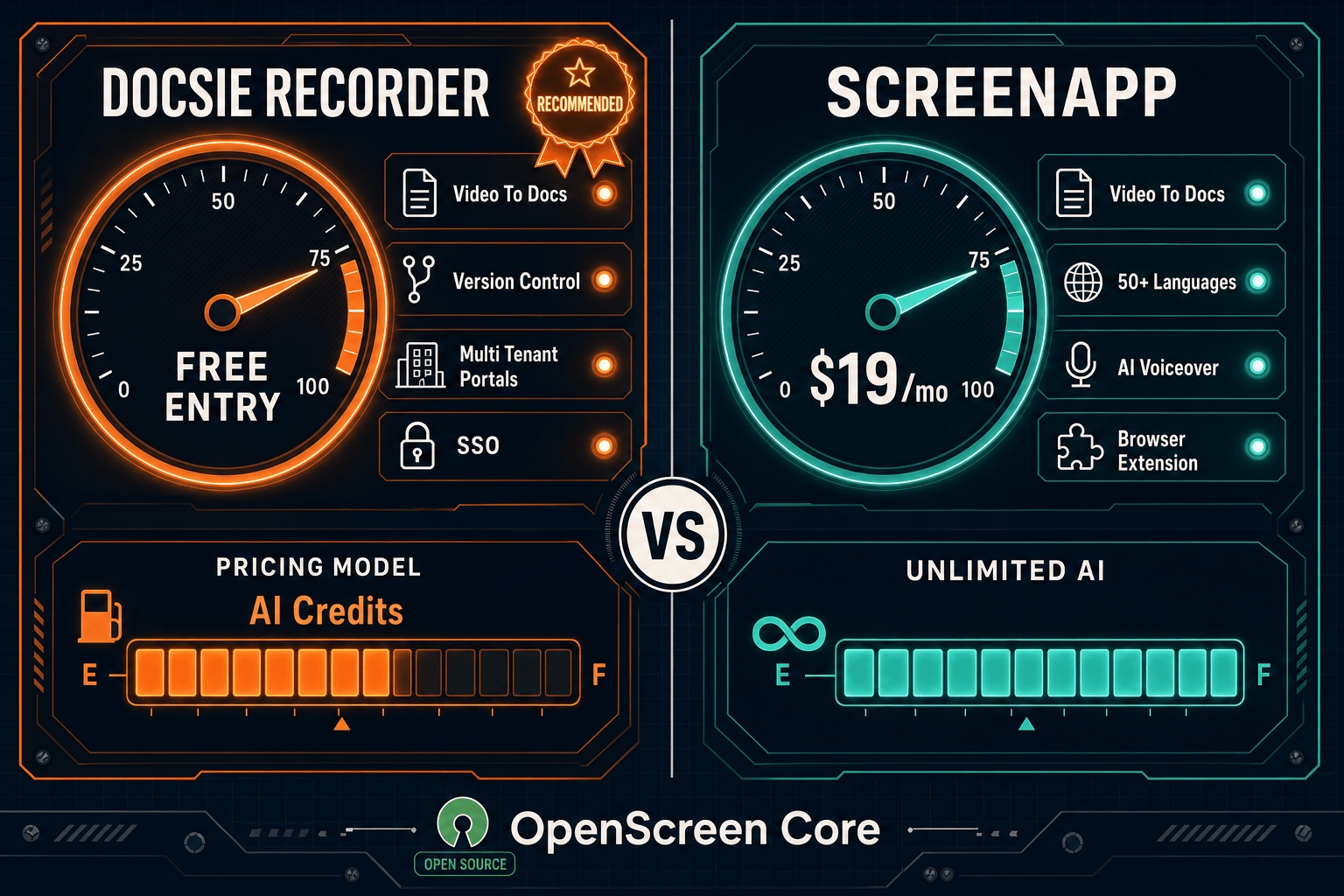
Both Docsie Recorder and ScreenApp convert screen recordings into documentation, but they approach the workflow very differently. Docsie Recorder is a free, open-source desktop app built on OpenScreen that records, edits, and exports locally—then routes recordings directly into Docsie's Video-to-Docs pipeline for structured knowledge base publishing. ScreenApp is a browser-based AI recorder and meeting bot at $19/month with unlimited transcription, but it stops at basic doc export and has no knowledge base, versioning, or multi-tenant delivery.
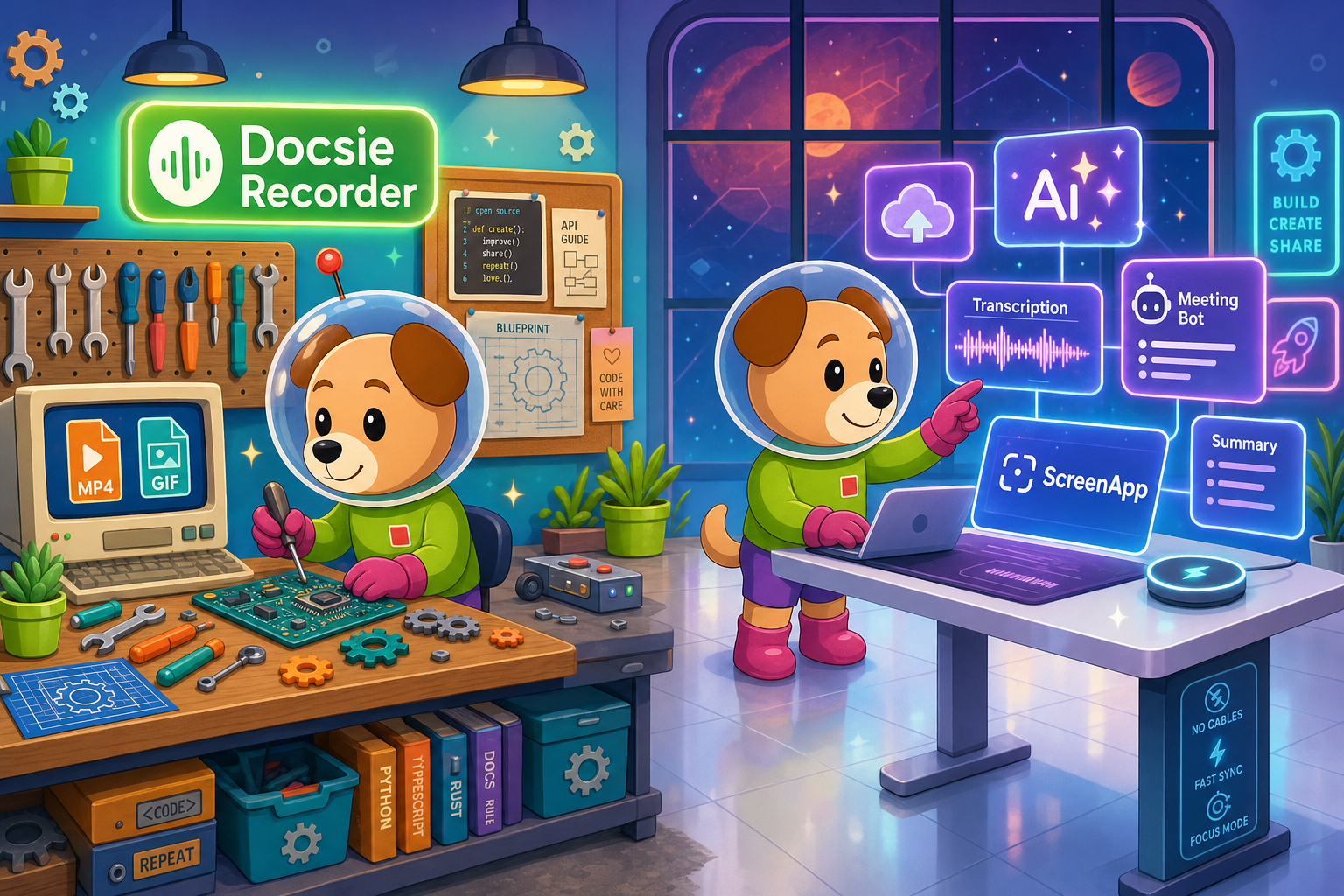
Docsie Recorder leads with free; ScreenApp leads with affordable self-serve entry at $19/month for unlimited ai transcription and unlimited recordings. Neither converts real video into docs and deploys multi-tenant portals; Docsie does both.
Feature Matrix
A comprehensive side-by-side comparison covering recorder capabilities, editing tools, export formats, AI-powered video-to-docs conversion, and downstream knowledge base features.
| Feature |
Docsie Recorder
Our Pick
|
ScreenApp
|
|---|---|---|
| Free Desktop Recorder | ||
| Open-Source Recorder Base | ||
| Mac Support | ||
| Windows Support | ||
| Linux Support | ||
| Window & Full-Screen Capture | ||
| Microphone Capture | ||
| System Audio Capture | Platform-dependent | |
| Webcam Overlay | ||
| Automatic or Manual Zoom | ||
| Cursor & Focus Polish | ||
| Backgrounds & Visual Effects | ||
| Crop, Trim & Speed Regions | ||
| Annotations & Blur Regions | ||
| Local MP4 Export | ||
| Local GIF Export | ||
| Project Save Format (.docsiescreen) | ||
| Video-to-Docs Conversion | ||
| Markdown Export | ||
| DOCX Export | ||
| PDF Export | ||
| AI Transcription (50+ languages) | Via Docsie pipeline | |
| Meeting Bot (Zoom/Meet/Teams) | ||
| Knowledge Base Publishing | ||
| Versioned Documentation Management | ||
| Multi-Tenant Portal Delivery | ||
| Custom Domain Support | ||
| SSO (SAML) | Enterprise only | |
| API Access | Business tier+ | |
| Enterprise Deployment Path | Starting $199/mo |
Data as of February 2026. Features based on publicly available information and vendor documentation. Confirm current release status and pricing before purchase.
Strengths & Weaknesses
Deep Dive
An in-depth analysis of recorder capabilities, AI and automation features, enterprise readiness, and ecosystem integrations—focused on what matters most for teams evaluating screen recorders and video-to-docs tools.
Docsie Recorder is built on the OpenScreen desktop engine and ships with a full editing suite that most browser-based recorders never offer—automatic and manual zoom with cursor telemetry, focus polish, motion blur, custom backgrounds and gradients, crop and trim, speed regions, text and arrow annotations, and blur regions for redacting sensitive content. All editing is local and non-destructive using .docsiescreen project files. ScreenApp captures screen and webcam through a browser recorder or Chrome extension with basic trim, but has no zoom polish, no background controls, no blur regions, and no project persistence. For teams that want polished, Screen Studio-quality recordings before converting to docs, Docsie Recorder wins on editing depth.
ScreenApp leads on raw AI transcription breadth—50+ languages, unlimited AI credits at $19/month, meeting bot auto-join, and chat-with-video features are genuinely strong for a self-serve tool. Docsie Recorder's Video-to-Docs pipeline goes a different direction: rather than stopping at a transcript or basic summary, it routes the recording through Docsie's structured conversion flow to generate Markdown with headings, steps, and screenshots—with credit estimation, quality tier, language, doc style, rewrite instructions, and template configuration before the job runs. The output lands directly in a Docsie workspace, not a download folder. For teams who need a transcript, ScreenApp is fast and cheap. For teams who need a structured, publishable documentation article, Docsie's pipeline is the complete workflow.
Docsie Recorder's downstream platform brings enterprise-grade documentation management that ScreenApp simply does not offer: versioned documentation with inheritance, multi-tenant portals that serve branded knowledge bases to multiple clients from one workspace, custom domain support, SSO, and a full API. Docsie also supports audit trails, role-based access, and compliance workflows for regulated industries. ScreenApp's enterprise tier starts at $199/month and adds SAML SSO and SOC 2 compliance, but still delivers no knowledge base, no versioning, no multi-tenant portals, and no on-premise or air-gapped deployment path. For teams that need recordings to feed a managed, versioned, multi-client documentation system, ScreenApp hits a hard ceiling.
ScreenApp integrates well as a recording surface—its Chrome extension, mobile app, meeting bot, and webhook support on the Business tier make it easy to pipe recordings and transcripts into other tools. It exports MP4, Word, PDF, Markdown, and TXT. Docsie Recorder's integration story is different in kind: the recorder is the entry point of a CREATE → CONVERT → MANAGE → DELIVER workflow. Once a recording is converted, Docsie's platform handles publishing to portals, serving through embeddable widgets, reusing content as course material in its LMS, routing through automation workflows, and monitoring for compliance. ScreenApp produces files to export; Docsie Recorder produces documentation that lives, versions, and ships inside a complete knowledge platform.
Our Recommendation
Docsie Recorder and ScreenApp both sit in the video-to-docs category, but they serve different buyers. ScreenApp is the right choice for individuals and small teams who want a cheap, browser-based AI recorder with meeting bot and unlimited transcription—and who only need a document export at the end. Docsie Recorder is the right choice for teams who want a free, open-source, cross-platform desktop recorder with professional editing tools, and who need the recording to become structured, versioned, published documentation inside a managed knowledge base—not just a downloadable file.
Choose Docsie Recorder if you need...
Choose ScreenApp if you need...
Winner: Docsie Recorder
For teams evaluating screen recorders and video-to-docs tools, Docsie Recorder delivers more value at every layer. It is free and open-source for the recording and editing step, ships professional-grade editing features that ScreenApp's browser recorder does not have, and is the only tool in this comparison that connects the recording directly to a versioned, multi-tenant knowledge base publishing workflow. ScreenApp is a capable self-serve AI transcription tool, but it produces isolated document exports. Docsie Recorder produces documentation that lives inside a managed platform—making it the stronger choice for support, product, and enablement teams who need one workflow from capture to published docs.
Decision Helper
A direct framework for picking between Docsie Recorder, ScreenApp, and Docsie based on your specific needs.
Docsie's free browser-based recorder that pipes captures straight into Docsie SOPs.
Cloud video recording and transcription with searchable libraries.

Convert real video into searchable docs, then deploy via multi-tenant portals.
Common Questions
Q: Is Docsie Recorder really free compared to ScreenApp?
A: Yes. Docsie Recorder is a free, open-source desktop application built on OpenScreen—you can download it, record, edit, and export MP4 and GIF files locally with no account and no subscription required. ScreenApp's free tier limits you to 3 recordings with watermarked output. The difference is that Docsie Recorder's Video-to-Docs conversion step uses Docsie AI credits, while ScreenApp's $19/month Growth plan includes unlimited AI transcription. If you only need recording and local export, Docsie Recorder is entirely free.
Q: Does ScreenApp have the same editing tools as Docsie Recorder?
A: No. ScreenApp is a browser-based recorder focused on transcription and AI document generation—it offers basic trim but has no auto-zoom, cursor polish, motion blur, custom backgrounds, blur regions, or non-destructive project files. Docsie Recorder is a full desktop editor with cursor telemetry zoom suggestions, background and gradient controls, speed regions, annotations, and blur redaction. Teams that want polished, Screen Studio-style recordings before converting to documentation will find Docsie Recorder significantly more capable on the editing side.
Q: Can ScreenApp publish documentation to a knowledge base like Docsie?
A: No. ScreenApp generates a document export (Word, PDF, Markdown, TXT) that you download or share as a file. It has no knowledge base, no versioning, no multi-tenant portals, and no custom domain support. Docsie Recorder's Video-to-Docs pipeline sends the converted output directly into Docsie's documentation platform, where it can be versioned, managed, translated, and published to branded portals—making it a complete workflow rather than a file download.
Q: Does Docsie Recorder support meeting recording like ScreenApp's meeting bot?
A: Not currently. ScreenApp's meeting bot automatically joins Zoom, Google Meet, and Teams sessions and records without manual intervention, which is a genuine strength for teams focused on meeting documentation. Docsie Recorder is a desktop capture tool for screen workflows, walkthroughs, and tutorial recordings rather than a meeting bot. Teams that need meeting recording alongside screen capture may want to evaluate both tools or use ScreenApp for meetings and Docsie Recorder for workflow documentation.
Q: Which tool is better for a team that needs Linux support?
A: Docsie Recorder is the clear choice for Linux users. It ships cross-platform desktop builds for macOS, Windows, and Linux. ScreenApp operates as a browser-based tool and Chrome extension—it has no native Linux desktop recorder, and its mobile app does not cover Linux workflows. Engineering and DevOps teams on Linux who want a free, open-source recorder with local export will find Docsie Recorder is one of the very few options in the video-to-docs category that supports their platform.
Q: If I want my recordings to become versioned documentation—not just a transcript—which tool should I choose?
A: Choose Docsie Recorder. ScreenApp's AI output is a transcript and a basic summary document that you export and manage yourself. Docsie Recorder's Video-to-Docs pipeline generates structured Markdown with headings and steps, and publishes directly into Docsie's knowledge base where the article can be versioned, translated into 100+ languages, reviewed through approval workflows, and delivered through multi-tenant portals. If the end goal is a managed documentation article—not a downloaded file—Docsie Recorder is the only choice in this comparison that completes the full workflow.
Download Docsie Recorder free—open-source, cross-platform, and built to turn screen recordings into versioned knowledge base documentation through Docsie's Video-to-Docs pipeline.
Free to download and record locally. No account required for MP4 and GIF export. Video-to-Docs conversion uses Docsie AI credits.