
4.8
on G2
 Docsie Recorder
 Rotato
Docsie Recorder is a free, open-source desktop screen recorder that captures real workflows and converts them into structured documentation. Rotato is a Mac and web tool for creating polished 3D device mockup videos from imported app footage. If you searched for a screen recorder, a Screen Studio alternative, or a video-to-docs tool, these two products serve very different purposes — and this comparison explains exactly why.
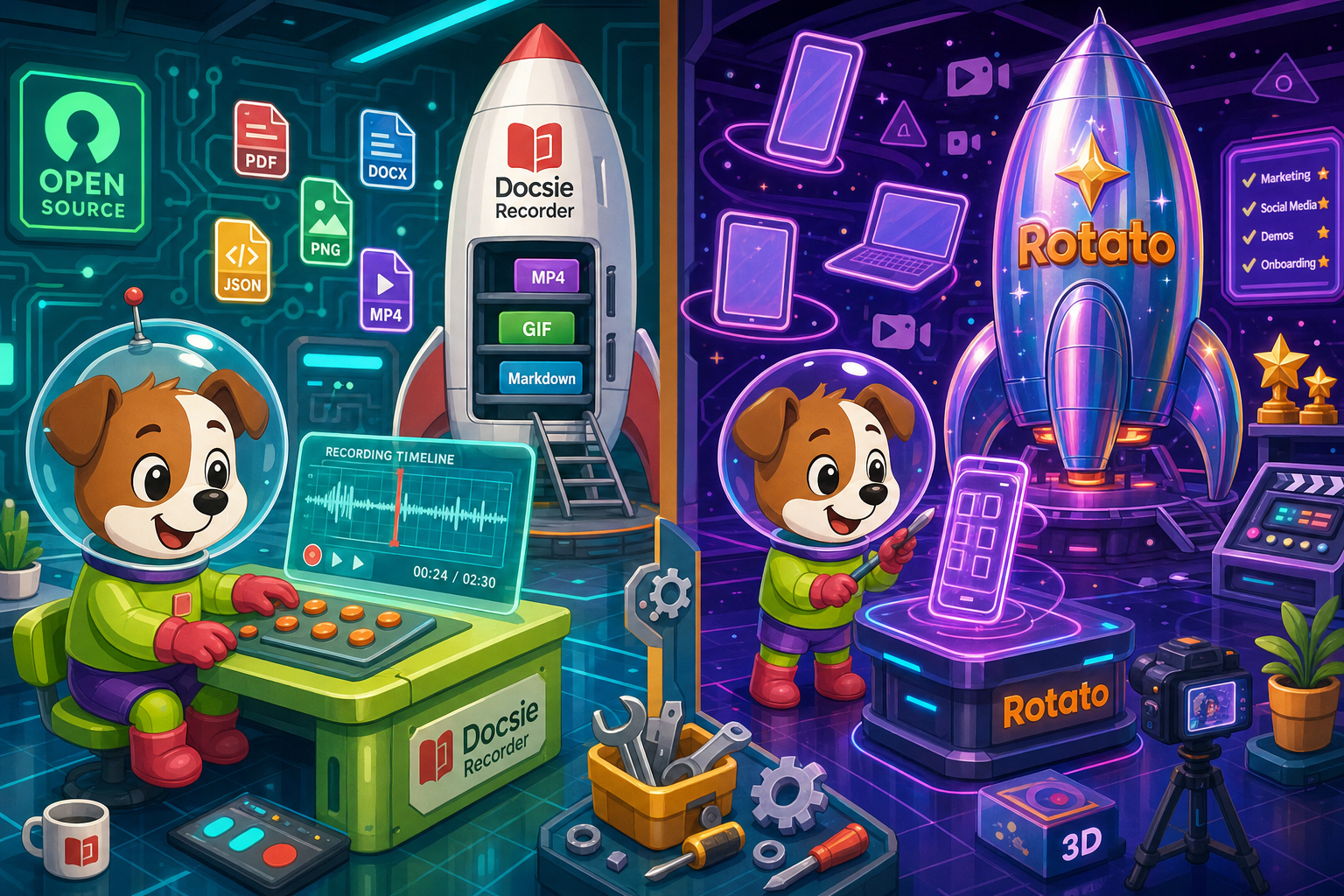
Docsie Recorder leads with free; Rotato leads with unique 3d device mockup workflow purpose-built for app store and marketing visuals. Neither converts real video into docs and deploys multi-tenant portals; Docsie does both.
Feature Matrix
A comprehensive feature-by-feature comparison covering screen capture, editing, export formats, video-to-docs conversion, and downstream documentation capabilities.
| Feature |
Docsie Recorder
Our Pick
|
Rotato
|
|---|---|---|
| Free Desktop Recorder | ||
| Open-Source Recorder Base | ||
| Mac Support | ||
| Windows Support | ||
| Linux Support | ||
| Window and Full-Screen Capture | ||
| Microphone Capture | ||
| System Audio Capture | Platform-specific | |
| Webcam Overlay | ||
| Automatic or Manual Zoom | ||
| Cursor and Focus Polish | ||
| Backgrounds and Visual Effects | Wallpapers, gradients, solid colors, custom | 3D device scenes |
| Crop, Trim, Speed Regions | Limited | |
| Annotations and Blur Regions | ||
| Local MP4 Export | ||
| Local GIF Export | ||
| Project Save Format | .docsiescreen project files | Proprietary project |
| Video-to-Docs Conversion | ||
| Markdown Export | ||
| DOCX Export | ||
| PDF Export | ||
| Knowledge Base Publishing | ||
| Versioned Documentation Management | ||
| Multi-Tenant Portal Delivery | ||
| Enterprise Deployment Path | ||
| 3D Device Mockup Scenes | ||
| App Store Marketing Video Output | ||
| API Access | ||
| SSO (SAML/OAuth) |
Data as of 2026. Features based on publicly available information and vendor documentation. Confirm current Rotato pricing and plan limits at rotato.app before relying on this comparison.
Strengths & Weaknesses
Deep Dive
An in-depth analysis of recording capabilities, AI and automation, enterprise readiness, and ecosystem fit for teams evaluating screen recorders and documentation tools.
Docsie Recorder captures real screen workflows — specific windows or full screen — with microphone audio, webcam overlay, zoom, annotations, blur, and timeline editing. The recording becomes a .docsiescreen project file that exports to MP4 or GIF locally, then feeds directly into Docsie's Video-to-Docs pipeline to produce structured Markdown, DOCX, or PDF. Rotato, by contrast, is not a recorder at all. It imports existing footage and wraps it in 3D device mockup scenes for marketing video output. Teams searching for a screen recorder or documentation tool will find zero recording capability inside Rotato.
Docsie Recorder connects to Docsie's Video-to-Docs API, which uses multimodal AI to transcribe audio, interpret on-screen actions, and generate structured documentation from the recording. Users can choose quality tier, output language, documentation style, and provide rewrite or template instructions before submitting. The result is a structured Markdown or rich-text document ready for knowledge base publishing. Rotato has no AI transcription, no step detection, no text generation, and no document output of any kind. Its automation is limited to timeline and scene animation for mockup videos, not workflow documentation.
Docsie Recorder's open-source MIT core gives security teams a fully auditable codebase — a rare property among screen recorders. The downstream Docsie platform adds SSO (SAML, OAuth, OIDC, Azure AD, Okta), role-based access control, multi-tenant portal delivery, versioned documentation management, custom domains, and an enterprise deployment path with data residency options. Rotato offers no enterprise features. There is no SSO, no audit logs, no compliance posture, no role-based access, and no multi-tenant delivery. For any team with enterprise procurement requirements, Rotato is not a viable comparison point on this dimension.
Docsie Recorder integrates with the broader Docsie ecosystem through a native bridge: record locally, send to the Video-to-Docs API, preview structured output, and publish into Docsie documentation workflows. From there, the same content can be versioned, translated into 100+ languages, delivered through branded portals, reused as course material in Docsie's LMS, and routed into automation and compliance monitoring workflows. Rotato integrates with no documentation ecosystem. It is a standalone mockup tool with image and video export. Teams that need a CREATE-to-MANAGE workflow — where a single recording becomes docs, a knowledge base, and course content — will find no path to that inside Rotato.
Our Recommendation
Docsie Recorder and Rotato are not direct competitors. Docsie Recorder is a free, open-source screen recorder and editor that captures real workflows and converts them into structured documentation. Rotato is a 3D device mockup video tool for marketing teams. If you found this page while searching for a screen recorder, a Screen Studio alternative, or a video-to-docs tool, Rotato is not the product you are evaluating — it cannot record your screen, generate documentation, or publish to a knowledge base. Docsie Recorder handles all three.
Choose Docsie Recorder if you need...
Choose Rotato if you need...
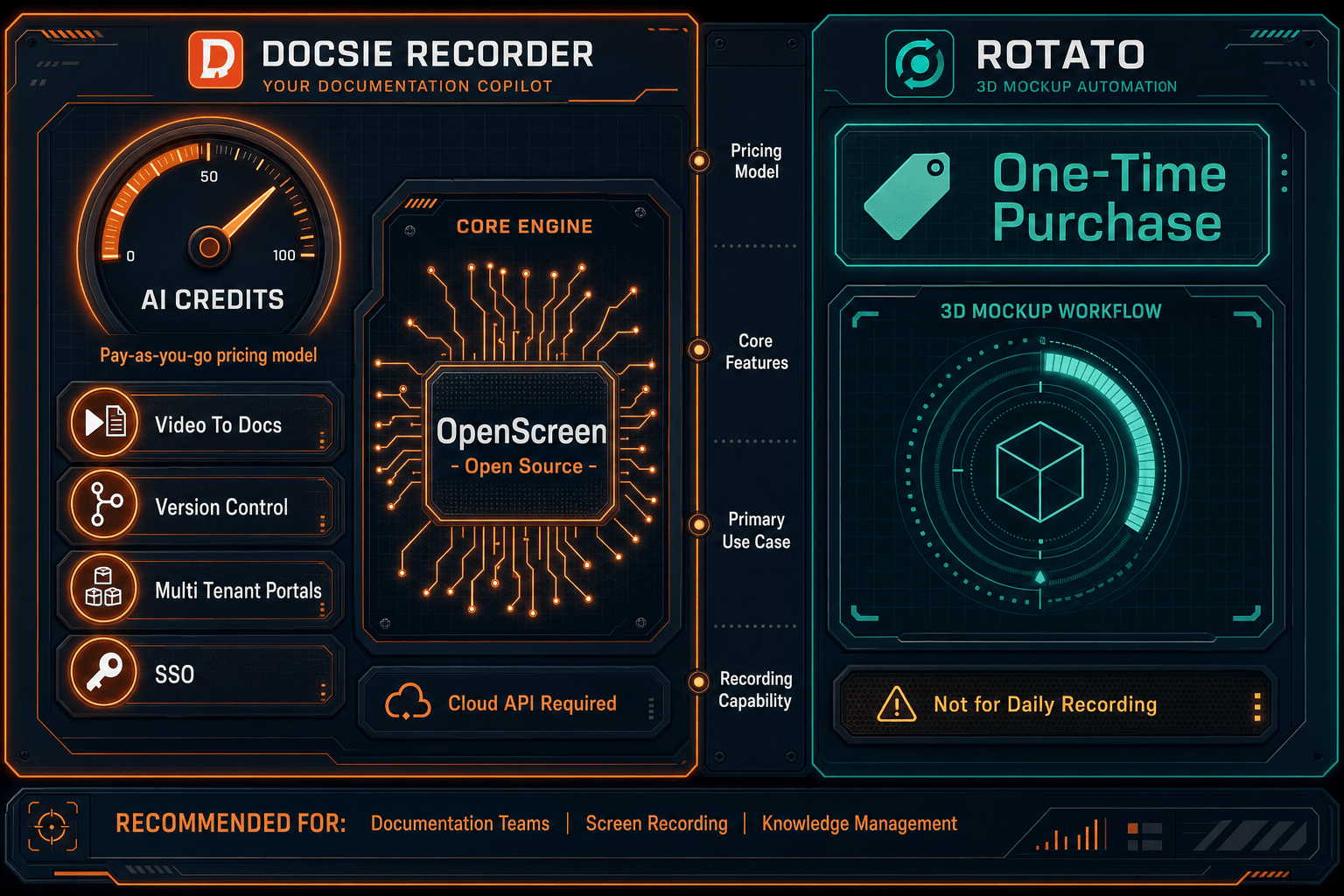
Winner: Docsie Recorder
For any team that searched for a screen recorder, a Screen Studio alternative, a Loom alternative, or a video-to-docs tool, Docsie Recorder is the clear choice. It is the only free, open-source recorder in this comparison that captures real workflows, edits them locally, exports MP4 and GIF without watermarks, and then converts the same recording into structured documentation published to a managed knowledge base. Rotato serves a legitimate but entirely different purpose — 3D marketing mockups — and has no recording, documentation, or knowledge base capabilities whatsoever.
Decision Helper
A direct framework for picking between Docsie Recorder, Rotato, and Docsie based on your specific needs.
Docsie's free browser-based recorder that pipes captures straight into Docsie SOPs.
3D device-mockup video animator for app demos.

Convert real video into searchable docs, then deploy via multi-tenant portals.
Common Questions
Q: Can Rotato record my screen or capture a workflow?
A: No. Rotato does not record your screen. It is a 3D device mockup tool that imports existing footage and wraps it in animated device scenes for marketing videos. If you need to capture a live workflow, record audio, and generate documentation from that recording, Docsie Recorder is the correct tool — Rotato has no recording capability at all.
Q: Does Docsie Recorder require an account to record and export video?
A: No. Docsie Recorder is a local-first desktop app built on the open-source OpenScreen core. You can record, edit, and export MP4 or GIF files without creating an account. An account is only needed when you choose to send a recording to Docsie's Video-to-Docs pipeline, which uses Docsie AI credits for document generation.
Q: Is Docsie Recorder a good Screen Studio alternative?
A: Yes. Like Screen Studio, Docsie Recorder produces polished screen recordings with automatic zoom, cursor polish, backgrounds, motion blur, and timeline editing. Unlike Screen Studio, Docsie Recorder is free, open-source, cross-platform (macOS, Windows, Linux), and connects directly to a Video-to-Docs pipeline that turns the recording into structured documentation — something Screen Studio does not offer.
Q: Why does a comparison page exist for Docsie Recorder and Rotato if they do different things?
A: Many buyers searching for screen recorders or Screen Studio alternatives encounter Rotato in search results because both tools produce polished video output. This page exists to clarify that Rotato is a marketing mockup tool, not a screen recorder or documentation workflow tool, so buyers can make an informed decision without wasting evaluation time on a product that does not fit their use case.
Q: Can I use Rotato to create mockup videos and then send those videos to Docsie Recorder's Video-to-Docs pipeline?
A: Technically you could upload a Rotato-exported video to Docsie's Video-to-Docs API, but the output would not be useful documentation. Rotato videos show an app inside a spinning 3D iPhone frame — they do not contain real workflow steps, UI interactions, or instructional audio that the Video-to-Docs pipeline is designed to interpret. The pipeline is built for real screen recordings, not marketing mockup animations.
Q: What happens after Docsie Recorder converts a video into documentation?
A: Once the Video-to-Docs job completes, the structured output is published into Docsie's knowledge base platform where it can be versioned, translated into 100+ languages, organized into shelves and books, and delivered through branded multi-tenant portals. The same source material can also be reused as course content in Docsie's built-in LMS, or routed into Docsie's automation and compliance monitoring workflows — all starting from a single screen recording.
Docsie Recorder is free, open-source, and works on macOS, Windows, and Linux. Download it now to capture your first workflow, edit it locally, and connect it to Docsie's Video-to-Docs pipeline — no subscription required to record and export.
Free MIT-licensed recorder. No account required to record, edit, and export MP4 or GIF. AI credits used only when you convert a recording to documentation.