
4.8
on G2
 Docsie Recorder
 Rotato
Docsie Recorder is a free, open-source desktop screen recorder that captures real workflows and converts them into structured documentation. Rotato is a Mac and web tool for creating 3D device mockup videos from app footage. Both sit near the screen recording space, but they serve fundamentally different purposes—and their pricing reflects that gap.
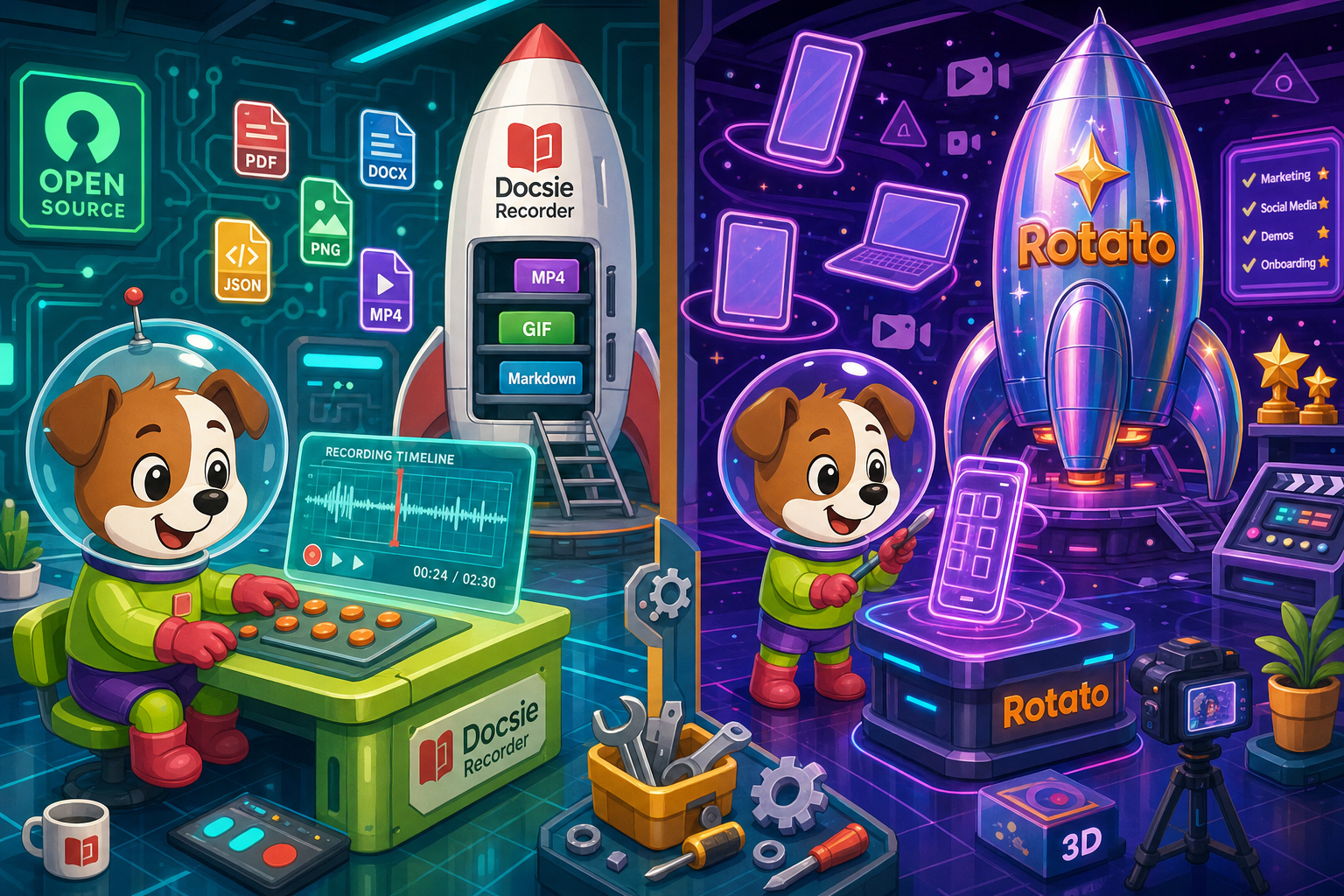
Docsie Recorder and Rotato sit at different price points, but neither bundles video-to-docs with multi-tenant knowledge delivery the way Docsie does.
Feature Matrix
A side-by-side breakdown of recording, editing, export, and documentation capabilities—focused on what each tool actually delivers for the money.
| Feature |
Docsie Recorder
Our Pick
|
Rotato
|
|---|---|---|
| Free Desktop Recorder | ||
| Open-Source Recorder Base | ||
| Mac Support | ||
| Windows Support | ||
| Linux Support | ||
| Window and Full-Screen Capture | ||
| Microphone Capture | ||
| System Audio Capture | Platform-specific | |
| Webcam Overlay | ||
| Automatic or Manual Zoom | ||
| Cursor and Focus Polish | ||
| Backgrounds and Visual Effects | ||
| Crop, Trim, Speed Regions | ||
| Annotations and Blur Regions | ||
| Local MP4 Export | ||
| Local GIF Export | ||
| 3D Device Mockup Scenes | ||
| Video-to-Docs Conversion | ||
| Markdown Export | ||
| Knowledge Base Publishing | ||
| Versioned Documentation Management | ||
| Multi-Tenant Portal Delivery | ||
| API Access | ||
| No Account Required to Export Video |
Data as of 2026. Rotato pricing includes separate Mac one-time and web subscription plans; confirm current prices at rotato.app/pricing. Docsie Recorder core is free and MIT-licensed; Video-to-Docs conversion uses Docsie AI credits.
Strengths & Weaknesses
Deep Dive
A focused analysis of value for money, scalability costs, and hidden costs and limitations for teams evaluating Docsie Recorder and Rotato.
Docsie Recorder's core is free and MIT-licensed, meaning zero cost for capture, editing, zoom polish, annotations, and local MP4 or GIF export. No subscription, no watermark, no seat fee. Rotato requires a paid plan to unlock full export quality—free tier output carries watermarks or restrictions. For teams that need a daily screen recorder to document workflows, support tickets, or product walkthroughs, Docsie Recorder delivers professional editing features at $0. Rotato's value is real but narrow: 3D mockup scenes justify its price only for marketing and app store content, not for everyday recording needs.
Docsie Recorder scales from one developer to an entire enterprise without per-seat recorder fees. The open-source base means unlimited installs at no incremental cost. Video-to-Docs conversion uses Docsie AI credits, which can be estimated before each job, keeping conversion costs predictable. Rotato's separate Mac and web pricing models mean teams on mixed operating systems may need multiple plan purchases. Mac-only desktop access locks out Windows and Linux users entirely, forcing web plan subscriptions for those teammates. As headcount grows, Rotato's per-user or per-plan structure adds cost layers that Docsie Recorder avoids completely at the recording stage.
Rotato's most significant hidden cost is scope mismatch. Teams that buy Rotato expecting a screen recorder will still need a separate recorder, a separate documentation tool, and a separate knowledge base platform—three additional tools. Docsie Recorder addresses recording, editing, and documentation in one connected workflow. The only real hidden cost for Docsie Recorder is the AI credit consumption for Video-to-Docs conversion, which is disclosed and estimable upfront. Rotato has no documentation output path at all, making any downstream docs work a fully separate expense regardless of plan tier.
Pricing Breakdown
Exact pricing for Rotato's Mac and web plans should be checked at rotato.app/pricing before any purchase decision. Docsie Recorder's recording and editing core is free with no account required.
Docsie Recorder wins on pricing for any team that needs a daily screen recorder. The core tool is free, cross-platform, and fully featured with no watermark or seat cap. Rotato charges for a niche 3D mockup workflow that does not replace a recorder. Teams comparing these tools as recorder alternatives will find Rotato does not compete at the recording layer—making Docsie Recorder the clear pricing winner for the recorder use case.
Our Recommendation
Docsie Recorder and Rotato are priced for different jobs. Docsie Recorder is a free, open-source, cross-platform screen recorder and editor that extends into documentation through Docsie's Video-to-Docs pipeline. Rotato is a paid Mac and web tool for creating 3D device mockup videos from pre-existing app footage. If you searched for a screen recorder, a Screen Studio alternative, or an AI video-to-docs tool, Rotato is not a comparable option—and its pricing reflects a completely different product category.
Choose Docsie Recorder if you need...
Choose Rotato if you need...
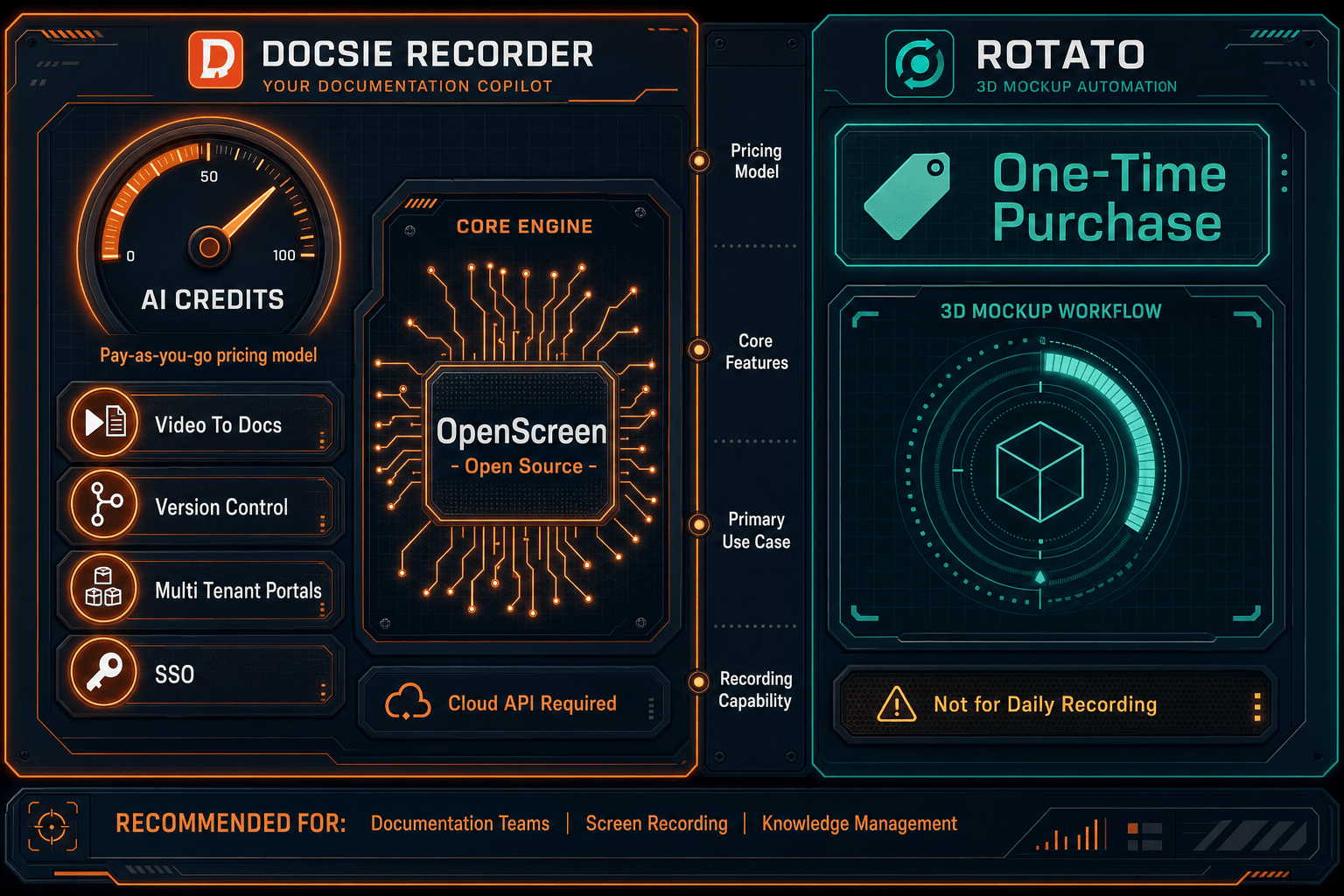
Winner: Docsie Recorder
Docsie Recorder is the clear pricing winner for anyone evaluating screen recorders. It is free, open-source, cross-platform, and includes recorder-grade editing features with no watermark or seat fee. Its downstream Video-to-Docs pipeline adds a capability Rotato does not offer at any price—converting a real workflow recording into structured documentation published to a managed knowledge base. Rotato is a good tool for its niche, but it is not a recorder and cannot serve the use case that drives buyers to this comparison.
Decision Helper
A direct framework for picking between Docsie Recorder, Rotato, and Docsie based on your specific needs.
Docsie's free browser-based recorder that pipes captures straight into Docsie SOPs.
3D device-mockup video animator for app demos.

Convert real video into searchable docs, then deploy via multi-tenant portals.
Common Questions
Q: Is Docsie Recorder really free, or is there a hidden subscription?
A: Docsie Recorder's core recording and editing application is free with no subscription, no watermark, and no account required to record and export MP4 or GIF files. The only paid element is the optional Video-to-Docs conversion, which uses Docsie AI credits. You can estimate the credit cost before submitting any job, so there are no surprise charges.
Q: Does Rotato have a free plan that is actually usable?
A: Rotato offers a free or trial-style tier, but current export limits and watermark restrictions mean it is primarily useful for evaluation rather than production work. Confirm the exact free plan limitations at rotato.app before committing. For unrestricted output, a paid Mac or web plan is required.
Q: What does Rotato cost compared to Docsie Recorder for a team of ten?
A: Docsie Recorder is $0 for all ten users to record, edit, and export video locally. Rotato's cost depends on whether your team uses Mac or web plans, and pricing varies between the two products—confirm current rates at rotato.app/pricing. Beyond the recorder cost, teams using Rotato still need separate tools for documentation and knowledge base publishing, which Docsie Recorder addresses natively through its Video-to-Docs pipeline.
Q: Are there hidden costs with Docsie Recorder's Video-to-Docs feature?
A: The Video-to-Docs conversion uses Docsie AI credits, which are consumed per job. Docsie provides a credit estimate before you submit a recording so you can review the cost upfront. The recorder and editor themselves are free with no hidden fees. Credit pricing is tied to your Docsie plan tier, and free credit allowances are available—confirm current allocations on the Docsie pricing page.
Q: I searched for a Screen Studio alternative—is Rotato relevant to that search?
A: No. Rotato is a 3D device mockup tool, not a screen recorder. It cannot capture live screen activity, record microphone audio, or produce workflow walkthroughs. If you are looking for a Screen Studio alternative that works on Windows and Linux, is free, and can convert recordings into documentation, Docsie Recorder is the relevant comparison. Rotato only applies if your goal is to place existing footage inside a 3D device frame for marketing purposes.
Q: Can I use Docsie Recorder just as a free recorder without ever using the Video-to-Docs feature?
A: Yes, absolutely. Docsie Recorder works as a standalone free desktop recorder and editor with no obligation to use the Video-to-Docs pipeline. You can record, edit with zoom, annotations, and backgrounds, and export MP4 or GIF files locally without creating a Docsie account. The Video-to-Docs conversion is available whenever you need it but is entirely optional.
Download Docsie Recorder for macOS, Windows, or Linux—record, edit, and export locally at $0. When you are ready to turn that recording into structured documentation, connect to Docsie's Video-to-Docs pipeline with a single click.
No account required to record and export. MIT-licensed core. Video-to-Docs uses Docsie AI credits—estimate cost before converting.