
4.8
on G2
 Docsie Recorder
 Loom
Loom
Loom is the category-defining async video recorder. Docsie Recorder is a free, open-source alternative that does not stop at a shareable video link — it routes recordings directly into structured Markdown, DOCX, PDF, and a managed knowledge base. If you searched for a Loom alternative or a screen recorder that creates docs, this is the comparison to read.
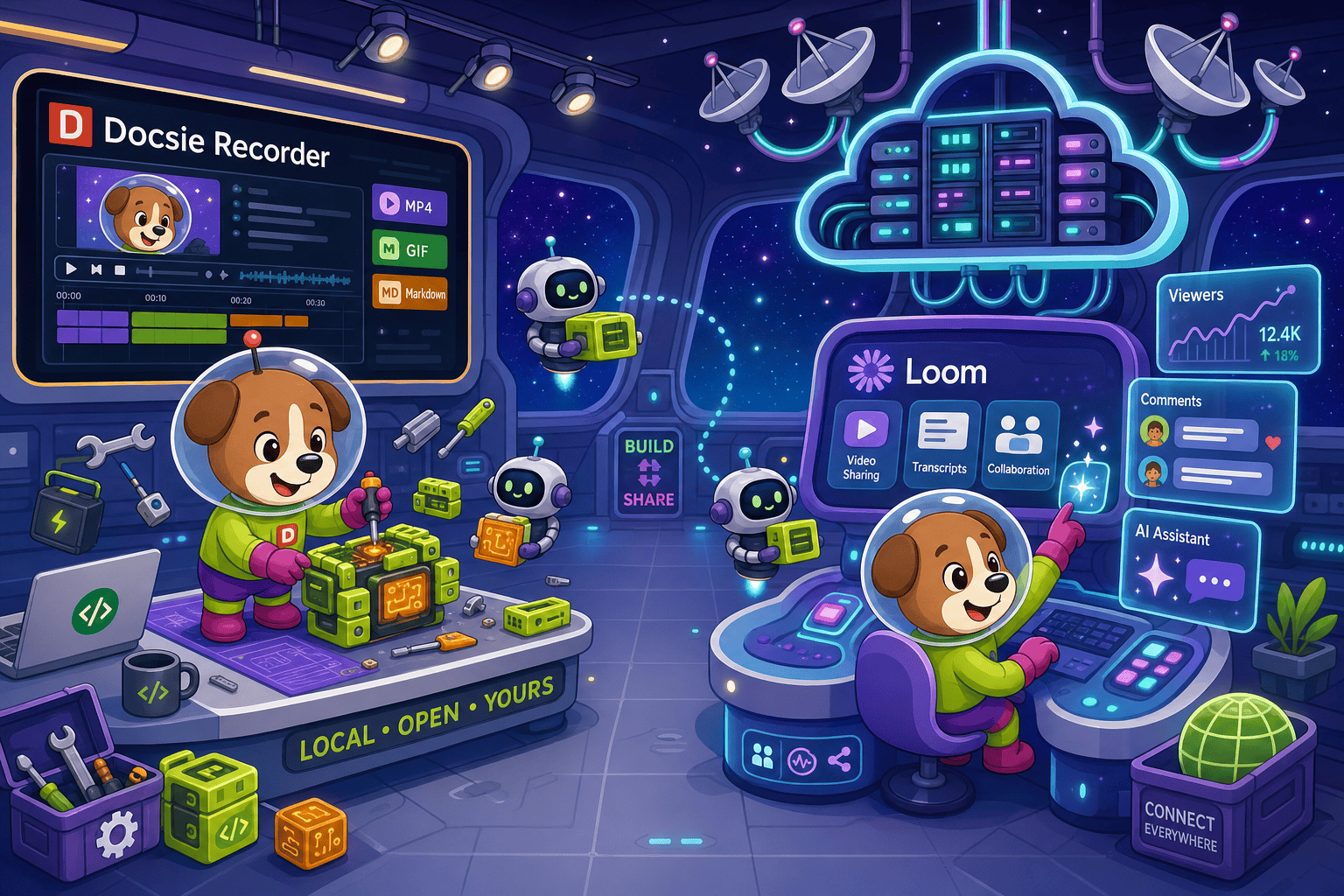
Docsie Recorder leads with free; Loom leads with category-defining async video recorder with the broadest platform footprint including browser extension and mobile apps. Neither converts real video into docs and deploys multi-tenant portals; Docsie does both.
Feature Matrix
A side-by-side comparison of recording capabilities, editing tools, export formats, AI features, and downstream documentation workflow between Docsie Recorder and Loom.
| Feature |
Docsie Recorder
Our Pick
|
Loom
|
|---|---|---|
| Free Desktop Recorder | Starter plan (limited) | |
| Open-Source Recorder Base | ||
| Mac Support | ||
| Windows Support | ||
| Linux Support | ||
| Window and Full-Screen Capture | ||
| Microphone Capture | ||
| System Audio Capture | Platform-dependent | |
| Webcam Overlay | ||
| Automatic or Manual Zoom | ||
| Cursor and Focus Polish | ||
| Backgrounds and Visual Effects | Wallpapers, solid colors, gradients, custom | Limited |
| Crop, Trim, Speed Regions | Basic trim only | |
| Annotations and Blur Regions | Partial | |
| Local MP4 Export | ||
| Local GIF Export | ||
| Project Save Format | .docsiescreen project files | Cloud-only |
| Video-to-Docs Conversion | AI summary only | |
| Markdown Export | ||
| DOCX Export | ||
| PDF Export | ||
| Knowledge Base Publishing | ||
| Versioned Documentation Management | ||
| Multi-Tenant Portal Delivery | ||
| Enterprise Deployment Path | Enterprise plan |
Data as of May 2026. Features based on publicly available information and vendor documentation. Loom Starter plan limits and exact pricing should be checked before relying on this comparison. Docsie Recorder video-to-docs conversion uses Docsie AI credits.
Strengths & Weaknesses
Deep Dive
An in-depth analysis of recording and editing capabilities, AI and documentation output, enterprise features, and integration ecosystems between Docsie Recorder and Loom.
Docsie Recorder delivers a full local desktop editing suite built on the open-source OpenScreen core. Capture a specific window or full screen, add webcam overlay, polish cursor paths, apply automatic or manual zoom based on cursor telemetry, set custom wallpaper or gradient backgrounds with motion blur, annotate with text and arrows, blur sensitive regions, and cut speed regions — all before exporting. Loom records equally well but offers minimal post-capture editing beyond basic trimming. For teams who want Screen Studio-level polish on a cross-platform, open-source recorder, Docsie Recorder is the stronger editing environment.
Loom's AI produces inline transcripts, auto-chapters, and action item summaries — useful for async communication, but the output stays inside Loom as an annotated video. Docsie Recorder's Video-to-Docs pipeline sends the recording to Docsie's AI, which generates structured Markdown, DOCX, and PDF outputs with configurable language, doc style, and rewrite instructions. The result is a governed documentation article, not just a video summary. Teams that need the recording to become a support article, onboarding guide, or versioned knowledge base entry will find Docsie's output fundamentally different from Loom's AI layer.
Loom's Enterprise plan provides SAML SSO, SCIM provisioning, SOC 2 compliance, and advanced administration — solid for organizations standardizing on async video. Docsie Recorder's enterprise path extends beyond the recorder into the Docsie platform, adding versioned documentation management, multi-tenant portal delivery, custom domains, role-based access, and compliance monitoring. The recorder core is MIT-licensed and auditable, giving security-conscious teams source-level visibility that no closed-source recorder can provide. Docsie's enterprise boundary covers the full CREATE → MANAGE → DELIVER workflow, not just the recording session.
Loom integrates tightly with Jira, Confluence, Slack, and Google Workspace, making it a natural fit for Atlassian-heavy organizations that share video asynchronously. Docsie Recorder's integration story is downstream: once a recording is converted, the resulting documentation flows into Docsie's knowledge base where it can be published to portals, versioned, translated into 100+ languages, embedded as widgets, served through custom domains, and routed into automation and compliance workflows. Loom's ecosystem is optimized for video distribution; Docsie's is optimized for turning one recording into a living documentation artifact.
Our Recommendation
Loom is the strongest hosted async video platform available. If your team's primary need is quick video sharing with viewer analytics, AI-summarized async communication, and Atlassian distribution, Loom is a well-established choice. Docsie Recorder targets a different outcome — teams who record walkthroughs, tutorials, or process videos and need those recordings to become structured, versioned, searchable documentation rather than a hosted video file. The decision comes down to whether your end goal is a shareable video or a published knowledge base article.
Choose Docsie Recorder if you need...
Choose Loom if you need...
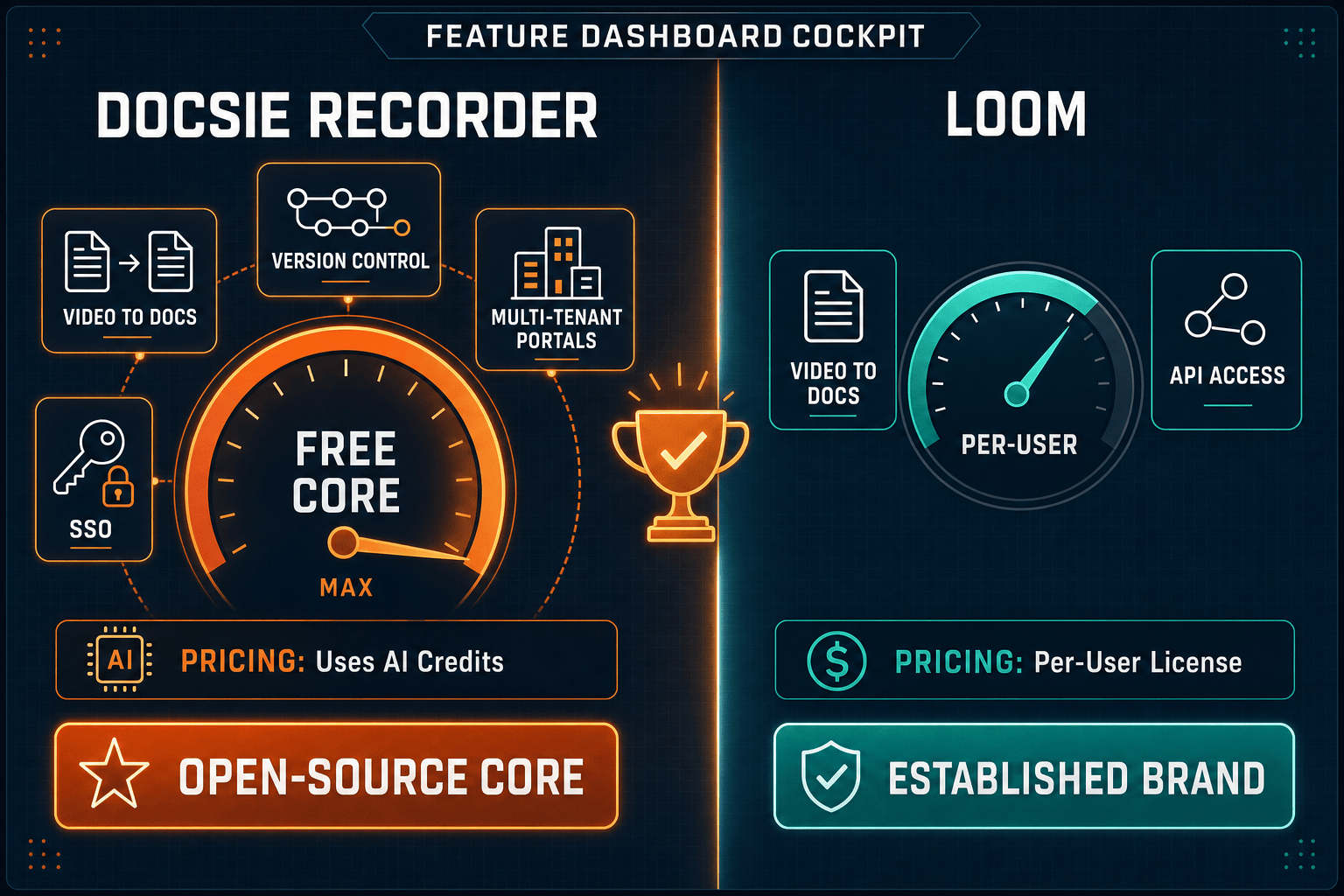
Winner: Docsie Recorder
For teams evaluating screen recorders who need their recordings to produce structured documentation rather than stopping at a hosted video file, Docsie Recorder is the clear choice. It is the only free, open-source recorder in this comparison that natively routes a recording through a Video-to-Docs pipeline and into a versioned, multi-tenant knowledge base. Loom wins on async video sharing and Atlassian distribution; Docsie Recorder wins on the complete CREATE → CONVERT → MANAGE → DELIVER workflow for teams that need docs, not just videos.
Decision Helper
A direct framework for picking between Docsie Recorder, Loom, and Docsie based on your specific needs.
Docsie's free browser-based recorder that pipes captures straight into Docsie SOPs.
Async screen recording and video messaging for team communication.

Convert real video into searchable docs, then deploy via multi-tenant portals.
Common Questions
Q: Is Docsie Recorder actually free, or is there a catch like Loom's Starter limits?
A: Docsie Recorder's desktop recorder and editor core is MIT-licensed and free with no video count caps or recording length limits on the local recording and export side. You can capture, edit, and export MP4 or GIF locally without an account. The only paid step is Video-to-Docs conversion, which uses Docsie AI credits — you estimate the cost before submitting and only pay when you choose to convert a recording into structured documentation.
Q: Does Loom export Markdown, DOCX, or PDF like Docsie Recorder?
A: No. Loom's output is a hosted video with an AI-generated transcript, summary, and chapters — all living inside Loom's platform. Docsie Recorder's Video-to-Docs pipeline generates structured Markdown, DOCX, and PDF exports from the same recording, which can then be published into Docsie's knowledge base. If your team needs documentation artifacts rather than video files, Loom's output does not fulfill that requirement.
Q: Can Docsie Recorder replace Loom for async team communication?
A: Docsie Recorder is optimized for the record-to-docs workflow rather than async video messaging. It does not replicate Loom's viewer analytics, emoji reactions, threaded comments on a hosted video, or Atlassian distribution. Teams that primarily need to share quick video updates with colleagues will miss Loom's async collaboration layer. Docsie Recorder is the better fit when the recording's destination is a documentation article or knowledge base entry, not a video inbox.
Q: Does Docsie Recorder work on Linux, and does Loom?
A: Yes, Docsie Recorder provides builds for macOS, Windows, and Linux. Loom does not offer a Linux desktop application — Linux users are limited to Loom's browser-based recording, which has more constraints than the native app. For engineering teams or organizations running Linux workstations, Docsie Recorder is the only option with a native desktop experience in this comparison.
Q: I searched for a Loom alternative — which scenarios make Docsie Recorder the right switch?
A: Docsie Recorder is the right Loom alternative if you are paying for Loom seats primarily to record walkthroughs and tutorials that your team then manually turns into written docs, SOPs, or support articles. If the video is an intermediate step toward documentation rather than the final deliverable, Docsie Recorder eliminates the manual transcription step and routes the recording directly into structured docs and a knowledge base — collapsing two workflows into one.
Q: How does the Video-to-Docs conversion in Docsie Recorder compare to Loom's AI features?
A: Loom's AI generates a summary, auto-chapters, and action items displayed inside the Loom video viewer — it is designed to help recipients understand a video faster, not to produce a standalone document. Docsie Recorder's Video-to-Docs conversion produces a fully structured documentation article with configurable style, language, and rewrite instructions that is then published into Docsie's versioned knowledge base. The outputs are architecturally different — Loom produces an annotated video; Docsie produces a documentation artifact.
Download Docsie Recorder free, capture your workflow locally, and send it directly to Docsie's Video-to-Docs pipeline to generate Markdown, DOCX, PDF, and knowledge base content — no Loom subscription required.
MIT-licensed recorder core. No account required to record and export MP4 or GIF locally. AI credits used only when you convert a recording to docs.