
4.8
on G2
 Docsie Recorder
 Kap
Kap
Both Docsie Recorder and Kap are free and open-source, but they serve very different buyers. Kap is a lightweight Mac-only GIF and clip tool loved by developers. Docsie Recorder is a cross-platform recorder and editor that feeds directly into a Video-to-Docs pipeline—so one recording becomes structured documentation, not just a video file. This pricing breakdown shows what you actually get at $0 and beyond.
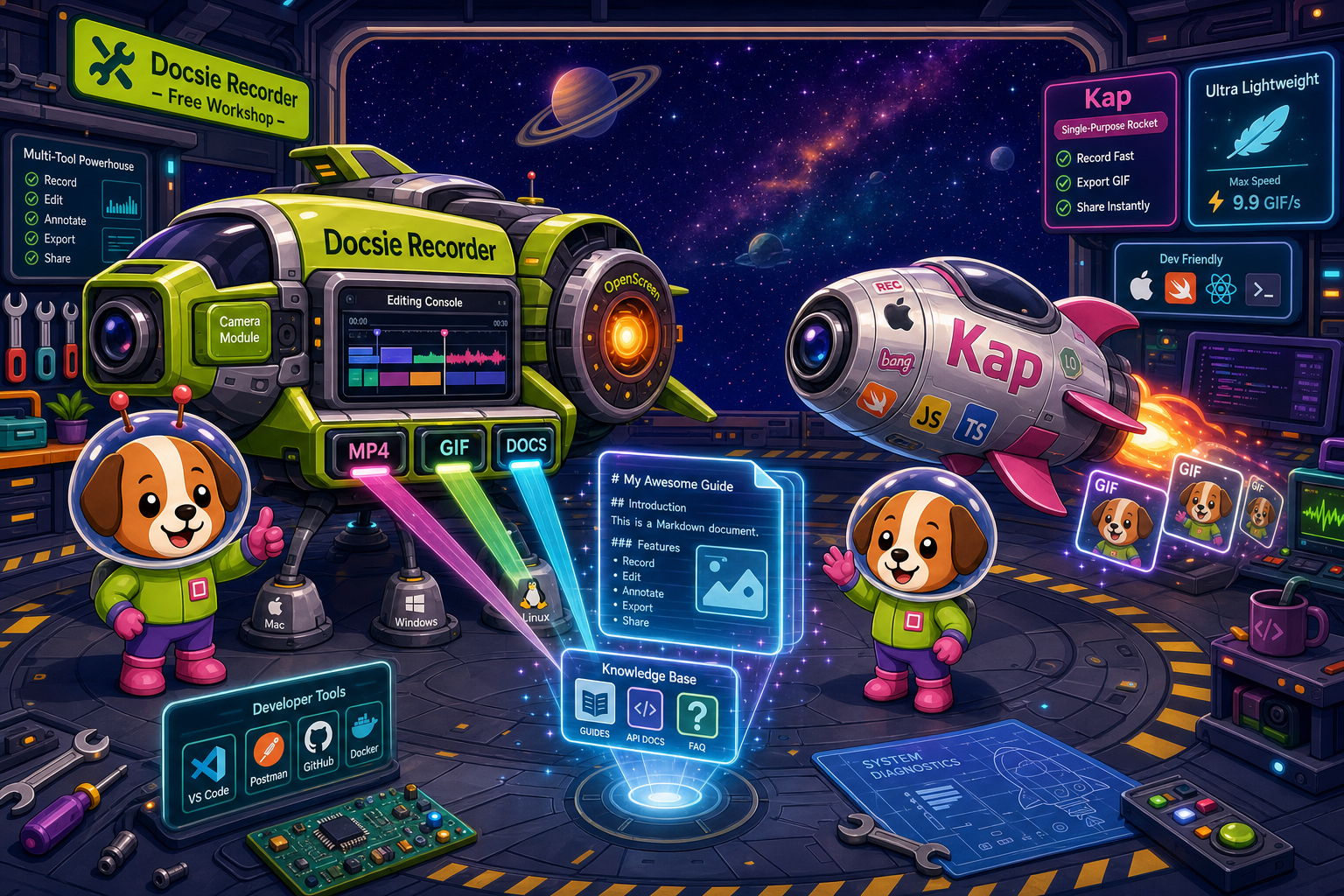
Docsie Recorder and Kap sit at different price points, but neither bundles video-to-docs with multi-tenant knowledge delivery the way Docsie does.
Feature Matrix
A side-by-side breakdown of recording capabilities, editing features, export options, and downstream documentation value included in each tool's free tier and paid tiers.
| Feature |
Docsie Recorder
Our Pick
|
Kap
|
|---|---|---|
| Free Desktop Recorder | ||
| Open-Source Recorder Base | ||
| Mac Support | ||
| Windows Support | ||
| Linux Support | ||
| Window and Full-Screen Capture | ||
| Microphone Capture | ||
| System Audio Capture | Platform-dependent | Support details vary by release |
| Webcam Overlay | ||
| Automatic or Manual Zoom | ||
| Cursor or Focus Polish | ||
| Backgrounds and Visual Effects | ||
| Crop, Trim, Speed Regions | ||
| Annotations and Blur Regions | ||
| Local MP4 Export | ||
| Local GIF Export | ||
| Plugin Ecosystem | ||
| Video-to-Docs Conversion | ||
| Markdown Export | ||
| DOCX Export | ||
| PDF Export | ||
| Knowledge Base Publishing | ||
| Versioned Documentation Management | ||
| Multi-Tenant Portal Delivery | ||
| Enterprise Deployment Path |
Data as of January 2026. Features based on publicly available information and vendor documentation. Confirm system audio support and Kap repository activity before relying on this comparison.
Strengths & Weaknesses
Deep Dive
Both tools start at $0, but what you get for that zero and where costs go from there are very different stories. Here is a detailed look at value for money, scalability costs, and hidden costs and limitations.
At $0, Kap gives you a lightweight Mac recorder with GIF and video export and a plugin ecosystem. Docsie Recorder gives you the same baseline recording and export plus a full editing suite—zoom, crop, trim, speed regions, backgrounds, motion blur, webcam overlay, annotations, and blur regions—all without an account. Then it goes further by connecting to a Video-to-Docs pipeline that converts your recording into structured Markdown, DOCX, or PDF. On a pure feature-per-dollar basis, Docsie Recorder delivers significantly more value inside its free tier for teams who need documentation, not just a video clip.
Kap has no paid tier—its cost ceiling is $0, which sounds ideal until you realize scaling means exporting more video files with nowhere to put them. There is no team workspace, no versioning, no portal delivery, and no enterprise path. Docsie Recorder's free recording layer stays $0 as your team grows, while Video-to-Docs conversion scales through Docsie AI credits. Teams that record frequently can estimate credit consumption before committing. The downstream Docsie platform then adds workspace plans for teams needing managed documentation, versioned knowledge bases, multi-tenant portals, and SSO—a clear, predictable growth path that Kap simply cannot offer.
Kap's hidden cost is opportunity cost. Teams using Kap for documentation workflows eventually discover they need a separate screen editor, a separate annotation tool, a separate cloud storage solution, and a separate knowledge base platform—each adding subscription fees and context-switching overhead. Docsie Recorder eliminates those parallel tool purchases by bundling editing, Video-to-Docs conversion, and knowledge base publishing in one connected workflow. Kap's Mac-only constraint is also a hidden platform cost: Windows or Linux teammates must use a different tool entirely, fragmenting the capture workflow and multiplying per-seat licensing for any commercial editor they adopt.
Pricing Breakdown
A clear comparison of what each tool costs at every available tier and what you actually get for that price.
Both tools are free, but the comparison ends there. Kap is a single-tier, Mac-only recorder with no upgrade path and no documentation workflow. Docsie Recorder starts at $0 for a richer feature set, adds a pay-per-use Video-to-Docs layer, and scales into a full enterprise knowledge base platform. For any team that records to document—not just to share a clip—Docsie Recorder's pricing model delivers clear, compounding value that Kap's flat free tier cannot match.
Our Recommendation
Kap is a genuinely useful free tool for developers who need quick Mac GIFs and lightweight clips with no strings attached. But its pricing advantage—being entirely free—evaporates when you account for what it cannot do. Docsie Recorder matches Kap's $0 recorder price, surpasses it in editing capability, supports Windows and Linux, and then extends the workflow into Video-to-Docs and a full knowledge base platform. For any team whose recordings are meant to become documentation, Docsie Recorder offers substantially better value at every stage.
Choose Docsie Recorder if you need...
Choose Kap if you need...
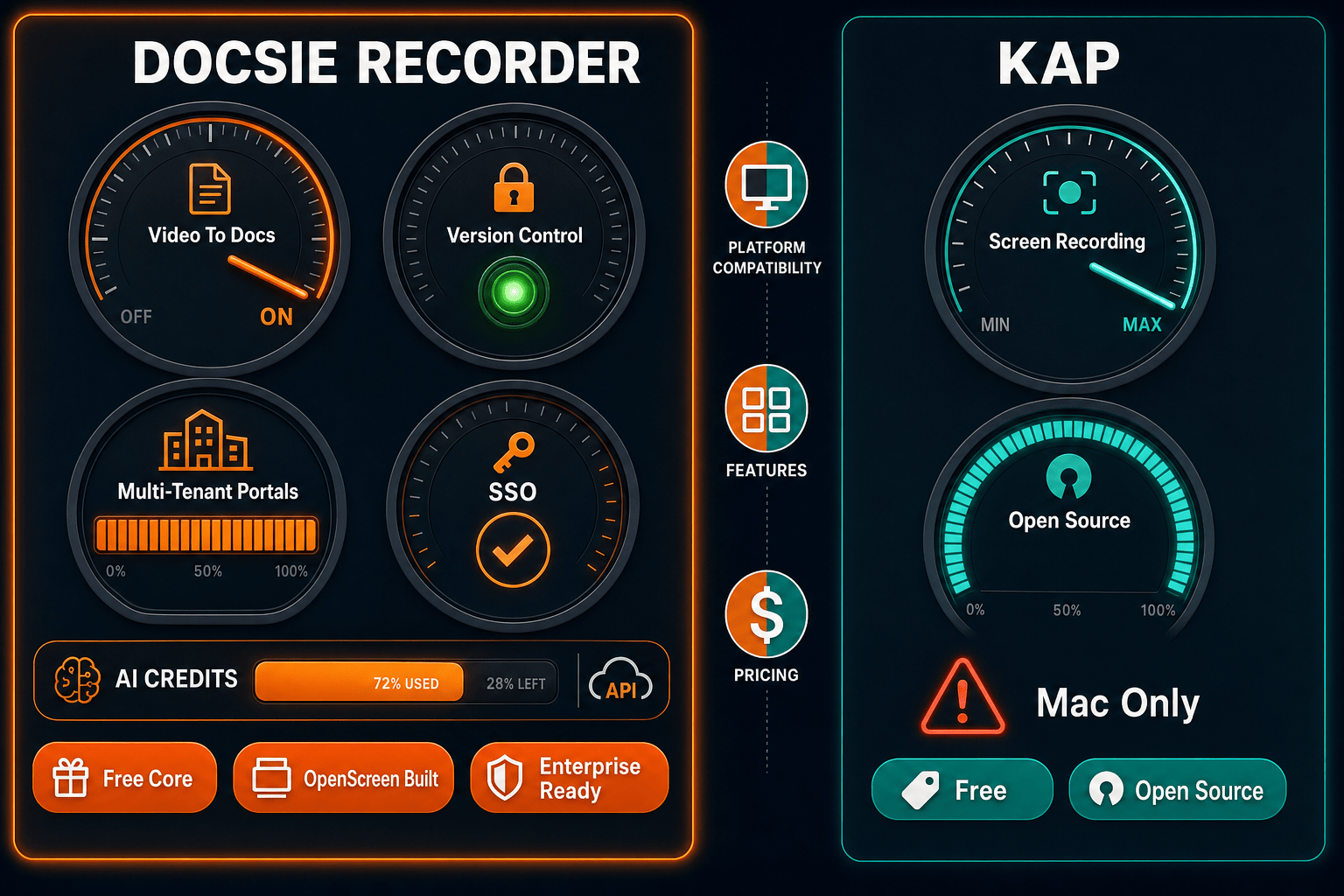
Winner: Docsie Recorder
Docsie Recorder wins on pricing value because it delivers more capability for free—cross-platform support, a full editing suite, and a direct path from recording to structured documentation—while Kap offers only a clip-and-export loop with no documentation output. Teams who record to document will spend money filling Kap's gaps with separate editors, annotation tools, and knowledge base platforms. Docsie Recorder eliminates those parallel costs by connecting the CREATE workflow directly to CONVERT and MANAGE in one open-source-anchored product.
Decision Helper
A direct framework for picking between Docsie Recorder, Kap, and Docsie based on your specific needs.
Docsie's free browser-based recorder that pipes captures straight into Docsie SOPs.
Open-source Mac screen recorder with GIF export.

Convert real video into searchable docs, then deploy via multi-tenant portals.
Common Questions
Q: Are both Docsie Recorder and Kap actually free?
A: Yes, both tools are free to download and use for recording and exporting video. Kap is entirely free with no paid tier. Docsie Recorder's recording and editing core is also free with no account required, but the Video-to-Docs conversion feature uses Docsie AI credits, which are consumed per conversion job. You can estimate the credit cost before committing to any conversion.
Q: Does Kap have a paid upgrade path for teams?
A: No. Kap is a single-tier free tool with no paid plans, team workspaces, or enterprise offering. If your team outgrows Kap's Mac-only clip workflow, you will need to adopt separate tools for editing, collaboration, and documentation—each with its own cost. Docsie Recorder offers a structured upgrade path from free recording through Video-to-Docs credits to full Docsie platform plans starting at $199 per month for teams.
Q: What hidden costs should I expect with each tool?
A: Kap's hidden cost is the toolkit you will need to buy around it—a screen editor for polish, an annotation tool for sensitive content, and a knowledge base for publishing documentation. Those costs add up quickly and often exceed $100 per user per month. Docsie Recorder's only incremental cost beyond the free recorder is Docsie AI credits for Video-to-Docs conversion, which you can preview before spending, plus optional Docsie platform plans if your team needs managed documentation workflows.
Q: If both tools are free, why would I choose Docsie Recorder over Kap?
A: Because free does not mean equivalent. Docsie Recorder includes editing features—auto-zoom, backgrounds, motion blur, webcam overlay, annotations, blur regions, and speed regions—that Kap does not have at any price. It also runs on Windows and Linux, unlike Kap's Mac-only constraint. And it connects to a Video-to-Docs pipeline so your recordings become documentation rather than dead-end video files. If you only need quick Mac GIFs, Kap is fine. If you record to document, Docsie Recorder is the better free choice.
Q: Can I use Kap for team documentation workflows?
A: Kap was not designed for documentation workflows. It has no collaboration features, no annotation or blur tools for sensitive content, no video-to-docs conversion, and no knowledge base publishing path. Teams that try to use Kap for documentation end up stitching together multiple tools. Docsie Recorder is purpose-built to connect recording directly to structured documentation, making it a much more practical choice for support, product, and enablement teams.
Q: Is Docsie Recorder's Video-to-Docs cost predictable?
A: Yes. Docsie Recorder lets you preview the estimated credit cost for a Video-to-Docs conversion before you submit the job, so there are no surprise charges. You choose the quality tier, language, and documentation style upfront, and the credit estimate is shown before you commit. This makes budgeting straightforward for teams converting recordings on a regular cadence.
Download Docsie Recorder for free on macOS, Windows, or Linux. Record, edit, and export locally at $0—then convert your recording into structured documentation with Docsie's Video-to-Docs pipeline when you're ready.
No account required to record and export. Video-to-Docs uses Docsie AI credits with a cost preview before you commit.