
4.8
on G2
 Docsie Recorder
 Dubble
Docsie Recorder is a free, open-source desktop recorder that captures, edits, and converts screen video into structured documentation. Dubble is a Chrome extension that auto-generates screenshot step guides from browser actions. If you searched for a Screen Studio alternative or an AI video-to-docs tool, this comparison explains exactly where these two products differ.
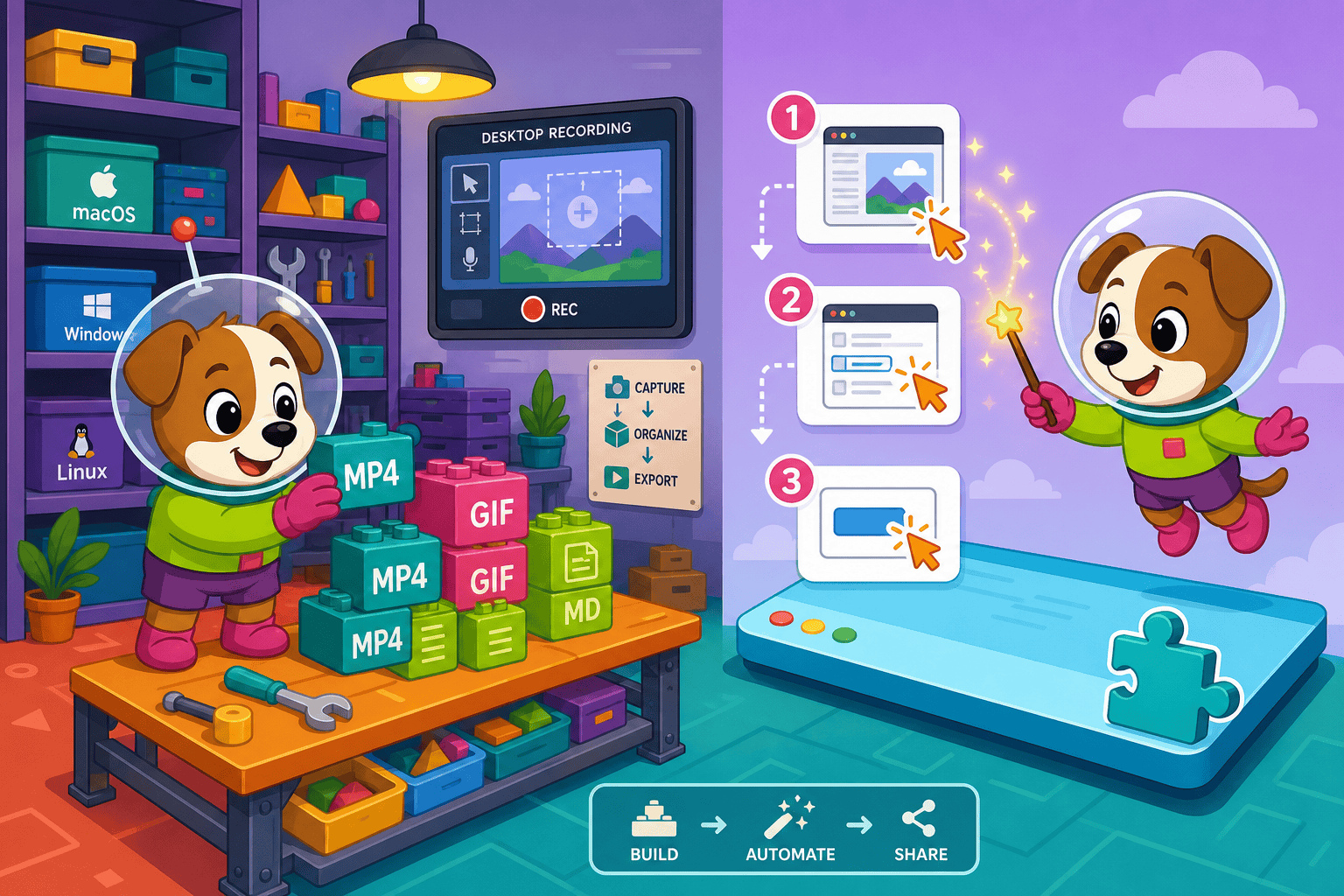
Docsie Recorder leads with free; Dubble leads with dead-simple chrome extension with virtually zero learning curve. Neither converts real video into docs and deploys multi-tenant portals; Docsie does both.
Feature Matrix
A comprehensive feature-by-feature comparison covering recording capabilities, editing, export formats, AI-powered documentation conversion, and enterprise publishing features.
| Feature |
Docsie Recorder
Our Pick
|
Dubble
|
|---|---|---|
| Free Desktop Recorder | ||
| Open-Source Recorder Base | ||
| Mac Support | ||
| Windows Support | ||
| Linux Support | ||
| Window and Full-Screen Capture | Browser tabs only | |
| Microphone Capture | ||
| System Audio Capture | Platform-dependent | |
| Webcam Overlay | ||
| Automatic or Manual Zoom | ||
| Cursor or Focus Polish | ||
| Backgrounds and Visual Effects | ||
| Crop, Trim, Speed Regions | ||
| Annotations and Blur Regions | Auto step annotations only | |
| Local MP4 Export | ||
| Local GIF Export | ||
| Project Save Format | .docsiescreen project files | |
| Video-to-Docs Conversion | ||
| Markdown Export | ||
| DOCX Export | ||
| PDF Export | Pro+ only | |
| Knowledge Base Publishing | ||
| Versioned Documentation Management | ||
| Multi-Tenant Portal Delivery | ||
| Enterprise Deployment Path | ||
| Browser Extension Capture | ||
| Auto-Generated Step Descriptions | Via Video-to-Docs AI | |
| SSO Support | ||
| API Access | ||
| GDPR Compliance |
Data as of February 2026. Features are based on publicly available information and vendor documentation. Confirm current release status before purchase.
Strengths & Weaknesses
Deep Dive
An in-depth look at recording capabilities, AI-powered documentation conversion, enterprise readiness, and ecosystem integrations between these two very different tools.
Docsie Recorder is a full desktop application that captures any window, application, or full screen on macOS, Windows, and Linux. It records microphone audio, supports webcam overlay, and includes recorder-grade editing tools — zoom, crop, trim, speed regions, backgrounds, motion blur, and blur annotations — before you ever export a frame. Dubble is a Chrome browser extension that captures browser tab actions only. It produces annotated screenshots of each click step but has no audio, no webcam, no zoom effects, and no editing layer. If your workflow includes desktop apps, native software, or any content outside a browser tab, Dubble cannot capture it at all.
Docsie Recorder connects directly to Docsie's Video-to-Docs pipeline, which uses AI to convert a recorded video into structured Markdown, DOCX, and PDF documentation. You choose workspace, quality tier, language, and doc style before submitting — and the result is a structured document ready to publish, not just a summary. Dubble uses AI to auto-write step descriptions from the browser actions it detects during capture. This is convenient for browser-only SOPs but produces screenshot guides rather than prose documentation. There is no video input path in Dubble, so existing recordings cannot be processed through any AI step.
Docsie Recorder feeds into the broader Docsie platform, which includes SSO, API access, role-based access control, multi-tenant portal delivery, and versioned documentation management with custom domains. Enterprises can route converted documentation into compliance and automation workflows. Dubble offers GDPR compliance on all plans but has no SSO, no audit logs, no API, no data residency options, and no role-based access control. The Team plan adds shared workspaces and team management, but there is no enterprise deployment path beyond shared cloud access. For regulated industries or multi-client delivery, only Docsie provides a viable enterprise path.
Docsie Recorder exports locally to MP4 and GIF and connects through the Docsie bridge to the full Docsie platform — enabling MANAGE, DELIVER, LEARN, AUTOMATE, and MONITOR downstream workflows from a single recording. Published docs can be versioned, translated, embedded, and served through branded portals. Dubble integrates with Notion, Confluence, and Slack for distributing screenshot guides. These are useful sharing integrations but not a documentation management ecosystem. There is no API for programmatic access, no embeddable widget for customer portals, and no downstream platform to version or publish content at scale.
Our Recommendation
Docsie Recorder and Dubble solve fundamentally different problems. Docsie Recorder is a free, open-source desktop recorder with a full editing suite and a direct pipeline to structured documentation and knowledge base publishing. Dubble is a Chrome extension that auto-generates browser-action screenshot guides. If you searched for a Screen Studio alternative, a Loom alternative, or an AI video-to-docs tool, Docsie Recorder is the relevant comparison. Dubble is a useful lightweight SOP tool for browser-only workflows, but it is not a screen recorder, not a video editor, and not a documentation platform.
Choose Docsie Recorder if you need...
Choose Dubble if you need...
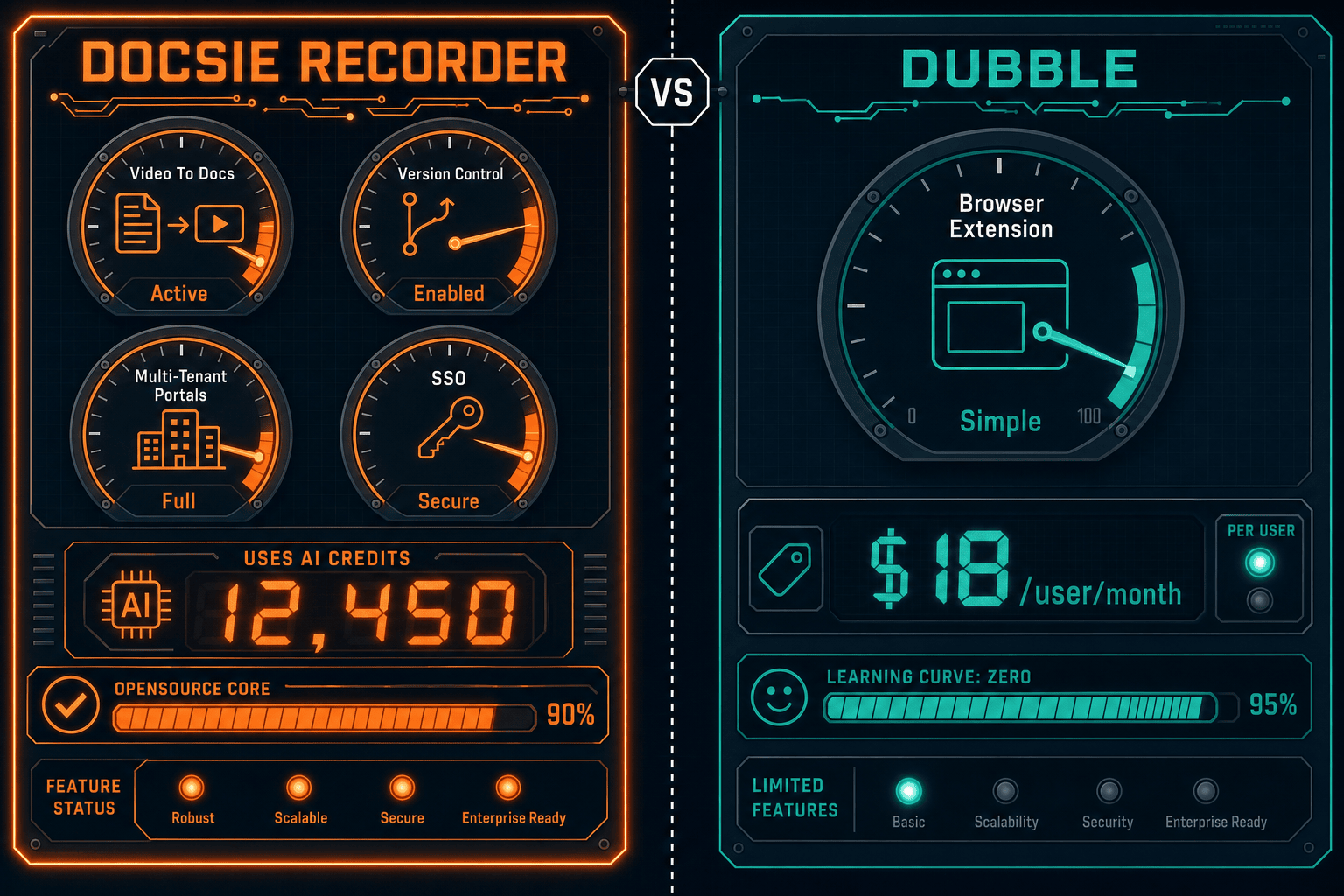
Winner: Docsie Recorder
Docsie Recorder wins decisively for any buyer evaluating screen recorders, Screen Studio alternatives, or AI video-to-docs tools. It is the only free, open-source desktop recorder in this comparison that spans macOS, Windows, and Linux, includes a full editing suite, exports MP4 and GIF locally, and connects directly to a Video-to-Docs pipeline that produces structured Markdown, DOCX, and PDF documentation publishable to a versioned knowledge base. Dubble is a capable browser-action screenshot tool but is not a screen recorder, cannot process video, and has no documentation platform — making it an entirely different product category for an entirely different buyer.
Decision Helper
A direct framework for picking between Docsie Recorder, Dubble, and Docsie based on your specific needs.
Docsie's free browser-based recorder that pipes captures straight into Docsie SOPs.
AI-assisted step-by-step guide capture for process documentation.

Convert real video into searchable docs, then deploy via multi-tenant portals.
Common Questions
Q: Is Dubble a screen recorder like Docsie Recorder?
A: No. Dubble is a Chrome browser extension that captures click actions and generates annotated screenshot step guides — it does not record video, capture audio, or work outside the browser. Docsie Recorder is a full desktop application that records screen video with audio, supports webcam overlay, includes editing tools, and exports MP4 and GIF files locally. If you are looking for a screen recorder, Dubble is not in that product category.
Q: Can Dubble convert an existing video into documentation?
A: No. Dubble has no video input capability of any kind. It can only capture new browser actions through its Chrome extension and output screenshot-based step guides. Docsie Recorder connects directly to Docsie's Video-to-Docs pipeline, which converts recorded video into structured Markdown, DOCX, and PDF documentation using AI. If you have an existing training video or walkthrough recording you want to turn into docs, only Docsie supports that workflow.
Q: Does Docsie Recorder work on Windows and Linux, or just Mac?
A: Docsie Recorder provides desktop builds for macOS, Windows, and Linux — making it a genuine cross-platform alternative to Mac-only tools like Screen Studio. Dubble's Chrome extension runs in any browser regardless of operating system, but it only captures browser tab actions and cannot record desktop applications or full-screen content on any platform.
Q: Which tool is better for documenting desktop software or native apps?
A: Only Docsie Recorder can document desktop software and native applications. It captures any open window or full screen, so workflows in tools like Figma, VS Code, Excel, or any non-browser application can be recorded, edited, and converted into documentation. Dubble is strictly limited to browser tab capture and cannot see or record anything outside of Chrome.
Q: How does Docsie Recorder's open-source nature affect my team?
A: Docsie Recorder's core recorder and editor are MIT-licensed and available on GitHub, which means your team can audit the code, self-host builds, and avoid vendor lock-in for the recording and editing layer. This makes it a strong choice for engineering teams or regulated organizations that need an auditable capture tool. Dubble is a closed-source SaaS extension with no open-source component, so there is no ability to inspect or self-host the capture logic.
Q: If I only need simple browser SOPs today, should I still consider Docsie Recorder?
A: If your documentation needs are genuinely limited to browser-only click guides and you have no plans to document desktop workflows, process videos, or publish to a knowledge base, Dubble's free tier may be sufficient for now. However, most teams quickly outgrow browser-only capture as they need to document native apps, onboard employees with video, or deliver customer-facing docs. Docsie Recorder gives you the recording, editing, video-to-docs conversion, and knowledge base publishing in one workflow from day one — at no cost for the recorder itself.
Download Docsie Recorder free — open-source, cross-platform, and built to convert your screen recordings into structured documentation and knowledge base content through Docsie's Video-to-Docs pipeline.
Free to download. No account required to record and export video. AI credits used only when you convert a recording to docs.