
4.8
on G2
 Docsie Recorder
 Dubble
Docsie Recorder is a free, open-source desktop recorder that captures screen video, edits locally, and routes recordings into structured documentation—at $0 for the recorder itself. Dubble is a browser-only Chrome extension that auto-generates screenshot guides at $18 per user per month for unlimited guides. This pricing breakdown explains what each tool actually costs, what you get at each tier, and which delivers better value for teams who need recordings that become usable documentation.
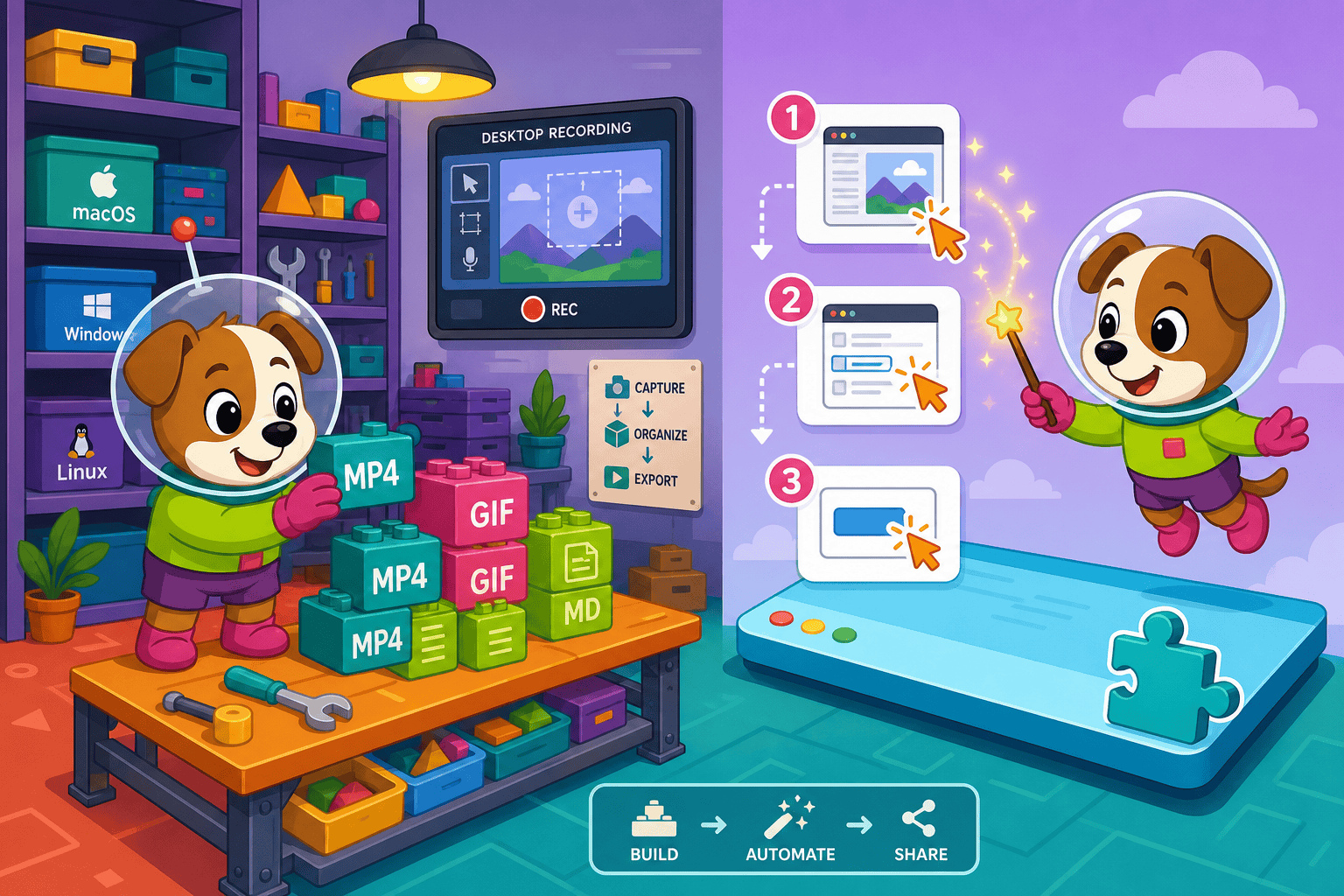
Docsie Recorder and Dubble sit at different price points, but neither bundles video-to-docs with multi-tenant knowledge delivery the way Docsie does.
Feature Matrix
A focused comparison of capture capabilities, editing, export, documentation output, and enterprise features—mapped to pricing tiers for both tools.
| Feature |
Docsie Recorder
Our Pick
|
Dubble
|
|---|---|---|
| Free Desktop Recorder | ||
| Open-Source Recorder Base (MIT) | ||
| Mac Support | ||
| Windows Support | ||
| Linux Support | ||
| Window and Full-Screen Capture | Browser tabs only | |
| Microphone Capture | ||
| System Audio Capture | Platform-dependent | |
| Webcam Overlay | ||
| Automatic or Manual Zoom | ||
| Cursor or Focus Polish | ||
| Backgrounds and Visual Effects | ||
| Crop, Trim, Speed Regions | ||
| Annotations and Blur Regions | ||
| Local MP4 Export | ||
| Local GIF Export | ||
| PDF Export | Via Docsie platform | Pro+ ($18/user/mo) |
| Video-to-Docs Conversion | Via Docsie AI credits | |
| Knowledge Base Publishing | Via Docsie platform | |
| Versioned Documentation Management | Via Docsie platform | |
| Multi-Tenant Portal Delivery | Via Docsie platform | |
| SSO / Enterprise Auth | Via Docsie platform | |
| API Access | Via Docsie platform | |
| GDPR Compliance | ||
| SOC 2 Compliance | Via Docsie platform |
Data as of February 2026. Docsie Recorder core is free and open-source (MIT). Video-to-Docs conversion and downstream platform features use Docsie AI credits and workspace plans. Dubble pricing based on publicly listed plans at dubble.so.
Strengths & Weaknesses
Deep Dive
A detailed look at value for money, scalability costs, and hidden limitations that affect total cost of ownership when choosing between these two tools.
Docsie Recorder delivers its full recording and editing suite at $0. You get a desktop app with zoom, crop, trim, backgrounds, annotations, webcam overlay, and local MP4/GIF export without spending a cent or creating an account. Dubble's free tier limits you to 25 guides total and captures only browser tabs with no audio or video. For teams who need to record actual screen workflows with narration and polished output, Docsie Recorder provides meaningfully more capability at the free tier. Dubble's value starts only at the paid tier where unlimited guides and PDF export unlock, while Docsie's recorder remains free regardless of volume.
Dubble's per-user pricing model compounds quickly. At the Pro tier, five users cost $90/month. At the Team tier (minimum five users), the floor is $60/month — before any documentation management costs. Docsie Recorder has no per-seat charge for recording. Teams of any size download and use the recorder freely. Docsie AI credits for Video-to-Docs conversion are consumed per job, not per user, which means teams with high recorder usage but selective conversion needs pay only for what they convert. Downstream Docsie workspace plans are team-based, not individual-seat, making the overall cost curve flatter as headcount grows beyond ten people.
Dubble's hidden cost is scope ceiling. The tool only captures Chrome browser actions — no desktop apps, no terminal, no native software, no video narration. Teams documenting anything outside a browser must pay for a second tool. There is also no version control or knowledge base, so guides accumulate without governance and teams pay external platforms (Notion, Confluence) to store and manage them. Docsie Recorder's hidden consideration is the Docsie AI credit cost for Video-to-Docs jobs. However, the recorder layer itself has no hidden fees, and the downstream platform consolidates documentation management, versioning, and delivery so teams avoid paying multiple separate tools simultaneously.
Pricing Breakdown
Every plan both tools offer, with what you actually get at each price point and how the tiers compare for teams at different sizes and needs.
Docsie Recorder wins on pricing structure. The recorder and editor are free with no user caps, no guide limits, and no account requirement. Dubble's free tier is genuinely limited at 25 guides, and the paid tiers charge per user — meaning a ten-person team pays $120–$180/month for browser-only screenshot guides with no desktop capture, no audio, and no documentation management. Docsie Recorder delivers more recording capability for free, and the downstream Video-to-Docs pipeline adds structured documentation output that Dubble cannot match at any price tier.
Our Recommendation
Docsie Recorder and Dubble occupy very different positions in the capture-to-documentation workflow. Docsie Recorder is a free, open-source desktop recorder that handles full video capture with professional editing, then bridges directly into AI-powered Video-to-Docs conversion and a complete knowledge base platform. Dubble is a lightweight Chrome extension that auto-generates screenshot step guides from browser actions, with a straightforward per-user SaaS model. For teams evaluating pure pricing value, the comparison is not close — Docsie Recorder is free at the capture layer, and Dubble charges per user for a narrower feature set that does not extend beyond the browser.
Choose Docsie Recorder if you need...
Choose Dubble if you need...
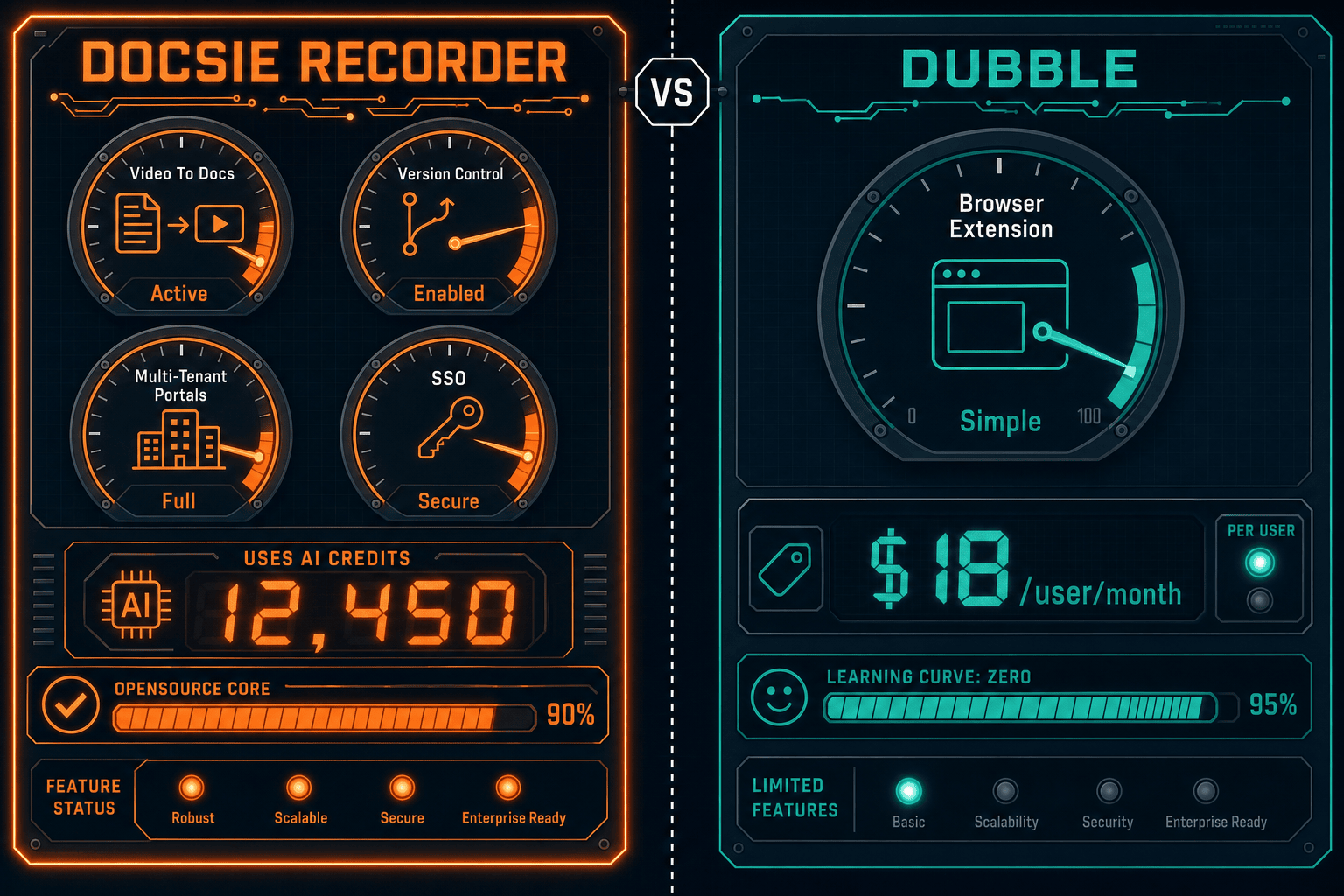
Winner: Docsie Recorder
Docsie Recorder is the stronger pricing value at every team size. The recorder itself is free and open-source with no guide limits, no per-user fees, and no browser-only restrictions — capturing full desktop workflows on Mac, Windows, and Linux with professional editing built in. Dubble charges $12–$18 per user per month for a Chrome-only screenshot tool that cannot record audio, export video, or produce documentation beyond a flat guide list. When you factor in that Docsie Recorder bridges directly into Video-to-Docs conversion and a full knowledge base platform, the value gap widens further — teams get a complete CREATE-to-MANAGE workflow instead of paying per user for a single-purpose browser extension.
Decision Helper
A direct framework for picking between Docsie Recorder, Dubble, and Docsie based on your specific needs.
Docsie's free browser-based recorder that pipes captures straight into Docsie SOPs.
AI-assisted step-by-step guide capture for process documentation.

Convert real video into searchable docs, then deploy via multi-tenant portals.
Common Questions
Q: Is Docsie Recorder really free, or are there hidden fees?
A: The Docsie Recorder desktop app — including all recording, editing, and local export features — is genuinely free with no account required. The only paid element is the Video-to-Docs conversion step, which uses Docsie AI credits when you choose to send a recording to the documentation pipeline. If you only need to record, edit, and export MP4 or GIF files locally, you pay nothing.
Q: How much does Dubble cost for a team of ten people?
A: At the Team plan ($12/user/month with a minimum of five users), a ten-person Dubble team costs $120/month or $1,440/year. At the Pro plan ($18/user/month), the same team costs $180/month or $2,160/year. Neither plan includes desktop capture, audio recording, video export, or documentation management — only unlimited browser-based screenshot guides.
Q: Does Dubble's free plan offer enough for ongoing team use?
A: Dubble's free plan caps at 25 guides total across your account — not 25 per month, but 25 ever. For any team actively documenting processes, this limit is reached quickly. Once exhausted, the only path forward is upgrading to Pro at $18/user/month. Teams evaluating Dubble for ongoing use should budget for the paid tier from the start.
Q: What do Docsie AI credits cost for Video-to-Docs conversion?
A: Docsie provides a credit estimate before you submit any conversion job, so you can review the expected cost before proceeding. The credit amount varies based on video length, quality tier, and language settings selected in the bridge. Check the current Docsie pricing page or contact Docsie for up-to-date credit rates, as this is separate from the free recorder layer.
Q: Can Dubble replace Docsie Recorder for teams that only document browser workflows?
A: For purely browser-based workflows where screenshot guides are sufficient, Dubble's simplicity is genuinely useful. However, if your team ever needs to document desktop applications, record narrated walkthroughs, export video files, or publish guides into a managed knowledge base with version control, Dubble hits a hard ceiling. Docsie Recorder covers browser-visible workflows and desktop workflows equally, without an additional per-user cost.
Q: If I start with the free Docsie Recorder, what does upgrading to Video-to-Docs actually look like?
A: When you're ready to convert a recording into documentation, you open the Docsie bridge inside the recorder, select your Docsie workspace, configure the conversion settings (language, quality tier, doc style), review the credit estimate, and submit the job. The output is a structured Markdown preview that you can publish directly into your Docsie knowledge base. There is no separate software to install — the bridge is built into the recorder application.
Download Docsie Recorder and start capturing screen videos on Mac, Windows, or Linux today. Edit locally, export MP4 or GIF, and when you're ready, convert any recording into structured documentation with Docsie's Video-to-Docs pipeline.
Free recorder requires no account. Video-to-Docs conversion uses Docsie AI credits. View the source on GitHub before you download.