
4.8
on G2
 Docsie Recorder
 CleanShot X
Docsie Recorder is a free, open-source cross-platform screen recorder that connects directly to a Video-to-Docs pipeline. CleanShot X is a premium Mac-only capture utility sold as a one-time license. This pricing comparison breaks down what each tool costs, what you get at each tier, and which delivers better value for teams that need more than just a screenshot.
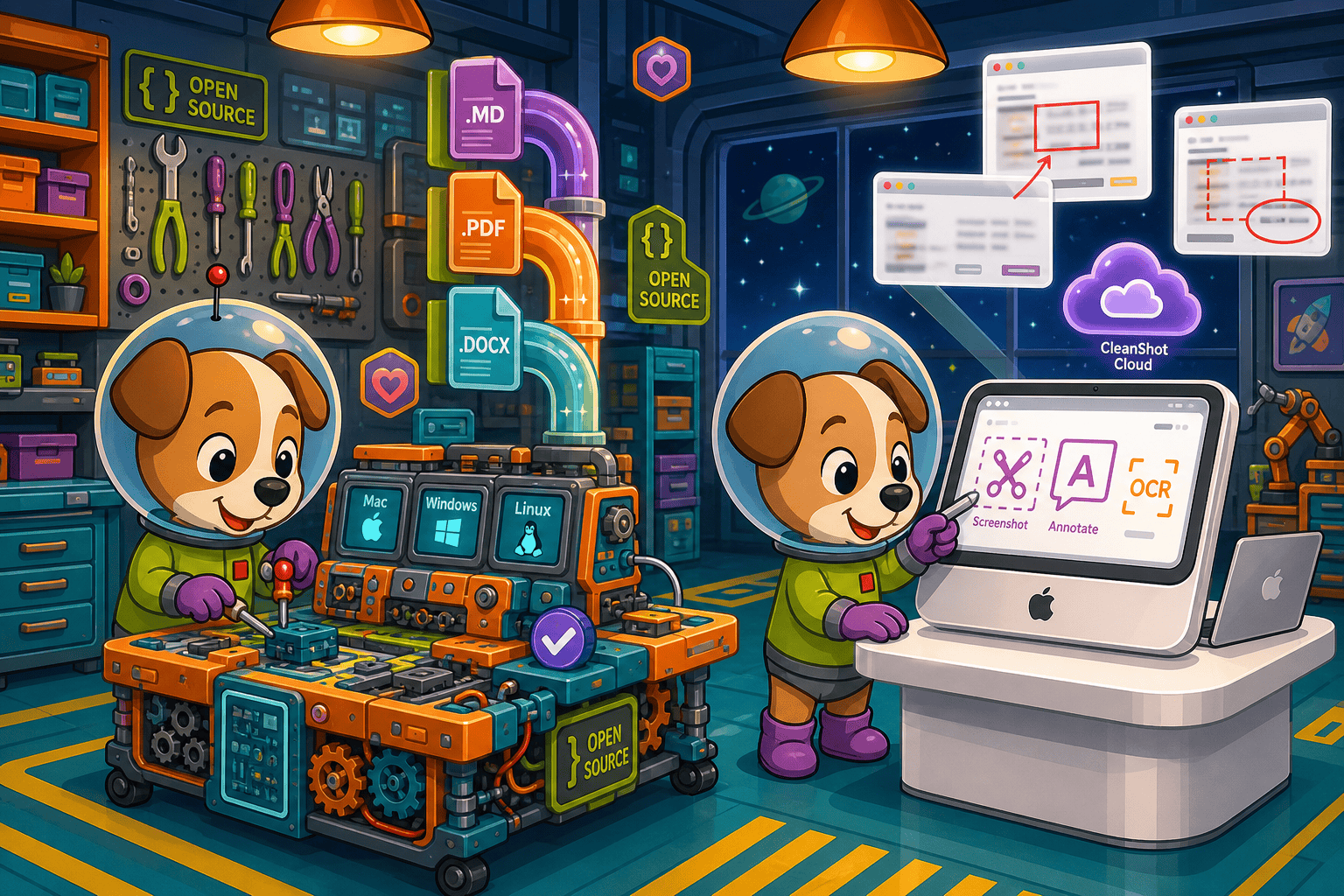
Docsie Recorder starts at $0 (recorder free forever) and CleanShot X at One-time license, but neither covers video-to-docs plus multi-tenant portals, which is where Docsie wins.
Feature & Pricing Matrix
A side-by-side breakdown of recording capabilities, editing features, platform availability, export options, and downstream documentation workflow — evaluated against what each tool actually costs.
| Feature |
Docsie Recorder
Our Pick
|
CleanShot X
|
|---|---|---|
| Starting Price | $0 (recorder free forever) | One-time license |
| Free Plan Available | ||
| Open-Source License | MIT (recorder/editor core) | |
| Mac Support | ||
| Windows Support | ||
| Linux Support | ||
| Screen & Window Capture | ||
| Scrolling Capture | ||
| Screenshot Capture | ||
| Microphone Audio | ||
| System Audio Capture | Supported (platform-specific) | Limited public detail |
| Webcam Overlay | ||
| Automatic or Manual Zoom | ||
| Cursor & Focus Polish | ||
| Backgrounds & Visual Effects | Wallpapers, gradients, solid, custom | |
| Crop, Trim, Speed Regions | ||
| Annotations & Blur Regions | ||
| OCR (Text from Screenshot) | ||
| Local MP4 Export | ||
| Local GIF Export | ||
| Cloud Sharing | CleanShot Cloud (subscription add-on) | |
| Video-to-Docs Conversion | ||
| Markdown Export | ||
| DOCX Export | ||
| PDF Export | ||
| Knowledge Base Publishing | ||
| Versioned Documentation Management | ||
| Multi-Tenant Portal Delivery | ||
| API Access | ||
| Enterprise Deployment Path |
Data as of 2026. Docsie Recorder pricing reflects the free MIT-licensed recorder core; Video-to-Docs conversion uses Docsie AI credits. CleanShot X pricing should be checked at cleanshot.com before purchasing. CleanShot Cloud is a separate subscription add-on.
Strengths & Weaknesses
Deep Dive
Price tags only tell part of the story. Here is a deeper look at value for money, scalability costs, and hidden costs and limitations across both tools.
Docsie Recorder costs $0 for the full recorder and editor. CleanShot X charges a one-time license fee that covers Mac capture and annotation. On paper, CleanShot X seems affordable as a one-time purchase. But Docsie Recorder includes more editing features — zoom, speed regions, backgrounds, webcam overlay, and crop — at no cost, on all three major platforms. Add the Video-to-Docs pipeline and the downstream knowledge base, and Docsie Recorder delivers a complete capture-to-documentation workflow that CleanShot X cannot match at any price point.
CleanShot X pricing scales per seat on the Team plan, and cloud sharing requires a subscription add-on. As your team grows on Mac, costs compound. Docsie Recorder scales differently — the recorder itself stays free for every user on every platform. Video-to-Docs conversion uses Docsie AI credits, which can be estimated before each job. Teams that need knowledge base publishing, portals, versioning, or enterprise SSO move to Docsie's workspace tiers. Windows and Linux users pay nothing extra for the recorder while Mac-only CleanShot X users cannot extend to those platforms at any price.
CleanShot X's hidden cost is scope. It covers Mac capture well, but the moment a team member is on Windows or Linux, they are unserved. Adding cloud sharing costs more on top of the license. There is no documentation output, no knowledge base, and no API — capabilities that require purchasing entirely separate tools. Docsie Recorder's main hidden consideration is that Video-to-Docs conversion is a cloud API operation using AI credits, not a fully offline process. Teams should estimate credit usage before large batch conversions. Everything else — recording, editing, and local export — is completely free.
Pricing Breakdown
Compare every pricing tier across both tools to understand the true cost of capture, editing, and documentation at each level.
Docsie Recorder wins on price at every tier. The recorder itself is free for every team member on every platform. CleanShot X charges a one-time license for Mac-only capture with no documentation output at any price. For teams that only need Mac screenshot annotation, CleanShot X is a reasonable one-time purchase. For teams that record walkthroughs and need to turn those recordings into documentation, Docsie Recorder starts at $0 and scales into a full knowledge base workflow — something CleanShot X cannot do regardless of how much you spend.
Our Recommendation
CleanShot X is a polished Mac capture utility with a reasonable one-time price for what it does. But what it does is limited to Mac, screenshot-centric, and stops at a shared link. Docsie Recorder starts at $0, runs on Mac, Windows, and Linux, includes a full recorder-grade editor, and connects directly to a Video-to-Docs pipeline that CleanShot X has no equivalent for at any price. If your goal is capturing screens and annotating screenshots on a Mac, CleanShot X is a solid buy. If your goal is recording walkthroughs and turning them into structured documentation your team can publish, version, and deliver — Docsie Recorder delivers more value for less money.
Choose Docsie Recorder if you need...
Choose CleanShot X if you need...
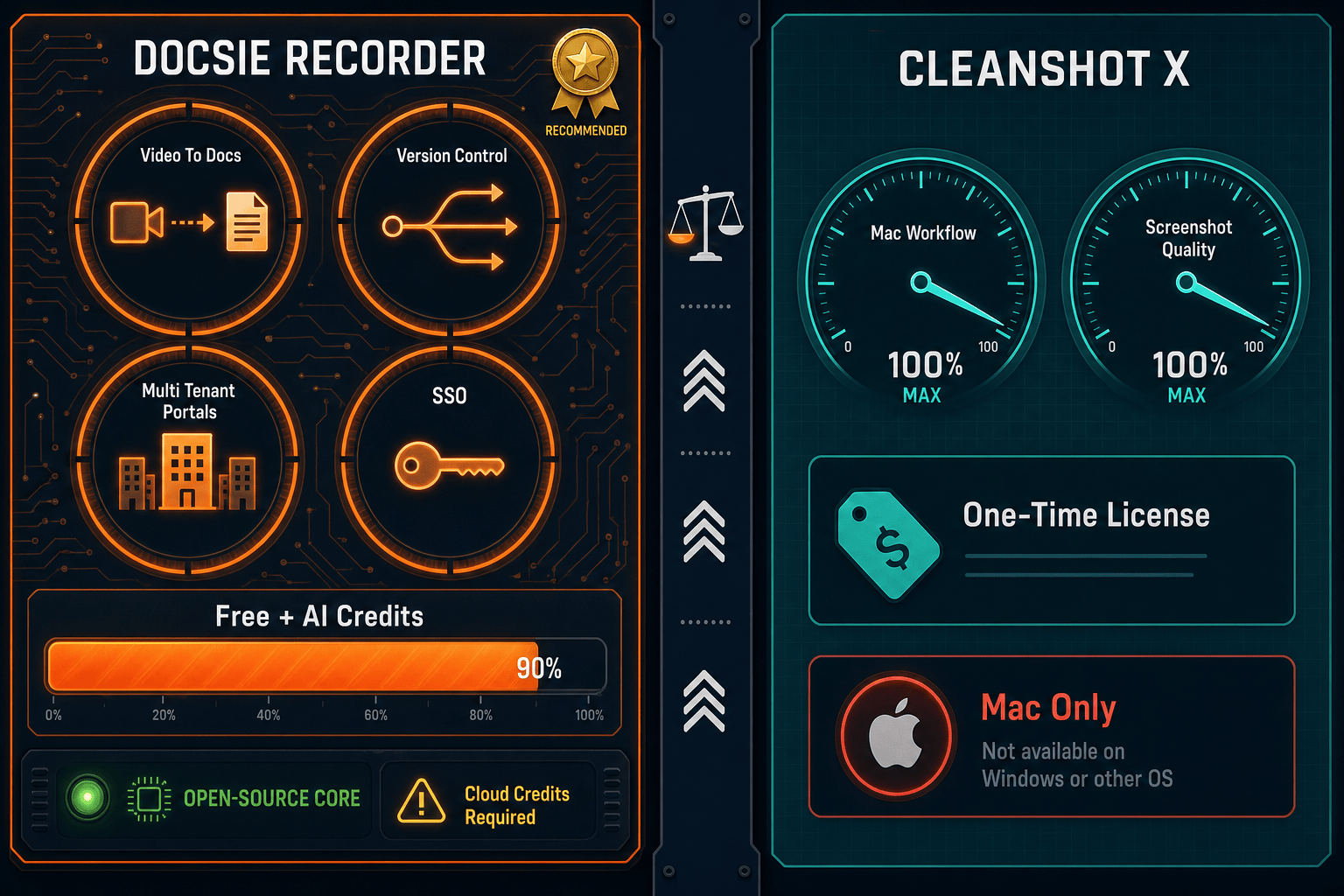
Winner: Docsie Recorder
Docsie Recorder costs $0 for a full-featured cross-platform recorder and editor that CleanShot X cannot match on price, platform coverage, or documentation output. CleanShot X is a capable Mac screenshot tool but it charges a license fee for Mac-only capture with no documentation workflow. Docsie Recorder gives teams more recording capability for free, runs on every major platform, and uniquely connects capture to Video-to-Docs conversion and knowledge base publishing — making it the stronger value at every price point for teams that need recordings to become documentation.
Decision Helper
A direct framework for picking between Docsie Recorder, CleanShot X, and Docsie based on your specific needs.
Docsie's free browser-based recorder that pipes captures straight into Docsie SOPs.
Mac power-user screen capture with annotation, cloud sync, and scrolling capture.

Convert real video into searchable docs, then deploy via multi-tenant portals.
Common Questions
Q: Is Docsie Recorder really free, or is there a catch?
A: The recorder and editor core is genuinely free under an MIT license with no trial period, no feature lockout, and no account required to record and export MP4 or GIF files. The only paid step is Video-to-Docs conversion, which uses Docsie AI credits when you choose to send a recording through the documentation pipeline. You can use the recorder indefinitely without ever spending anything.
Q: Does CleanShot X have a free plan or trial?
A: CleanShot X does not have a free plan. It offers a free trial so you can evaluate the tool before purchasing. After the trial, you need to buy a one-time license to continue using it. Cloud sharing requires an additional monthly subscription on top of the one-time license fee.
Q: What does Video-to-Docs conversion actually cost with Docsie?
A: Video-to-Docs conversion uses Docsie AI credits, which are consumed per conversion job based on video length and quality tier. The Docsie bridge lets you estimate the credit cost before submitting a job so there are no surprises. Confirm current credit pricing and any free allowance directly with Docsie, as these may change with product updates.
Q: Can I use CleanShot X on Windows or Linux to avoid paying for separate tools?
A: No. CleanShot X is Mac-only at every pricing tier, including the Team plan. Windows and Linux users have no CleanShot X option regardless of budget. Docsie Recorder provides Mac, Windows, and Linux builds from a single free download, making it the only option in this comparison that covers cross-platform teams without additional cost.
Q: If I only need Mac screenshots, is CleanShot X worth the price over Docsie Recorder?
A: If your primary daily workflow is annotating and sharing Mac screenshots — not recording walkthroughs or creating documentation — CleanShot X's one-time license is a reasonable investment for its scrolling capture, OCR, and annotation quality. Docsie Recorder does not offer scrolling capture or OCR. For pure screenshot power-user workflows on Mac, CleanShot X earns its price. For anything involving video recording or documentation output, Docsie Recorder delivers more for less.
Q: Does the downstream Docsie knowledge base add significant cost on top of the free recorder?
A: The free Docsie Recorder works standalone with no Docsie account needed for local recording and export. Costs only appear when you use Video-to-Docs conversion (AI credits) or when you want to publish into a Docsie knowledge base workspace (paid Docsie plan). Teams can start entirely free, evaluate the Video-to-Docs output with a small credit purchase, and only upgrade to a full Docsie workspace when they are ready to manage and publish documentation at scale.
Download Docsie Recorder at no cost, record on Mac, Windows, or Linux, and connect to the Video-to-Docs pipeline when you are ready to turn walkthroughs into structured knowledge base content. No license fee. No platform restriction. No dead-end video file.
MIT-licensed recorder core. No account required to record and export. Video-to-Docs conversion uses Docsie AI credits.