
4.8
on G2
 Docsie Recorder
 CleanShot X
CleanShot X is a beloved Mac capture utility for power users. Docsie Recorder is a free, open-source, cross-platform recorder that connects capture directly to Video-to-Docs conversion, knowledge base publishing, and enterprise documentation workflows. If your team needs more than annotated screenshots and cloud share links, this comparison is for you.
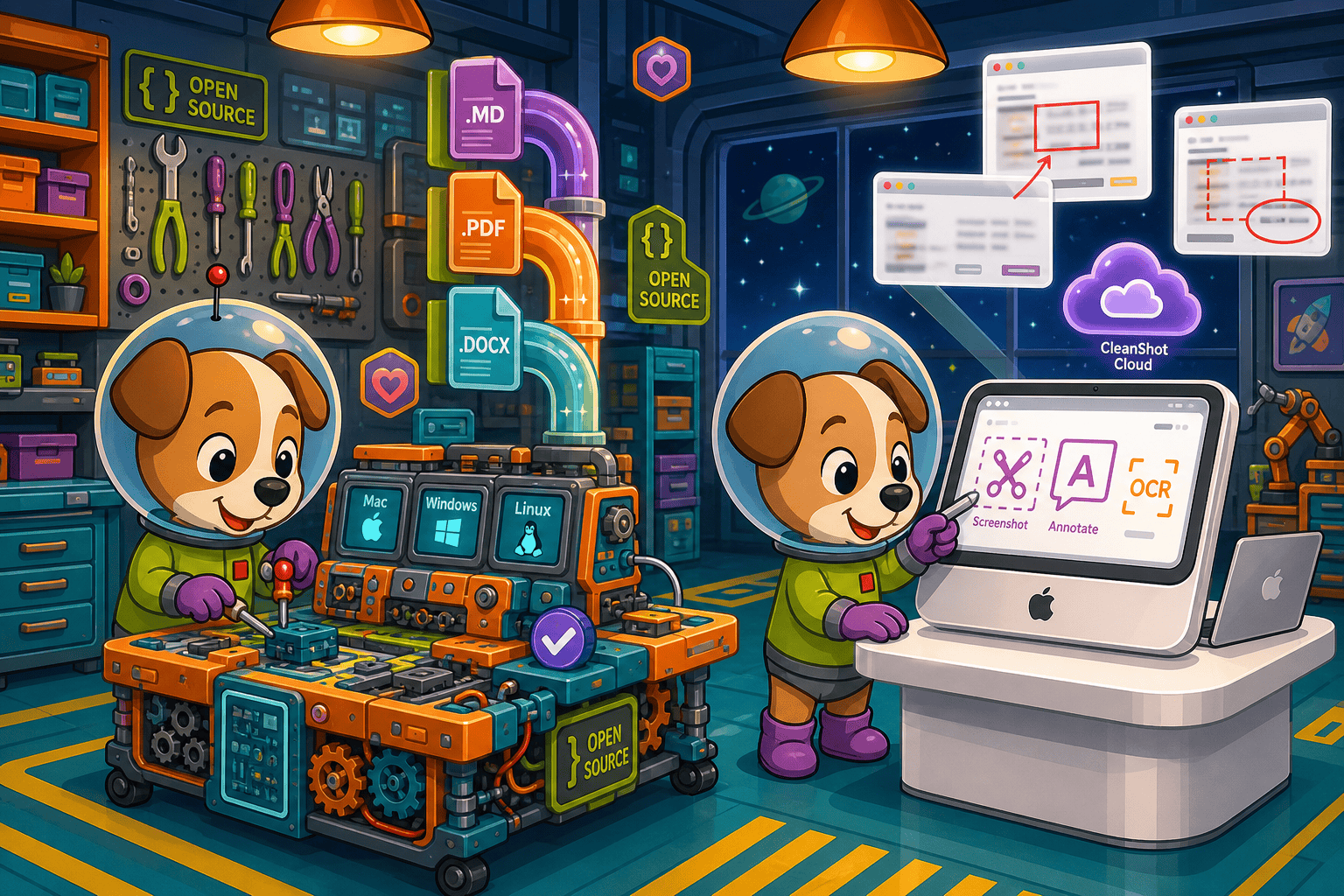
For enterprise buyers, Docsie Recorder and CleanShot X cover narrow slices (free and open-source recorder/editor core built on openscreen (mit license) and best-in-class mac screenshot workflow with scrolling capture and ocr) while Docsie adds SSO, audit trails, multi-tenant portals, and compliance monitoring in one platform.
Feature Matrix
A detailed comparison of recording capabilities, cross-platform support, documentation output, and enterprise readiness between Docsie Recorder and CleanShot X.
| Feature |
Docsie Recorder
Our Pick
|
CleanShot X
|
|---|---|---|
| Free to Use | ||
| Open-Source Recorder Core | ||
| Mac Support | ||
| Windows Support | ||
| Linux Support | ||
| Window and Full-Screen Capture | ||
| Microphone Audio Capture | ||
| System Audio Capture | Limited public detail | |
| Webcam Overlay | ||
| Automatic or Manual Zoom | ||
| Cursor and Focus Polish | ||
| Backgrounds and Visual Effects | ||
| Crop, Trim, Speed Regions | ||
| Annotations and Blur Regions | ||
| Scrolling Capture | ||
| OCR (Text from Screenshot) | ||
| Local MP4 Export | ||
| Local GIF Export | ||
| Video-to-Docs Conversion | ||
| Markdown Export | ||
| DOCX Export | ||
| PDF Export | ||
| Knowledge Base Publishing | ||
| Versioned Documentation Management | ||
| Multi-Tenant Portal Delivery | ||
| SSO (SAML/OAuth) | ||
| Audit Logs | ||
| API Access | ||
| Role-Based Access Control | ||
| Enterprise Deployment Path |
Data as of 2026. Features based on publicly available information and vendor documentation. Confirm current CleanShot X pricing and system audio support at cleanshot.com before relying on this comparison.
Strengths & Weaknesses
Deep Dive
A category-by-category analysis of how Docsie Recorder and CleanShot X compare on security and compliance, scalability, administration, and support — the four pillars enterprise buyers evaluate before committing.
Docsie Recorder's MIT-licensed recorder core keeps all capture and editing fully local with no data leaving the device during recording or export. The downstream Docsie platform adds SSO via SAML and OAuth, audit logs, role-based access control, GDPR compliance, and SOC 2 Type II posture for documentation workflows. CleanShot X has no SSO, no audit logs, and no documented compliance certifications. Its Team plan provides a shared cloud workspace, but enterprise IT cannot enforce identity federation or track access events. For organizations in regulated industries or with vendor security review requirements, Docsie's compliance architecture is the clear enterprise path. CleanShot X is a productivity tool, not a compliance-ready platform.
Docsie Recorder scales horizontally through the Docsie platform. A single recording workflow can feed structured documentation into unlimited knowledge base shelves, multi-tenant customer portals with custom domains, and automated publishing pipelines using the Docsie API and webhooks. Teams grow without per-seat recorder fees since the recorder itself is free and open-source. CleanShot X scales only within the Mac desktop capture paradigm — the Team plan adds a shared cloud workspace, but there is no programmatic API, no portal delivery layer, and no way to route capture output into downstream documentation or compliance systems. Organizations needing enterprise scale beyond screenshot sharing will quickly hit CleanShot X's ceiling.
Docsie Recorder and the connected Docsie platform give administrators granular controls: workspace-level role-based access, SSO identity integration, API-driven content management, version control with inheritance, and multi-tenant delivery configurations. Enterprise teams can route Video-to-Docs output through approval workflows before relying on this comparison. CleanShot X provides basic team admin within its cloud workspace — admins can manage team members and shared captures, but there are no approval workflows, no content versioning, no programmatic access controls, and no way to enforce documentation standards across the organization. Administration in CleanShot X is limited to capture sharing governance, not documentation governance.
Docsie's enterprise tier offers dedicated support, SLA commitments, and onboarding assistance for teams deploying the full CREATE-to-DELIVER workflow. The open-source recorder core also benefits from community transparency — enterprises can audit the codebase, file issues publicly on GitHub, and fork the recorder if needed, providing a layer of supply-chain assurance unavailable with closed-source tools. CleanShot X support is provided through standard channels appropriate for a commercial Mac utility. There is no published enterprise SLA, no dedicated account management, and no enterprise support tier. For teams that require contractual uptime guarantees or escalation paths, Docsie's enterprise offering provides the formal support structure that CleanShot X does not advertise.
Our Recommendation
CleanShot X is an outstanding Mac capture utility for individual power users and small Mac-homogeneous teams who need polished screenshots, annotations, scrolling capture, and OCR. It is not an enterprise documentation platform. Docsie Recorder enters this comparison from a different angle entirely — it is a free, open-source, cross-platform screen recorder that connects the act of recording directly to Video-to-Docs conversion, knowledge base publishing, versioned documentation management, and enterprise compliance workflows. For enterprise readiness, the gap is not close.
Choose Docsie Recorder if you need...
Choose CleanShot X if you need...
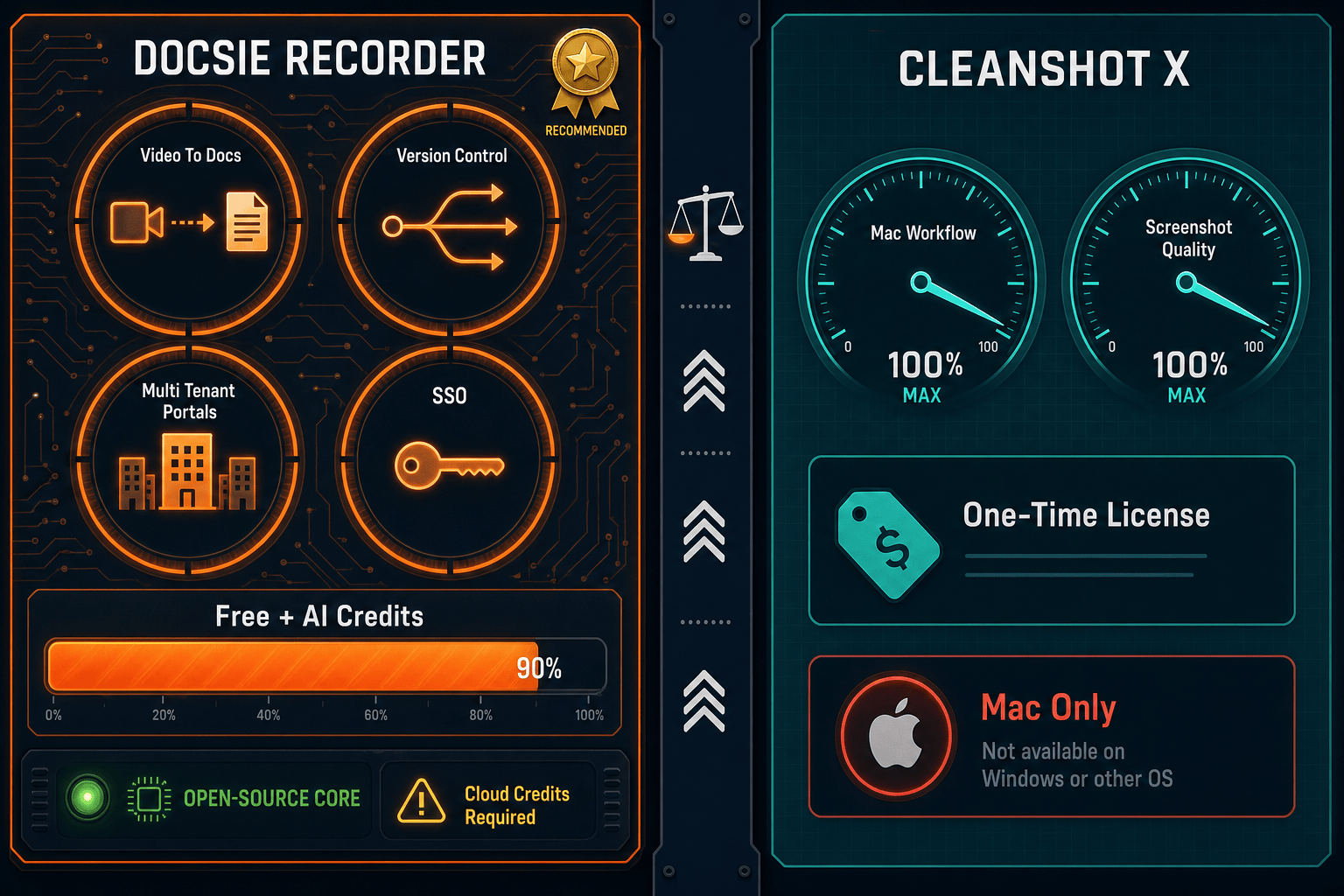
Winner: Docsie Recorder
For enterprise teams, Docsie Recorder is the clear choice. It is free, open-source, and cross-platform — eliminating the Mac-only constraint that disqualifies CleanShot X from mixed-OS enterprise environments. More importantly, Docsie Recorder does not stop at a share link. Every recording feeds into a Video-to-Docs pipeline that produces structured documentation, versioned knowledge bases, and multi-tenant portal delivery backed by SSO, audit logs, and compliance workflows. CleanShot X is a superior screenshot tool for Mac power users. Docsie Recorder is an enterprise-ready documentation creation platform that starts with recording.
Decision Helper
A direct framework for picking between Docsie Recorder, CleanShot X, and Docsie based on your specific needs.
Docsie's free browser-based recorder that pipes captures straight into Docsie SOPs.
Mac power-user screen capture with annotation, cloud sync, and scrolling capture.

Convert real video into searchable docs, then deploy via multi-tenant portals.
Common Questions
Q: Does CleanShot X support SSO for enterprise identity management?
A: No. CleanShot X does not offer SSO, SAML, or OAuth integration. Team access is managed through a shared cloud workspace without identity federation. Docsie Recorder connects to the Docsie platform, which supports SAML, OAuth, and OIDC SSO for enterprise identity management, making it the choice for organizations with mandatory SSO vendor requirements.
Q: Can CleanShot X recordings be converted into structured documentation automatically?
A: No. CleanShot X produces screenshots, annotated images, GIFs, and short video recordings that are shared via CleanShot Cloud links. There is no AI conversion, no Markdown output, and no pathway to a knowledge base or documentation system. Docsie Recorder includes a direct bridge to Docsie's Video-to-Docs API, which converts recordings into structured Markdown, DOCX, and PDF and publishes them into versioned knowledge bases.
Q: How does Docsie Recorder handle audit and compliance requirements?
A: The Docsie Recorder's MIT-licensed core keeps all capture local with no data sent during recording. The downstream Docsie platform adds audit logs, role-based access control, GDPR compliance, and SOC 2 Type II posture for documentation workflows. CleanShot X has no published audit log capability, no compliance certifications for enterprise procurement, and no formal compliance documentation pathway.
Q: Is Docsie Recorder viable for Windows and Linux enterprise environments?
A: Yes. Docsie Recorder provides native builds for macOS, Windows, and Linux, making it suitable for mixed-OS enterprise environments. CleanShot X is macOS-exclusive and cannot be deployed to Windows or Linux workstations at all, which is a disqualifying constraint for most enterprise IT environments that support multiple operating systems.
Q: Can an enterprise use Docsie Recorder as a Screen Studio or Loom alternative with documentation output?
A: Yes, and that is precisely the intended use case. Docsie Recorder provides Screen Studio-style editing features — automatic zoom, backgrounds, motion blur, speed regions, and blur annotations — with the addition of a Video-to-Docs pipeline that Screen Studio and Loom do not offer. Teams record once and produce both a polished video file and structured documentation from the same source recording.
Q: What happens to recordings after they are exported — does Docsie Recorder require cloud storage?
A: No cloud storage is required to record and export video. Docsie Recorder is local-first — recordings are captured, edited, and exported as MP4 or GIF files on the device with no account required for that step. The optional Video-to-Docs conversion step uses Docsie cloud API credits to process the recording into structured documentation, but the base recorder workflow is fully local and free.
Download Docsie Recorder free and connect your screen recordings to a full Video-to-Docs and knowledge base workflow — cross-platform, open-source, and enterprise-ready.
Free to download and record. No account required for local MP4 and GIF export. Docsie AI credits used only for Video-to-Docs conversion.