
4.8
on G2
Try It Now
Upload a training video or paste a URL — Docsie creates structured learning materials automatically.
Drag & drop a training video to create e-learning content
MP4, MOV, AVI, WebM — up to 2 GB
Your files are encrypted and deleted after processing. SOC 2 compliant.
You already have hours of training videos. Docsie's AI turns them into structured e-learning content — step-by-step modules, visual guides, and searchable reference materials — without starting from scratch.
Learning and development teams use Docsie to transform training video libraries into structured e-learning content at scale






_Leader_Small-Business_Leader.svg)


_BestSupport_Small-Business_QualityOfSupport.svg)

E-Learning Content Creation Tools
Traditional e-learning authoring tools require you to build courses from scratch. Docsie creates structured learning content automatically from your existing training videos.
| E-Learning Content Capability |
Docsie
AI-Powered
|
Articulate
|
Camtasia
|
Scribe
|
Guidde
|
|---|---|---|---|---|---|
| Create content from existing videos | |||||
| AI-powered content structuring | |||||
| Automatic screenshot capture | |||||
| Step-by-step procedure extraction | |||||
| Multi-language learning content | |||||
| On-screen text reading (OCR) | |||||
| Searchable content output | |||||
| Publish to knowledge base | |||||
| No authoring experience required | |||||
| Enterprise SSO & permissions |
Comparison based on publicly available feature information as of February 2026.
E-Learning Content Output
Here's what happens when an L&D team uses Docsie to create e-learning content from a 45-minute software training session.
Simple Process
Docsie's AI watches your training videos and creates structured learning materials automatically — no instructional design experience required.

Drop any training recording, webinar, or instructor-led session into Docsie. Works with Zoom, Teams, Loom recordings, LMS exports, and standard video files (MP4, MOV, WebM).

Docsie's multimodal AI watches the video, identifies learning objectives, extracts step-by-step procedures, captures screenshots at key moments, and organizes everything into logical e-learning modules.

Get structured e-learning content with numbered steps, embedded screenshots, and searchable text. Publish directly to your knowledge base so employees can reference specific topics on demand.
Why L&D Teams Choose Docsie
Stop building e-learning content from scratch. Docsie's AI transforms your existing training videos into structured learning materials with computer vision and multimodal analysis.
Your organization already has hours of training videos. Docsie's AI turns them into structured e-learning content — no need to re-record or start from blank slides.
AI watches your training videos frame-by-frame, reading on-screen text, identifying UI elements, and capturing the visual context that makes learning materials effective.
Screenshots captured at key learning moments are embedded as illustrations. Learners see exactly what the instructor showed, correlated with the written instructions.
AI identifies topic changes, learning objectives, and procedure boundaries — automatically organizing a long training video into logical, digestible learning modules.
Create e-learning content once from a single training video, then translate the entire structured output into 50+ languages for global workforce training.
All e-learning content publishes to a searchable knowledge base. Employees find specific procedures and reference materials in seconds instead of rewatching video playlists.
See how L&D teams and training departments use Docsie to create structured e-learning content from existing video assets

Convert Salesforce, SAP, Workday, and other software training recordings into step-by-step e-learning modules with auto-captured screenshots. New hires reference specific procedures instead of rewatching hour-long sessions.

Transform mandatory compliance training videos into documented learning materials with version control. Create audit-ready e-learning content that satisfies HIPAA, SOX, and GDPR documentation requirements.
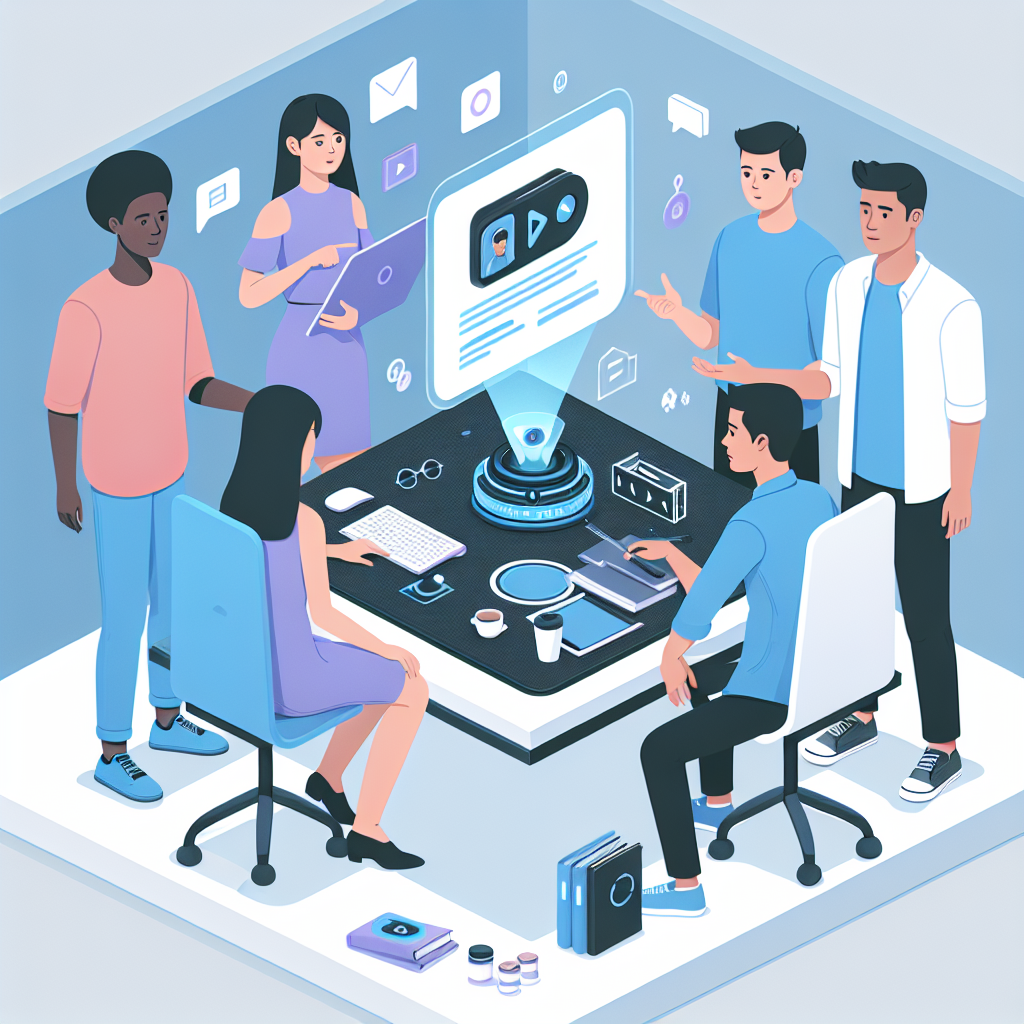
Convert multi-day onboarding video playlists into a structured e-learning library. New employees access organized learning paths instead of watching 40 hours of unstructured video content.
Common Questions
Everything L&D teams need to know about creating e-learning content with Docsie
Q: How does Docsie create e-learning content from videos?
A: Docsie's multimodal AI watches your training videos using computer vision — reading on-screen text, identifying UI elements, detecting screen transitions, and capturing screenshots at key moments. Combined with audio transcription, it organizes everything into structured e-learning modules with numbered steps, visual aids, and proper formatting.
Q: Do I need instructional design experience to use Docsie?
A: No. Docsie's AI handles the content structuring automatically. Upload a training video, and the AI identifies learning objectives, extracts procedures, captures screenshots, and organizes content into logical modules. You review and refine the output — no authoring skills required.
Q: What types of training videos work best for e-learning content creation?
A: Docsie creates excellent e-learning content from software training sessions, compliance training recordings, onboarding walkthroughs, process demonstrations, and instructor-led sessions. Screen recordings with narration produce the best results, but the AI also works with silent recordings using computer vision alone.
Q: How fast is the e-learning content creation process?
A: A 30-minute training video is processed in about 5-10 minutes. You get structured e-learning modules ready to review, edit if needed, and publish to your knowledge base.
Q: Can I customize the e-learning content after it's generated?
A: Yes. The AI-generated e-learning content is a high-quality first draft — typically 85-90% ready to publish. You can edit text, rearrange modules, add or remove screenshots, and adjust formatting using Docsie's built-in editor.
Q: Does Docsie create different e-learning formats?
A: Docsie generates structured documentation that works as step-by-step guides, quick reference cards, searchable knowledge base articles, and procedure manuals. The modular output can be organized into learning paths with prerequisite ordering.
Q: Can I create e-learning content in multiple languages?
A: Yes. Create e-learning content once from a single training video, then translate the complete output — including step descriptions, headings, and screenshot captions — into 50+ languages. This is especially valuable for global organizations standardizing training across regions.
Q: Can our L&D team use Docsie to create e-learning content at scale?
A: Yes. Docsie supports enterprise-scale e-learning content creation with SSO authentication, role-based permissions, and team workspaces. L&D teams convert entire training video libraries into searchable learning content that the whole organization can access.
Q: How does Docsie integrate with our existing LMS?
A: Docsie generates structured learning content that can be embedded in or linked from any LMS. The searchable knowledge base can serve as a complementary reference library alongside your LMS courses, giving employees a searchable alternative to rewatching training videos.
Ready to create e-learning content from your training videos?
Book a DemoSee how Docsie's AI transforms existing training recordings into structured e-learning modules with screenshots, step-by-step procedures, and searchable reference materials.
No credit card required. 14-day free trial.
Start creating professional documentation that your users will love