
The promise of AI-generated documentation has been around long enough that most operations teams have tried something. A screen recording tool. A workflow capture extension. Asking ChatGPT to write up a process from a transcript.
For digital processes — software workflows, computer-based tasks, click-by-click procedures — these tools work reasonably well. But physical processes are different. Picking, packing, receiving, quality inspection, forklift operation, manual assembly — these don't happen on a screen. They happen in space, with hands and equipment and bodies, in environments that are loud and variable and rarely narrated.
Here's what actually works for converting physical process video into useful documentation — and where the common approaches fall short.
What works: purpose-built video analysis
Tools designed specifically for physical process documentation approach the problem differently from screen recording or general-purpose AI.
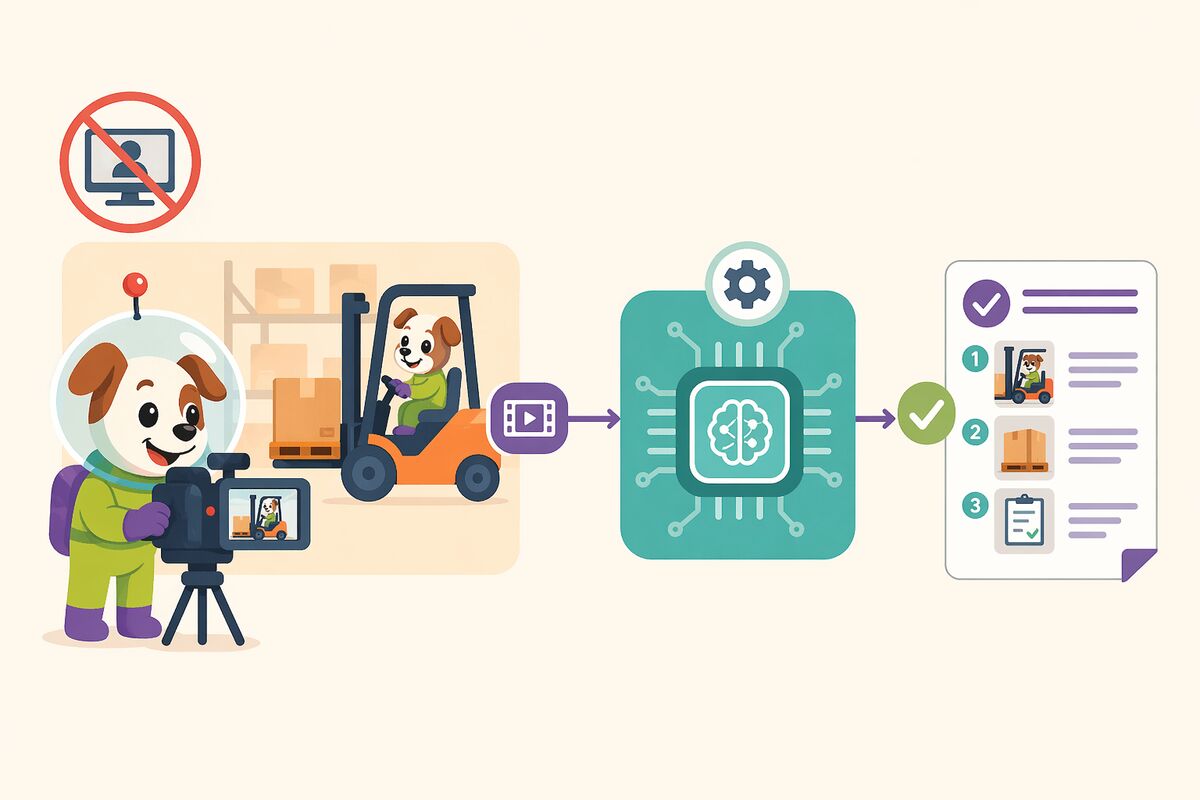
Frame-level analysis is the foundation. Rather than relying on audio transcription, these tools analyze what is visible in each frame — the actions being performed, the objects being interacted with, the sequence of physical steps. This means they work on silent footage, which is most warehouse footage, since workers are not typically narrating their tasks while they perform them.
Long video support matters more than it seems. A complete end-to-end warehouse process often runs 20 to 45 minutes. Tools that cap out at five or ten minutes require you to break processes into artificial segments that don't reflect how work actually flows. Purpose-built tools can handle extended footage and generate coherent documentation that covers the full process arc.
Template conformity is underrated. A tool that generates excellent SOPs in its own format is often less useful than a tool that generates adequate SOPs in your format. If the output doesn't match your existing document standards, someone has to reformat it before it can enter your QMS — which reintroduces exactly the manual effort the tool was supposed to eliminate.
What doesn't work: general-purpose AI
General-purpose language models are remarkable tools. They can summarize, analyze, generate, and reason across an enormous range of tasks. But they are not designed for the specific requirements of physical process documentation at warehouse scale.
They handle one video at a time, with manual prompting required for each. They cannot systematically compare ten instances of the same process and produce a structured variation analysis. They cannot run on your infrastructure with your data staying inside your perimeter — a requirement that is non-negotiable for most enterprise supply chain operations handling sensitive inventory, pharmaceutical products, or regulated materials.
The comparison people make between purpose-built video documentation tools and ChatGPT is understandable. Both use AI. Both can take a video and produce some kind of document. But the difference is roughly equivalent to comparing a specialized logistics management system to a general-purpose spreadsheet. The spreadsheet can do many things. The specialized system does this one thing properly, at scale, with the controls and integrations that enterprise operations require.
What doesn't work: screen recording tools
Screen recording tools are excellent at what they do. They capture software workflows with precision and produce clean, structured documentation of digital processes. They are not designed for and cannot handle physical process documentation. There is no screen to record when someone is scanning a pallet label, operating a forklift, or performing a manual quality inspection.
The on-premise question
For supply chain operations in regulated industries — pharmaceutical distribution, medical devices, food and beverage — the question of where video data is processed is not optional. Footage of warehouse operations can contain sensitive information about products, quantities, suppliers, and procedures. Sending that footage to a third-party cloud for AI processing is not a decision most enterprise legal and compliance teams will approve.
Purpose-built platforms that run on-premise or in a private cloud, processing all data within the customer's own infrastructure, solve this problem natively. The AI runs inside your environment. The footage never leaves. The documentation is generated on your infrastructure and stays there.
This is the architecture that makes video-to-SOP viable for enterprise supply chain operations — not a workaround, but a design principle.
Starting right
The teams that get the most value from video-to-SOP start with a bounded, high-impact process rather than trying to document everything at once. Pick one connected end-to-end process. Record it across enough workers to see meaningful variation — typically five to ten people. Process the footage, run the comparison, derive the unified SOP, and use that experience to refine your approach before scaling.
The goal in the first round is not complete documentation of your entire operation. It is proof that the gap between your documented process and your real process is measurable, and that you now have a method for closing it.
Everything else follows from there.
Docsie is built for physical process documentation at scale — frame-level video analysis, multi-video comparison, template-aware SOPs, on-premise deployment. Book a demo.