
Scribe vs Tango: Which Workflow Documentation Tool Is Right for You in 2026?
Choosing between documentation tools shouldn't feel like splitting hairs, but when you're comparing Scribe and Tango, it often does. Both tools emerged from the same insight: that creating step-by-step guides is tedious, and automation could fix it. Both built browser extensions that capture your clicks and turns them into screenshot-based tutorials. Both target the same audience—teams drowning in process documentation.
So how do you choose between two tools that are remarkably similar? And more importantly, should you be choosing either of them, or is there a better path forward for enterprise documentation needs?
Let's break down what separates these two platforms, where they overlap, and why organizations with substantial documentation requirements might need to look beyond both of them.
What Is Scribe?
Scribe positions itself as the fastest way to create how-to guides, and it delivers on that promise. Install the browser extension, perform a task in your web browser, and Scribe automatically generates a step-by-step guide with annotated screenshots. The output is clean, professional, and immediately shareable.
The platform shines brightest in enterprise environments where SOPs (standard operating procedures) need to be documented quickly and shared across teams. Scribe integrates seamlessly with tools like Notion, Confluence, and SharePoint—which means your documentation lives where your team already works. For regulated industries, Scribe offers HIPAA compliance and AI-powered redaction of personally identifiable information (PII) and protected health information (PHI), making it particularly attractive to healthcare and financial services organizations.
The critical limitation? Scribe is exclusively a screenshot-based tool. There's no video capability, no audio processing, and no way to work with your existing training video library. If you already have hundreds of hours of recorded training sessions, product walkthroughs, or onboarding videos, Scribe can't help you convert them into documentation.

What Is Tango?
Tango started with nearly identical functionality to Scribe—a Chrome extension that captures browser workflows and outputs screenshot-based guides. The capture process is frictionless: click record, perform your workflow, and Tango generates annotated steps automatically.
Where Tango differentiates itself is with "Nuggets"—in-app guided walkthroughs that overlay directly on web applications. Instead of sending someone a PDF or link, you can embed interactive guidance right into the software interface. This feature makes Tango particularly effective for training users on browser-based tools without pulling them out of their workflow.
However, Tango has increasingly pivoted toward CRM automation, with growing focus on Salesforce and HubSpot integrations. Documentation has become a secondary feature rather than the core focus. Like Scribe, Tango is screenshot-only—there's no video conversion capability, no audio processing, and no way to leverage existing multimedia training content.
Feature-by-Feature Comparison
Capture and Documentation Creation
Both platforms nail the core workflow: install extension, perform task, receive documentation. The capture experience is nearly identical, and both produce clean, annotated screenshot guides.
Scribe's advantage: Offers desktop capture alongside browser capture, which means you can document desktop applications, not just web-based tools. This matters if you're documenting workflows that involve both browser and desktop software.
Tango's advantage: The Nuggets feature allows in-app walkthroughs overlaid directly on web applications. This creates a more immersive learning experience for browser-based software training, though it doesn't work for desktop applications or outside the browser context.
The critical gap both share: Neither tool processes video. If you have existing training videos, webinar recordings, or product demonstrations, you cannot convert them into documentation with either platform. You're limited to creating new documentation from scratch via screen capture.
Collaboration and Workflow Management
Scribe provides approval workflows, allowing team leads to review documentation before it's published. This matters in regulated environments where accuracy and compliance are non-negotiable. The platform also offers better team collaboration features, with the ability to assign documentation creation tasks and track completion.
Tango keeps collaboration simpler—perhaps too simple for enterprise needs. You can share guides and embed them, but there's no formal approval process or sophisticated workflow management. For small teams moving quickly, this might be an advantage. For enterprises with compliance requirements, it's a limitation.
Integration and Distribution
Both tools integrate with popular platforms, but with different emphases.
Scribe integrates deeply with enterprise knowledge bases: Confluence, SharePoint, Notion, and documentation platforms. If your organization has standardized on one of these tools, Scribe slides right in. You can export guides in multiple formats (PDF, HTML, Markdown) and embed them where needed.
Tango offers similar integrations but has invested more heavily in CRM integrations—Salesforce, HubSpot, and related tools. If your primary use case is documenting sales processes or CRM workflows, Tango's integrations might be more relevant. For broader documentation needs, Scribe's integration strategy is more comprehensive.
Security and Compliance
Scribe takes the clear lead here with HIPAA compliance and AI-powered redaction of sensitive information. Healthcare organizations, financial services companies, and any business handling sensitive data will appreciate the automatic PII/PHI redaction. Scribe also offers single sign-on (SSO) and more granular permission controls.
Tango offers basic security features suitable for most businesses but doesn't match Scribe's compliance-focused capabilities. If you're in a regulated industry, this difference matters significantly.
Pricing and Value
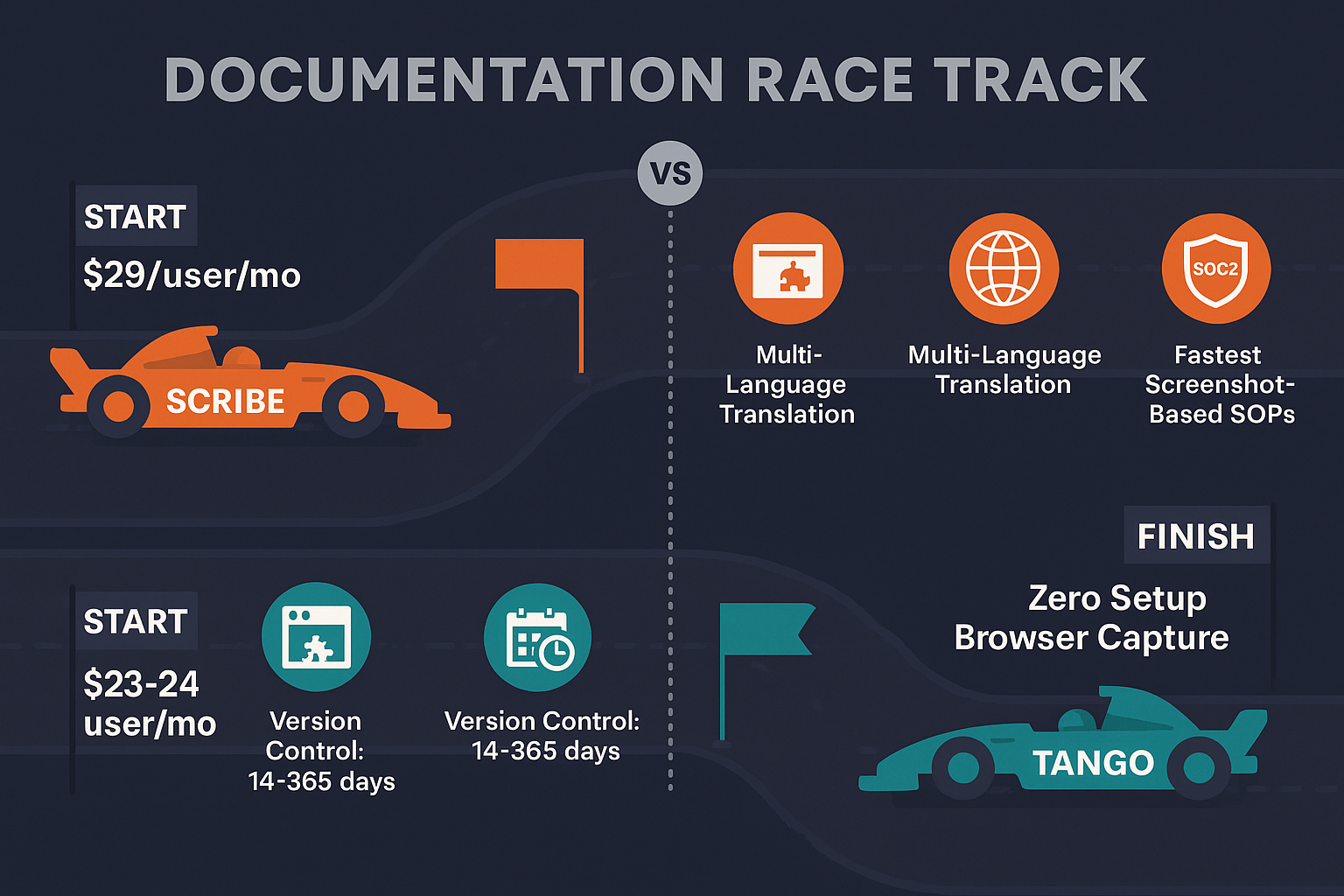
Tango offers more generous free tier options and generally more affordable pricing for small teams. If budget is your primary constraint and compliance isn't a concern, Tango delivers strong value.
Scribe prices itself as an enterprise tool, with costs reflecting its more robust security, compliance features, and collaboration capabilities. You're paying more, but you're getting features that enterprises actually need.
Neither tool is prohibitively expensive, but Tango edges ahead on pure affordability while Scribe justifies higher costs with enterprise-grade capabilities.
Who Should Choose What?
Choose Scribe If You Need...
- HIPAA compliance and sensitive data handling: Healthcare, finance, or any industry where data protection is critical should default to Scribe's compliance capabilities
- Strong enterprise integrations: If you're already using Confluence, SharePoint, or enterprise-grade knowledge management tools, Scribe integrates more naturally
- Approval workflows and governance: Regulated environments that require documentation review processes before publication will appreciate Scribe's workflow features
- Desktop application documentation: If you need to document desktop software alongside web applications, Scribe's desktop capture capability is essential
Choose Tango If You Need...
- In-app guided walkthroughs: If your primary goal is training users directly within web applications, Tango's Nuggets feature is uniquely valuable
- Budget-conscious documentation: Smaller teams with limited budgets will appreciate Tango's more accessible pricing
- Simple, fast browser workflow documentation: If you don't need desktop capture, compliance features, or complex workflows, Tango delivers the core functionality more affordably
- CRM-focused documentation: If you're primarily documenting Salesforce, HubSpot, or similar CRM workflows, Tango's integrations are purpose-built for this use case
The Bigger Question: Should You Choose Either?
Here's what both tools cannot do: convert your existing training videos into documentation.
Most enterprises aren't starting from zero. You likely have dozens or hundreds of hours of training videos, recorded webinars, product demonstrations, and onboarding sessions. These represent massive investments of time and expertise—but they're locked in video format, difficult to search, impossible to update efficiently, and challenging to repurpose.
Scribe and Tango force you to create documentation from scratch through screen capture. They're excellent at capturing new workflows, but they ignore your existing content library entirely.
This is where Docsie takes a fundamentally different approach.
Docsie uses multimodal AI to convert existing video content—not just screen captures, but any training video—into structured, searchable documentation. Upload your webinar recordings, product walkthrough videos, or training sessions, and Docsie processes both video and audio to generate comprehensive documentation automatically.
Beyond video conversion, Docsie offers enterprise knowledge management capabilities that neither Scribe nor Tango can match:
- Multi-tenant knowledge base portals that let you deliver branded documentation to multiple clients from a single system
- Version control that tracks changes across documentation iterations
- Translation into 100+ languages for global teams and customers
- Comprehensive content delivery infrastructure designed for scale
If you're choosing between Scribe and Tango, you're choosing between two tools that solve the same narrow problem: capturing new browser workflows as screenshots. If you need to leverage existing video content, deliver documentation to multiple clients, support global audiences, or manage documentation at enterprise scale, you need a more complete solution.
For a detailed side-by-side comparison of specific features and pricing, check out our comprehensive Scribe vs Tango comparison page.
The Verdict: Beyond Screenshot Capture
Scribe and Tango are both competent tools for what they do—capturing browser workflows as screenshot guides. Scribe is the better choice for enterprises needing compliance, security, and robust integrations. Tango offers better value for smaller teams and has unique in-app walkthrough capabilities.
But both tools share the same fundamental limitation: they only create documentation from new screen captures. They can't process your existing video library, they can't handle audio content, and they're not designed for enterprise-scale content delivery across multiple clients or languages.
If your documentation needs extend beyond simple screenshot-based SOPs—if you have video content to convert, multiple clients to serve, or global teams to support—neither Scribe nor Tango will solve your complete documentation challenge.
Ready to see what comprehensive documentation automation looks like? Try Docsie free for 14 days and discover how multimodal AI can transform both your existing video content and your ongoing documentation processes into enterprise-grade knowledge management.