
Guidde vs Tango: Which Workflow Documentation Tool Is Right for You in 2026?
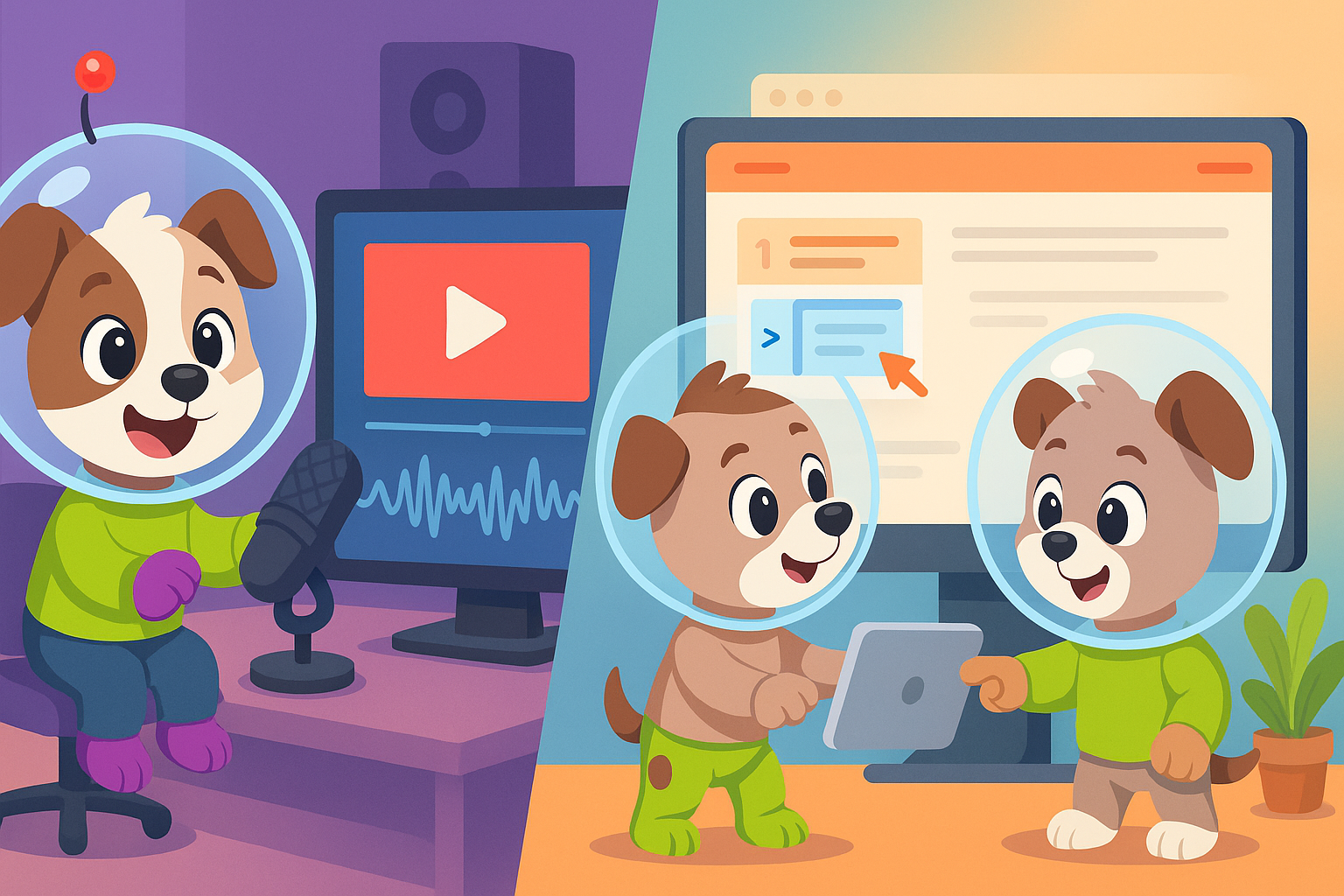
Choosing between Guidde and Tango feels like comparing apples and oranges—both create workflow documentation, but they produce fundamentally different outputs. Guidde transforms your screen recordings into polished AI-voiced tutorial videos, while Tango captures browser workflows as screenshot-based step-by-step guides. One delivers video content for customer training, the other creates visual SOPs for internal teams.
The real question isn't which tool is objectively better, but which one matches your specific documentation needs—or whether you should be looking at a completely different approach altogether.
What Is Guidde?
Guidde is a browser extension designed to create AI-voiced tutorial videos from screen recordings. You record your workflow once, and Guidde automatically generates a polished video complete with professional voiceovers in over 50 languages, plus a synchronized text guide. The platform positions itself squarely in the customer-facing documentation space—think product demos, customer onboarding videos, and tutorial libraries.
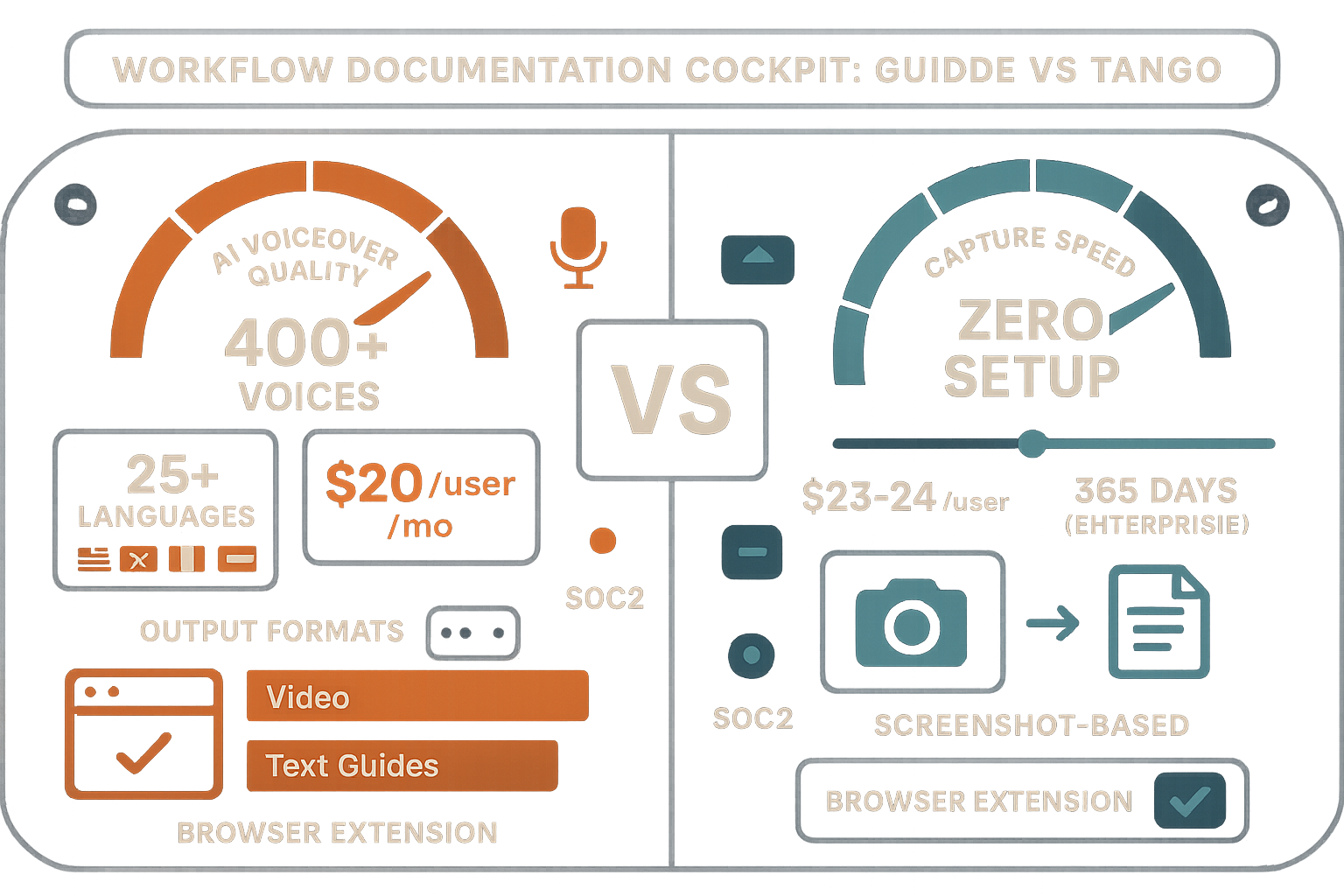
The standout feature is Guidde's AI voiceover engine, which offers 400+ studio-quality voices that sound remarkably human. Their "Magic Mic" feature lets you narrate as you record, then auto-transcribes and enhances your voice for a professional finish. For teams that need branded video content without hiring videographers or voice actors, Guidde offers a compelling value proposition.
What Is Tango?
Tango started as a pure workflow documentation tool—a Chrome extension that captures browser-based processes and converts them into clean, screenshot-based step-by-step guides. Click through a workflow once, and Tango automatically documents each step with screenshots, annotations, and instructions.
However, Tango has pivoted significantly toward CRM automation in recent years. Their feature set now heavily emphasizes integrations with Salesforce and HubSpot, with "Nuggets" (in-app guided walkthroughs) designed to help sales and customer success teams navigate these platforms. While documentation remains part of the offering, it's increasingly clear that Tango sees its future in CRM workflow automation rather than general-purpose documentation.
For teams focused solely on documenting browser-based SaaS workflows—especially sales tools—Tango offers frictionless capture with zero setup required.
Feature Comparison: Video vs. Screenshots
The most fundamental difference between Guidde and Tango is their output format, and this distinction shapes everything else about these tools.
Guidde's Video-First Approach
Guidde creates actual video files with synchronized voiceovers. This means your documentation includes motion, transitions, cursor movements, and professional narration. The dual output—both video and text guide from a single recording—gives you flexibility in how you deliver content. Some users prefer watching videos, others want to skim text instructions.
The branded video player adds another layer of polish. You can customize themes, add your logo, and include CTAs within the video player itself. For customer-facing content, this level of presentation matters.
However, Guidde's video focus comes with a critical limitation: it only works with screen captures. You cannot upload existing videos, convert Zoom recordings, or document real-world physical processes. If your training content includes anything that happens outside a screen—warehouse operations, medical procedures, equipment maintenance—Guidde cannot help.
Tango's Screenshot Documentation
Tango takes a radically simpler approach: screenshot-based guides. There's no video encoding, no voiceovers, no audio processing. You get a sequence of annotated screenshots with text instructions.
This simplicity has advantages. Screenshot guides load faster, consume less bandwidth, and are easier to update—just re-capture the changed steps rather than re-recording entire videos. For internal SOPs and quick process documentation, this format often works better than video.
The tradeoff? Zero video capability. If your content requires showing motion, demonstrating timing, or conveying audio information, Tango cannot capture it. And like Guidde, Tango only captures browser workflows—you cannot convert existing video content or document anything outside your Chrome browser.
AI Capabilities and Automation
Both platforms leverage AI, but in completely different ways.
Guidde's AI Voiceover Engine
Guidde's AI shines in voice generation. The platform offers 400+ voices across 50+ languages, and the quality is genuinely impressive—far beyond the robotic text-to-speech of previous generations. You can match voice characteristics to your brand, adjust pacing, and even have different voices for different video sections.
The Magic Mic feature adds another dimension: record with your own voice, and Guidde's AI cleans up the audio, removes filler words, and can even translate your narration into other languages while maintaining natural pacing. For global teams creating multilingual content, this feature alone justifies the platform.
However, Guidde's AI is focused entirely on video production—voiceovers, transcription, and video editing. It doesn't analyze your content, suggest improvements to workflows, or extract knowledge from existing documentation.
Tango's Workflow Capture AI
Tango's AI operates more subtly. The platform automatically generates descriptions for each captured step, recognizes UI elements, and suggests titles for your guides. The Nuggets feature uses AI to determine where to place in-app guidance overlays for maximum effectiveness.
But Tango's AI capabilities remain firmly in the "capture enhancement" category. There's no voice processing (because there's no audio), no video analysis (because there's no video), and no sophisticated content transformation. It's workflow capture made smarter, not AI-powered knowledge management.
Enterprise Features and Scalability
When evaluating documentation tools for enterprise use, the conversation shifts from features to infrastructure: version control, access management, multi-tenant capabilities, and compliance.
Guidde's Enterprise Limitations
Guidde offers team collaboration features—shared video libraries, brand templates, and usage analytics. However, the platform lacks true enterprise knowledge management capabilities. There's no version control system for tracking documentation changes over time, no multi-tenant portal system for serving different clients or business units, and no sophisticated permission structures for complex organizational hierarchies.
Most critically, Guidde cannot convert existing video content. If your organization has 200 hours of training videos created over the past five years, Guidde cannot transform that library into searchable, structured documentation. You would need to re-record everything using screen capture.
Tango's Scaling Challenges
Tango similarly lacks enterprise knowledge management infrastructure. While the platform offers team workspaces and sharing capabilities, it doesn't provide version control, audit logs, or compliance certifications (SOC 2, GDPR frameworks, etc.) that enterprise buyers typically require.
The platform's pivot toward CRM automation also creates complexity—teams evaluating Tango need to decide whether they're buying a documentation tool that happens to have CRM features, or a CRM automation tool that happens to create documentation. For pure documentation needs, this mixed identity creates unnecessary feature bloat.
Who Should Choose What?
Choose Guidde if: - Your primary need is customer-facing video tutorials and product demos - You want professional-quality voiceovers without hiring voice talent - You need content in multiple languages and value high-quality AI translation - Your documentation focuses exclusively on screen-based software workflows - You prefer creating new content rather than converting existing materials
Choose Tango if: - You need lightweight, screenshot-based SOPs for internal browser workflows - Your team works primarily with web-based SaaS applications - You want in-app guidance overlays (Nuggets) to help users navigate software - You're specifically looking for CRM automation alongside basic documentation - Video content isn't important to your documentation strategy
The Superior Alternative: Why Docsie Outperforms Both
Both Guidde and Tango solve the "create new documentation" problem, but most enterprises face a more pressing challenge: converting existing video libraries into searchable, structured knowledge bases.
Consider the typical scenario: your organization has accumulated hundreds of hours of training videos, Zoom recordings, webinar content, and real-world process footage over the years. This represents enormous institutional knowledge, but it's trapped in video format—unsearchable, untranslatable, and difficult to maintain.
Neither Guidde nor Tango addresses this problem. Guidde only creates documentation from new screen captures, and Tango doesn't work with video at all.
Docsie's Multimodal AI Advantage
Docsie takes a fundamentally different approach. Instead of limiting you to capturing new workflows, Docsie's multimodal AI converts any video—screen recordings, real-world footage, training sessions, equipment demonstrations—into structured, searchable documentation.
The platform uses computer vision to understand visual content, audio transcription to capture spoken information, and OCR to extract text from videos. This means you can finally unlock the value in your existing video library without re-recording everything from scratch.
Enterprise Knowledge Management at Scale
Where Guidde and Tango function as capture tools, Docsie operates as a complete enterprise knowledge management system:
- Multi-tenant portals: Deliver customized documentation to different clients, partners, or business units from a single knowledge base, each with custom branding and domains
- Version control: Track every documentation change with full audit trails and rollback capabilities
- 100+ language auto-translation: Convert your documentation into any language automatically, with context-aware translation that understands technical terminology
- SOC 2 Type II compliance: Enterprise-grade security and compliance certifications that Guidde and Tango don't offer
The Real-World Impact
For consultancies, implementation partners, and enterprises with established training programs, Docsie eliminates the painful choice between keeping valuable video content locked away or spending months re-recording everything as screen captures.
A typical Docsie customer might have 500 hours of training videos accumulated over five years. Converting this library manually would require months of work and significant expense. Docsie's AI processes these videos automatically, generating searchable documentation that can be delivered through branded portals in any language.
Neither Guidde nor Tango can match this capability because they're fundamentally designed for creation, not conversion.
Making the Right Choice for Your Team
Guidde and Tango are competent tools within their specific niches. If you need AI-voiced tutorial videos exclusively from new screen recordings, Guidde delivers excellent results. If you want lightweight screenshot guides for browser workflows, Tango works well (though its CRM focus may complicate the decision).
But if your organization needs to: - Convert existing video libraries into documentation - Deliver knowledge through multi-tenant customer portals - Translate content automatically across 100+ languages - Manage documentation with enterprise-grade version control and compliance
Then you're not comparing Guidde and Tango—you're looking at an entirely different category of solution where Docsie stands alone.
For a detailed feature-by-feature breakdown, check out our comprehensive Guidde vs Tango comparison page.
Ready to transform your existing video library into searchable documentation? Start your free Docsie trial today and see how multimodal AI converts video content into enterprise knowledge bases in minutes, not months.