
Why AI-Generated Documentation Needs Team Collaboration (And How to Do It Right)
You've just converted a 30-minute training video into comprehensive documentation using AI. The steps are accurate, the screenshots are perfect, and the structure makes sense. But before it goes live, your subject matter expert needs to verify the technical details, your manager wants to review the tone, and your colleague in another timezone needs to add a section about edge cases.
This is where most documentation workflows fall apart. Files get emailed back and forth. Version control becomes a nightmare. Someone overwrites someone else's changes. Sound familiar?
AI-generated documentation is only as good as the review and refinement process that follows. And that process requires seamless team collaboration.
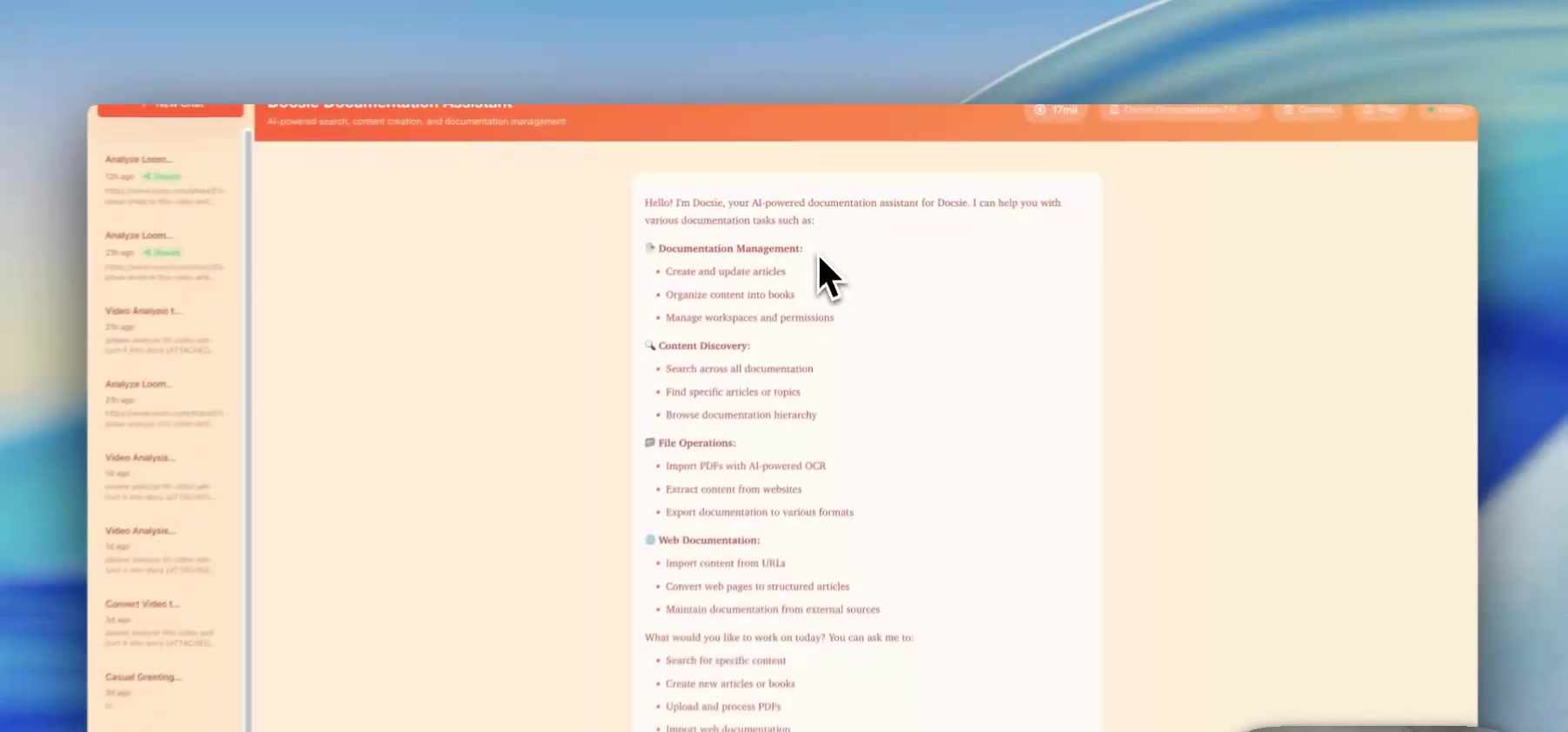
The Collaboration Problem with AI Documentation
When you generate documentation from video using AI, you're not creating a finished product—you're creating a first draft. A very good first draft, but still a draft that needs human review.
The challenge is that different people need different levels of access:
- Technical reviewers need to verify accuracy and make corrections
- Stakeholders need to see progress without accidentally breaking things
- Co-authors need to contribute their expertise to specific sections
- Managers need oversight without getting in the way
Traditional document sharing (email attachments, shared drives, comment threads) doesn't handle this well. You need granular permissions, real-time visibility, and conflict prevention—all without adding friction to the workflow.
How Docsie Handles Collaborative Documentation
Docsie's approach to collaboration is built around a simple principle: the right people should have the right access at the right time.
Watch how it works:
Sharing a Documentation Session
Every AI documentation session in Docsie can be shared with teammates. When you've generated documentation from a video and you're ready for collaboration, sharing takes just a few clicks:
- Find the conversation in your chat list
- Click the share icon
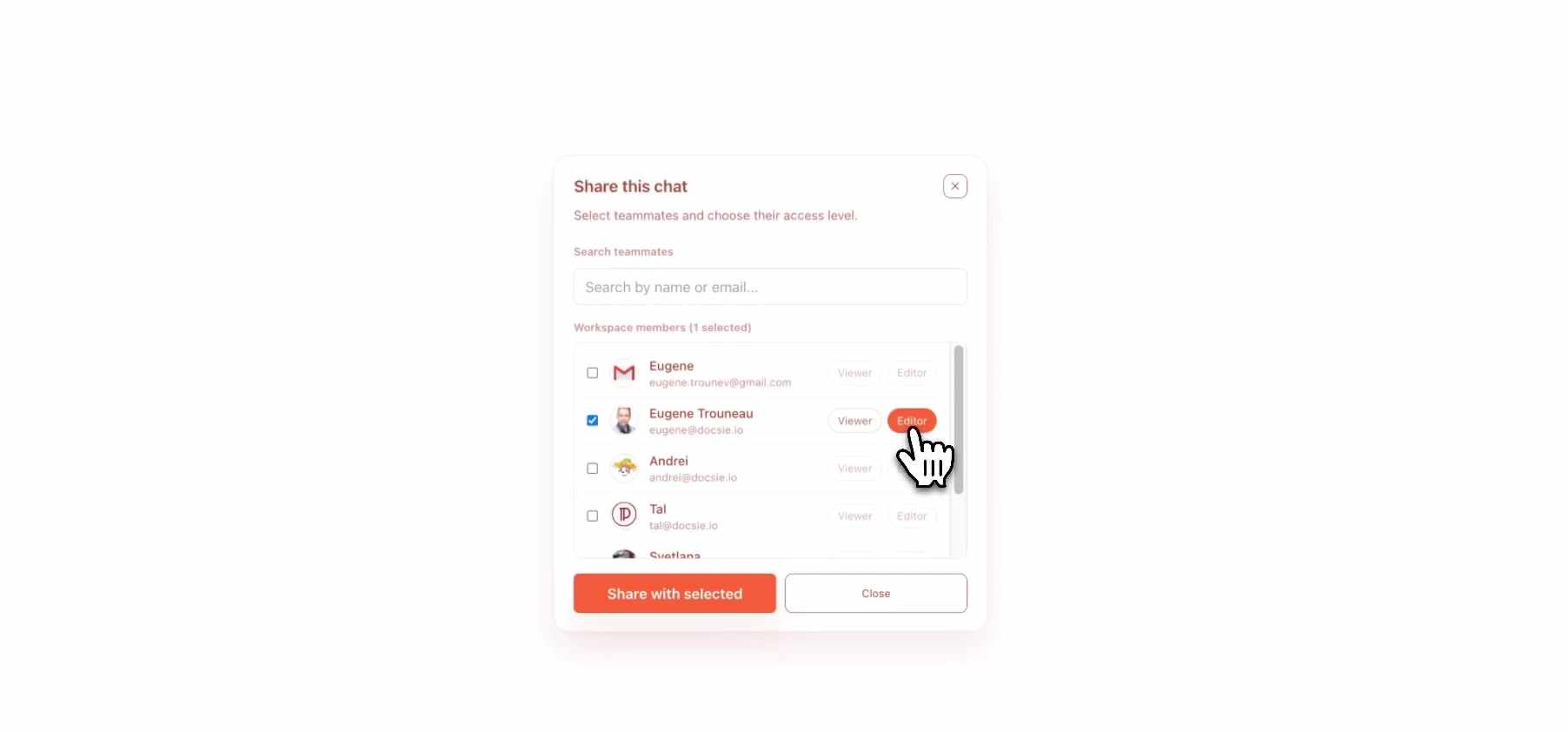
- Search for teammates by name or email
- Assign permissions
- Share
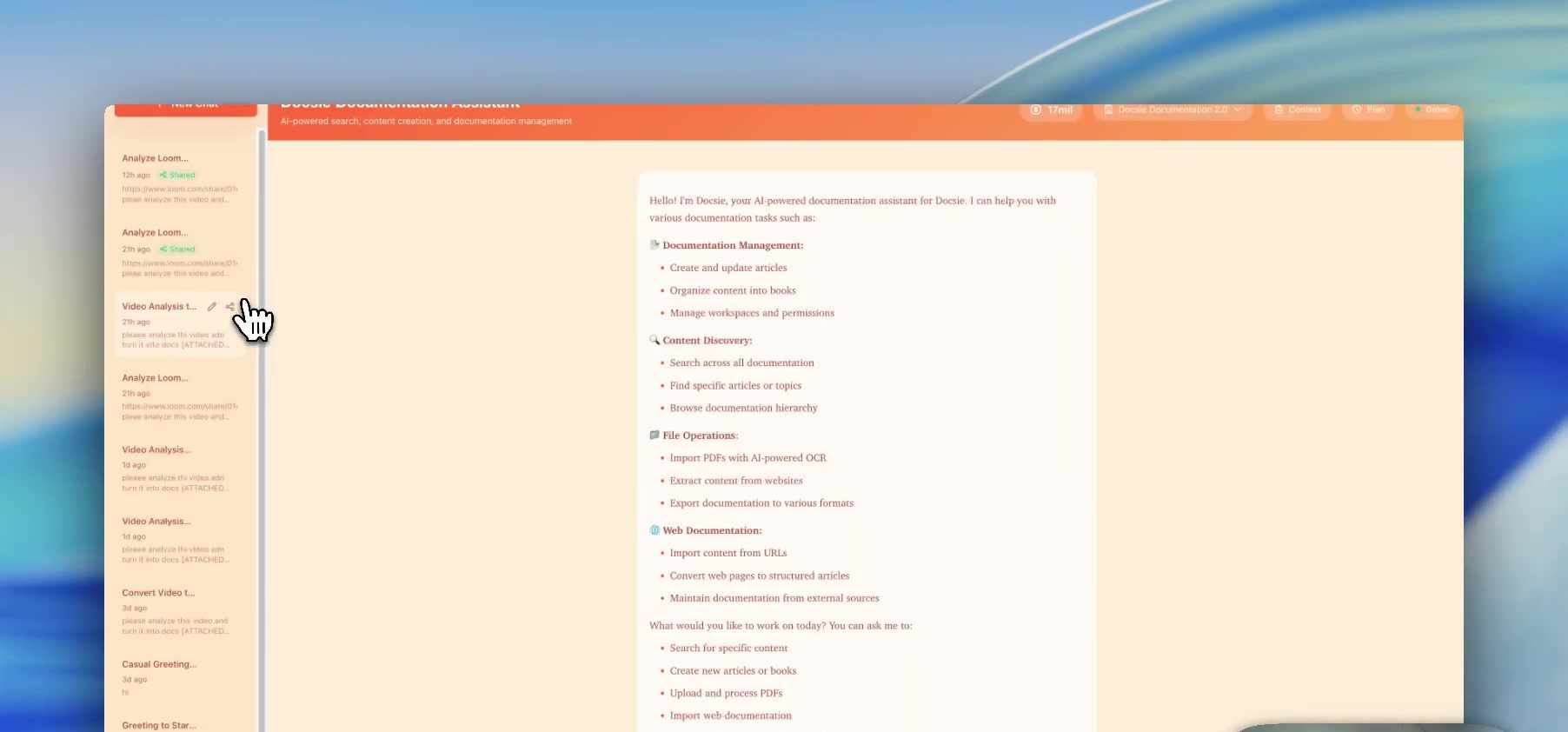
Your teammates can then access the shared session directly from their own workspace—no links to bookmark, no separate logins, no confusion about which version is current.
Understanding Permission Levels
Not everyone needs the same level of access. Docsie offers two permission types that cover most collaboration scenarios:
Viewer Permission
Viewers can see everything—the original video analysis, the generated documentation, all edits and refinements—but they can't make changes. This is perfect for:
- Stakeholders who need to stay informed on progress
- Quality assurance reviewers doing final checks
- Team leads who want oversight without hands-on involvement
- Anyone who needs to reference the documentation without risk of accidental edits
Editor Permission
Editors can actively contribute to the documentation by interacting with the AI assistant. They can request changes, add sections, refine language, and shape the final output. However, there's an important safeguard: only one editor can make changes at a time.
This prevents the classic collaboration nightmare where two people edit simultaneously and one person's work gets overwritten.
Real-Time Awareness
When multiple people are viewing the same documentation session, Docsie shows you who's there. A simple indicator at the top of the interface displays how many people are currently viewing.
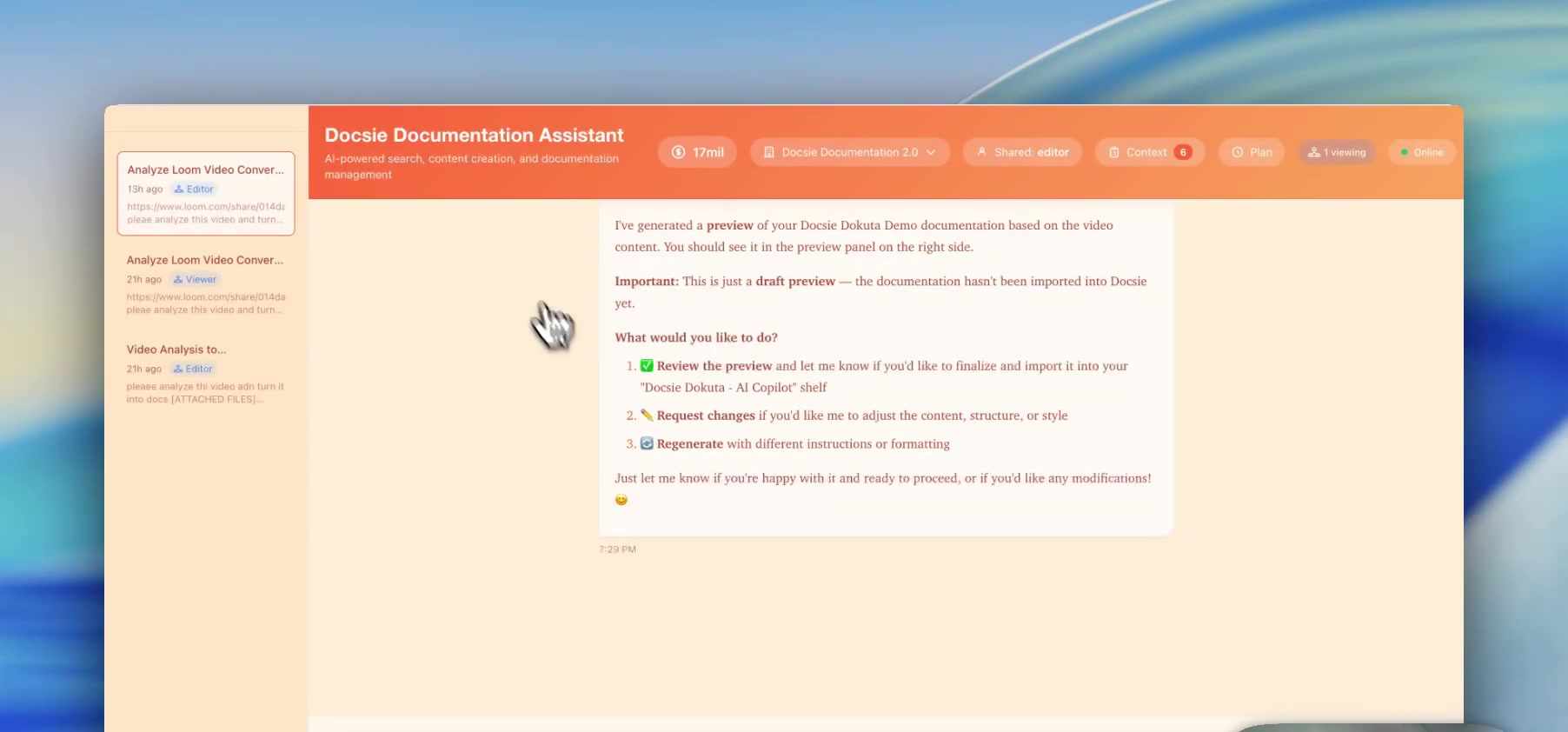
This awareness is surprisingly valuable. You know when your reviewer is looking at the document. You can coordinate handoffs naturally. You avoid stepping on each other's toes.
Collaborative Editing in Practice
Here's what collaborative editing actually looks like in a real workflow:
Scenario: You've generated SAP training documentation from a video. Your colleague Eugene is the SAP expert who needs to verify technical accuracy.
- You share the documentation session with Eugene as an Editor
- Eugene receives access and opens the session from his workspace
- He reviews the AI-generated content and spots an area that needs more detail
- He types a request: "Please expand the section on transaction codes to include ME22N and ME23N"
- The AI updates the documentation accordingly
- You see the changes reflected in real-time
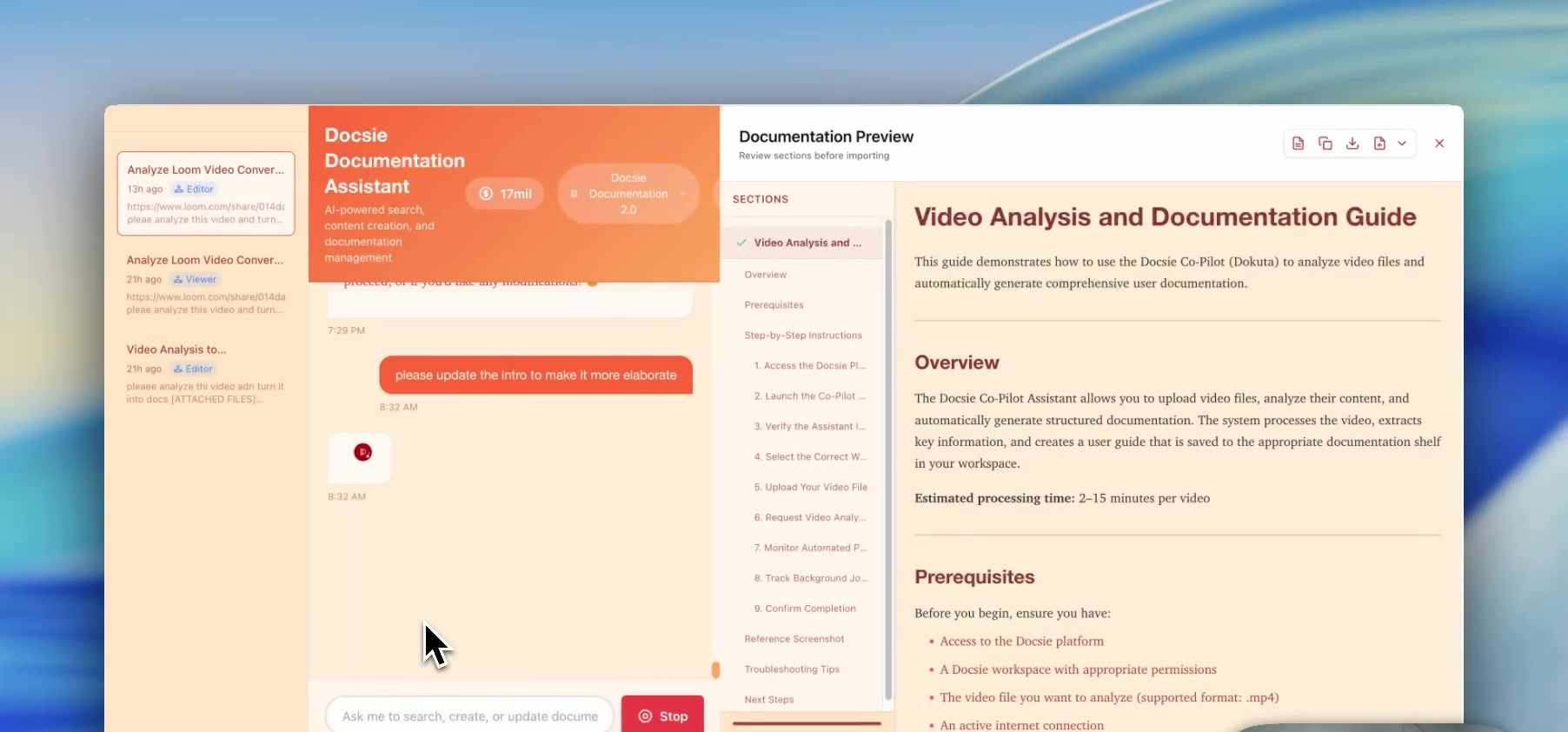
The key insight here: editors interact with the AI, not directly with the document. This means changes are always structured, consistent, and reversible. No one can accidentally delete half the document or break the formatting.
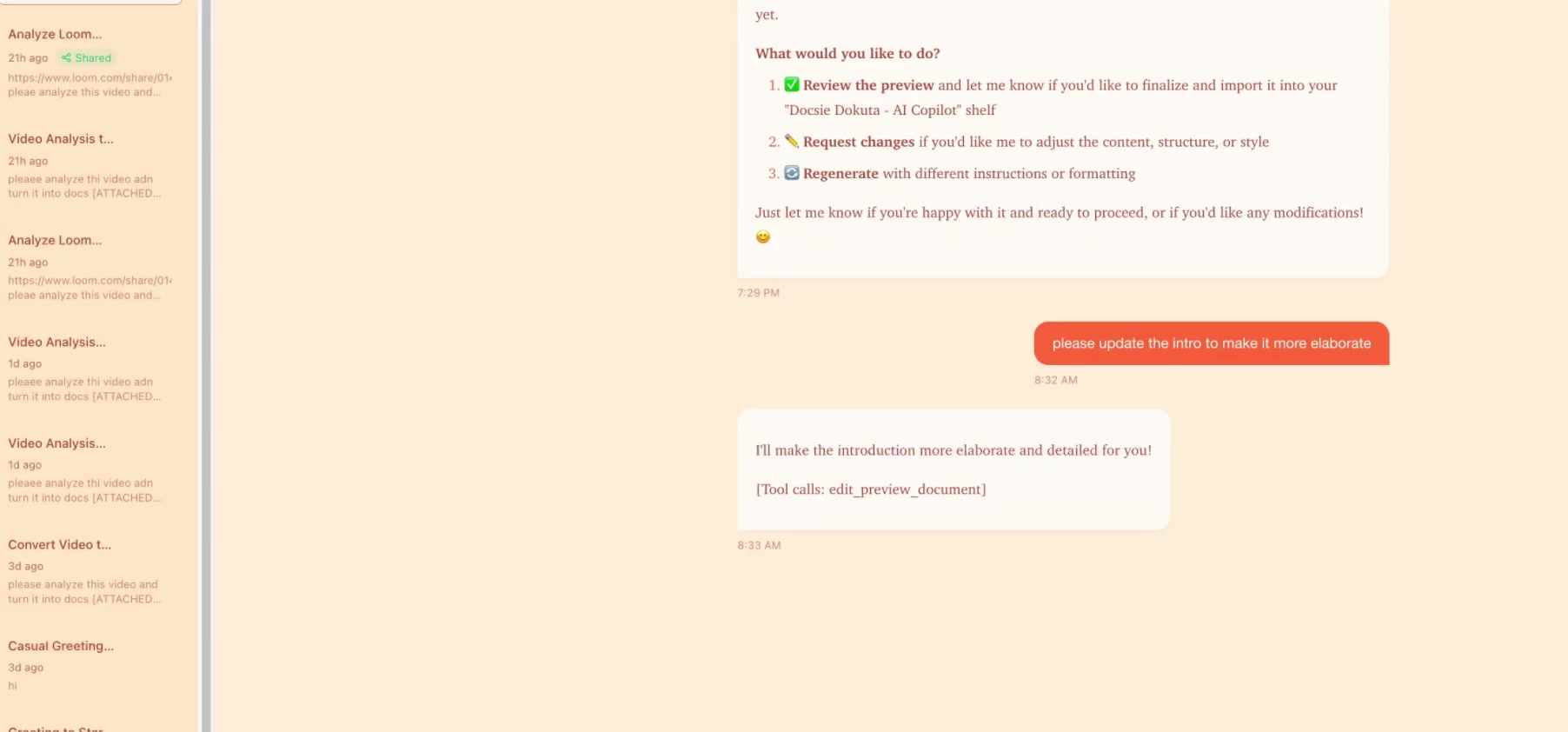
When to Use Each Permission Level
Give Viewer access when: - Someone needs to stay informed but shouldn't make changes - You're sharing with leadership for approval - The document is in final review stage - You want feedback via separate channels (email, meetings) rather than direct edits
Give Editor access when: - A subject matter expert needs to verify and correct technical details - A co-author is contributing specific sections - Someone is responsible for a portion of the documentation - You're doing iterative refinement with a small team
Best Practices for Collaborative AI Documentation
1. Start with a Clear Review Process
Before sharing, decide who needs to review what. Technical accuracy? Tone and style? Completeness? Assign the right people with the right permissions for each stage.
2. Communicate Expectations
When you share a documentation session, let your teammates know what you need from them. "Please verify the steps are accurate" is more actionable than "take a look at this."
3. Coordinate Editor Access
If multiple people need Editor access, coordinate who works when. The single-editor-at-a-time model prevents conflicts, but it works best when people know the schedule.
4. Use Viewer Permission Liberally
When in doubt, start with Viewer permission. You can always upgrade someone to Editor if needed. It's harder to undo changes made by someone who had more access than they needed.
5. Review Before Publishing
Even with collaborative refinement, do a final review before publishing. Fresh eyes catch things that everyone else missed.
The Bigger Picture: Why This Matters
AI-generated documentation is transforming how teams create and maintain knowledge bases. But the technology is only part of the equation. The human elements—review, refinement, domain expertise, quality control—remain essential.
Effective collaboration tools bridge the gap between AI capability and human judgment. They make it possible to leverage AI for the heavy lifting while ensuring human expertise shapes the final result.
That's the real value of built-in collaboration: not just sharing documents, but enabling the workflows that turn AI-generated drafts into polished, accurate, trustworthy documentation.
See It In Action
Want to see how Docsie's collaboration features work with your team's documentation workflow? Book a demo and we'll walk you through the entire process—from video upload to AI generation to collaborative refinement to publication.