
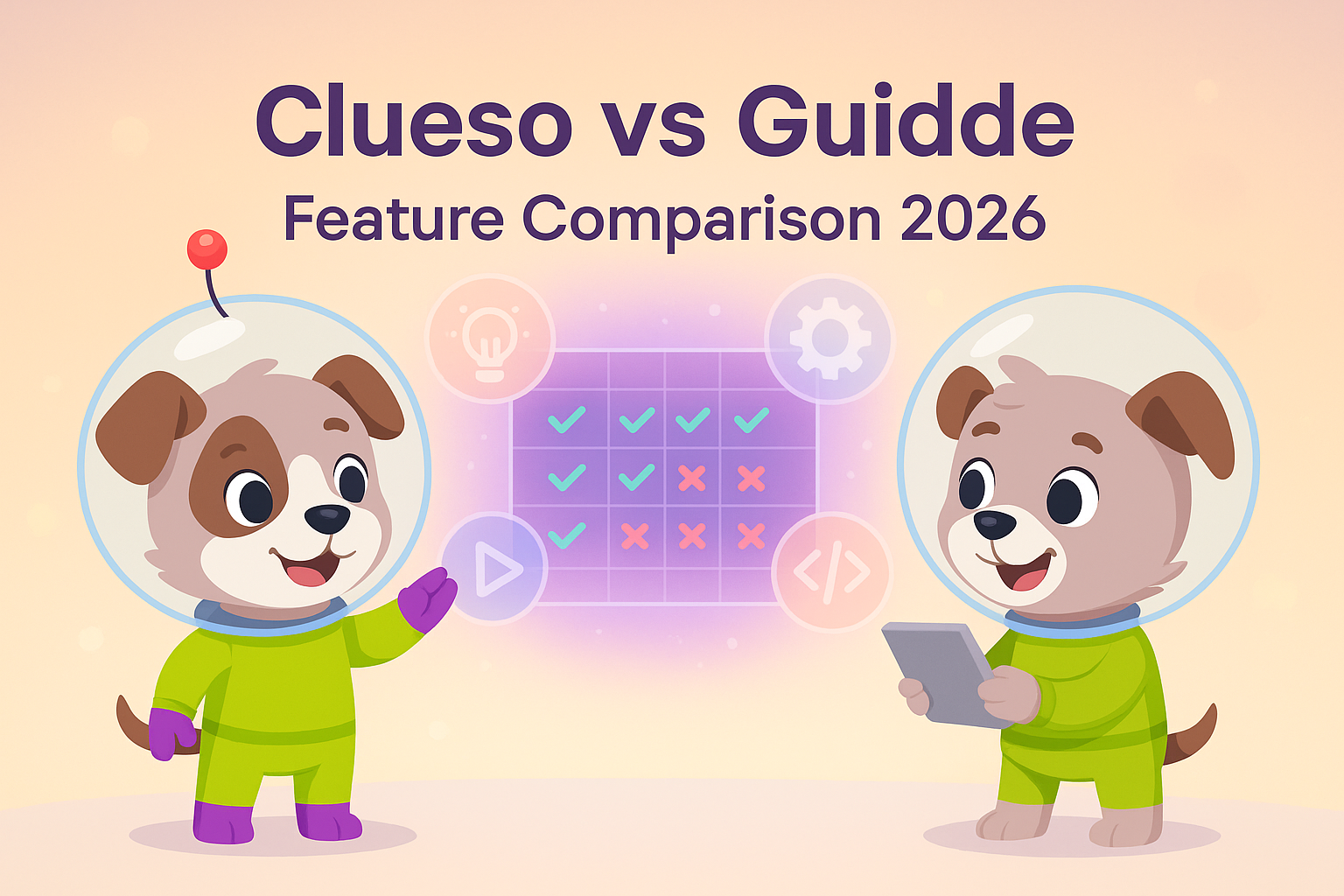
Clueso vs Guidde: Which AI Video Documentation Tool Should You Choose in 2026?
Choosing between video documentation tools shouldn't feel like gambling. Yet with dozens of platforms promising to "transform" your screen recordings into polished tutorials, the differences blur together. Two tools consistently rise to the top of the conversation: Clueso and Guidde. Both convert screen captures into professional tutorial videos with AI voiceovers. Both generate accompanying text guides. Both claim to save you hours of editing time.
So what actually sets them apart?
This comparison cuts through the marketing speak to examine how Clueso and Guidde differ in video quality, workflow efficiency, output flexibility, and enterprise readiness. By the end, you'll know which tool fits your documentation needs—or whether you should look at a more comprehensive alternative altogether.
What Is Clueso?
Clueso positions itself as the premier AI video editor for SaaS customer education. Record your screen, and Clueso's AI takes over: automatically adding professional zoom effects, smoothing cursor movements, removing filler words from narration, and applying your brand styling. The platform outputs both a polished video and a step-by-step written article from a single recording session.
The focus here is unambiguously on quality. Clueso wants your tutorial videos to look like they were edited by a professional, even if you recorded them in one take with minimal preparation. For teams where video quality directly impacts brand perception—think customer onboarding, product demos for enterprise buyers, or investor presentations—Clueso's automated editing sophistication stands out.
The trade-off? Clueso is strictly a screen recording platform. You cannot upload existing videos, document physical processes, or convert your back catalog of training content. It's built for creating new screen-based tutorials from scratch.
What Is Guidde?
Guidde takes a different approach to the same problem. As a browser extension, it emphasizes speed and accessibility: click to record, narrate your process (optional), and let Guidde generate both a video with AI voiceover and a text guide. The platform shines in its voice options—over 400 studio-quality AI voices across languages—and its integrations with tools like Notion, Confluence, and Zendesk.
Guidde's "Magic Mic" feature exemplifies its philosophy: record while narrating naturally, and the AI auto-transcribes and cleans up your audio. No need to script first or record silently then add voiceover later. This makes Guidde notably faster for teams producing high volumes of documentation where "good enough" beats "perfect."
Like Clueso, Guidde only processes screen captures. You cannot upload existing video content or document anything that happens off-screen. It's optimized for creating new tutorials quickly, not managing an existing knowledge base.
Feature Comparison: Where They Diverge
Video Quality and Polish
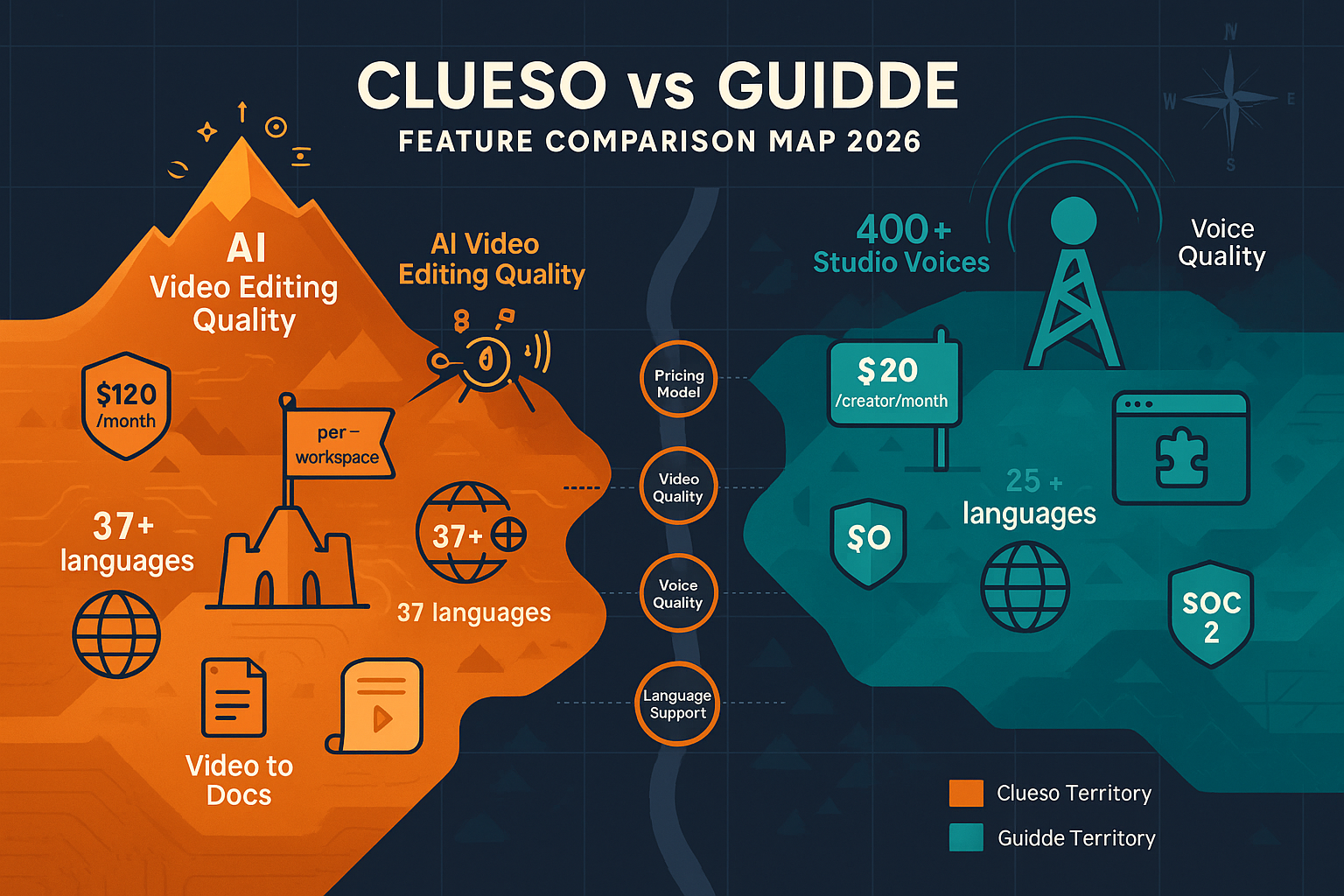
This is where the philosophical split becomes concrete. Clueso invests heavily in automated video editing sophistication. Its AI applies professional techniques: intelligent auto-zoom that focuses viewer attention on relevant screen areas, pan effects that guide the eye smoothly between interface elements, and cursor path smoothing that eliminates jittery mouse movements. The system also automatically removes filler words ("um," "uh," "like") and can rewrite scripts for clarity.
The result? Videos that genuinely look professionally edited, even from rough first-take recordings. For customer-facing content where polish signals quality—particularly in enterprise SaaS where buyers expect premium presentation—this matters significantly.
Guidde doesn't match this editing depth. While it produces clean, watchable videos, you won't get the same cinematic zoom effects or cursor smoothing. Instead, Guidde focuses its AI horsepower on voiceover quality and generation speed. Its 400+ studio voices across multiple languages genuinely sound more natural than most competitors, including Clueso.
The takeaway: Choose based on your priority. If video aesthetics impact your brand perception, Clueso's editing wins. If voice quality and rapid production matter more, Guidde pulls ahead.
Workflow and Speed
Guidde's browser extension architecture makes it faster to start documenting. No separate app to launch—just click the extension icon and begin recording. The Magic Mic feature compounds this speed advantage: narrate naturally while recording, and Guidde handles transcription and cleanup. For support teams documenting frequent workflows or product teams iterating quickly, this workflow efficiency adds up.
Clueso requires more deliberate setup—it's a standalone application, not a browser extension. You'll invest more time per video because the AI editing process, while automated, is more sophisticated. This makes sense for content that gets reused extensively (onboarding sequences, product tours, sales demos) where the extra polish justifies the time investment.
Neither tool offers real-time collaboration during recording or multi-user editing sessions. Both are fundamentally individual creation tools.
Integration and Distribution
Guidde integrates more deeply with knowledge bases and support platforms. Native connections to Notion, Confluence, Zendesk, and similar tools mean your tutorials can live where your team already works. The branded video player with customizable themes and calls-to-action helps maintain consistent presentation across platforms.
Clueso produces video files and articles but doesn't emphasize embedding or integration features. You'll likely host the output in your existing CMS or LMS. This isn't necessarily a weakness—many teams prefer keeping distribution separate from creation—but it means an extra step.
Neither platform offers multi-tenant customer portals, version control for documentation, or structured content management. They're creation tools, not documentation platforms.
Enterprise Readiness and Compliance
Clueso holds SOC 2 Type II and ISO 27001 certifications—critical for enterprise buyers with strict security and compliance requirements. If your documentation process handles sensitive product data or customer information, these certifications may be non-negotiable.
Guidde offers a free plan for individuals and small teams, making it more accessible for initial testing and smaller deployments. However, specific compliance certifications aren't prominently featured in their public materials.
For regulated industries or enterprise procurement processes, Clueso's compliance posture provides clearer documentation trails.
Who Should Choose What?
Choose Clueso if:
- Video quality directly impacts your brand perception (enterprise SaaS, premium products)
- You create reusable content where extra polish justifies longer production time
- You need to remove filler words and improve scripts automatically
- Compliance certifications (SOC 2, ISO 27001) are procurement requirements
- You're documenting purely screen-based workflows and don't need to process existing videos
Choose Guidde if:
- Speed matters more than cinematic polish for your use case
- You produce high volumes of tutorial content (support docs, internal training)
- Voice quality and language options are priorities (400+ voices across languages)
- You want browser-based simplicity without separate applications
- Integration with Notion, Confluence, or Zendesk is valuable
- You need a free tier for testing or small team use
For a detailed side-by-side breakdown, see our full Clueso vs Guidde comparison page.
The Limitations Both Tools Share
Here's what neither Clueso nor Guidde can do:
Convert existing video libraries. Both only process new screen recordings. If you have dozens or hundreds of existing training videos, webinar recordings, or process documentation, you cannot use these tools to transform that content into searchable, structured documentation.
Document beyond screens. Neither handles real-world processes—equipment operation, physical procedures, field work. They're strictly screen-capture tools.
Manage documentation as a system. You get individual videos and articles, but no version control, no translation management, no content reuse across multiple documentation portals, no API access for programmatic updates.
Serve multiple customers separately. If you're a software vendor serving dozens of clients, each needing customized documentation, neither tool offers multi-tenant portals to manage that complexity.
These aren't weaknesses for teams simply needing to create screen-based tutorial videos. They become critical gaps for organizations with comprehensive documentation needs.
Why Docsie Offers a More Complete Solution
Clueso and Guidde excel at what they're designed for: creating new tutorial videos from screen recordings. But they represent a single slice of the documentation challenge.
Docsie takes a fundamentally different approach. Instead of limiting you to screen recordings, Docsie processes any video content—existing webinars, training recordings, product demos, even real-world process documentation—and converts it into searchable, structured documentation using computer vision and audio transcription.
More importantly, Docsie functions as a complete documentation management platform:
- Version control lets you update documentation while maintaining previous versions—critical for SaaS products with multiple release versions in the field
- Multi-tenant portals allow you to serve customized documentation to dozens or hundreds of clients from a single system
- 100+ language translation makes your content globally accessible without managing separate language versions manually
- API access enables programmatic updates and integration with your existing toolchain
- Content reuse means you create once and publish across multiple documentation sites with appropriate customization
If you have existing video content worth preserving, need to document processes beyond screen captures, serve multiple customer segments with customized documentation, or require enterprise-grade content management, Docsie addresses needs that Clueso and Guidde weren't designed to solve.
The choice isn't necessarily either/or. Some teams use Clueso or Guidde to create initial tutorial videos, then feed that content into Docsie's documentation platform for version management, translation, and multi-tenant delivery. Others replace the single-purpose video tools entirely with Docsie's more comprehensive approach.
Ready to See the Difference?
Stop limiting your documentation to what screen-recording tools can capture. Docsie transforms your entire video library—past, present, and future—into searchable, translatable, version-controlled documentation delivered through branded portals.
Start your free Docsie trial today and experience what comprehensive documentation management actually looks like. No credit card required.