
Docsie vs Scribe vs Clueso: Which Tool Actually Delivers Video-to-Documentation at Scale?
All three tools claim to help you turn videos into documentation. But when you do the math on cost per hour of video processing, team capacity, and enterprise features, the differences are significant.
This comparison breaks down what you actually get with each platform in 2026.
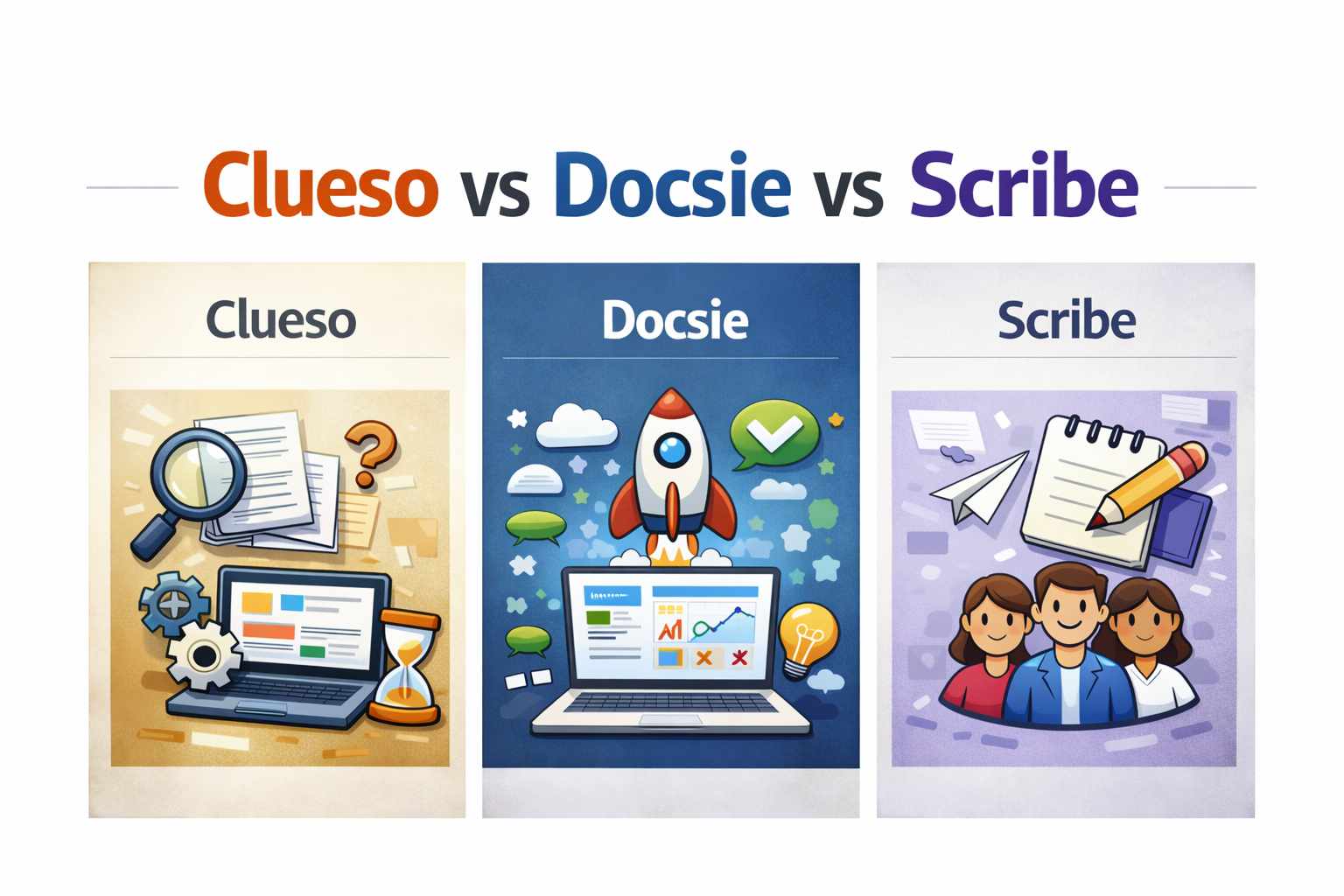
The Quick Answer
Scribe doesn't do video-to-docs at all—it's a screen capture tool for internal SOPs.
Clueso does video-to-docs but charges approximately $200-240 per hour of video processing, with limited team sizes.
Docsie delivers video-to-docs at $30-34 per hour of processing, with 15-90 team members included, plus a complete enterprise documentation platform.
If you're processing significant video content, the cost difference adds up fast.
Platform Philosophy: Creation Tools vs. Documentation Platform
Scribe and Clueso are content creation tools. Scribe captures screenshots as you work. Clueso records and polishes videos. Both focus on the creation step.
Docsie is a documentation platform. You bring video from anywhere, Docsie turns it into maintained, versioned, multi-language documentation infrastructure that you can deliver to customers.
Why this matters: If you just need to make a quick tutorial, creation tools work. If you're an enterprise managing documentation across multiple clients, languages, and versions, you need a platform.
What Each Tool Actually Does
Scribe: Screen Capture for Internal Teams
Scribe is a browser extension (with desktop app on paid plans) that captures your screen actions and automatically generates step-by-step guides with screenshots. It's designed for internal process documentation—SOPs, training materials, and onboarding guides.
What Scribe does well: - Auto-captures clicks and actions as you work - Generates instant step-by-step guides - Simple screenshot editor with annotations - Integrates with Notion, Confluence, SharePoint
What Scribe doesn't do: - No video-to-documentation processing - No customer-facing documentation portals - No version control for published docs - No multi-tenant architecture for serving clients - No localization infrastructure
Best for: Internal teams creating SOPs and training materials for their own use.
Clueso: Video Editing with Documentation Features
Clueso is an AI platform that transforms screen recordings into polished videos AND step-by-step documentation. It focuses heavily on video editing features like AI voiceovers, auto-zoom, and professional intros/outros.
What Clueso does well: - Video-to-docs AI (screen recording → article + video) - AI voiceover generation - Auto zoom & pan on key actions - Professional video editing features - SOC 2 Type II + ISO 27001 certified
What Clueso doesn't do: - No multi-tenant customer portals - No version control system - No localization infrastructure - No customer-facing delivery platform - No API access - Limited team sizes (2-4 users on standard plans)
Best for: SaaS companies creating polished product videos with documentation as a secondary output.
Docsie: Enterprise Documentation Platform with Video-to-Docs
Docsie is a complete documentation platform built around three pillars: Convert (video/PDF/website to docs), Manage (version control, localization, templates), and Deliver (multi-tenant portals, AI chatbot, custom domains).
What Docsie does well: - Video-to-docs AI with cost-effective processing - Multi-tenant architecture for serving multiple clients - Full version control with rollback - 20+ language localization infrastructure - Customer-facing documentation portals - AI chatbot trained on your docs - API access for integrations - Large team support (15-90 users)
Best for: Enterprise teams and consultancies that need to create, manage, and deliver documentation at scale.
Video-to-Docs Capacity: The Numbers
This is where the comparison gets interesting.
Free Trial Comparison
| Platform | Free Trial | Video Capacity |
|---|---|---|
| Docsie | ~24 min video free (70K AI credits) | Generous starter capacity |
| Clueso | 15 min (7-day trial) | Limited trial period |
| Scribe | Free forever (basic) | No video processing |
Monthly Video Processing Capacity
| Platform | Monthly Price | Video Processing | Cost Per Hour |
|---|---|---|---|
| Docsie Premium | $170/mo | ~5 hours/month | $34/hour |
| Docsie Organization | $750/mo | ~25 hours/month | $30/hour |
| Clueso Starter | $120/mo | 30 min/month | $240/hour |
| Clueso Growth | $200/mo | 1 hour/month | $200/hour |
| Scribe | $75/mo | None | N/A |
Annual Processing Comparison
| Platform | Annual Cost | Yearly Video Capacity | Cost Per Hour |
|---|---|---|---|
| Docsie Premium | $2,040/year | ~60 hours | $34/hour |
| Docsie Organization | $9,000/year | ~300 hours | $30/hour |
| Clueso Starter | $1,440/year | 6 hours | $240/hour |
| Clueso Growth | $2,400/year | 12 hours | $200/hour |
| Scribe Pro Team | $900/year | 0 hours | N/A |
Sources: Docsie Pricing, Clueso Pricing, Scribe Pricing
The math: For a consultancy processing 100 hours of training videos per year, Docsie Organization costs $9,000 (with 300 hours capacity included). Clueso would require a custom Enterprise plan likely exceeding $20,000+ since their Growth plan only includes 12 hours annually.
Team Size and Collaboration
Team capacity is often overlooked in pricing comparisons, but it matters significantly for organizations.
| Platform | Plan | Team Size | Price Per User |
|---|---|---|---|
| Docsie Premium | $170/mo | 15 users | $11.33/user |
| Docsie Organization | $750/mo | 90 users | $8.33/user |
| Clueso Starter | $120/mo | 2 users | $60/user |
| Clueso Growth | $200/mo | 4 users | $50/user |
| Scribe Pro Team | $75/mo | 5 users | $15/user |
Docsie's team capacity makes it practical for enterprise consultancies where multiple people need access. Clueso's 2-4 user limits require expensive upgrades for larger teams.
Feature Comparison: Beyond Video Processing
Video-to-docs is just one capability. Here's how the platforms compare across the full feature set:
Content Creation & Processing
| Feature | Docsie Premium | Docsie Org | Clueso | Scribe |
|---|---|---|---|---|
| Video-to-docs AI | ✅ | ✅ | ✅ | ❌ |
| Screen capture | ✅ | ✅ | ✅ | ✅ |
| PDF ingestion | ✅ | ✅ | ❌ | ❌ |
| Website ingestion | ✅ | ✅ | ❌ | ❌ |
| AI chat & rewriting | ✅ | ✅ | ✅ | ❌ |
| Auto-screenshots | ✅ | ✅ | ✅ | ✅ |
| Video editing features | Basic | Basic | ✅ Advanced | ❌ |
| AI voiceover | ❌ | ❌ | ✅ | ❌ |
Documentation Management
| Feature | Docsie Premium | Docsie Org | Clueso | Scribe |
|---|---|---|---|---|
| Version control & rollback | ✅ Full | ✅ Full | ❌ | Basic history |
| Content templates | ✅ | ✅ | ❌ | ❌ |
| Reusable blocks | ✅ | ✅ | ❌ | ❌ |
| Content linting | ✅ | ✅ | ❌ | ❌ |
| Broken link detection | ❌ | ✅ | ❌ | ❌ |
| Translation gaps analysis | ❌ | ✅ | ❌ | ❌ |
| Workspaces | 1 | 10 | 1 | 1 |
Localization & Translation
| Feature | Docsie Premium | Docsie Org | Clueso | Scribe |
|---|---|---|---|---|
| Multi-language support | ✅ 20+ languages | ✅ 20+ languages | ❌ | Translation only |
| Translation capacity | 80K translations | 400K translations | ❌ | Limited |
| Localization infrastructure | ✅ | ✅ | ❌ | ❌ |
Customer-Facing Delivery
| Feature | Docsie Premium | Docsie Org | Clueso | Scribe |
|---|---|---|---|---|
| Multi-tenant portals | ✅ 3 sites | ✅ 10+ sites | ❌ | ❌ |
| Custom domains | ✅ 3 domains | ✅ 10+ domains | ❌ | ❌ |
| AI chatbot | ✅ | ✅ | ❌ | ❌ |
| Semantic search | ✅ | ✅ | ❌ | ❌ |
| Help desk integration | ✅ | ✅ | ❌ | ❌ |
| In-app widget | ✅ | ✅ | ❌ | ❌ |
| Embed codes | ✅ | ✅ | ✅ | ✅ |
Enterprise & Security
| Feature | Docsie Premium | Docsie Org | Clueso | Scribe |
|---|---|---|---|---|
| SSO | ❌ | ✅ | ❌ | Enterprise only |
| API access | ❌ | ✅ | ❌ | ❌ |
| Granular permissions | Basic | ✅ Advanced | Basic | Basic |
| SOC 2 / ISO 27001 | ✅ | ✅ | ✅ | ❌ |
| JWT secured portals | ❌ | ✅ | ❌ | ❌ |
Use Case Analysis: Which Tool Fits Your Needs?
Choose Scribe If:
- You only need internal SOPs and training materials
- Video-to-documentation isn't a requirement
- Your team is small (under 10 people)
- You want the simplest possible screen capture tool
- Budget is under $1,000/year
Scribe is NOT for you if: You need to deliver documentation to clients, manage multiple versions, or convert video content at scale.
Choose Clueso If:
- Video quality and editing are your top priority
- You're creating marketing/product videos with docs as a bonus
- Your team is very small (2-4 people)
- You don't need customer-facing portals
- Budget isn't a primary concern
Clueso is NOT for you if: You're processing large volumes of training videos, need multi-tenant architecture, or have teams larger than 4 people.
Choose Docsie If:
- You need cost-effective video-to-docs at scale
- You serve multiple clients (consultancies, agencies)
- Version control and localization matter
- You want customer-facing documentation portals
- Your team is larger than 5 people
- You need API access or enterprise features
Docsie is the clear choice for: Enterprise consultancies, training departments with large video libraries, and organizations delivering documentation to external customers.
The Bottom Line: Cost Per 100 Hours of Video
Let's make this concrete. If your organization needs to process 100 hours of training videos in a year:
| Platform | Annual Cost | Video Capacity | Can It Handle 100 Hours? |
|---|---|---|---|
| Docsie Organization | $9,000 | 300 hours | ✅ Yes, with room to spare |
| Docsie Premium | $2,040 | 60 hours | ⚠️ Would need to upgrade |
| Clueso Growth | $2,400 | 12 hours | ❌ Would need custom Enterprise |
| Clueso (estimated for 100 hrs) | $20,000+ | Custom | Requires Enterprise negotiation |
| Scribe | Any price | 0 hours | ❌ No video-to-docs capability |
Docsie delivers 7-8x more video processing capacity than Clueso at comparable price points, plus includes a complete enterprise documentation platform that neither competitor offers.
Making Your Decision
If video-to-docs is a core requirement, the math clearly favors Docsie. You get more processing capacity, larger team sizes, and enterprise features that Scribe and Clueso simply don't offer.
If you only need internal screen captures, Scribe is a solid, affordable choice—just understand it won't grow with you if video processing becomes important.
If video editing quality is paramount and you have a small team with a flexible budget, Clueso produces polished video content—but the documentation features are secondary.
For most organizations processing training videos at scale, Docsie's combination of cost-effective video-to-docs, enterprise documentation management, and customer-facing delivery makes it the practical choice.
See It In Action
Want to compare these platforms with your actual content? Book a demo to see how Docsie handles your specific use case.
Book a Demo → | View Pricing → | Learn About Video-to-Docs →