
Clueso vs Tango: Which Documentation Tool Fits Your Workflow in 2026?
Documentation teams face a confusing landscape. Some tools promise AI-powered video editing. Others focus on instant browser captures. Many claim to "revolutionize" knowledge management—but serve completely different use cases.
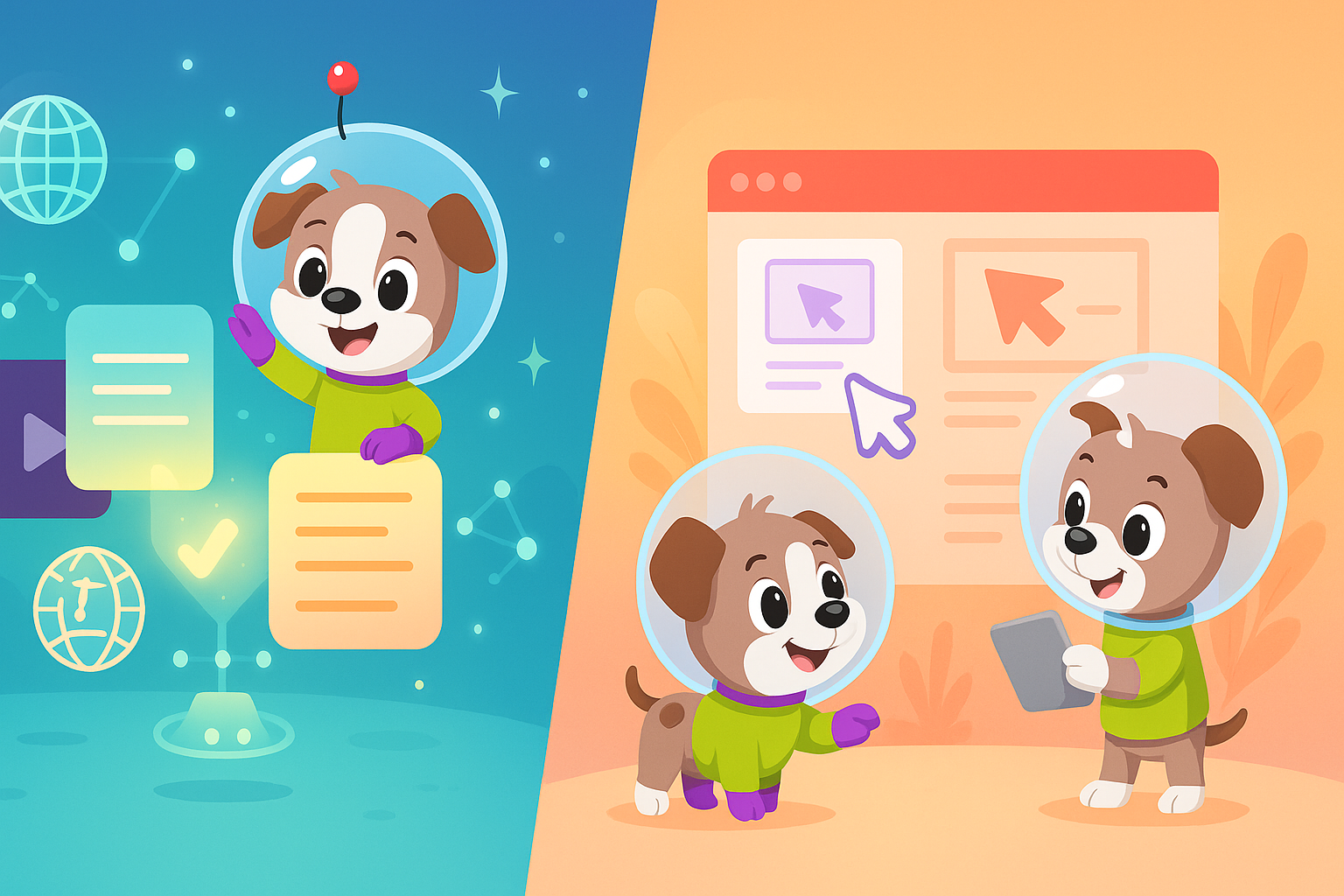
Clueso and Tango represent two distinct approaches to documentation creation. Clueso transforms screen recordings into polished product videos with AI editing and voiceovers. Tango captures browser workflows as screenshot-based guides with minimal friction. Both solve real problems, but for different teams with different needs.
This comparison breaks down exactly what each tool does well, where they fall short, and when you should consider a more comprehensive alternative like Docsie.
What Is Clueso?
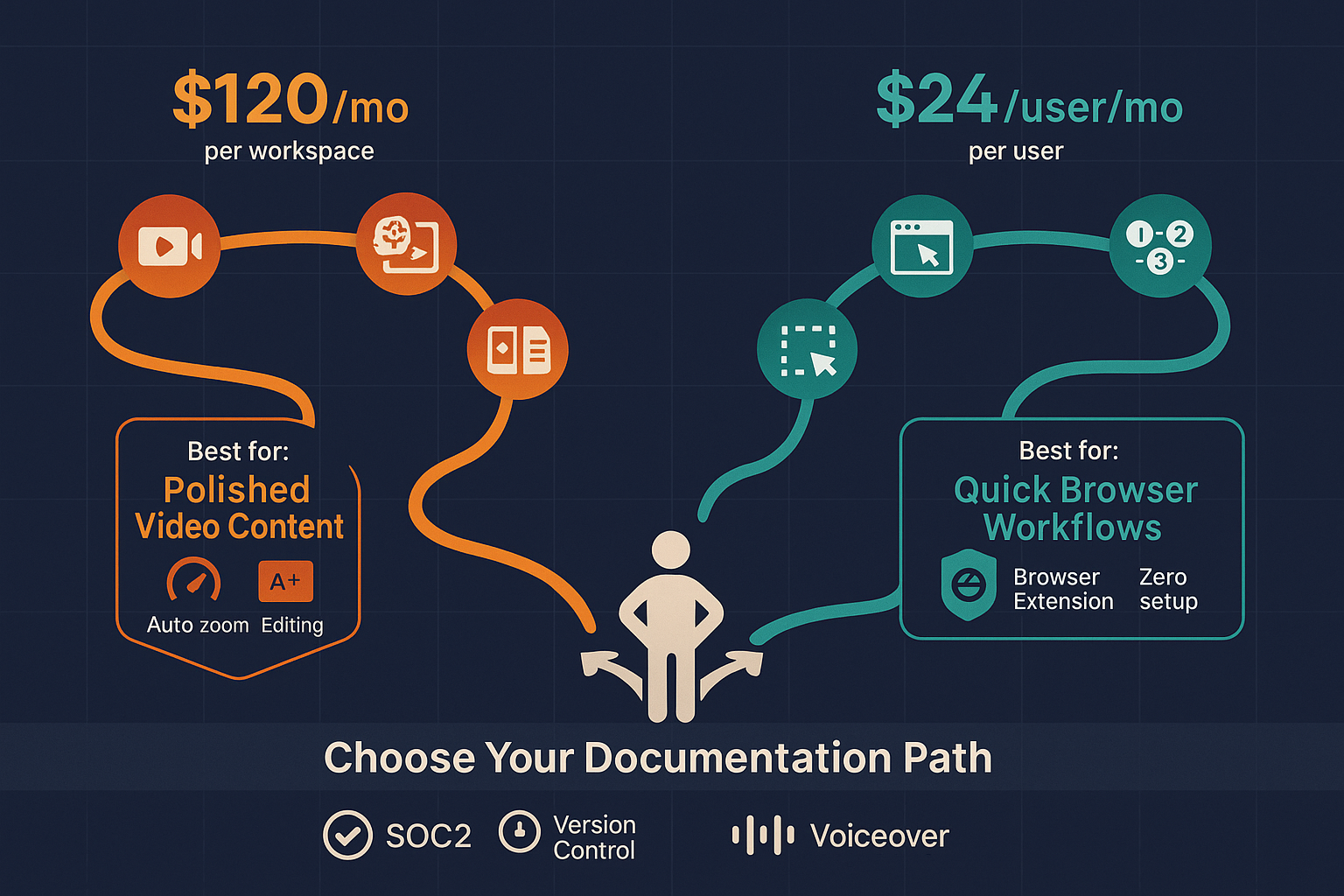
Clueso is an AI-powered platform that turns screen recordings into professionally edited product videos. Record your screen once, and Clueso's AI adds auto-zoom, cursor smoothing, transitions, branded styling, and AI voiceovers in 37+ languages. The platform also generates step-by-step text articles from the same recording—giving you dual output from a single capture session.
Built specifically for SaaS customer education teams, Clueso targets organizations that need polished video content for onboarding, feature announcements, and help centers. The platform holds SOC 2 Type II and ISO 27001 certifications, making it suitable for enterprise compliance requirements.
Core focus: Creating new, branded video content from fresh screen recordings with minimal manual editing effort.
What Is Tango?
Tango started as a Chrome extension for capturing browser-based workflows and turning them into screenshot guides. Click the extension, perform your workflow in any web application, and Tango automatically generates a step-by-step guide with annotated screenshots. No video editing, no recording setup—just instant documentation.
The platform has pivoted significantly toward CRM automation (Salesforce, HubSpot integrations), with documentation becoming a secondary feature. Tango also offers "Nuggets"—in-app guided walkthroughs that overlay instructions directly onto web applications.
Core focus: Frictionless browser workflow capture for internal process documentation and CRM automation.
Feature Comparison: Where They Differ
Content Creation Approach
Clueso's video-first methodology requires you to record your screen, then relies on AI to polish the raw footage. The platform analyzes your recording to add professional touches: zooming to highlight clicks, smoothing cursor movements, adding transitions between sections, and generating voiceover narration. You get both a finished video and a written article without manual editing.
This works exceptionally well when you need video content that looks professionally produced. The AI editing quality genuinely reduces the time between recording and publishing. However, you're limited to screen recordings—you cannot upload existing training videos, real-world footage, or recordings made with other tools.
Tango's screenshot capture eliminates the recording step entirely. As you click through a browser-based workflow, Tango captures screenshots automatically. The result is a clean, visual step-by-step guide with annotations. No video files, no editing, no voiceover—just straightforward process documentation.
This approach delivers instant results with zero learning curve. Open the Chrome extension, perform your task, and your documentation is ready. The limitation? It's screenshots only. No video capability means no demonstrations of motion, timing, or interactive elements that screenshots can't capture.
Output Quality and Format
Clueso excels at branded video production. The AI-edited videos include professional touches that would take hours in traditional video editing software: dynamic zooming, smooth panning, consistent pacing, and branded overlays. The voiceover feature supports 37+ languages, making it practical for global teams. The dual output (video + article) means you're creating content for multiple channels—help center videos and knowledge base articles—from one recording session.
The text articles include automatically generated step descriptions based on your screen actions. While not perfect, they provide a solid foundation that requires minimal cleanup.
Tango delivers clean, visual guides optimized for quick reference. The screenshot-based format loads faster than video and makes it easy to scan for specific steps. The annotations are clear and automatic. For browser-based software documentation, Tango's output is immediately usable with minimal editing.
The trade-off is obvious: screenshots cannot demonstrate timing, mouse movements, animations, or anything requiring motion. You also cannot add voiceover explanations or audio cues.
Use Case Alignment
Clueso targets customer-facing content. The polished video output makes sense for external audiences: customer onboarding videos, feature announcement videos, help center tutorials, and marketing demos. Teams using Clueso typically need content that represents their brand professionally and scales across multiple languages.
The platform's strength is transforming new recordings into presentation-ready videos quickly. If your workflow involves regularly creating fresh screen recordings for product updates, Clueso's AI editing saves considerable production time.
Tango serves internal documentation needs. The frictionless capture makes it ideal for process documentation, SOPs, training guides for internal tools, and CRM workflow documentation. Small teams and individual contributors can document processes without requesting design or video resources.
Tango's browser-only limitation means it works best for documenting web-based SaaS tools, internal dashboards, and cloud applications. Desktop software, mobile apps, and non-browser workflows fall outside Tango's scope.
Enterprise Requirements
Clueso provides compliance certifications (SOC 2 Type II, ISO 27001) that matter for enterprise procurement. The platform handles sensitive product information and customer-facing content, so security certifications carry weight.
However, Clueso lacks version control for documentation and offers no multi-tenant portal capabilities. If you need to deliver different documentation versions to different customer segments, or maintain documentation across product versions, you'll need additional tools.
Tango's simplicity comes with enterprise limitations. The Chrome extension model works brilliantly for individual users and small teams but doesn't provide the governance, access controls, or multi-client delivery that enterprise documentation programs require. There's no version control, no approval workflows, and no way to manage documentation across customer accounts.
Neither platform addresses a critical enterprise need: converting and managing existing video libraries. Most organizations have years of training videos, product demos, and recorded presentations. Neither Clueso (screen recordings only) nor Tango (no video capability) can transform those assets into structured, searchable documentation.
Who Should Choose What?
Choose Clueso if you:
- Need professional, branded product videos for customer education and marketing
- Want AI-edited video content with voiceovers in multiple languages without hiring video editors
- Value dual output (video + text article) from a single screen recording
- Create new screen recordings regularly as part of your documentation workflow
- Require compliance certifications for customer-facing content platforms
Choose Tango if you:
- Document browser-based workflows for internal teams with zero setup friction
- Need quick SOPs for web-based SaaS tools and CRM systems
- Want a free tool for small teams documenting simple browser workflows
- Prefer screenshot guides over video content for internal process documentation
- Work primarily in Chrome and document web applications
Consider Docsie if you:
- Need to convert existing training videos (not just new screen recordings) into structured documentation
- Require multi-tenant knowledge portals to deliver different documentation to different clients
- Want enterprise knowledge management with version control across product releases
- Need 100+ language translation for global documentation delivery
- Require API access for integrating documentation into your product or customer portal
The Real Alternative: When You Need More Than Screen Recording or Screenshots
Both Clueso and Tango solve specific problems well, but they share significant limitations. Neither can process your existing video library. Neither provides multi-tenant documentation delivery. Neither offers version control for managing documentation across product releases.
Docsie addresses the gaps both tools leave open.
Unlike Clueso, Docsie converts any video type—not just fresh screen recordings—into structured documentation with automatic transcription, searchable content, and knowledge base integration. Your existing training videos, recorded webinars, and product demos become searchable, translatable documentation assets.
Unlike Tango, Docsie handles video content with full motion, audio, and interactive elements while also supporting traditional written documentation. You're not limited to browser-based screenshots.
Most importantly, Docsie provides enterprise knowledge management capabilities neither competitor offers: multi-tenant portals for client-specific documentation delivery, version control across product releases, 100+ language translation, and API access for embedded documentation.
For organizations moving beyond simple screen recording or screenshot capture, Docsie delivers the comprehensive platform needed to manage, deliver, and scale documentation across customer segments, product versions, and global markets.
Make Your Documentation Work Harder
Clueso creates polished videos from screen recordings. Tango captures browser workflows as screenshots. Both serve their niches effectively.
But if your documentation needs extend beyond fresh screen recordings or simple browser captures—if you're managing existing video libraries, delivering documentation to multiple clients, or building enterprise knowledge systems—you need a more comprehensive platform.
Docsie transforms any video into structured documentation, delivers multi-tenant knowledge portals, and provides the version control and translation capabilities enterprise teams require.
See the complete feature breakdown in our detailed Clueso vs Tango comparison, or discover how Docsie solves the limitations both tools share.
Ready to transform your entire documentation workflow? Try Docsie free and see how comprehensive video-to-documentation conversion, multi-tenant delivery, and enterprise knowledge management work together in one platform.