
Clueso vs Scribe: Which Documentation Tool Fits Your Workflow in 2026?
You've recorded your screen dozens of times to show colleagues how to use your product. Now you're staring at raw footage wondering: should you turn this into a polished video tutorial or a quick step-by-step guide? The answer depends on whether you choose Clueso or Scribe—two tools that both start with screen recordings but take dramatically different paths from there.
Clueso transforms your recordings into professional product videos with AI-powered editing, voiceovers, and branded styling. Scribe converts your screen actions into annotated screenshot guides optimized for internal SOPs. Both eliminate the tedious manual work of documentation creation, but they serve fundamentally different use cases. Let's break down which tool matches your needs—and why you might need a more comprehensive solution altogether.
What Is Clueso?
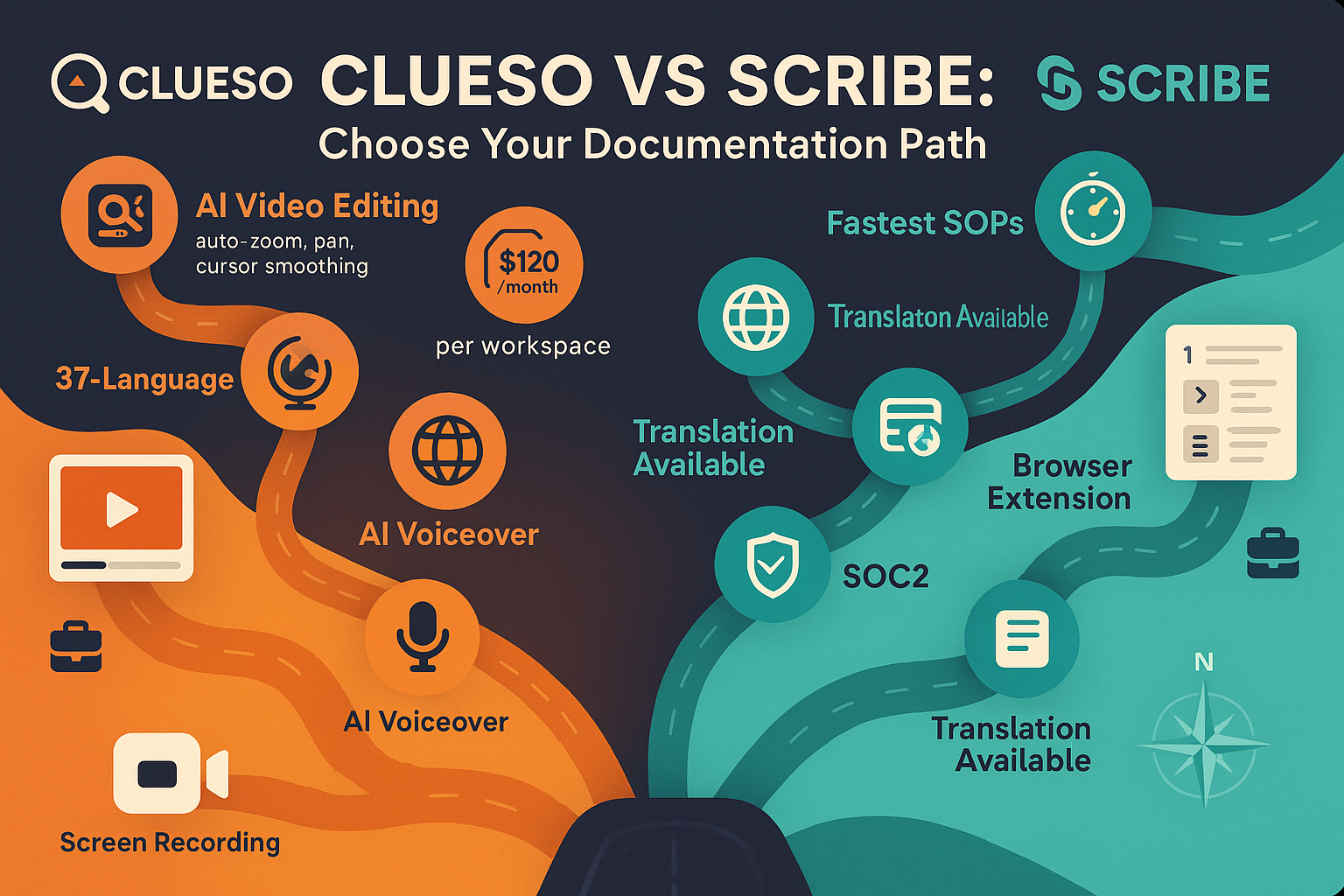
Clueso is an AI-powered video creation platform built specifically for SaaS customer education. Its core promise: record your screen once, and Clueso automatically transforms that raw footage into a polished product tutorial that looks professionally produced. The platform applies AI editing techniques like auto-zoom on key interface elements, cursor smoothing to eliminate jittery movements, and automatic panning to keep viewers focused on the action.
Beyond video polish, Clueso generates AI voiceovers in 37+ languages, complete with script cleanup to remove filler words and verbal stumbles from your original recording. You can customize the output with branded colors, logos, and styling to match your company's visual identity. As a bonus, Clueso also produces a step-by-step text article alongside the video from the same recording—giving you dual content formats from a single capture session. The platform holds SOC 2 Type II and ISO 27001 certifications, making it viable for security-conscious SaaS companies delivering customer-facing content.
What Is Scribe?
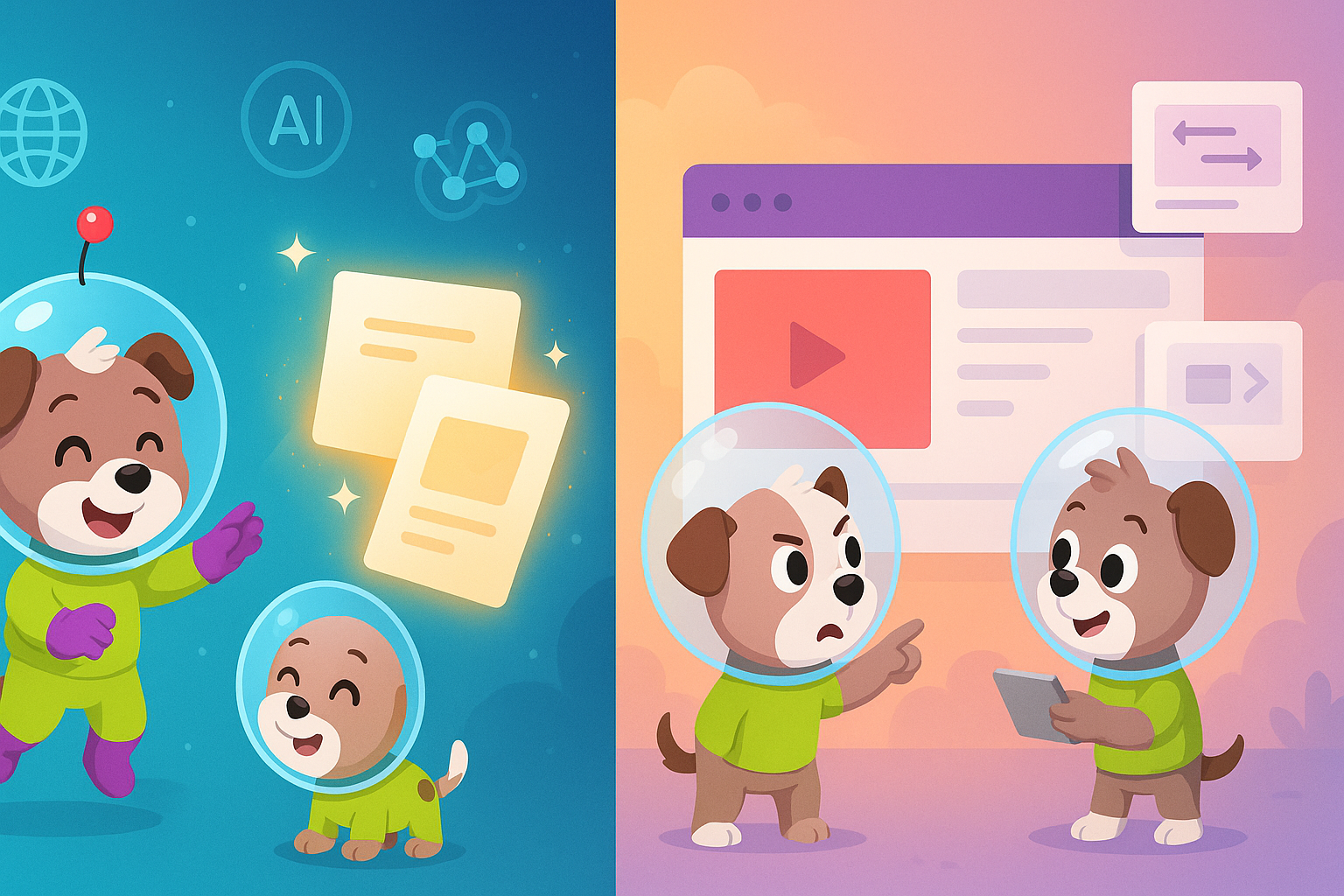
Scribe takes a fundamentally different approach: it's a browser extension that automatically captures your screen actions and converts them into step-by-step guides with annotated screenshots. There's no video output at all. Instead, Scribe focuses on speed and simplicity for internal process documentation.
Install the extension, click record, perform your workflow in the browser, and Scribe automatically generates a guide with screenshots, arrows, text boxes, and click indicators. The tool excels at documenting browser-based workflows—think Salesforce configurations, admin panel procedures, or software onboarding sequences. Scribe integrates directly with Notion, Confluence, SharePoint, and other documentation platforms, allowing teams to embed guides into existing knowledge bases. For industries handling sensitive data, Scribe offers PII and PHI redaction features that automatically blur personally identifiable health information in screenshots—a critical feature for healthcare and financial services teams creating compliance-safe documentation.
Feature Comparison: Where They Differ
Video Output vs. Screenshot Guides
This is the fundamental dividing line. Clueso's entire value proposition centers on producing professional video content. The AI editing engine applies cinematic techniques—zooming into form fields as you fill them out, smoothing cursor movements for a professional look, and panning across dashboards to maintain visual flow. The result is a polished tutorial video you can embed in help centers, email campaigns, or product onboarding sequences.
Scribe produces zero video content. Its output is strictly screenshot-based guides optimized for quick reference. Each step shows an annotated screenshot with arrows, numbered indicators, and text instructions. This format works exceptionally well for internal SOPs where teammates need to quickly scan and find a specific step, but it lacks the engagement and demonstrative power of video for customer-facing tutorials or marketing content.
If your goal is customer education, product marketing, or user onboarding where you need engaging visual content, Clueso is the clear choice. If you're documenting internal processes where speed and scannability matter more than polish, Scribe delivers faster.
Content Creation Speed and Workflow
Scribe wins decisively on speed for its specific use case. The browser extension captures your actions in real-time and generates a complete guide within seconds of finishing your recording. There's no post-processing, rendering, or editing required. For teams creating dozens of internal process documents, this speed advantage compounds significantly.
Clueso requires more time investment. After recording, the AI processing takes several minutes to apply editing, generate voiceovers, and render the final video. You'll also likely spend time customizing branded elements, adjusting AI-generated scripts, and previewing output before publishing. That said, Clueso still eliminates the hours you'd otherwise spend in traditional video editing software—the tradeoff is higher output quality for modestly more time than Scribe's instant generation.
Integration and Distribution
Scribe's tight integrations with Notion, Confluence, SharePoint, and other documentation platforms make it seamless for teams already using these tools. Embed a Scribe guide directly into your existing wiki or knowledge base with a single click. For distributed teams relying on these platforms as their single source of truth, this integration advantage is substantial.
Clueso produces standalone videos and articles that you can embed anywhere via standard video hosting or export. The platform doesn't offer the same direct integrations with documentation platforms, but the video files and text articles integrate easily into any CMS, LMS, or help center that supports standard embed codes.
Neither tool offers multi-tenant portals for delivering documentation to multiple clients, version control for managing documentation updates over time, or advanced knowledge base features like translation management or API access. These limitations become critical for larger organizations managing customer-facing documentation at scale.
Enterprise Capabilities and Compliance
Clueso holds SOC 2 Type II and ISO 27001 certifications—strong credentials for SaaS companies that need to demonstrate security practices to enterprise customers. These certifications cover data handling, encryption, and access controls for the video creation platform itself.
Scribe offers PII/PHI redaction features that automatically detect and blur sensitive information in screenshots—a specific compliance feature valuable for healthcare and financial services teams. However, neither tool provides comprehensive enterprise governance features like SSO integration, granular permission controls, audit logs, or API access for programmatic documentation management.
For mid-market teams creating customer education content or internal SOPs, both tools provide adequate security. For enterprises needing full documentation lifecycle management with governance controls, both fall short.
Who Should Choose What?
Choose Clueso if you need:
You're creating customer-facing product tutorials, marketing videos, or user onboarding content where professional polish matters. Your audience expects engaging video content, not just screenshot guides. You want to record once and get both a polished video and a written article from the same session. You need AI voiceovers in multiple languages to serve international customers, and you require SOC 2/ISO 27001 compliance to satisfy enterprise customer security reviews.
Clueso works best for SaaS companies, digital product teams, and customer success organizations focused on scalable video-based education. If your primary documentation consumers are paying customers who expect professional content quality, Clueso delivers the polish they expect.
Choose Scribe if you need:
You're documenting internal browser-based workflows and SOPs where speed trumps polish. Your team already uses Notion, Confluence, or SharePoint as your documentation hub, and you want seamless integration. You need to create dozens of quick reference guides weekly, and you handle sensitive data requiring PII/PHI redaction in screenshots.
Scribe excels for operations teams, IT departments, and internal enablement groups creating process documentation for employee use. If your documentation consumers are internal teammates who need quick answers to "how do I do X in this system," Scribe's fast screenshot guides are ideal.
Neither tool works if you need:
Both Clueso and Scribe share a critical limitation: they only work with new screen recordings you create going forward. Neither can process existing training videos, convert real-world footage, or transform your current video library into documentation. You're also out of luck if you need version control to manage documentation updates, multi-tenant portals to deliver client-specific knowledge bases, or comprehensive translation management beyond basic AI voiceovers.
The Verdict: Consider Docsie as a Comprehensive Alternative
While Clueso and Scribe excel at their specific niches—polished video creation and fast SOP generation respectively—both tools share significant limitations that become apparent at scale. The screen-recording-only constraint means your existing video content remains locked away. The lack of version control makes managing documentation updates across products and versions a manual nightmare. The absence of multi-tenant portals forces you to maintain separate documentation instances for different clients.
This is where Docsie offers a fundamentally different approach. Instead of being limited to new screen recordings, Docsie's multimodal AI converts any video—existing training libraries, product demos, real-world process footage, or legacy content—into structured, searchable documentation. You're not starting from scratch; you're unlocking the knowledge trapped in videos you've already created.
Beyond video conversion, Docsie provides the full documentation lifecycle management that neither Clueso nor Scribe addresses. Version control lets you manage multiple product versions simultaneously, showing customers documentation matched to their specific release. Multi-tenant portals deliver branded, client-specific knowledge bases without maintaining separate instances. Translation management supports 100+ languages with version control per language. Enterprise features include SSO, API access, granular permissions, and audit logs.
For a detailed feature-by-feature breakdown, see our complete Clueso vs Scribe comparison.
The choice between Clueso and Scribe depends on whether you need polished video output or fast screenshot guides from new screen recordings. But if you're managing documentation at scale—with existing video content, multiple clients, version requirements, or enterprise governance needs—neither tool provides the comprehensive platform you need. Docsie bridges the gap between video content and enterprise knowledge management that both competitors leave unaddressed.
Ready to Transform Your Video Content into Powerful Documentation?
Stop choosing between limited screen-recording tools. Try Docsie free and discover how multimodal AI can convert your entire video library—not just new screen recordings—into structured, searchable documentation delivered through branded portals with enterprise-grade version control and governance.