
Archbee vs Notion: Which Documentation Platform Fits Your Team in 2026?
Choosing a documentation platform shouldn't feel like decoding a pricing puzzle. Yet many teams find themselves caught between tools that advertise one price but deliver another, or platforms that promise everything but excel at nothing. If you're evaluating Archbee and Notion, you're likely weighing a specialized developer documentation tool against an all-in-one workspace—two fundamentally different approaches to organizing knowledge.
The real question isn't which tool has more features. It's which platform actually solves your documentation delivery challenges without forcing you to cobble together multiple add-ons or compromise on critical capabilities.
What Is Archbee?
Archbee positions itself as a Product and API Documentation platform for Dev Teams, targeting engineering organizations that need technical documentation with OpenAPI/Swagger support. The platform advertises a compelling $50/month entry price, making it appear budget-friendly for startups and small development teams.
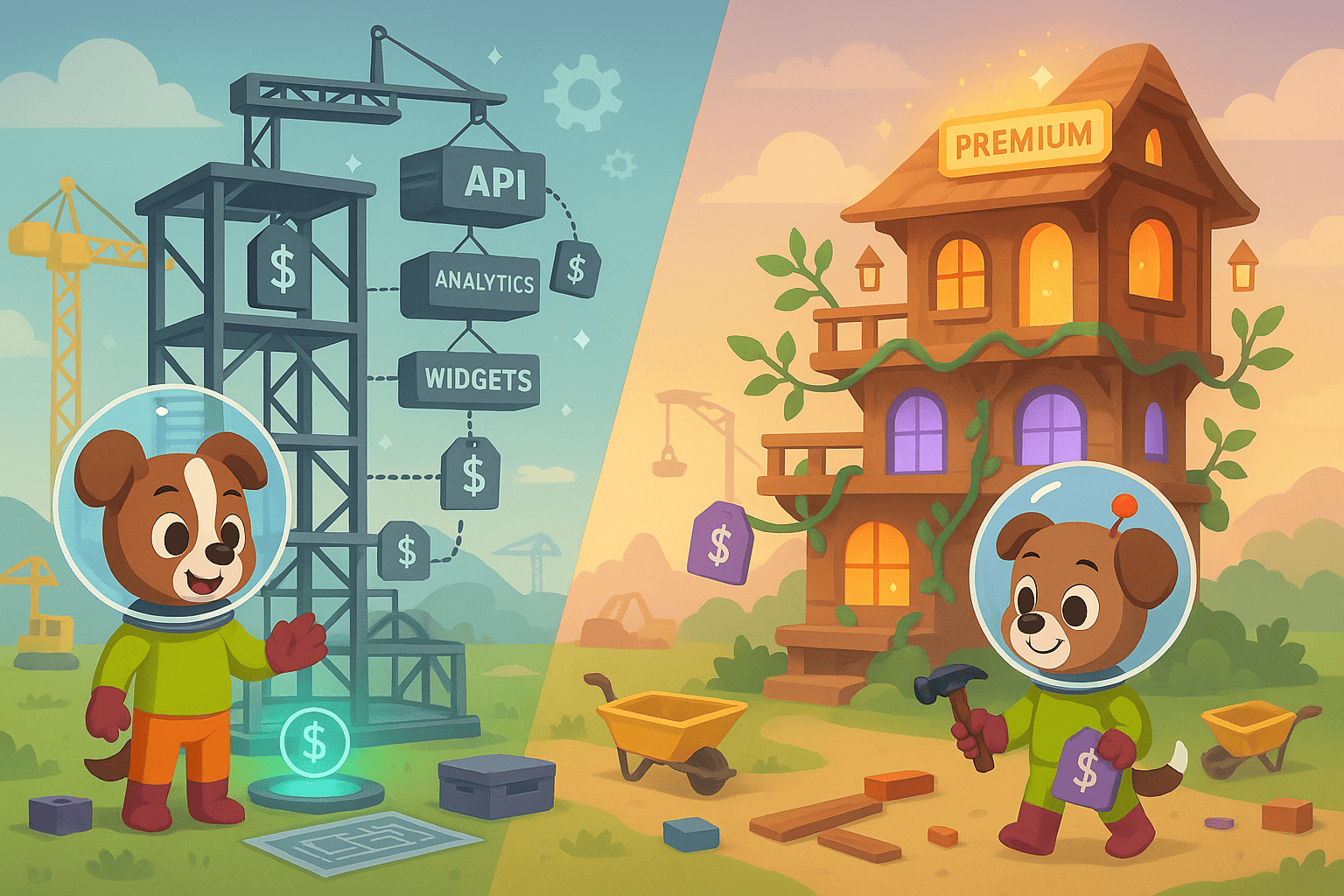
The reality is more nuanced. That base price is highly misleading—essential features like AI Write Assist ($20/month), Analytics ($80/month), API Access, and App Widget are all separate paid add-ons. Teams requiring these standard documentation capabilities quickly find their real monthly cost escalating to $150-230/month. While Archbee delivers solid developer documentation functionality with clean UI and proper code syntax highlighting, the pricing structure creates frustration during budget planning and vendor evaluation.
What Is Notion?
Notion takes the opposite approach: it's an All-in-One Workspace for Notes, Docs, and Databases that combines documentation, project management, wikis, and relational databases into a single flexible platform. With a strong brand presence particularly among startups and creative teams, Notion has become synonymous with workspace versatility.
Following its May 2025 pricing restructuring, Notion now bundles AI capabilities exclusively in the Business tier at $20/user/month, powered by both GPT-4 and Claude 3.7 engines. The platform's AI Agents can autonomously complete tasks across connected applications, representing a significant leap beyond simple content generation. However, Notion lacks capabilities critical for external documentation delivery—specifically video-to-docs conversion, multi-tenant client portals, and custom domain support for public-facing documentation.
Core Feature Comparison
Documentation Focus and Use Case
Archbee and Notion serve fundamentally different documentation needs, which shapes everything from feature sets to workflows.
Archbee specializes in technical documentation for developer audiences. Its OpenAPI/Swagger integration allows teams to automatically generate and maintain API reference documentation, while version control workflows support structured review processes. The platform assumes you're documenting software products, APIs, and technical processes for engineering-literate readers. This focus means excellent syntax highlighting, code blocks, and technical diagram support—but limited flexibility for non-technical content.
Notion takes the workspace-first approach, treating documentation as one element within a broader collaboration ecosystem. You can embed databases within docs, link tasks to knowledge articles, and create interconnected wikis that blur the line between documentation and project management. This flexibility makes Notion popular with product teams, marketing departments, and creative organizations that need documentation to coexist with roadmaps, content calendars, and design systems.
The trade-off is clear: Archbee delivers depth for technical documentation, while Notion provides breadth for organizational knowledge management. Neither excels at external documentation delivery to clients or customers.
Pricing Transparency and Total Cost
This comparison reveals a stark contrast in how vendors structure pricing—and how much you'll actually pay.
Archbee's $50/month advertised price creates a misleading first impression. Once you add AI Write Assist ($20/month), Analytics ($80/month), and other standard features teams expect in modern documentation platforms, your real monthly cost reaches $150-230. For budget-conscious teams, this pricing structure creates approval friction and unexpected expense escalation. The base tier functions more as a limited trial than a production-ready solution.
Notion's pricing became more straightforward after May 2025 restructuring—but also more expensive for teams wanting AI capabilities. AI is now bundled exclusively with the Business tier at $20/user/month, meaning a 10-person team pays $200/month minimum for AI-powered documentation features. While this includes both GPT-4 and Claude 3.7 engines plus autonomous AI Agents, smaller teams might find this pricing prohibitive if they only need basic AI writing assistance.
Both platforms ultimately charge more than their entry-level pricing suggests once you add capabilities most documentation teams consider essential.
AI and Automation Capabilities
AI-powered documentation assistance has shifted from "nice-to-have" to table stakes in 2026, but implementation approaches vary dramatically.
Archbee treats AI Write Assist as an optional $20/month add-on rather than core functionality. This positions AI as a premium feature, which feels increasingly outdated as competitors bundle AI capabilities by default. When activated, the AI assists with content generation and editing, but lacks the sophisticated multi-engine approach or autonomous capabilities found in more advanced platforms.
Notion delivers significantly more powerful AI functionality—but only for Business tier subscribers at $20/user/month. The dual-engine approach combining GPT-4 and Claude 3.7 provides model diversity for different content types. More importantly, Notion's AI Agents can autonomously complete tasks across connected applications, moving beyond content generation into workflow automation. For teams heavily invested in the Notion ecosystem, this creates compelling compound value.
However, neither platform offers video-to-documentation conversion—a critical gap as organizations increasingly capture knowledge through screen recordings, training videos, and Loom walkthroughs. Converting video content into searchable, structured documentation remains a manual process on both platforms.
External Delivery and Multi-Tenant Architecture
Creating documentation internally differs fundamentally from delivering it externally to clients, customers, or partner organizations.
Archbee supports custom domains for external developer portal delivery, allowing teams to publish API documentation at docs.yourcompany.com. This capability matters for organizations maintaining public-facing developer resources or customer-facing knowledge bases. However, Archbee lacks multi-tenant portal capabilities—if you need to deliver branded documentation portals to multiple clients or partners (common in enterprise SaaS, agencies, and white-label products), you'll need to implement workarounds or seek alternative solutions.
Notion doesn't support custom domains for external delivery at all, positioning it squarely as an internal workspace tool rather than an external documentation delivery platform. While you can share Notion pages publicly, they always appear under notion.site domains with Notion branding. For teams needing to deliver professional external documentation under their own domain with custom branding, this limitation proves disqualifying.
Neither platform provides enterprise multi-tenant architecture for delivering one centralized knowledge base to unlimited clients with customized branding, access controls, and analytics per tenant—a capability increasingly essential for SaaS companies, professional services firms, and enterprise software vendors.
Who Should Choose What?
Choose Archbee if you need:
- Developer and API documentation with native OpenAPI/Swagger integration
- Technical documentation workflows with code syntax highlighting and structured review systems
- Custom domain for external developer portal delivery
- Structured reference documentation primarily for technical audiences
Be prepared for the real cost to reach $150-230/month once you add essential features, and recognize you're choosing a specialized tool optimized for technical content creation rather than comprehensive knowledge delivery.
Choose Notion if you need:
- All-in-one workspace combining documentation, project management, and relational databases
- Flexible content structure for non-technical teams and creative workflows
- Powerful AI Agents with dual GPT-4 + Claude 3.7 engines (Business tier)
- Beautiful UI with low learning curve and extensive template library
Understand that Notion functions best as an internal workspace tool—external documentation delivery, custom domains, and multi-tenant portals aren't part of its design philosophy.
The Superior Alternative: Why Docsie Outperforms Both
The detailed Archbee vs Notion comparison reveals a pattern: both platforms excel at content creation but struggle with comprehensive knowledge delivery. Neither converts existing video content into documentation. Neither provides multi-tenant portal architecture for client delivery. Neither offers 100+ language auto-translation for global documentation needs.
Docsie addresses these critical gaps with an end-to-end knowledge orchestration platform:
Video-to-Documentation Conversion transforms any video source—training recordings, screen captures, real-world footage, Loom links, YouTube videos—into structured, searchable documentation automatically. This capability alone eliminates hundreds of hours of manual transcription and formatting work that both Archbee and Notion require.
Multi-Tenant Enterprise Portals deliver one centralized knowledge base to unlimited clients with customized branding, access controls, and per-tenant analytics. SaaS companies, agencies, and professional services firms can maintain a single source of truth while providing personalized documentation experiences to each customer—something neither Archbee nor Notion supports.
100+ Language Auto-Translation enables global documentation delivery without maintaining separate documentation sets or hiring translation services. Content updates propagate automatically across all language versions, keeping international documentation synchronized.
Complete CONVERT → MANAGE → DELIVER Workflow provides version control, AI-powered chatbots, embeddable widgets, SOC 2 compliance, and enterprise-grade security without add-on fees or per-seat pricing inflation. You get comprehensive functionality at a predictable cost rather than discovering hidden charges during implementation.
For enterprise teams needing to convert existing knowledge (especially video), manage documentation at scale, and deliver branded experiences to multiple clients or customer segments, Docsie provides capabilities that both Archbee and Notion fundamentally lack.

Make the Right Choice for Your Documentation Strategy
Archbee delivers solid developer documentation if you're willing to pay beyond the advertised base price. Notion provides unmatched workspace flexibility if you're primarily managing internal knowledge. But if your documentation strategy includes video conversion, multi-tenant delivery, global translation, or enterprise-scale knowledge orchestration, neither platform addresses your complete requirements.
Ready to experience comprehensive documentation delivery beyond what Archbee and Notion offer? Start your free Docsie trial and discover how video-to-docs conversion, multi-tenant portals, and 100+ language translation transform your knowledge delivery workflow—without add-on fees or pricing surprises.