
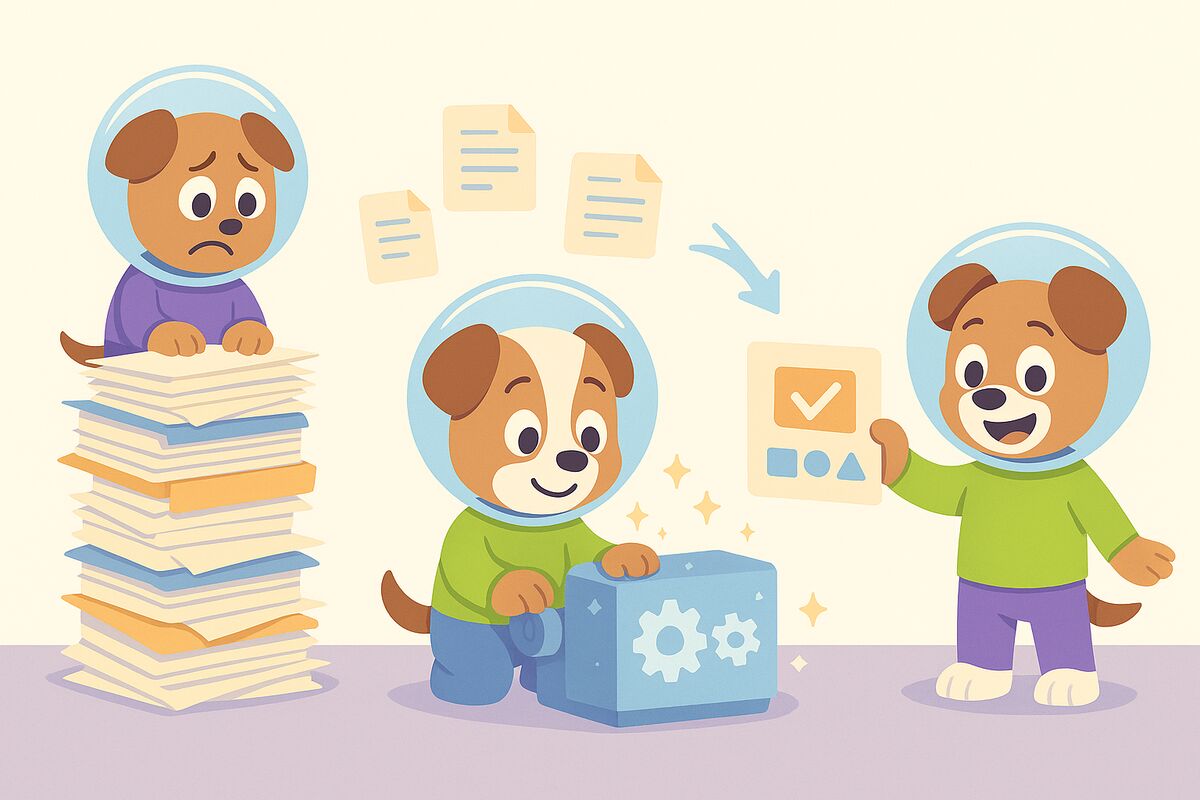
If you're an independent training consultant or instructional designer, you've probably been here before: a new client engagement starts, they hand you a stack of PDFs, Word documents, and maybe a few training videos — and they need job aids. Fast.
The traditional approach means reading through every document, pulling out the key steps, reformatting everything into a usable one-to-three-page reference guide, and doing that 20 or 30 times over. It's tedious, time-consuming, and frankly, not where your expertise should be going.
AI-assisted documentation tools are changing that workflow entirely.
The Problem: Clients Have Content. They Don't Have Job Aids.
Most organizations sitting on years of process documentation — SOPs, training manuals, compliance guides, onboarding PDFs — still don't have practical job aids their employees can actually use on the floor or at their desk.
Job aids are different from training documents. A job aid is a concise, step-by-step reference a worker can glance at while performing a task. It's not meant to be read cover-to-cover. It's a performance support tool.
Converting existing documentation into job aids is one of the most common requests training consultants receive — and one of the most labor-intensive to fulfill manually.
The New Workflow: Upload, Prompt, Export
With tools like Docsie, the process looks completely different:
- Upload your source material — PDFs, Word documents, PowerPoints, videos, even website URLs. The AI processes them all.
- Prompt for a job aid — Tell the AI what format you need, what audience you're writing for, and what the job aid should cover. It pulls the relevant content and structures it accordingly.
- Review and refine — Make edits directly in the chat interface. Add images, adjust tone, reorder steps.
- Export — Download as a branded Word document or PDF, ready to deliver to your client.
For a consultant working with a client who has existing documentation, this means going from raw documentation to a full set of 20 polished job aids in a fraction of the time it would take manually.
Branding and Templates: Deliver Client-Ready Documents
One detail that matters for consultants: the output needs to look professional and on-brand.
Docsie lets you upload your own branded Word document template. The AI uses that template when generating exports, so everything you deliver matches your client's visual identity — or your own consulting brand — from day one.
No post-processing in Word. No reformatting. Just a clean, branded document ready to hand off.
Beyond Documents: Building a Client Knowledge Portal
For consultants who want to go further, there's an optional upgrade: instead of just delivering files, you can publish the job aids as a password-protected web portal.
This gives clients a searchable, always-accessible knowledge base with a built-in AI chatbot. Employees can ask questions and get answers sourced directly from the job aids you created.
It's a way to turn a one-time documentation project into an ongoing value-add — and a stronger deliverable that justifies higher fees.
Who This Is For
This workflow is particularly useful for:
- Independent L&D consultants taking on new client engagements with large documentation backlogs
- Instructional designers who need to produce high volumes of performance support materials quickly
- HR and operations teams who own documentation but lack the bandwidth to convert it into usable formats
- Training agencies managing multiple client accounts simultaneously
Getting Started
Docsie works on a credit-based model, so you only pay for what you use — no monthly subscription required if you're project-based. A starter credit pack is enough to produce a full set of job aids for a typical client engagement.
You can try the AI agent, upload your first document, and generate your first job aid in under 10 minutes.
Docsie is an AI knowledge orchestration platform that helps teams convert existing content into structured documentation, job aids, SOPs, and knowledge bases — at scale.