
Confluence vs Notion: Which Documentation Platform Wins in 2026?
Choosing between Confluence and Notion feels like comparing apples to oranges—both are fruit, but they serve different appetites. Engineering teams debate whether Confluence's deep Atlassian integration justifies its complexity, while startups wonder if Notion's flexible databases can scale with their growth. The real question isn't which tool is objectively better, but which limitations you're willing to accept.
Both platforms excel at internal team collaboration. Both have added AI features in recent years. And crucially, both share the same fundamental blind spots when it comes to external documentation delivery. Let's break down what actually matters.
What Is Confluence?
Confluence is Atlassian's enterprise wiki and collaboration platform, positioned as the documentation backbone for organizations already invested in Jira, Bitbucket, and the broader Atlassian ecosystem. Large engineering and product teams use it for internal documentation, project pages, knowledge management, and sprint planning.
Since 2025, Confluence includes Rovo AI across all paid plans—not as an expensive add-on, but as a core feature. Rovo delivers 20+ pre-built AI agents designed for common documentation tasks like generating release notes, translating content, and summarizing meeting notes. For enterprise teams already paying for Premium or Enterprise tiers, this bundled AI represents significant value compared to competitors charging separately for AI capabilities.

What Is Notion?
Notion markets itself as the all-in-one workspace where docs, databases, tasks, and wikis converge into a single, beautifully designed interface. Startups and creative teams gravitate toward Notion's flexibility—you can build a company wiki one day, then transform it into a project tracker or CRM the next.
Following Notion's May 2025 pricing restructuring, AI is now bundled exclusively in the Business tier at $20 per user monthly. This AI combines GPT-4 and Claude 3.7, and includes autonomous AI Agents that can complete multi-step tasks across connected applications. For small teams under 20 users, Notion remains cost-effective. For larger organizations, that per-user pricing compounds quickly.
Feature Comparison: Where They Diverge
Integration Ecosystem and Workflow Automation
Confluence's killer advantage is its native integration with the Atlassian ecosystem. If your engineering team lives in Jira for issue tracking, Confluence becomes the natural documentation layer. You can embed Jira tickets directly into Confluence pages, automatically update documentation when sprint statuses change, and maintain bi-directional links between code repositories in Bitbucket and technical documentation.
This integration depth extends to enterprise workflows. Confluence supports advanced permissions tied to Jira project roles, automated page creation triggered by Jira events, and custom templates that pull data directly from connected Atlassian tools. For organizations with 500+ users already standardized on Atlassian, switching documentation platforms means breaking these workflow automations.
Notion takes a different approach—breadth over depth. It integrates with 100+ third-party tools through its API and Zapier, but these connections are typically one-way data syncs rather than deep workflow integrations. Notion's database functionality shines here: you can create relational databases that pull information from GitHub, Slack, and Google Drive, then visualize that data in kanban boards, calendars, or galleries.
The practical difference? Confluence integrations automate technical documentation workflows for engineering teams. Notion integrations consolidate information from multiple sources into flexible databases for cross-functional teams.
AI Capabilities and Documentation Automation
Both platforms have invested heavily in AI, but with different implementation philosophies.
Confluence's Rovo AI focuses on documentation-specific automation. Its 20+ pre-built agents handle tasks like: - Generating release notes from Jira ticket histories - Translating documentation pages into multiple languages - Summarizing lengthy meeting notes into action items - Creating project retrospectives from completed sprints
Rovo is included in all paid Confluence plans (Standard at $6.05/user, Premium at $11.55/user, Enterprise pricing varies). This bundled approach means teams get AI capabilities without budget negotiations for add-ons.
Notion's AI, available exclusively in the Business tier ($20/user), emphasizes creative assistance and cross-app automation. It can draft content in different tones, autofill database properties based on page content, and—uniquely—deploy AI Agents that complete multi-step tasks autonomously. For example, an AI Agent might monitor a Slack channel, extract action items, create corresponding Notion tasks, and notify relevant team members without human intervention.
The limitation both platforms share: neither offers video-to-documentation conversion. In 2026, when training videos, screen recordings, and Loom clips constitute massive knowledge repositories, the inability to automatically transcribe and transform this content into searchable documentation is a critical gap.
Scalability and Enterprise Features
Confluence was built for enterprise scale from the ground up. It supports up to 150,000 users on Enterprise plans, offers unlimited page history and version tracking, and provides 99.9% uptime SLAs with 24/7 support on Premium and Enterprise tiers. Confluence also delivers enterprise-grade security with SOC 2 Type II compliance, SAML SSO, and granular permissions down to individual page and space levels.
The trade-off is complexity. Confluence's learning curve is steep, especially for non-technical teams. The interface feels utilitarian compared to modern collaboration tools, and simple tasks often require multiple clicks through nested menus.
Notion scales differently. Its elegant interface maintains the same user experience whether you're a solo user or a 1,000-person team. But that scalability comes with caveats: Notion's largest documented deployment is around 10,000 users, and performance can degrade with extremely complex database structures or pages containing thousands of blocks.
Notion's version history is limited to 30 days on Business plans (90 days on Enterprise), compared to Confluence's unlimited history. For regulated industries requiring comprehensive audit trails, this difference matters.
External Documentation Delivery
Here's where both platforms reveal their core limitation: they're built for internal collaboration, not external documentation delivery.
Neither Confluence nor Notion supports: - Multi-tenant client portals that let you deliver one knowledge base to unlimited customers with separate branding and access controls - Custom domains for external-facing documentation that matches your brand - Video-to-docs conversion from existing training materials - AI-powered customer chatbots embedded in documentation
You can technically make Confluence or Notion pages public, but you'll expose your entire space structure, lack granular visitor analytics, and have zero ability to customize the experience per client. This works for simple help centers but fails for enterprise organizations managing documentation for multiple customers, partners, or regional divisions.
Who Should Choose What?
Choose Confluence if you're: - An engineering-heavy organization already invested in Jira, Bitbucket, and the Atlassian ecosystem - Managing technical documentation for teams of 200+ users with complex permission requirements - Requiring enterprise-grade compliance (SOC 2, HIPAA) with comprehensive audit trails and unlimited version history - Automating documentation workflows tied to engineering sprints and release cycles - Willing to accept a steeper learning curve for enterprise capabilities
Choose Notion if you're: - A startup or creative team under 100 users wanting a flexible all-in-one workspace - Prioritizing beautiful UI and low learning curves for non-technical team members - Needing database functionality to combine project tracking, CRM, and documentation in one platform - Comfortable with per-user pricing that scales with headcount - Working primarily on internal documentation rather than external customer-facing content
Choose Docsie if you're: - Converting existing video content (training recordings, Loom videos, screen captures, PDFs, websites) into searchable documentation using multimodal AI - Delivering documentation to external clients through multi-tenant portals with custom branding and domains - Managing knowledge bases for multiple products, clients, or regions from a single platform - Requiring 100+ language auto-translation for global documentation at scale - Operating under strict compliance requirements (SOC 2, GDPR, HIPAA) with enterprise audit logs - Preferring AI credit-based pricing over per-user fees that inflate with team growth
The Real Question: Internal Collaboration vs. External Delivery
Confluence and Notion are both excellent tools—for what they're designed to do. Confluence dominates internal technical documentation for Atlassian-centric organizations. Notion wins hearts with its flexible, beautiful interface for small teams building connected workspaces.
But if your documentation needs extend beyond internal collaboration—if you're creating customer-facing help centers, managing multi-tenant client portals, converting video training libraries into searchable docs, or delivering knowledge bases to external audiences—both platforms fall short.
Neither Confluence nor Notion was built for the complete CONVERT → MANAGE → DELIVER workflow that enterprise knowledge orchestration requires in 2026. They handle the "manage" part brilliantly for internal teams. They don't convert existing video content into documentation. And they definitely don't deliver that documentation to external audiences through branded, multi-tenant portals with custom domains.
Docsie fills this gap. Its multimodal AI converts videos, PDFs, and websites into structured documentation automatically. Its multi-tenant architecture lets you deliver one knowledge base to unlimited clients with separate branding, access controls, and custom domains. And its AI chatbots, embeddable widgets, and help desk integrations create the complete external documentation delivery experience that neither Confluence nor Notion addresses.
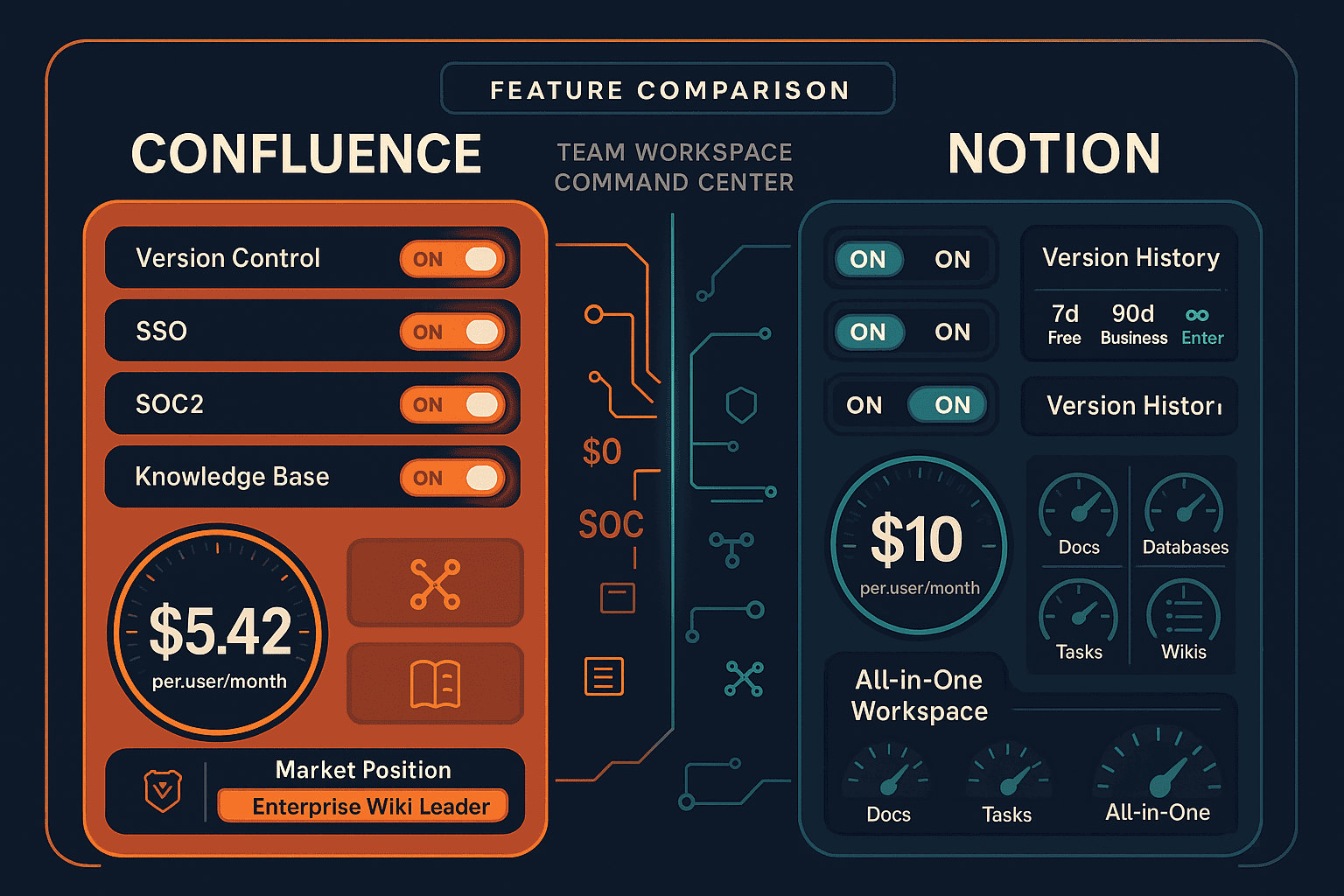
For a detailed feature-by-feature breakdown, check out our comprehensive Confluence vs Notion comparison page.
Try the Better Alternative
If you're evaluating documentation platforms, don't limit yourself to tools designed for internal team collaboration. See how Docsie handles the entire knowledge lifecycle—from converting your existing video content to delivering branded documentation portals to customers worldwide.
Start your free Docsie trial today and experience what enterprise knowledge orchestration actually looks like in 2026. No credit card required, no per-user pricing traps—just a documentation platform built for how modern organizations actually create and deliver knowledge.